




What Is a Human Machine Interface (HMI) in Industrial Automation?
- 〡
- 〡 by WUPAMBO
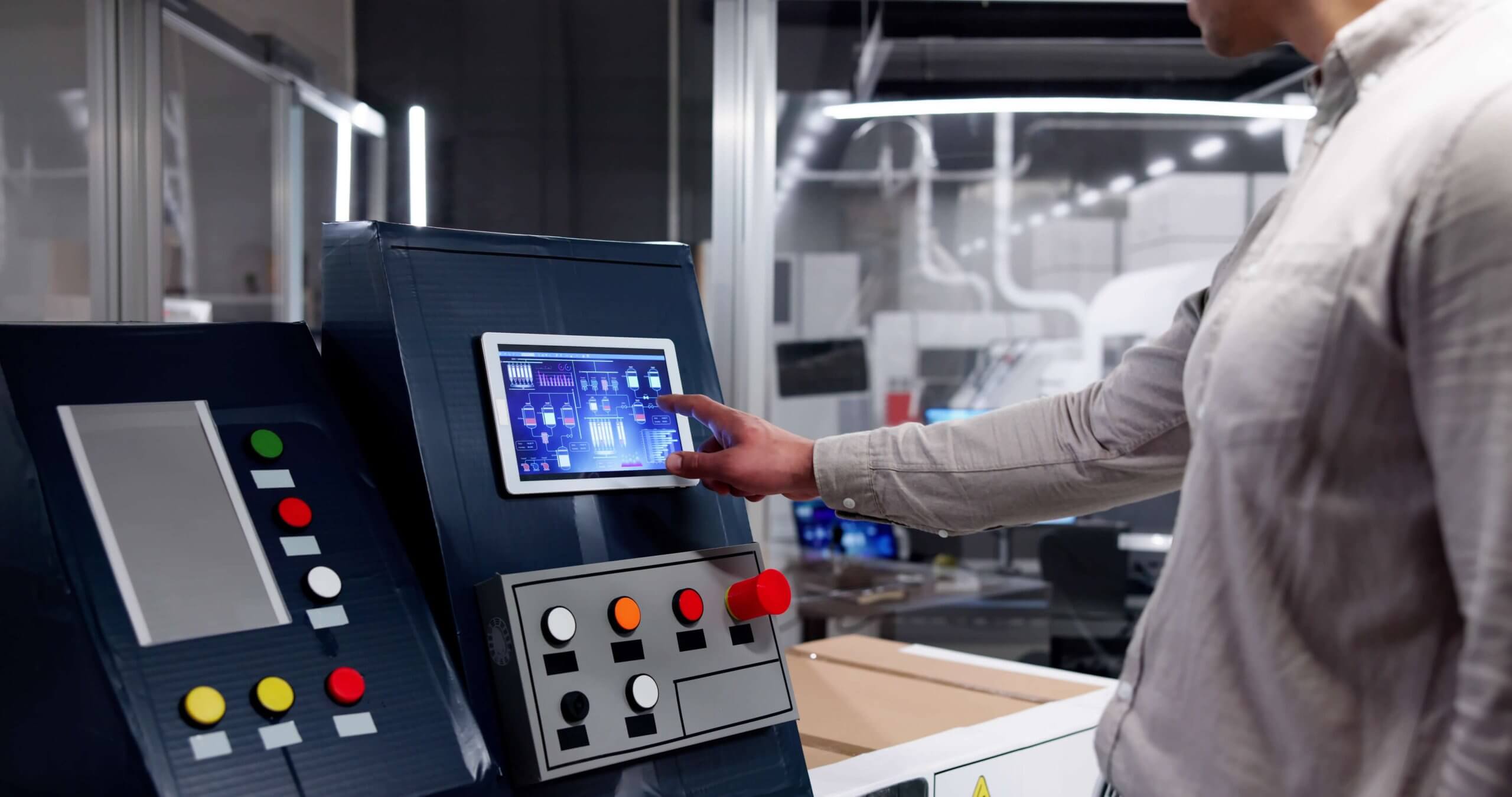
In modern industrial automation, operators must interact seamlessly with complex control systems such as PLCs, DCS, and SCADA platforms. The Human Machine Interface (HMI) serves as the essential bridge between human operators and automated processes, transforming raw control data into actionable visual information. This article explains how HMIs work, their role in automation, and best practices for effective implementation.
Understanding the Role of HMI in Control Systems
A Programmable Logic Controller (PLC) processes discrete and analog signals, executes control algorithms, and outputs commands to field devices. However, it lacks a native interface for displaying real-time process data to human users. Therefore, an HMI acts as a visual gateway that enables operators to monitor, analyze, and control machine operations safely without directly accessing the PLC’s programming environment.
Types of HMIs: From PCs to Industrial Panels
HMIs come in two primary forms:
-
PC-Based HMIs – General-purpose computers running specialized graphic software (e.g., Wonderware, Ignition, or Rockwell FactoryTalk View) that connect to PLCs via Ethernet or other industrial networks.
-
Panel-Mount HMIs – Rugged, dedicated devices built for harsh environments. These units often feature touchscreens, IP-rated enclosures, and compact form factors suitable for factory panels.
While both serve the same purpose, panel-mounted HMIs are designed for continuous industrial operation, offering reliability and resistance to vibration, dust, and temperature extremes.
How HMIs Communicate With PLCs
HMIs communicate with PLCs through digital networks using industrial communication protocols such as Modbus, EtherNet/IP, or PROFINET. Technicians program HMIs to read and write specific variables—known as tags—that correspond to data points in the PLC’s memory. Each graphical object on the HMI (e.g., a button, gauge, or indicator) links to one or more tags that define how it interacts with the process.
For example, pressing a virtual “Start” button on an HMI screen might write a “1” to a specific PLC memory address, triggering a motor to start.
The Importance of Tag Management
Tag databases are the foundation of HMI design. Each tag is mapped to a PLC variable and assigned attributes such as read-only or read/write access. To prevent conflicts, input data—such as signals from physical pushbuttons or sensors—should always remain read-only. Allowing the HMI to overwrite these points can cause unpredictable behavior in the control logic.
A common programming best practice is to ensure that only one device writes to a given memory location, whether that’s the PLC or the HMI.
Designing Effective HMI Screens
A well-designed HMI reflects real-world processes clearly and efficiently. Operators should be able to interpret process conditions and alarms at a glance. When developing HMIs:
-
Maintain consistent naming conventions for tags (e.g., “Reactor_Temp_High” or “Pump1_Start”).
-
Group related equipment logically, such as all “Reactor” or “Exchanger” tags.
-
Use clear colors, intuitive layouts, and standardized symbols to reduce operator error.
Consistent tag naming also improves project scalability and simplifies troubleshooting in large control systems.
Advanced Capabilities of Modern HMIs
Modern HMIs go beyond basic visualization. They now integrate powerful features such as:
-
Data logging and trending – Record and visualize process variables over time.
-
Alarm management – Notify operators of abnormal conditions with clear priority levels.
-
Recipe control – Simplify production changes through parameter sets.
-
Web server access – Allow remote monitoring through secure network connections.
-
Integrated control – Some HMIs include built-in PLC functionality for compact control solutions.
As a result, HMIs increasingly serve as both the operational and analytical hub in smart factories and Industry 4.0 environments.
Best Practices for Implementing HMIs
To ensure reliable operation and maintain system integrity:
-
Separate read and write permissions carefully.
-
Define all tag names and data structures before graphic design begins.
-
Regularly back up HMI configurations and tag databases.
-
Validate communication paths between HMI and PLC through simulation testing.
-
Train operators to interpret alarms and trends effectively.
A well-implemented HMI can significantly reduce downtime and improve plant efficiency by providing actionable insights.
Industry Insights: The Future of HMI Systems
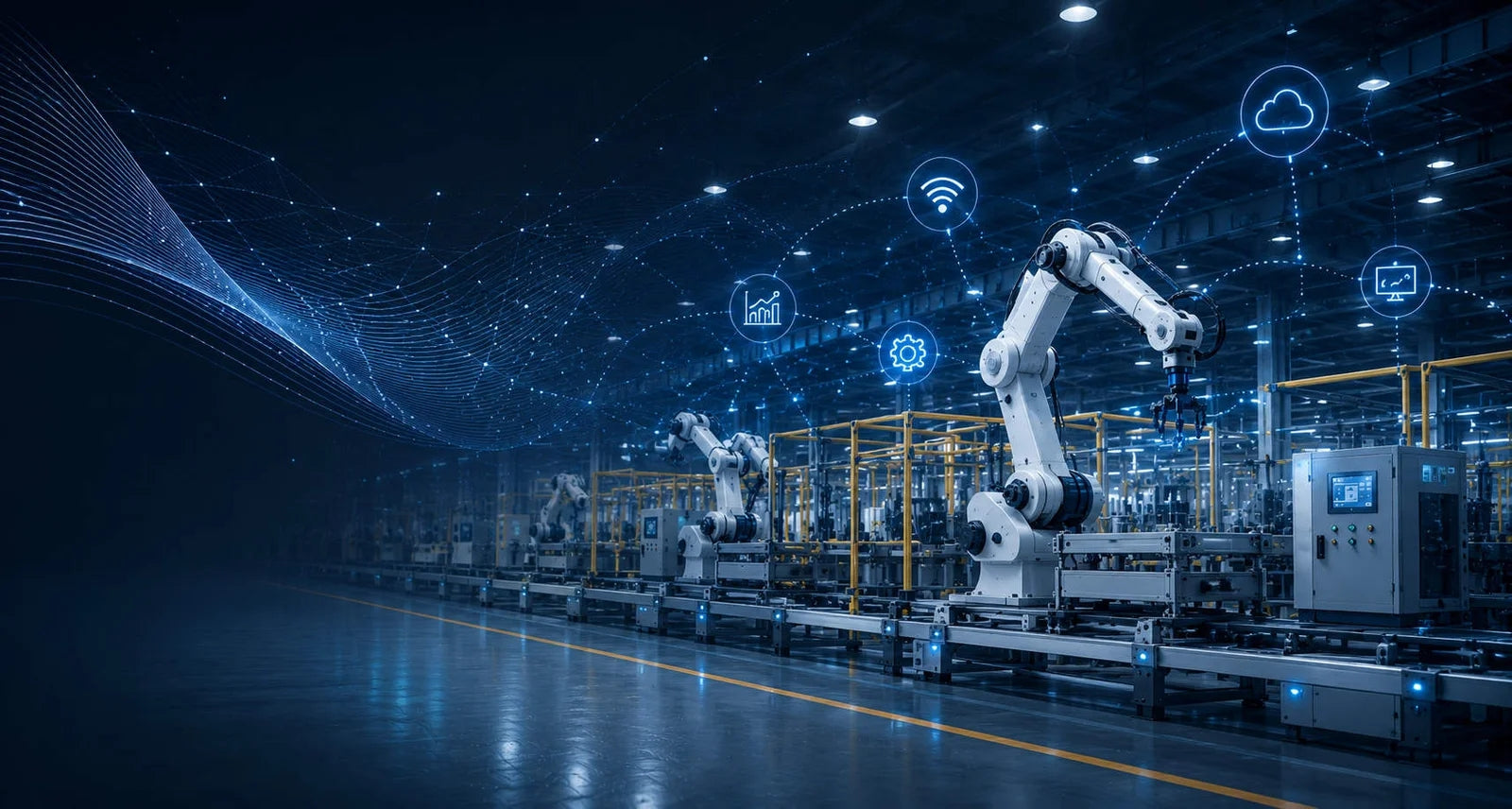
The next generation of HMIs will leverage edge computing, AI-driven analytics, and cloud integration to deliver predictive insights. Vendors like Siemens, Rockwell Automation, and Schneider Electric are integrating HMIs with centralized data platforms, enabling real-time decision-making across distributed systems.
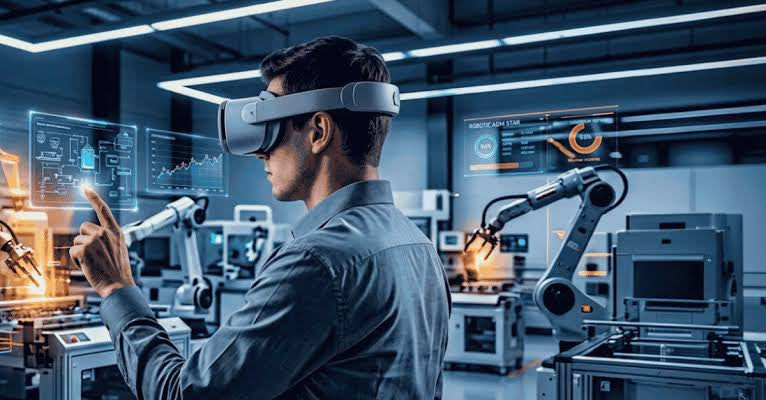
In addition, mobile HMIs and AR-based interfaces are emerging, giving technicians remote visibility and control over factory assets.
Application Example: Oxygen Purification Control
Consider a Vacuum Swing Adsorption (VSA) oxygen purification system. Here, the HMI displays live pressure readings, valve states, and oxygen concentration levels, allowing operators to adjust process parameters instantly. The underlying PLC manages valve timing and compressor sequences, while the HMI acts as the operator’s window into system performance—enhancing both safety and efficiency.
Conclusion: The HMI as a Cornerstone of Industrial Automation
In industrial automation, the Human Machine Interface transforms complex control logic into an intuitive, visual form. It empowers operators to interact confidently with PLCs, DCS, and other control systems, ensuring that data-driven decisions translate into reliable process outcomes. By combining visualization, communication, and control in one platform, the HMI continues to be a vital element of the connected industrial ecosystem.
- Posted in:
- control systems
- DCS
- factory automation
- HMI
- Human Machine Interface
- PLC
- process control
- SCADA


%20in%20Industrial%20Automation?)