How to Troubleshoot a PLC System: A Step-by-Step Guide for Industrial Automation
- 〡
- 〡 by WUPAMBO

Programmable Logic Controllers (PLCs) form the backbone of industrial automation systems. When a fault occurs, production can stop instantly, leading to costly downtime. This guide explains a structured approach to troubleshooting a PLC or DCS (Distributed Control System), helping engineers identify and resolve problems efficiently.
Understanding the Nature of PLC System Faults
Every automation system—whether a small microPLC setup or a large-scale factory control system—can experience faults. These issues may come from hardware failure, programming logic errors, or external system interference. Effective troubleshooting requires both technical understanding and a systematic method. From experience, consistent practice and structured investigation build lasting troubleshooting skills.
Step 1: Begin with the Controller Logic
The first step is to analyze what the controller “believes” is happening. Review the PLC program or ladder logic to confirm that all required conditions for operation are satisfied. Use the SCADA (Supervisory Control and Data Acquisition) interface to check alarms or fault messages. SCADA often provides detailed fault addresses, helping you locate whether the issue originates from logic or external hardware signals.
Author insight: Engineers who regularly analyze SCADA fault logs can identify recurring system problems faster and improve diagnostic accuracy.
Step 2: Inspect Input Signals and Hardware Conditions
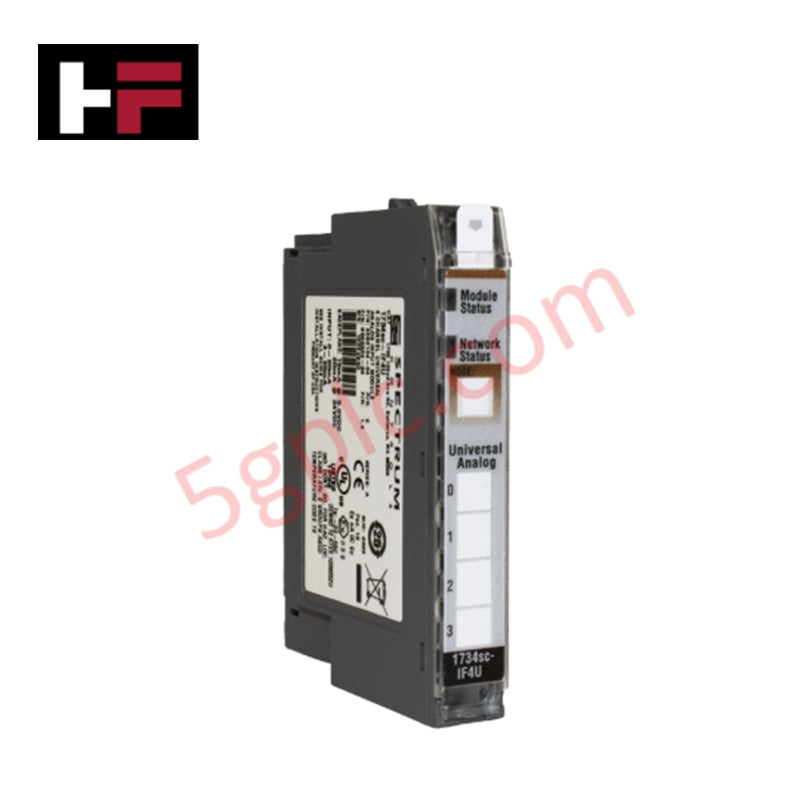
After reviewing the logic, focus on the input side. If a digital or analog signal does not register correctly, use a multimeter to trace the circuit. Check sensors, buttons, limit switches, and fuses for continuity and correct voltage. Ensure all wiring is secure and undamaged. A single loose wire can interrupt the entire control sequence. If all components and wiring are functional, the PLC input module itself may be defective and require replacement by qualified staff.
Step 3: Examine the Output Path and Field Devices
Once inputs and logic are verified, move to the output circuit. For example, if an industrial furnace door fails to close even though the PLC logic is correct, test the output relay, actuator, and motor. Check whether the relay coil is energized and whether proper voltage reaches the motor terminals. If the motor and wiring are normal, inspect for mechanical jams or motor faults.
Practical note: Always measure voltage under load conditions, since open-circuit testing may produce misleading results.
Step 4: Review Power Units and Drives
In modern factory automation, motors are commonly controlled by Variable Frequency Drives (VFDs) or similar power units. These devices often display diagnostic codes through LEDs or digital screens. Keep the drive’s manual nearby to interpret these fault codes. For instance, an “Overtemperature” alarm may indicate true motor overheating or a faulty thermistor inside the motor housing. These built-in diagnostic tools save time during troubleshooting.
Step 5: Check PLC and CPU Status Indicators
If external components appear normal, inspect the PLC’s CPU status. Most controllers, such as Siemens S7, Allen-Bradley ControlLogix, or ABB AC500, use LED indicators to display RUN, STOP, or FAULT states. When a PLC enters STOP mode, it usually signals a program error, watchdog timeout, or communication issue. Consult the manufacturer’s manual for detailed fault code explanations.
Author insight: Keeping a historical log of CPU fault events helps track intermittent issues and improve maintenance efficiency.
Step 6: Verify Safety System Status
Safety systems—like Pilz PNOZ or Siemens Sirius—are essential in industrial automation. If the system refuses to start or respond, check emergency stop circuits, safety door interlocks, and reset procedures. Follow the manufacturer’s reset instructions carefully. Never bypass these circuits, as they are critical for operator safety and compliance with industrial standards.
Step 7: Develop a Consistent Troubleshooting Strategy
A systematic and consistent approach produces better results. Begin with program verification, then test inputs, outputs, and power components. Record each test and result for traceability. Over time, technicians become faster and more intuitive in fault detection, but patience and organization remain key to success in complex systems.
Common Application Scenarios and Solutions
Case 1: Conveyor Stops Unexpectedly
-
Check inputs from limit sensors and motor drive alarms.
-
Verify communication between PLC and VFD.
-
Review SCADA event logs for overload or emergency stop triggers.
Case 2: Temperature Control Loop Malfunction
-
Confirm analog input calibration.
-
Inspect thermocouple wiring for interference or grounding faults.
-
Review PID tuning parameters in the PLC program.
Case 3: PLC in STOP Mode After Power Failure
-
Check memory module and battery backup status.
-
Reload configuration if necessary.
-
Investigate the cause of power interruption affecting CPU stability.
Final Thoughts
Troubleshooting industrial automation systems combines logical thinking, technical expertise, and real-world experience. As automation technologies advance, integrated diagnostics and remote monitoring improve visibility into system conditions. However, the fundamentals remain the same: stay methodical, record your process, and always verify both software and hardware causes.
A structured, experience-driven troubleshooting process not only restores operations quickly but also strengthens long-term system reliability.
- Posted in:
- control systems
- DCS
- factory automation
- PLC maintenance
- PLC troubleshooting
- SCADA
- VFD diagnostics