










Product Details
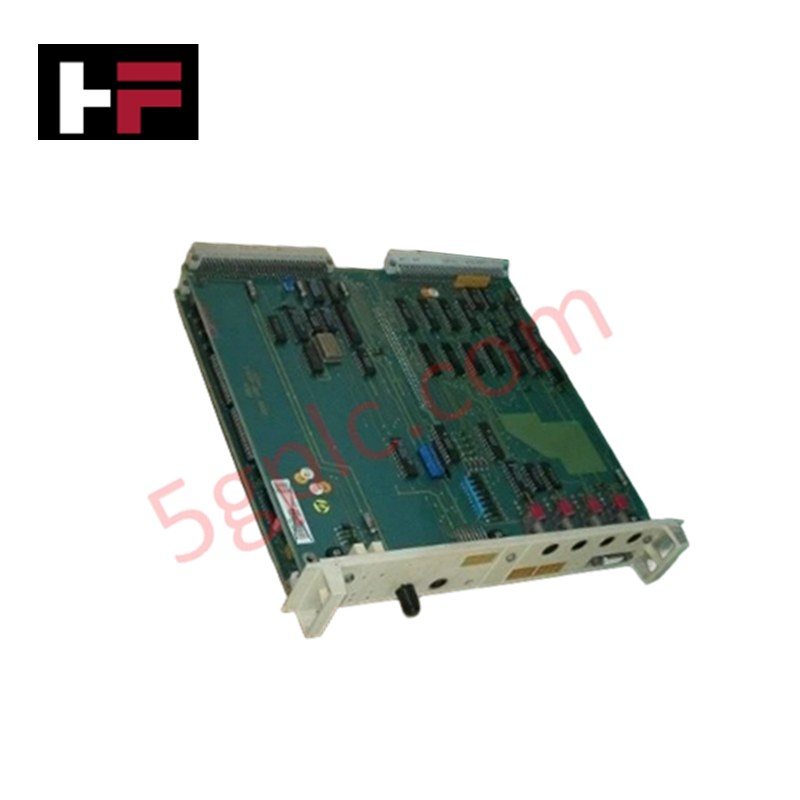
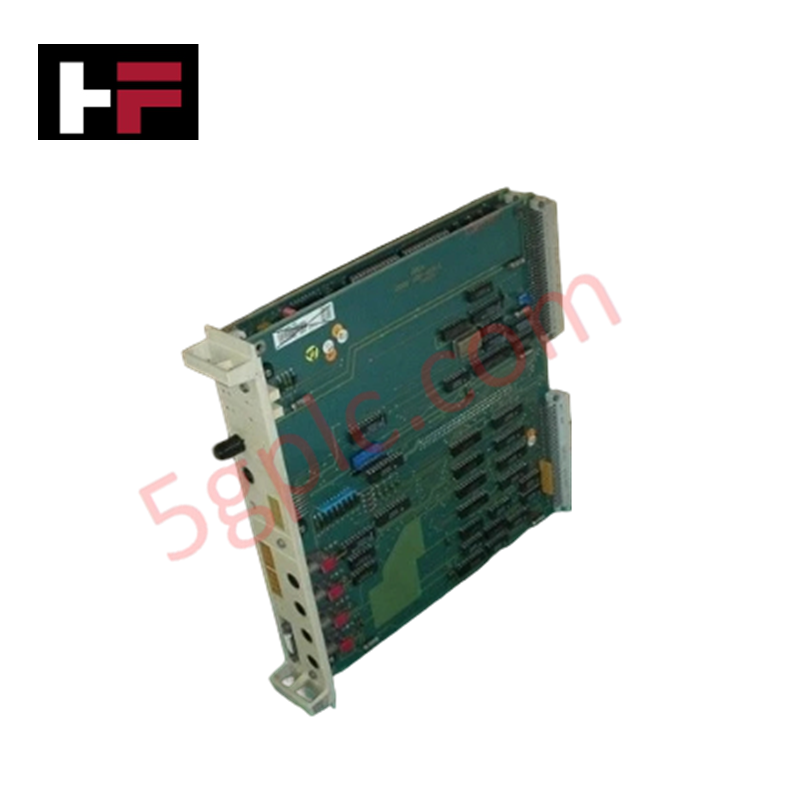
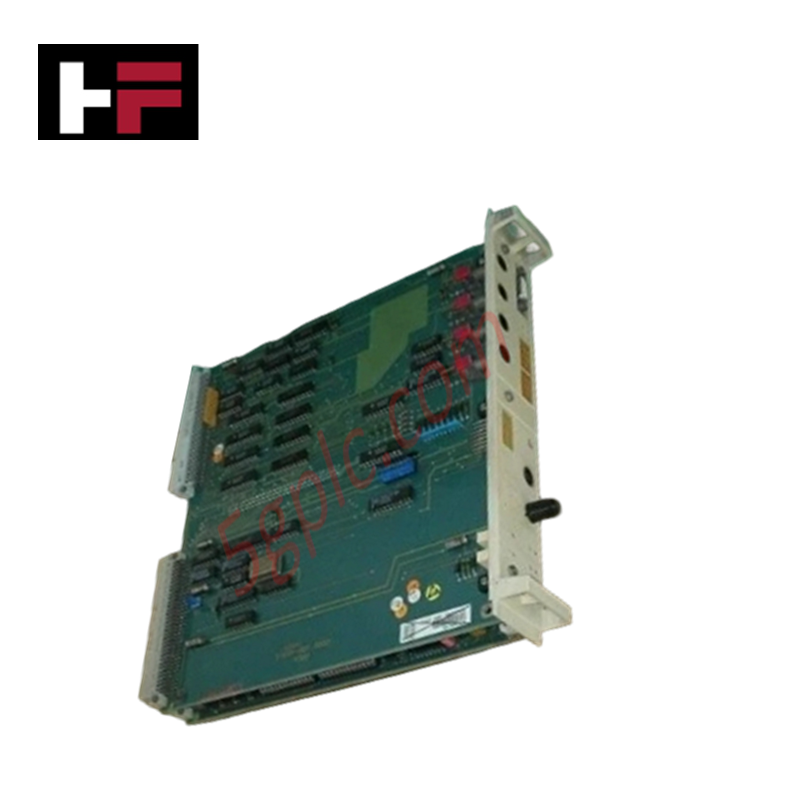
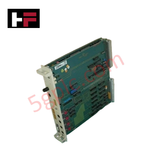
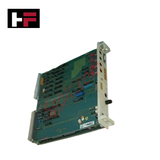
The ABB DSPC 171 57310001-CC, also cataloged as the DSPC 171 PLC Module, operates as a dedicated hardware component for central processing execution and real-time control logic computation within MasterPiece 200/1 platforms and Advant OCS installations.
Hardware Specifications
| Parameter | Specification |
|---|---|
| Model | DSPC 171 |
| Part Number | 57310001-CC |
| Brand | ABB |
| Product Type | PLC Modules |
| Origin | Sweden |
| Weight | 0.49 kg (1.08 lbs / 0.925 kg package option dependent) |
| Dimensions | 120 x 60 x 40 mm |
| Operating Temp | 0 to +55 deg C |
| Power Consumption | 24 VDC (Backplane bus supplied) |
| Processor Core | 32-bit processor core |
| Onboard Memory | 16 MB onboard memory |
| Communication Protocols | Ethernet, Modbus, Profibus |
| Front Interface | Digital status indicators and front serial connection port |
Backplane Bus Communication Velocity and Network Determinism
The 32-bit processor architecture connects directly to the internal chassis bus to maintain deterministic backplane bus communication velocity during real-time instruction execution. Integrated serial, Ethernet, Modbus, and Profibus interfaces support firmware flash compatibility and external diagnostic coupling. Onboard buffering circuits isolate data logic from backplane electrical transients, ensuring real-time control system stability across distributed I/O drops.
Frequently Asked Questions
Q: Can the DSPC 171 processor board be hot-swapped while the subrack chassis is powered?
A: No, the module must be extracted or inserted only after de-energizing system backplane power to prevent hardware damage to the internal bus connectors.
Q: What function does the front panel serial connection serve?
A: The front serial port provides direct hardware access for locally connected configuration terminals and real-time system diagnostics.
Q: How is diagnostic feedback monitored visually on the module front panel?
A: Real-time operational states and diagnostic fault codes are displayed directly via the front-panel digital status display indicators.
Field Installation Guidelines
- Turn off all primary power feeds to the card subrack prior to inserting or removing the DSPC 171 module.
- Connect an ESD grounding wrist strap to structural chassis ground before touching the module printed circuit board.
- Slide the card into the designated subrack guide slots until the rear backplane interface connector seats completely.
- Tighten front panel retaining fasteners to maintain structural rigidity and establish a reliable frame ground path.
- Ensure communication cables and field wiring maintain a minimum physical clearance of 200 mm from high-voltage AC lines.
Additional Information
- 100% Genuine Parts: All products are original and authentic, ensuring reliable industrial performance.
- 30-Day Refund Guarantee: Return any in-stock item within 30 days in original, unopened packaging for a full refund (excluding shipping and fees).
- 12-Month Warranty: Covers defects in materials or workmanship; excludes misuse, normal wear, or unauthorized modifications.
- Worldwide Shipping: We ship via USPS, UPS, FedEx, and DHL. Delivery times vary by country and may be subject to customs or import fees.
- Support & Contact: Technical and warranty assistance is available anytime. Contact us here: Contact.
- Purchase Guidance: Check product specifications and compatibility carefully before ordering to ensure proper application.






Tech & Buying Guide

The Shift to Flexible IO Modules in Modern Industrial Automation
Traditional control systems rely on dedicated Input Output (IO) cards for industrial automation. Each conventional module processes a single signal type, such as Digital Input (DI), Digital Output (DO), Analog Input (AI), or Analog Output (AO). A standard 16-channel card accepts only one specific channel type across all ports. This inflexible hardware design often creates severe engineering bottlenecks during project execution. Engineers frequently must install entirely new cards to accommodate a single extra sensor. Consequently, late design changes increase control cabinet space requirements and drive up project costs.

DCS Commissioning Steps in Industrial Automation Projects
Commissioning a Distributed Control System (DCS) represents a crucial milestone when deploying modern process automation infrastructure. Field engineers must execute systematic verification steps to transition complex control hardware from static installation to dynamic plant control. Proper commissioning ensures that controllers, I/O modules, network switches, and HMI software operate in strict compliance with engineering design specifications before introducing live process fluids.

PLC and DCS Control System Spares Strategy: Engineering Guidelines
Modern factory automation relies on high-speed fiber optic backbones to link distributed control systems across noise-intensive industrial environments. Unlike copper wiring, optical fibers transmit data via light pulses, making them completely immune to electromagnetic interference (EMI). Field engineers must master optical cable joining and fusion splicing techniques to guarantee low-loss data transmission across critical Programmable Logic Controller (PLC) and Distributed Control System (DCS) nodes.