










Product Details
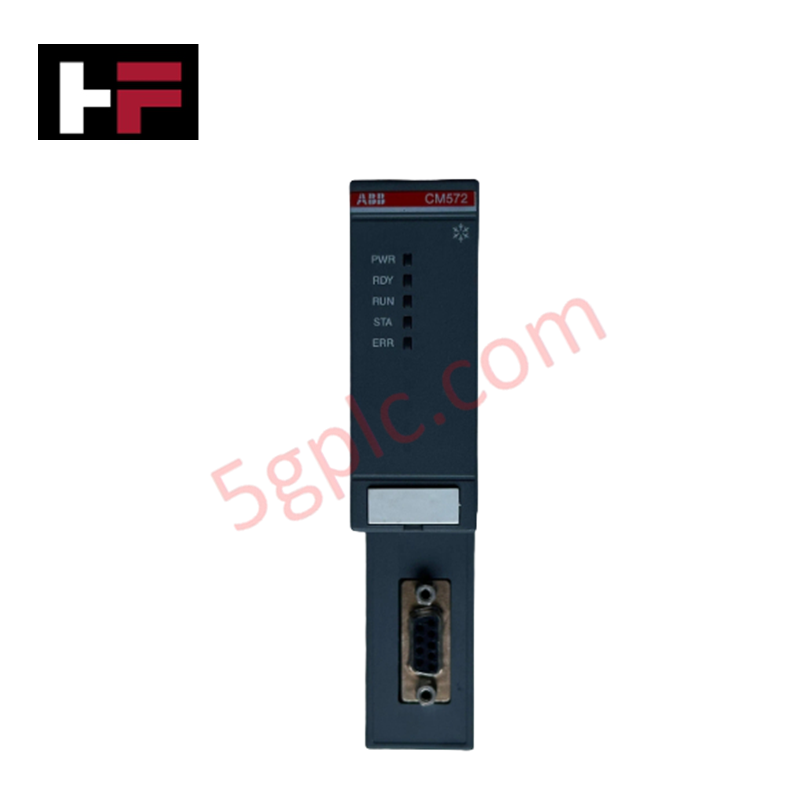
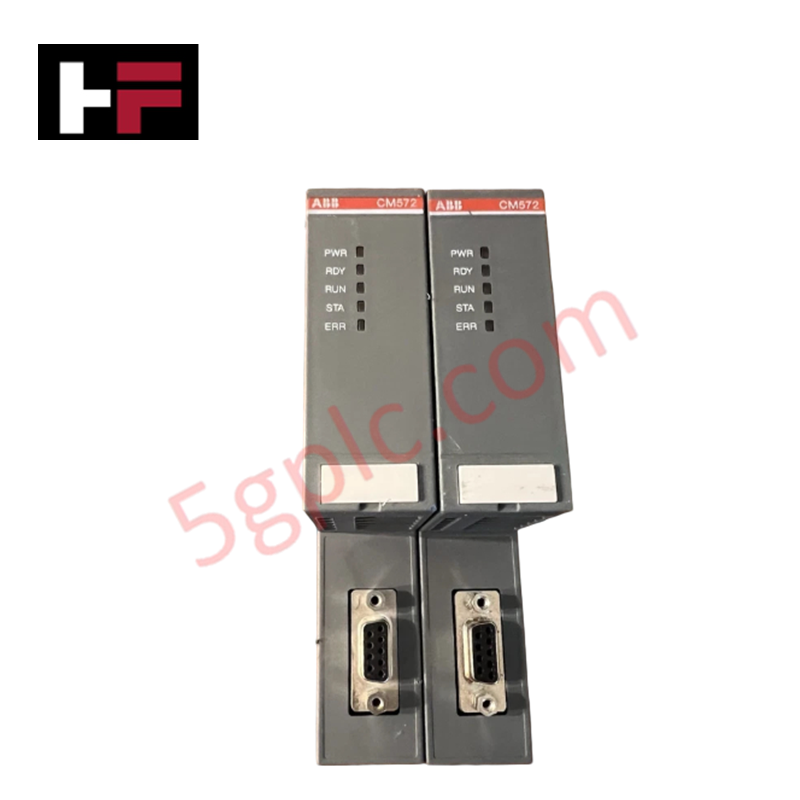
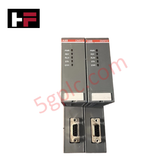
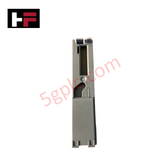
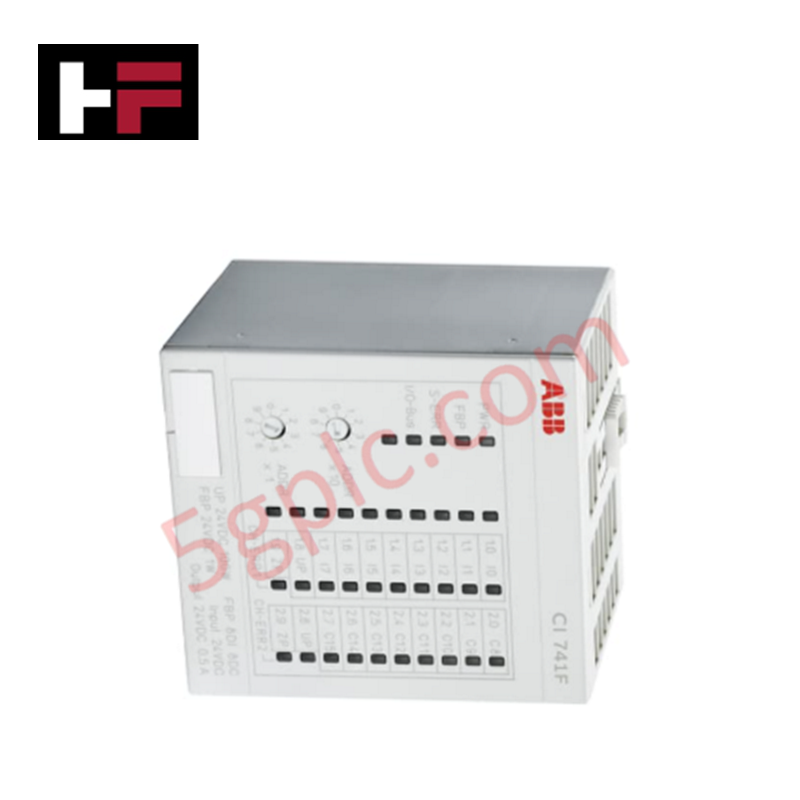
The ABB CM572-DP, also cataloged as the CM572-DP Communication Module, operates as a dedicated hardware component for PROFIBUS DP master/slave communication processing within AC500 PLC platforms.
Hardware Specifications
| Parameter | Specification |
|---|---|
| Model | CM572-DP |
| Brand | ABB |
| Origin | China |
| Weight | 0.12 kg (0.26 lbs) gross weight |
| Dimensions | Standard AC500 communication module footprint |
| Operating Temp | 0 to 60 deg C |
| Power Consumption | Powered via AC500 CPU terminal base bus |
| Network Interface | PROFIBUS DP (RS-485 physical layer via 9-pin Sub-D female connector) |
| Protocol Support | PROFIBUS DP-V0 / DP-V1 master and slave configurations |
| Transmission Rate | 9.6 kbps to 12 Mbps (auto-baud rate detection) |
| Target System | ABB AC500 PLC series |
Backplane Bus Communication Velocity & Profinet / EtherNet/IP Deterministic Networks
The CM572-DP processes fieldbus cycles independently of the central processing unit, executing cyclic data exchange up to 12 Mbps to maintain backplane bus communication velocity across the AC500 I/O structure. Firmware flash compatibility allows seamless integration with ABB Automation Builder software, enabling synchronization between PROFIBUS field devices and Ethernet-based deterministic networks without inducing latency on the main processor.
Frequently Asked Questions
Q: How does the CM572-DP draw operating power within an AC500 rack assembly?
A: The module snaps directly onto an AC500 communication terminal base (such as TU515 or TU516) and receives its operating logic power via the internal CPU baseboard extension bus.
Q: What transmission speeds are supported on the PROFIBUS DP interface?
A: The hardware supports standard PROFIBUS DP baud rates ranging from 9.6 kbps up to 12 Mbps with automatic baud rate detection.
Q: Can multiple CM572-DP modules be installed on a single AC500 CPU base?
A: Yes, depending on the slot capacity of the specific CPU terminal base utilized, multiple communication modules can be mounted concurrently to support separate fieldbus segments.
Field Installation Guidelines
- Ensure main AC500 CPU power and field voltage supplies are disconnected before installing or removing communication modules.
- Align the CM572-DP module with the dedicated communication slot on the AC500 terminal base.
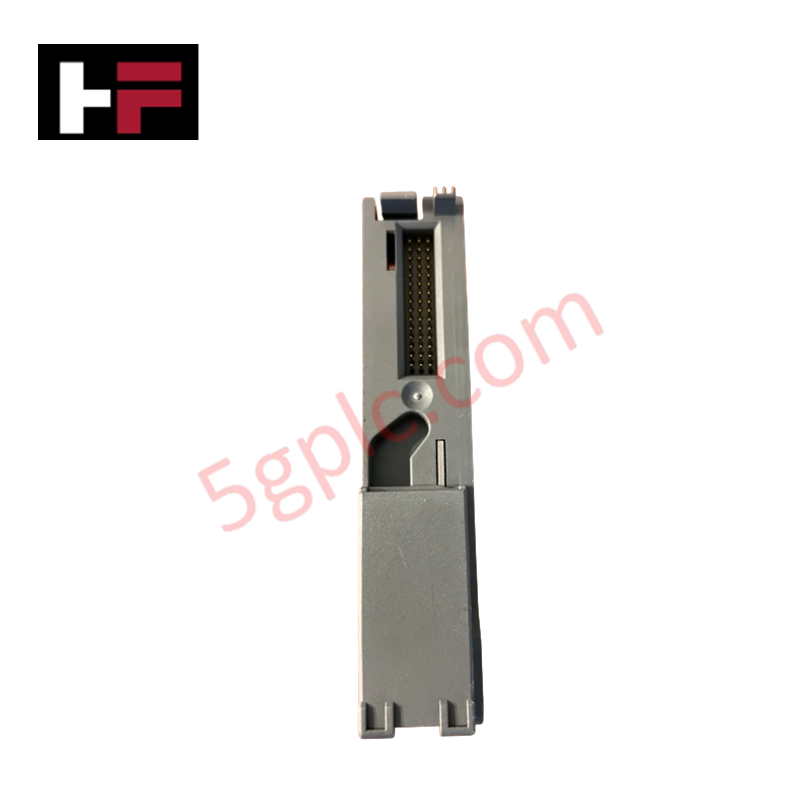
- Press the unit firmly onto the base connection header until the side retention locking tabs click into position.
- Attach a shielded RS-485 PROFIBUS cable with standard DB9 connectors, verifying that termination resistors are switched ON at both physical ends of the network segment.
- Ground the cable shield to the cabinet earthing rail using low-impedance ground clamps to prevent electromagnetic noise interference on high-speed serial signals.
Additional Information
- 100% Genuine Parts: All products are original and authentic, ensuring reliable industrial performance.
- 30-Day Refund Guarantee: Return any in-stock item within 30 days in original, unopened packaging for a full refund (excluding shipping and fees).
- 12-Month Warranty: Covers defects in materials or workmanship; excludes misuse, normal wear, or unauthorized modifications.
- Worldwide Shipping: We ship via USPS, UPS, FedEx, and DHL. Delivery times vary by country and may be subject to customs or import fees.
- Support & Contact: Technical and warranty assistance is available anytime. Contact us here: Contact.
- Purchase Guidance: Check product specifications and compatibility carefully before ordering to ensure proper application.






Tech & Buying Guide

Spatial Computing in Industrial Automation: Elevating PLC and DCS Operations with AR and VR
Industry 4.0 integrates digital intelligence into field operations, transforming factory automation landscapes worldwide. Spatial technologies—specifically Augmented Reality (AR) and Virtual Reality (VR)—redefine how engineers interact with industrial control systems. By bridging computer-generated CAD models with real-time operational technology (OT) data, immersive displays enable intuitive monitoring, rapid diagnostics, and safer maintenance across complex processing facilities.

Master Acceptance Testing: Understanding FAT and SAT in Industrial Control Systems
Factory Acceptance Testing (FAT) and Site Acceptance Testing (SAT) serve as critical quality assurance gateways in complex industrial control systems. Both procedures verify that programmable logic controllers (PLCs), distributed control systems (DCS), and associated field devices meet strict functional specifications. However, executing these tests effectively requires clear delineation between off-site staging and final field commissioning.

Industrial Networking Essentials: Demystifying Hubs, Switches, and Routers in Control Systems
Industrial automation relies heavily on robust networking infrastructure to connect programmable logic controllers (PLCs), distributed control systems (DCS), and human-machine interfaces (HMIs). Modern factory automation environments generate vast amounts of real-time operational data across deterministic networks. Understanding the structural differences between hubs, switches, and routers ensures optimal traffic segmentation, minimizes latency, and maintains high network availability.