










Product Details
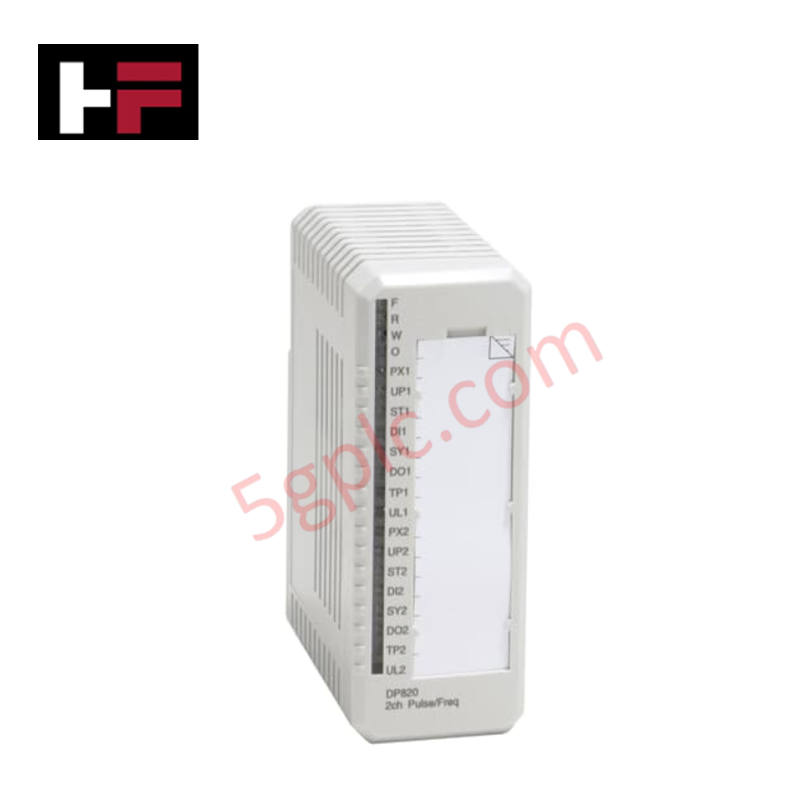
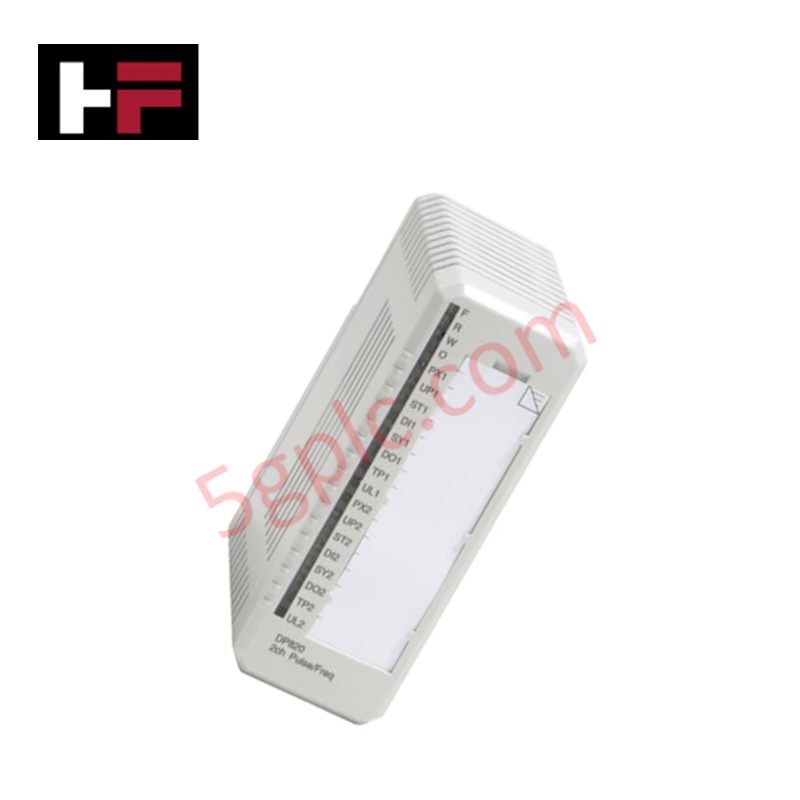
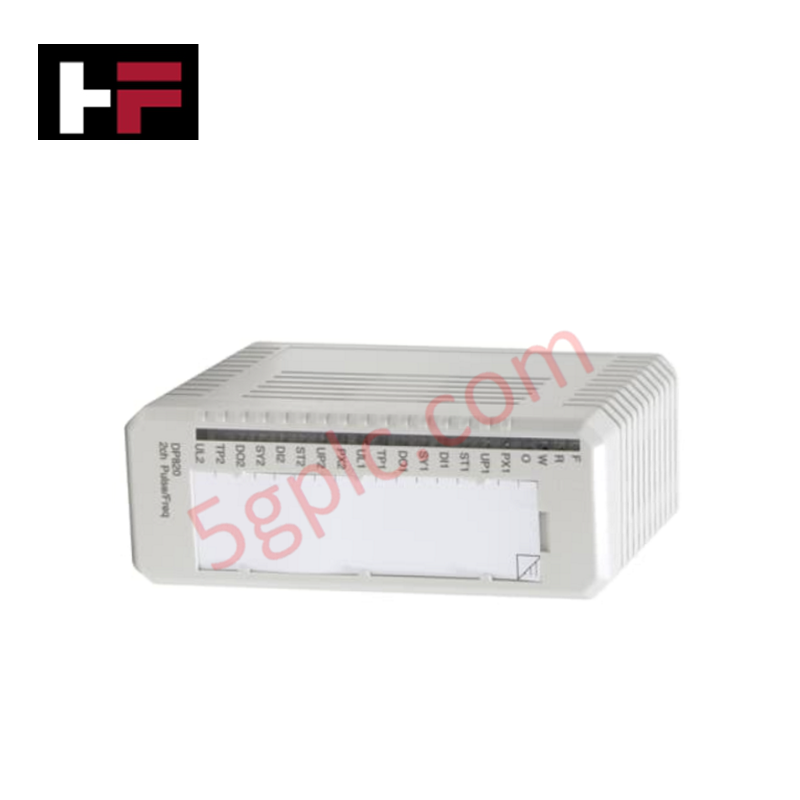
The ABB DP820 3BSE013228R1, also cataloged as the DP820 Pulse Counter Module, operates as a dedicated hardware component for high-speed pulse processing and frequency measurement within ABB S800 I/O platforms. The module interfaces with 24 VDC field signals across two individually isolated input channels, evaluating pulse counts, frequency rates, and directional inputs to execute digital signal acquisition for the controller system.
Hardware Specifications
| Parameter | Specification |
|---|---|
| Model | DP820 3BSE013228R1 |
| Brand | ABB |
| Origin | Sweden |
| Weight | 0.15 kg (0.33 lbs.) |
| Dimensions | 45 mm x 119 mm x 102 mm (111 mm including connector) |
| Operating Temp | Standard Industrial Limits |
| Power Consumption | Power dissipation: 2.5 W |
| Module Type | Pulse Counter Module |
| Number of Channels | 2 |
| Signal Specification | 24 VDC (12 - 32 VDC) |
| Input Impedance | 2.5 kOhm (DI-input) |
| Isolation | Channel-to-channel and channel-to-circuit common |
| Rated Insulation Voltage | 50 V |
| Dielectric Test Voltage | 500 VAC |
| Modulebus +5 V Current | 120 mA |
| Max Field Cable Length | 200 meters (218 yards) |
Backplane Bus Communication Velocity and Signal Decoupling
The ABB DP820 module interfaces with the local S000 Modulebus structure to transmit high-speed counting parameters while maintaining backplane bus communication velocity across the I/O cluster. Internal logic circuits convert incoming 24 VDC pulse trains into digital values without imposing extra current load on the +24 V Modulebus line (0 mA consumption at +24 V). Channel-to-channel galvanic isolation rated at 500 VAC suppresses ground loops and cross-talk noise, maintaining signal integrity and deterministic update intervals back to the main CPU controller.
Frequently Asked Questions
Q: What is the power drain on the Modulebus backplane for the DP820 module?
A: The module draws 120 mA from the +5 VDC Modulebus logic supply and 0 mA from the +24 VDC Modulebus supply.
Q: Is channel-to-channel isolation supported on the DP820 input channels?
A: Yes, both input channels are individually isolated from each other and from the internal module common circuit, with a rated dielectric test voltage of 500 VAC.
Q: What is the maximum recommended cable distance for connecting field sensors to the DP820?
A: The maximum field cable length between the field pulse sensor and the Module Termination Unit (MTU) interface is 200 meters (218 yards).
Field Installation Guidelines
- Module Insertion and MTU Coupling: Align the DP820 module with the guide slots of the compatible S800 Module Termination Unit (MTU). Push the module firmly onto the backplane connector until the mechanical locking latches engage fully.
- Field Cable Routing and Distance Limits: Connect 24 VDC pulse inputs using shielded twisted-pair cables. Limit field cable runs to a maximum length of 200 meters. Route input wiring separately from high-voltage AC conductors and motor leads to avoid induced electrical noise.
- Shield Grounding Practices: Connect field cable shields directly to the ground busbar on the MTU terminal block or enclosure earth bar using low-impedance ground clamps. Maintain ground continuity across all field junction boxes.
- Diagnostic LED Inspection: Upon applying system power, verify that the front status LEDs indicate normal operation. Channel status indicators (PX, UP, ST, DI, SY, DO, TP) display active field signal conditions and power status per channel.
Additional Information
- 100% Genuine Parts: All products are original and authentic, ensuring reliable industrial performance.
- 30-Day Refund Guarantee: Return any in-stock item within 30 days in original, unopened packaging for a full refund (excluding shipping and fees).
- 12-Month Warranty: Covers defects in materials or workmanship; excludes misuse, normal wear, or unauthorized modifications.
- Worldwide Shipping: We ship via USPS, UPS, FedEx, and DHL. Delivery times vary by country and may be subject to customs or import fees.
- Support & Contact: Technical and warranty assistance is available anytime. Contact us here: Contact.
- Purchase Guidance: Check product specifications and compatibility carefully before ordering to ensure proper application.






Tech & Buying Guide

Why Programmable Logic Controllers Drop into Stop Mode: An Expert Analysis
Industrial automation systems rely heavily on Programmable Logic Controllers (PLCs) to maintain uninterrupted production. When a PLC unexpectedly shifts from Run to Stop mode, whole manufacturing lines stall.
As control systems evolve across modern factory automation, understanding the root causes of these interruptions helps engineers minimize costly downtime. This technical guide breaks down why PLCs trip into Stop mode and provides practical strategies to mitigate system faults.

Understanding Root Causes of Unplanned PLC Stop Mode in Industrial Automation
Modern Programmable Logic Controllers manage execution through distinct operational states: Run, Stop, Start-Up, and Hold. During power-up, a controller initializes memory registers within Stop mode before briefly transitioning to Start-Up mode. During this phase, internal self-diagnostics evaluate system integrity across hardware and user programs. If the controller detects no critical faults, it enters Run mode to execute the control program continuously. However, any severe system anomaly forces the CPU back into Stop mode immediately to prevent erratic machine behavior across the plant floor.

Human-Machine Interface Design: Essential Guide to HMI Selection, Visualization, and Control System Integration
Human-Machine Interfaces (HMIs) serve as the primary operational window into complex industrial automation systems. Modern HMIs convert raw machine data into clear graphical displays, enabling operators to oversee entire manufacturing processes in real time. Instead of relying on physical control panels full of hardwired switches, engineers program interactive screens using intuitive graphics, dynamic color coding, and responsive touch interfaces. Over my 15 years in control systems engineering, I have observed HMIs transform from basic display screens into sophisticated command centers that drive operational efficiency across DCS and PLC environments.