










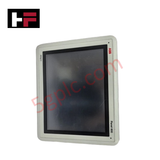
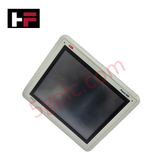
Product Details
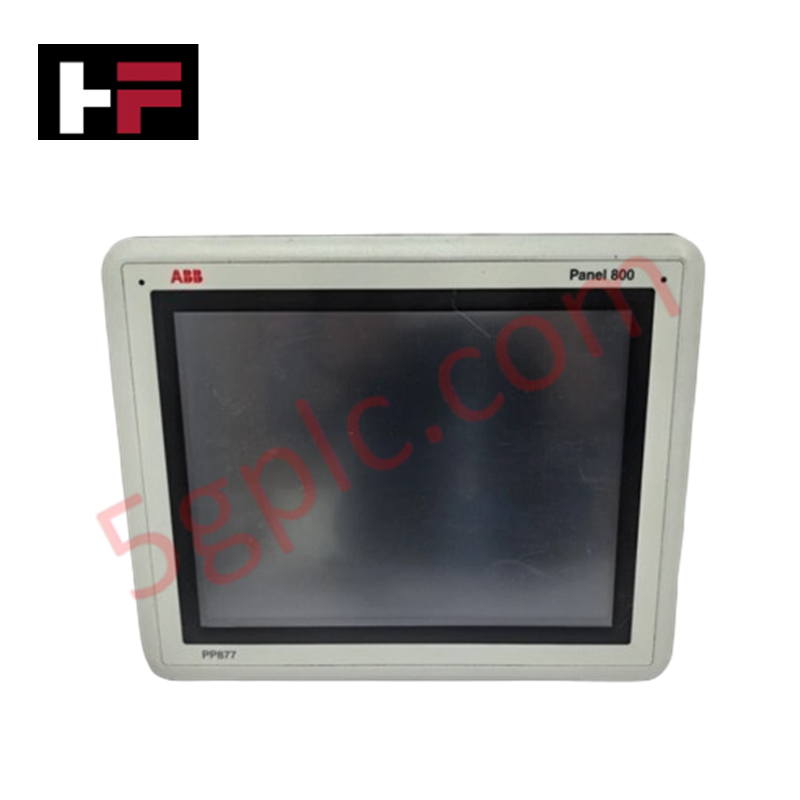
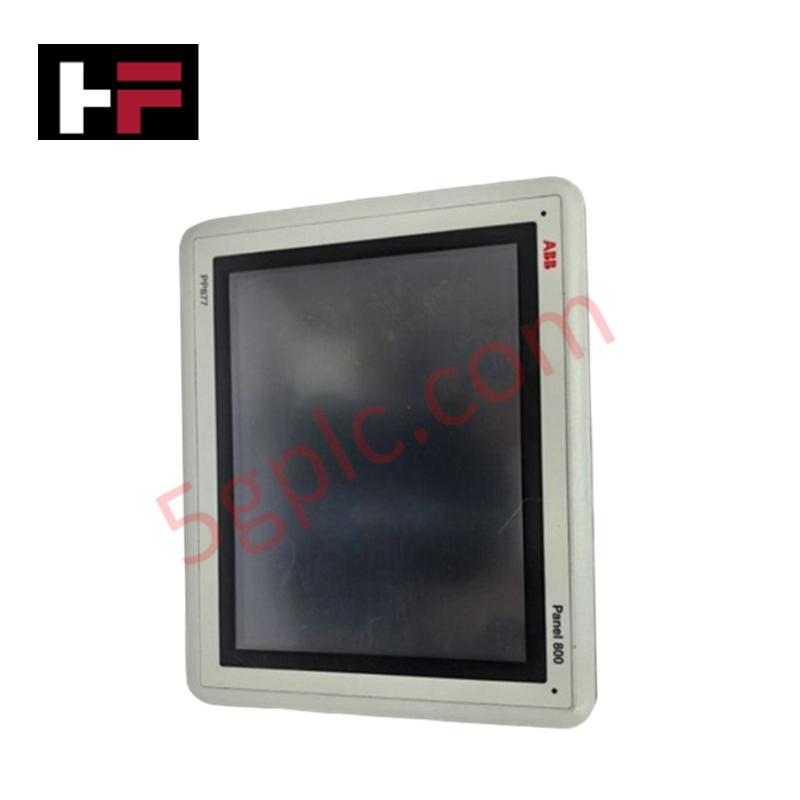
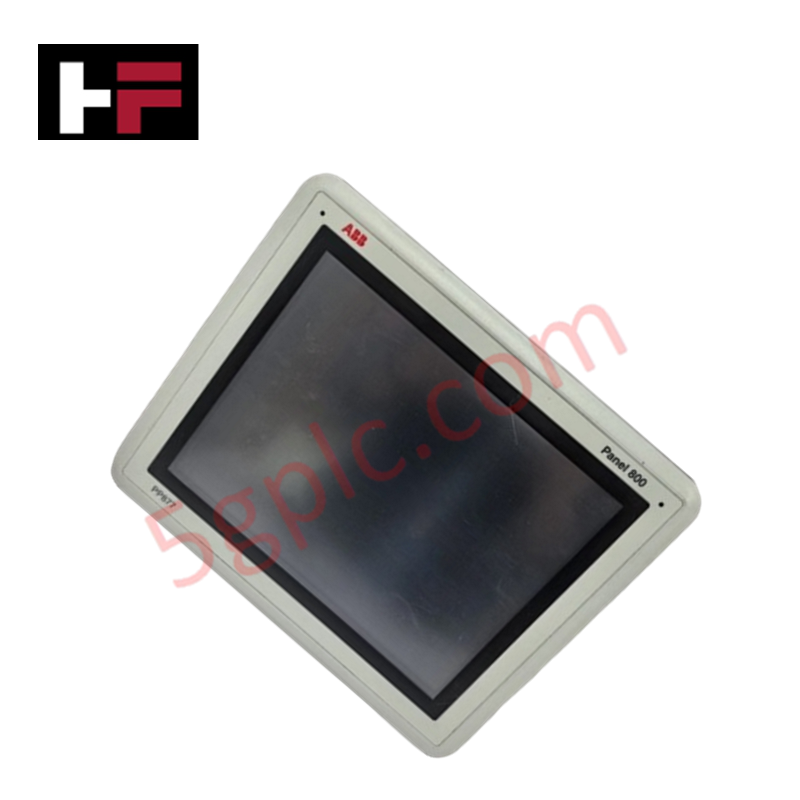
Configured for direct physical user interface repairs on industrial HMI panels, the ABB 3BSE069270R1 3BSE069270R2 (PP871 Touch Screen Component) provides direct physical/electrical execution for digitizing operator touch inputs.
Hardware Specifications
| Parameter | Specification |
|---|---|
| Model | PP871 Touch Screen Assembly |
| Part Numbers | 3BSE069270R1 / 3BSE069270R2 |
| Brand | ABB |
| Origin | Sweden / Germany |
| Weight | 0.350 kg (Standard structural weight) |
| Dimensions | Sized precisely for standard PP871 Panel 800 hardware housings |
| Operating Temp | -10 to +60 deg C (Industrial-grade operating profile) |
| Power Consumption | Sourced directly from internal HMI processor board matrix |
| Component Type | Resistive touch screen matrix with matching protective film overlay |
| Connection Interface | Multi-pin flexible printed circuit (FPC) ribbon cable |
| Surface Hardness | Minimum 3H rating against scratching |
| Chemical Resistance | Industrial solvents, alcohol, and grease resistant |
Profinet / EtherNet/IP Deterministic Networks and I/O Density Scaling
The touch screen assembly translates mechanical pressure applied to the interface surface into coordinates processed by the local Panel 800 CPU. This digitized tracking loop coordinates with integrated automation profiles without reducing backplane bus communication velocity or generating packet delay across connected Profinet / EtherNet/IP deterministic networks. The matrix configuration supports seamless coordination with expanded I/O density scaling displays, keeping screen registry inputs sharp and stable during concurrent firmware flash compatibility upgrades on the master HMI console.
Frequently Asked Questions
Q: How do the 3BSE069270R1 and 3BSE069270R2 variants differ regarding technical compatibility?
A: Both part numbers represent functionally interchangeable repair configurations for the base PP871 HMI. The revision suffixes relate to specific manufacturing lots and minor ribbon cable routing updates, but they share identical structural dimensions and sensor layouts.
Q: Is special calibration required after mounting the replacement touch panel and overlay?
A: Yes. Once the hardware ribbon layer is connected and the unit is mounted within the housing frame, a standard touch alignment matrix routing must be executed from the HMI bios or configuration environment to sync physical coordinate points with the active display matrix.
Field Installation Guidelines
- Surface Decontamination: Thoroughly clean the underlying LCD panel matrix using an industrial lint-free electronics wipe before positioning the new touch element to prevent trapping airborne dust particles.
- Ribbon Alignment: Secure the flexible printed circuit (FPC) ribbon cable into the ZIF connector slot on the internal PCB logic board. Verify that the tracking pins lock symmetrically into position to avoid signal drops.
- Overlay Application: Apply the protective film overlay across the exterior front bezel frame. Use continuous surface pressure from the center outward to ensure complete adhesion and eliminate air pockets.
Additional Information
- 100% Genuine Parts: All products are original and authentic, ensuring reliable industrial performance.
- 30-Day Refund Guarantee: Return any in-stock item within 30 days in original, unopened packaging for a full refund (excluding shipping and fees).
- 12-Month Warranty: Covers defects in materials or workmanship; excludes misuse, normal wear, or unauthorized modifications.
- Worldwide Shipping: We ship via USPS, UPS, FedEx, and DHL. Delivery times vary by country and may be subject to customs or import fees.
- Support & Contact: Technical and warranty assistance is available anytime. Contact us here: Contact.
- Purchase Guidance: Check product specifications and compatibility carefully before ordering to ensure proper application.






Tech & Buying Guide

Demystifying the DDE Protocol in Legacy Industrial Automation Systems
Modern control systems rely heavily on seamless interprocess communication to exchange operational data between software programs. Microsoft first introduced the Dynamic Data Exchange (DDE) protocol in 1987 to enable real-time data sharing. In factory automation, DDE served as an early bridge between control software and Windows desktop applications. Therefore, understanding DDE mechanics provides crucial insights into how legacy industrial networks established software-level connectivity.

Demystifying CPU Communication Ports in Siemens PLC Architectures
Industrial automation relies heavily on robust data exchange between devices. Without seamless connectivity, field instruments, network switches, human-machine interfaces, and programmable logic controllers cannot coordinate effectively. Therefore, understanding the various CPU communication ports available in Siemens hardware ensures efficient factory automation design and seamless system integration.

Mastering the Siemens PLC Scan Cycle: How the CPU Executes Automation Programs
Industrial automation relies heavily on programmable logic controllers (PLCs) to manage complex manufacturing processes. Many engineers dive straight into programming without mastering the underlying architecture. However, understanding how a PLC CPU executes a program ensures reliable system design. Therefore, mastering the scan cycle optimizes both performance and troubleshooting in modern control systems.