










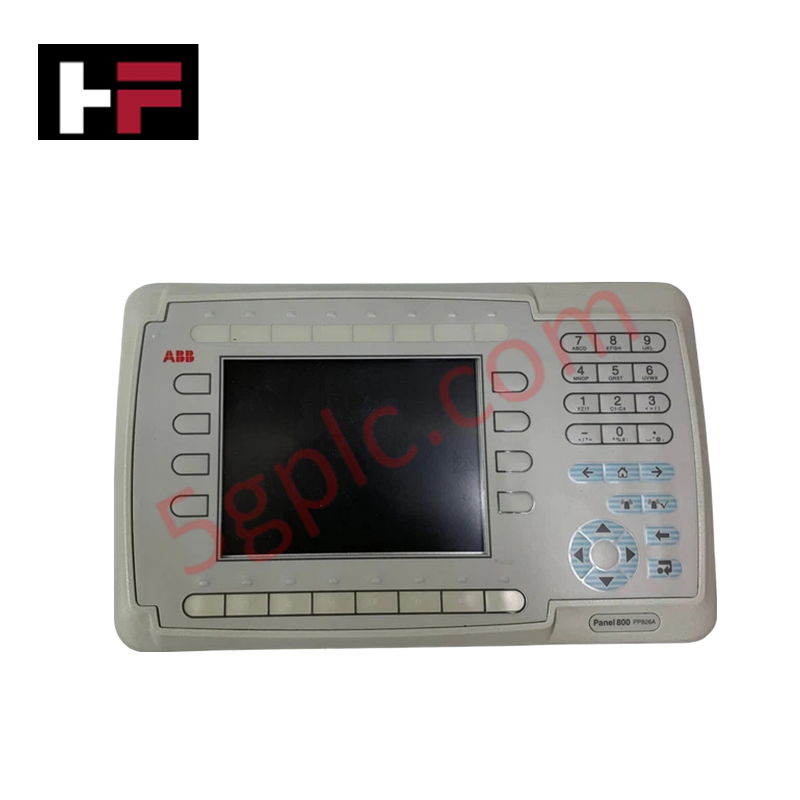
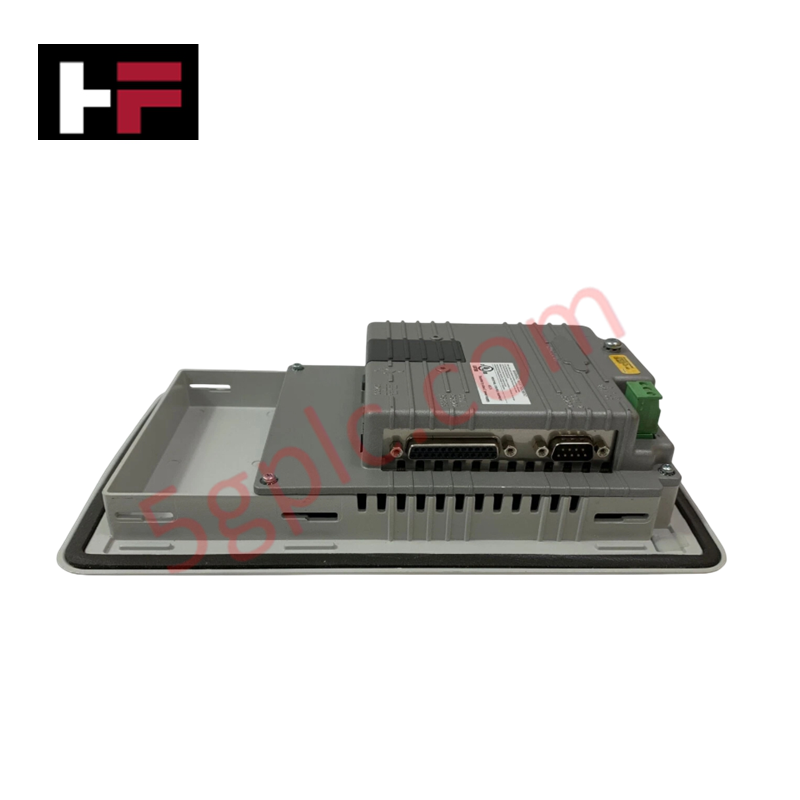
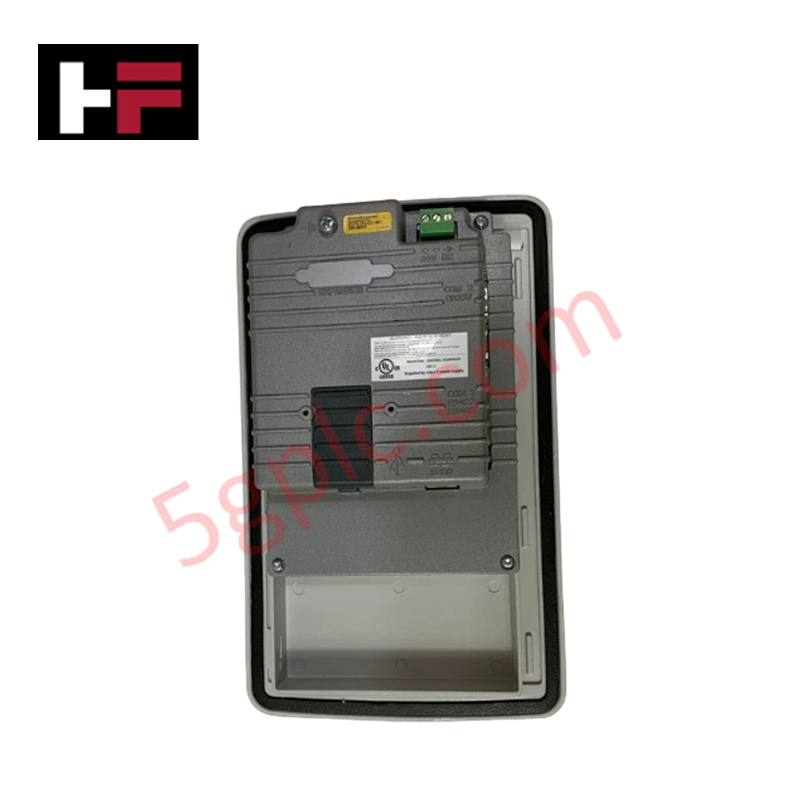
Product Details
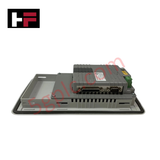
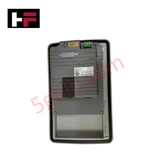
The ABB PP826A 3BSE042244R3, also cataloged as the PP826A HMI Control Panel, operates as a dedicated hardware component for graphical process visualization and operator command execution within ABB Compact Products 800 and System 800xA network environments. The terminal processes real-time process variables, manages alarm states, and executes system parameter updates via integrated serial and Ethernet interfaces.
Hardware Specifications
| Parameter | Specification |
|---|---|
| Model | PP826A 3BSE042244R3 |
| Brand | ABB |
| Origin | Sweden |
| Weight | 1.20 kg |
| Dimensions | 200 mm x 150 mm x 50 mm |
| Operating Temp | 0 to +50 deg C (Storage: -20 to +60 deg C) |
| Power Consumption | 24 VDC (0.4 A nominal) |
| Display Type | 6.5 in TFT Color Touchscreen |
| Resolution | 640 x 480 pixels |
| Communication Interfaces | 1x RJ45 Ethernet (10/100 Mbit/s), 2x Serial (RS232/RS485) |
| Protection Rating | IP65 (front bezel), IP20 (rear chassis) |
Deterministic Ethernet Network Integration and Firmware Flash Compatibility
The PP826A touch panel interfaces with AC 800M controllers across deterministic Ethernet networks using standard industrial communication protocols. Onboard non-volatile memory provides firmware flash compatibility, storing compiled graphical operator screens, alarm logs, and recipe databases without requiring battery back-up. The communication processor maintains steady data transfer rates over Modbus TCP and Control Builder communication channels, preventing scan latency during intensive graphic page refreshes.
Frequently Asked Questions
Q: What is the recommended power input connection for the PP826A terminal?
A: The panel requires an external regulated 24 VDC (+/- 15%) power supply wired to the removable 3-pin terminal block, with a dedicated ground wire terminated at the chassis earth screw.
Q: How are software applications and firmware updates loaded onto the panel?
A: Project graphics and runtime configurations are downloaded over the 10/100 Mbit/s Ethernet port into internal non-volatile flash memory, maintaining program code across total power shutdowns.
Q: What ingress protection rating is provided when mounted in a switchgear panel door?
A: When correctly mounted using the supplied perimeter sealing gasket and rear tension clamps, the front panel achieves an IP65 protection rating, whereas the rear enclosure remains IP20.
Field Installation Guidelines
- Cut a precise mounting opening in the cabinet enclosure door according to the panel cutout specifications.
- Fit the rubber sealing gasket flush into the front bezel seating channel to ensure IP65 sealing performance.
- Insert the panel through the front cutout and tighten all rear screw-driven mounting clamps to 0.5 Nm.
- Attach a ground conductor (minimum 2.5 mm2) from the panel chassis grounding screw directly to the main enclosure earth busbar.
- Connect 24 VDC supply cables and shield-terminated serial/Ethernet lines, ensuring signal cables remain separated from high-voltage AC wiring.
Additional Information
- 100% Genuine Parts: All products are original and authentic, ensuring reliable industrial performance.
- 30-Day Refund Guarantee: Return any in-stock item within 30 days in original, unopened packaging for a full refund (excluding shipping and fees).
- 12-Month Warranty: Covers defects in materials or workmanship; excludes misuse, normal wear, or unauthorized modifications.
- Worldwide Shipping: We ship via USPS, UPS, FedEx, and DHL. Delivery times vary by country and may be subject to customs or import fees.
- Support & Contact: Technical and warranty assistance is available anytime. Contact us here: Contact.
- Purchase Guidance: Check product specifications and compatibility carefully before ordering to ensure proper application.






Tech & Buying Guide

Understanding VFD Mechanical Brake Logic and Control in Industrial Automation
Variable Frequency Drives (VFDs) play a crucial role in modern industrial automation by controlling motor speed, torque, and acceleration. However, high-inertia loads and vertical lifting systems require precise mechanical braking logic to ensure operational safety and prevent equipment damage.

Why Programmable Logic Controllers Drop into Stop Mode: An Expert Analysis
Industrial automation systems rely heavily on Programmable Logic Controllers (PLCs) to maintain uninterrupted production. When a PLC unexpectedly shifts from Run to Stop mode, whole manufacturing lines stall.
As control systems evolve across modern factory automation, understanding the root causes of these interruptions helps engineers minimize costly downtime. This technical guide breaks down why PLCs trip into Stop mode and provides practical strategies to mitigate system faults.

Understanding Root Causes of Unplanned PLC Stop Mode in Industrial Automation
Modern Programmable Logic Controllers manage execution through distinct operational states: Run, Stop, Start-Up, and Hold. During power-up, a controller initializes memory registers within Stop mode before briefly transitioning to Start-Up mode. During this phase, internal self-diagnostics evaluate system integrity across hardware and user programs. If the controller detects no critical faults, it enters Run mode to execute the control program continuously. However, any severe system anomaly forces the CPU back into Stop mode immediately to prevent erratic machine behavior across the plant floor.