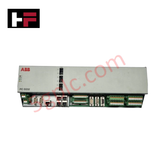
Product Details
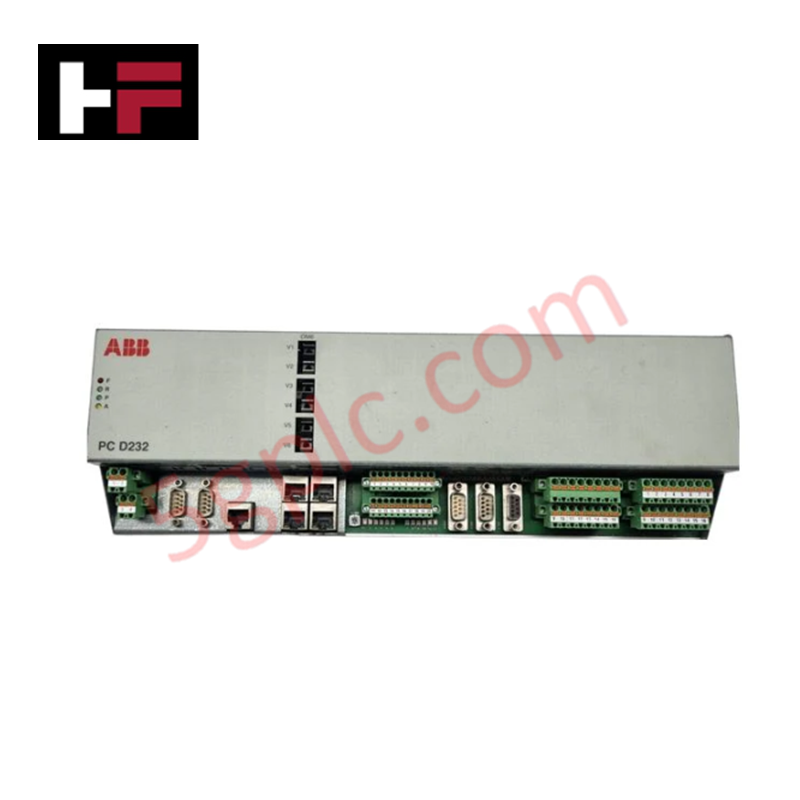
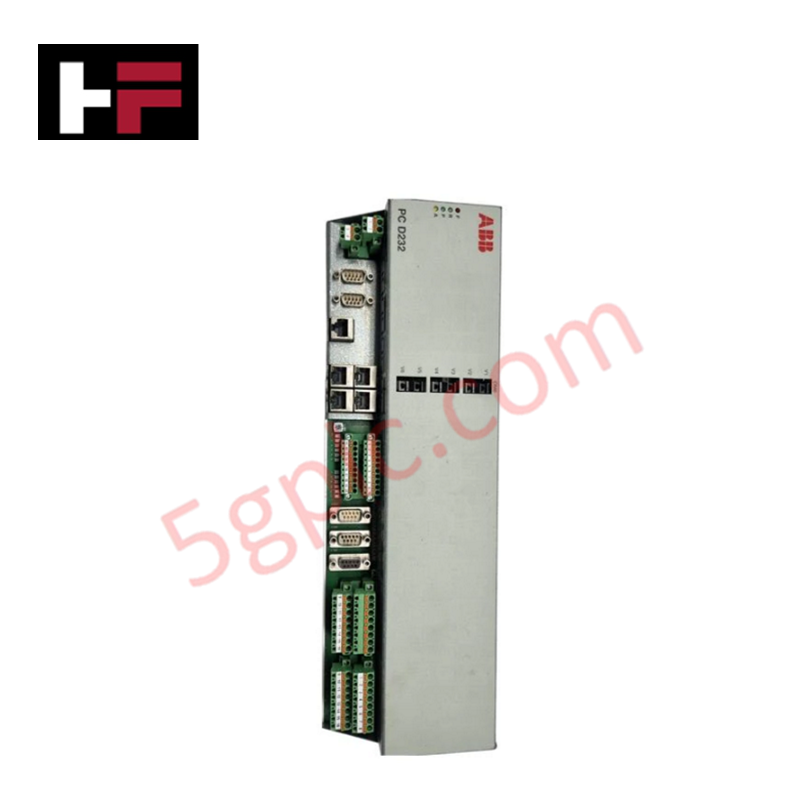
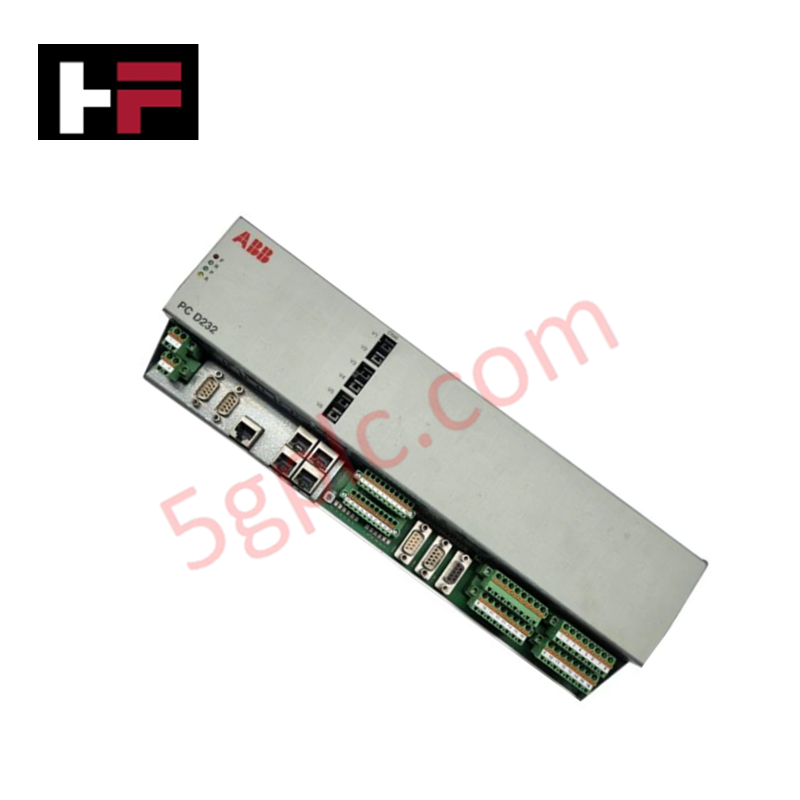
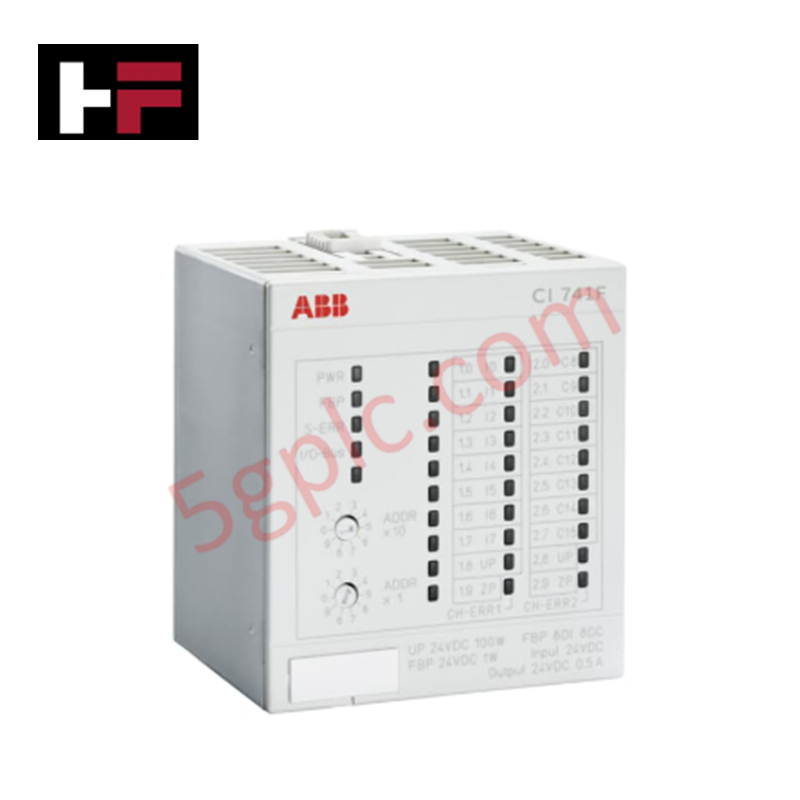
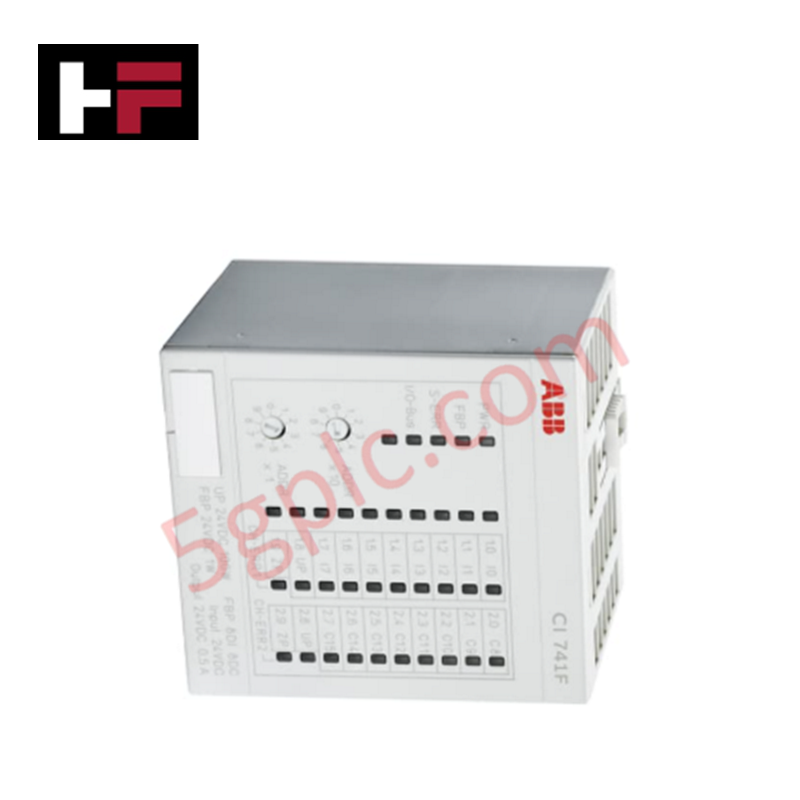
Configured for high-speed signal interface management in AC 800PEC controller platforms, the ABB PC D232 A101 (3BHE022293R0101) provides direct physical I/O routing execution as a PEC80-CIO communication base unit.
Hardware Specifications
| Parameter | Specification |
|---|---|
| Model | PC D232 A101 |
| Brand | ABB |
| Part Number | 3BHE022293R0101 |
| Origin | Switzerland / Thailand / China |
| Weight | 0.247 kg |
| Dimensions | 147 mm x 120 mm x 80 mm |
| Operating Temp | Standard industrial ambient |
| Power Consumption | System backplane dependent |
Backplane bus communication velocity and firmware compatibility
The PC D232 A101 functions as the I/O interface communication node within the AC 800PEC architecture. It manages deterministic backplane bus communication velocity to ensure synchronization of I/O data frames between the central processing unit and field-level signal modules. This specific variant (A101) is delivered without embedded firmware; therefore, it requires a verified synchronization sequence with the control system's master processor to accept the operational firmware image. Firmware flash compatibility is managed via the primary engineering interface, and users must confirm the correct matching of this base hardware to the targeted firmware version (e.g., 3BHB051356R0001) to prevent configuration mismatches or bus faults.
Frequently Asked Questions
Q: Can this module be installed or removed while the controller backplane is energized?
A: No. Hot-swapping is not supported. All power must be removed from the backplane prior to installation or removal to prevent electrical arcing or corruption of the I/O bus logic.
Q: How is the firmware loaded onto the PC D232 A101 since it ships without it?
A: The firmware is deployed via the AC 800PEC engineering toolset through the system communication backplane. Ensure the module is correctly seated in a configured slot and that the master controller is in the appropriate maintenance or "stop" mode for image transfer.
Field Installation Guidelines
- Mounting: Align the module with the designated rack rails and slide it into the slot until the backplane connector is fully seated. Secure the module using the integrated mechanical retention clips.
- Grounding: The module chassis must be connected to the cabinet's protective earth (PE) bus. Ensure all contact surfaces are clean to maintain a low-impedance path to ground for shielding purposes.
- Wiring: Maintain proper separation between I/O signal wiring and AC power or motor drive cables. Use shielded twisted-pair cabling for all I/O connections to mitigate electromagnetic interference (EMI).
- Thermal Management: Ensure the cabinet cooling system is operational and that airflow is not restricted by high-density cable routing. The module operates based on convection within the rack assembly.
- Inspection: Before commissioning, inspect the backplane connector pins for oxidation or physical damage. Verify that the module housing shows no signs of mechanical stress or impact damage.
Additional Information
- 100% Genuine Parts: All products are original and authentic, ensuring reliable industrial performance.
- 30-Day Refund Guarantee: Return any in-stock item within 30 days in original, unopened packaging for a full refund (excluding shipping and fees).
- 12-Month Warranty: Covers defects in materials or workmanship; excludes misuse, normal wear, or unauthorized modifications.
- Worldwide Shipping: We ship via USPS, UPS, FedEx, and DHL. Delivery times vary by country and may be subject to customs or import fees.
- Support & Contact: Technical and warranty assistance is available anytime. Contact us here: Contact.
- Purchase Guidance: Check product specifications and compatibility carefully before ordering to ensure proper application.






Tech & Buying Guide

Voice-Activated Industrial Automation: Integrating Speech Control into PLC and DCS Architectures
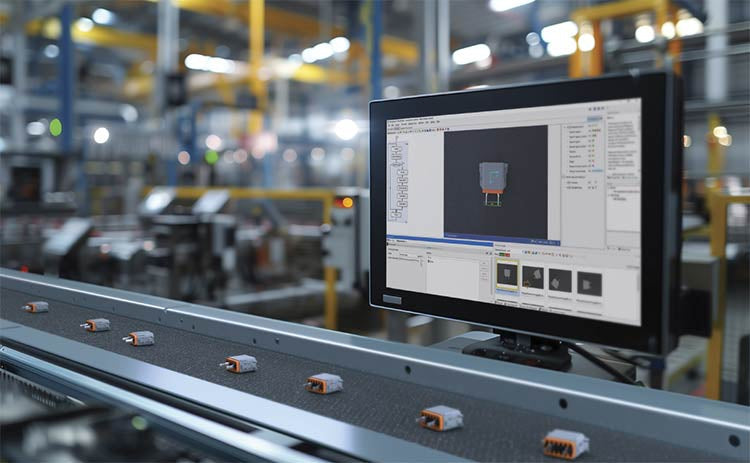
Industrial automation integrates speech recognition, IIoT protocols, and NLP with PLCs and DCS to streamline operations. By leveraging advanced edge computing, engineers enable real-time, hands-free control—allowing personnel to manage smart factory processes safely away from hazardous equipment.
Modern Industrial Automation: Transforming Safety and Efficiency in Mining Operations
Industrial automation has evolved from a simple manufacturing tool into the operational backbone of high-risk sectors. Modern mining operations increasingly rely on advanced control systems, programmable logic controllers (PLCs), distributed control systems (DCS), and artificial intelligence to address deep-underground hazards. By replacing manual labor in high-risk zones, factory automation technologies protect personnel while significantly boosting operational throughput.