










Product Details
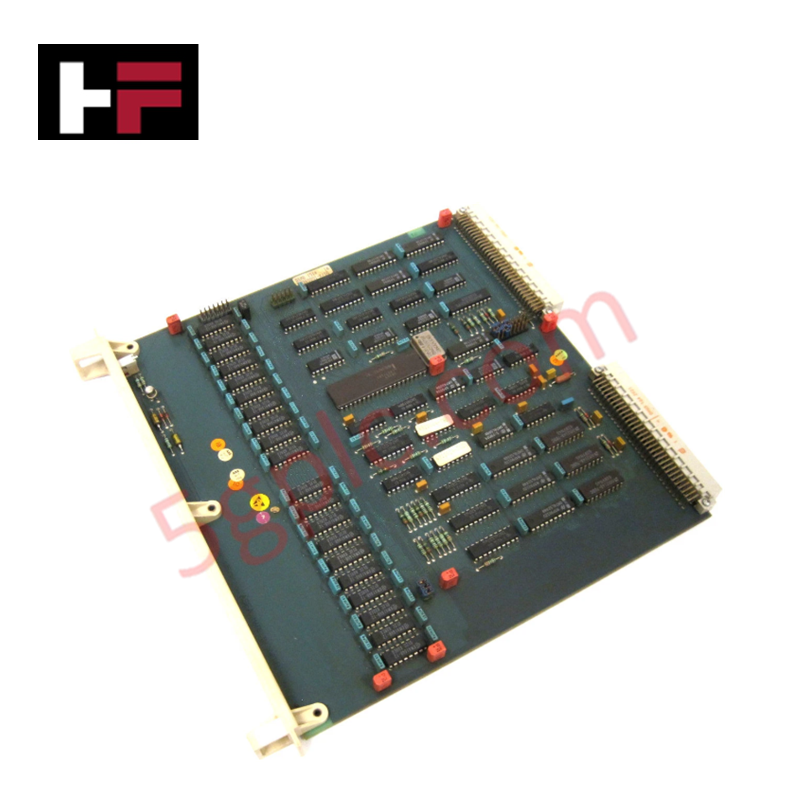
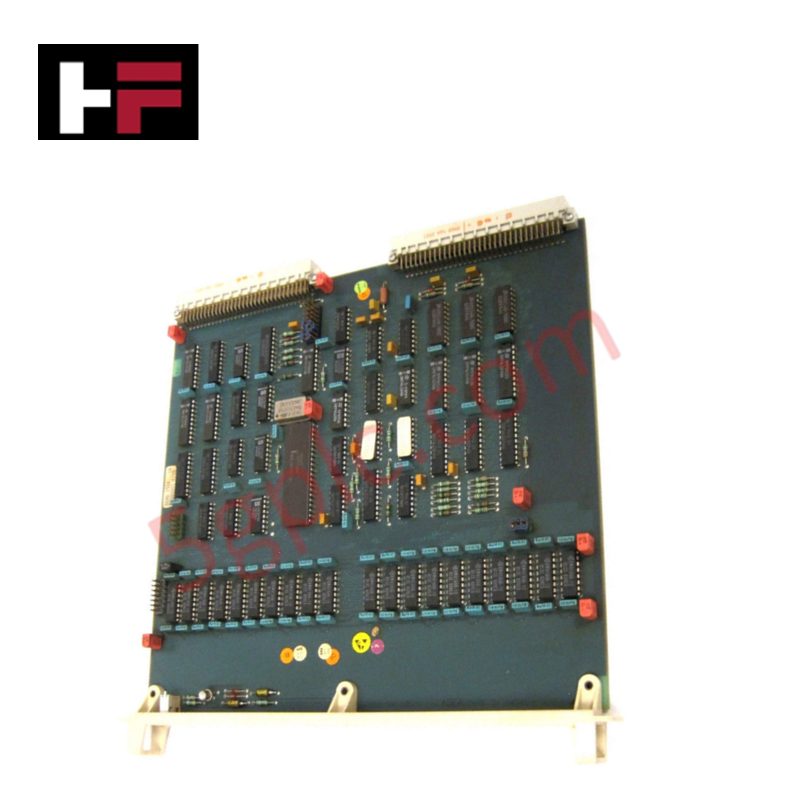
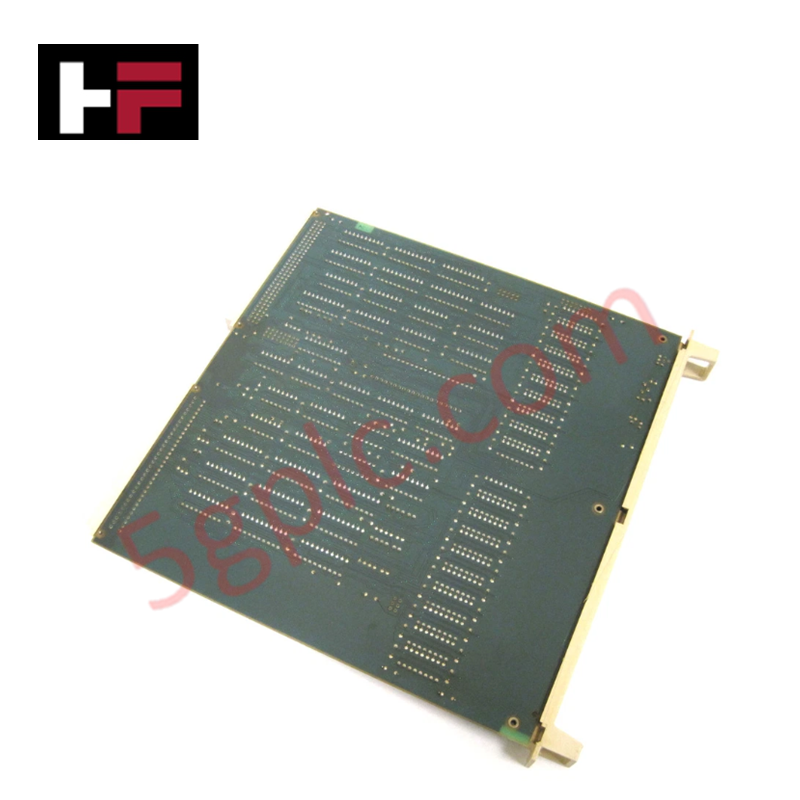
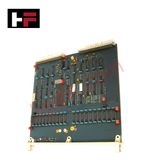
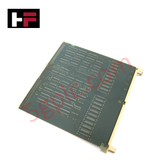
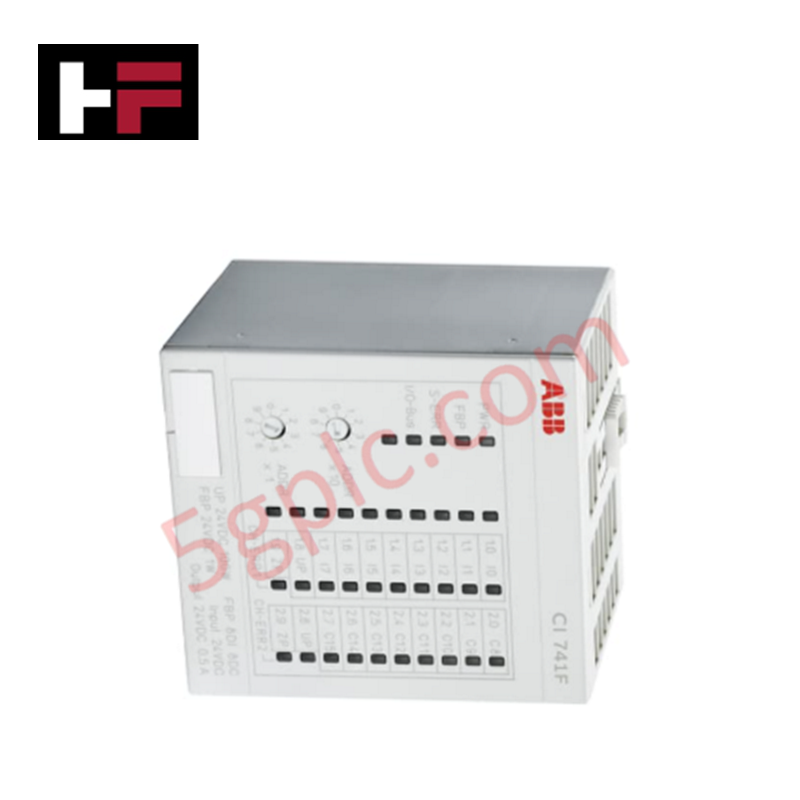
The ABB DSMB 151 57360001-K/10 serves as the primary DSMB 151 Memory Modules utilized to execute localized data storage and system parameter visualization across Advant OCS platforms. The module interfaces via physical backplane connections to host active configuration arrays, buffer raw system metrics within localized memory blocks, and drive real-time numerical updates to integrated display elements.
Hardware Specifications
| Parameter | Specification |
|---|---|
| Model | DSMB 151 57360001-K/10 |
| Brand | ABB |
| Origin | Sweden (Standard series production baseline) |
| Weight | 0.4 kg |
| Dimensions | 235 mm x 250 mm x 20 mm |
| Memory Capacity | 16 MB |
| Power Supply | 24 VDC (20 to 28 VDC allowable range) |
| Operating Temp | -20 to +60 deg C |
| Storage Temp | -40 to +85 deg C |
| Power Consumption | Internally derived from 24 VDC input rail |
| Product Type | Memory Modules |
Backplane Bus Communication Velocity and Firmware Flash Compatibility
The on-board memory read/write cycles of the ABB DSMB 151 57360001-K/10 register directly to the native backplane bus communication velocity constraints. When data streams are formatted for transmission to upper automation levels operating over Profinet or EtherNet/IP deterministic networks, the module handles multi-channel register blocks without data collision or frame dropouts. The 16 MB physical address space functions accurately during peak I/O density scaling routines, provided that the system operator verifies strict firmware flash compatibility across all adjacent slot controller assemblies prior to live network synchronization.
Frequently Asked Questions
Q: Does the DSMB 151 assembly support hot-swap insertion or live extraction while the Advant OCS carrier rack is powered?
A: No. The DSMB 151 requires full isolation from the power grid before mechanical handling. Extracting the unit while the 24 VDC supply is active can cause high-voltage transients on data pins, resulting in absolute destruction of volatile memory sectors or direct system lock-ups on the local bus.
Q: How is a memory capacity overflow or bit parity error handled on this module?
A: Address space limits and bit corruption anomalies are intercepted by the host CPU diagnostics. If the module indicates a parity mismatch or registers out-of-range parameters, firmware flash compatibility tables must be cross-checked before replacing or flashing the hardware memory array.
Field Installation Guidelines
- Static Shielding Practices: Technicians must wear a functional, grounded electrostatic discharge (ESD) wrist strap before unboxing the memory display module to prevent destructive tracking breakdown across the microchips.
- Rack Insertion and Alignment: Verify the 24 VDC power lines are turned off. Align the module card edges evenly inside the chassis guide slots and slide it forward until the rear plugs sit firmly into the backplane receptacles. Secure all integrated retention screws to the chassis.
- Power Conductor Terminations: Connect the 24 VDC auxiliary leads within the 20 to 28 VDC allowable limits. Ensure terminal blocks are torqued down completely to prevent high-resistance connection arches under continuous plant vibration.
- Signal and Power Cable Isolation: Route all external power supply feeds and communication connections through separate low-voltage wireways. Maintain a physical separation of at least 100 mm from three-phase industrial AC lines to reject electromagnetic interference.
Additional Information
- 100% Genuine Parts: All products are original and authentic, ensuring reliable industrial performance.
- 30-Day Refund Guarantee: Return any in-stock item within 30 days in original, unopened packaging for a full refund (excluding shipping and fees).
- 12-Month Warranty: Covers defects in materials or workmanship; excludes misuse, normal wear, or unauthorized modifications.
- Worldwide Shipping: We ship via USPS, UPS, FedEx, and DHL. Delivery times vary by country and may be subject to customs or import fees.
- Support & Contact: Technical and warranty assistance is available anytime. Contact us here: Contact.
- Purchase Guidance: Check product specifications and compatibility carefully before ordering to ensure proper application.






Tech & Buying Guide

Demystifying the DDE Protocol in Legacy Industrial Automation Systems
Modern control systems rely heavily on seamless interprocess communication to exchange operational data between software programs. Microsoft first introduced the Dynamic Data Exchange (DDE) protocol in 1987 to enable real-time data sharing. In factory automation, DDE served as an early bridge between control software and Windows desktop applications. Therefore, understanding DDE mechanics provides crucial insights into how legacy industrial networks established software-level connectivity.

Demystifying CPU Communication Ports in Siemens PLC Architectures
Industrial automation relies heavily on robust data exchange between devices. Without seamless connectivity, field instruments, network switches, human-machine interfaces, and programmable logic controllers cannot coordinate effectively. Therefore, understanding the various CPU communication ports available in Siemens hardware ensures efficient factory automation design and seamless system integration.

Mastering the Siemens PLC Scan Cycle: How the CPU Executes Automation Programs
Industrial automation relies heavily on programmable logic controllers (PLCs) to manage complex manufacturing processes. Many engineers dive straight into programming without mastering the underlying architecture. However, understanding how a PLC CPU executes a program ensures reliable system design. Therefore, mastering the scan cycle optimizes both performance and troubleshooting in modern control systems.