










Product Details
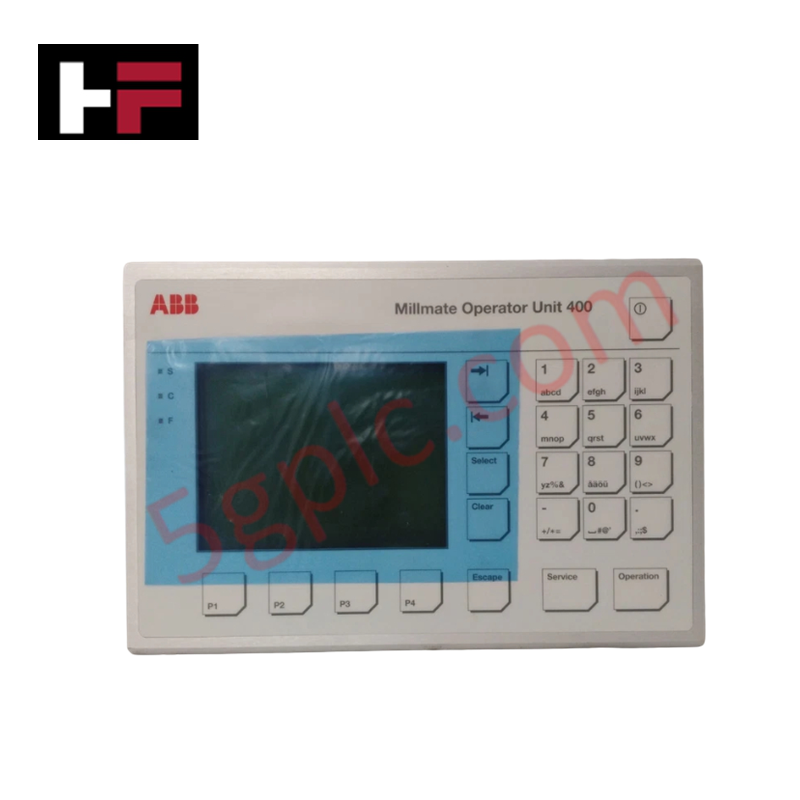
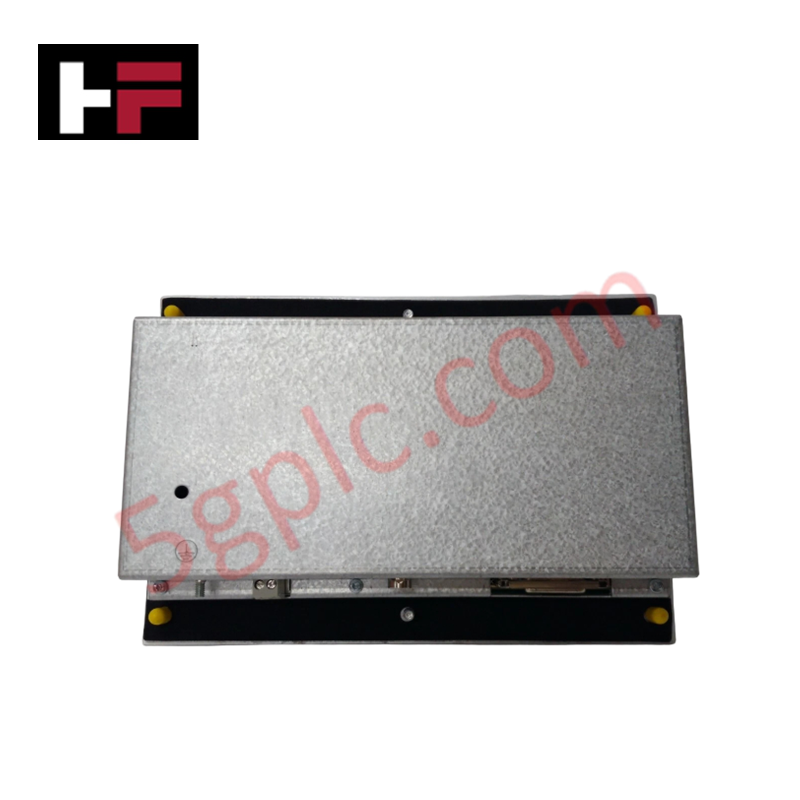
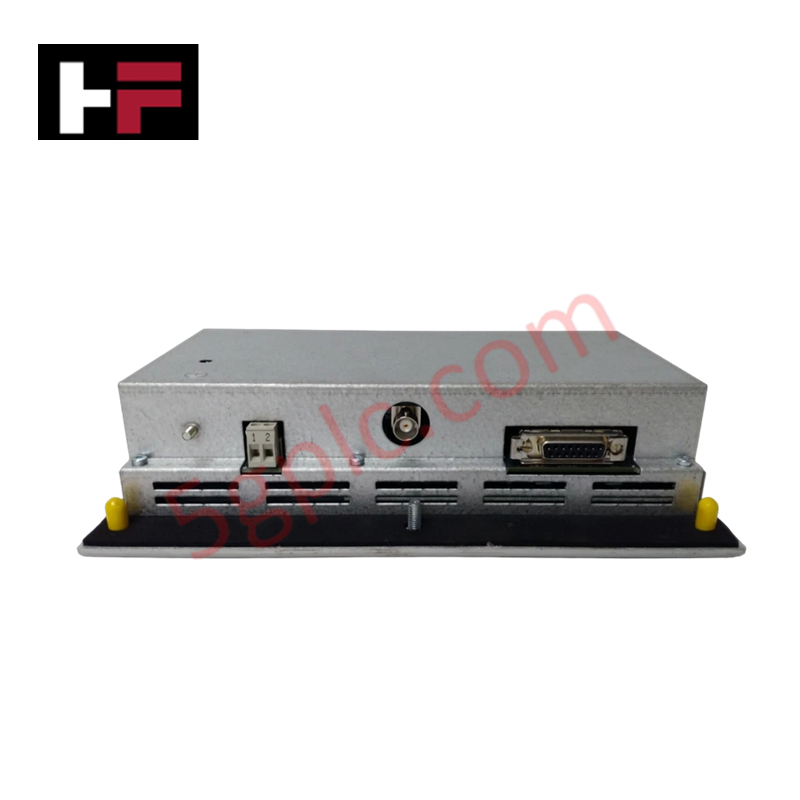
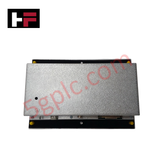
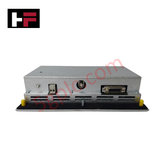
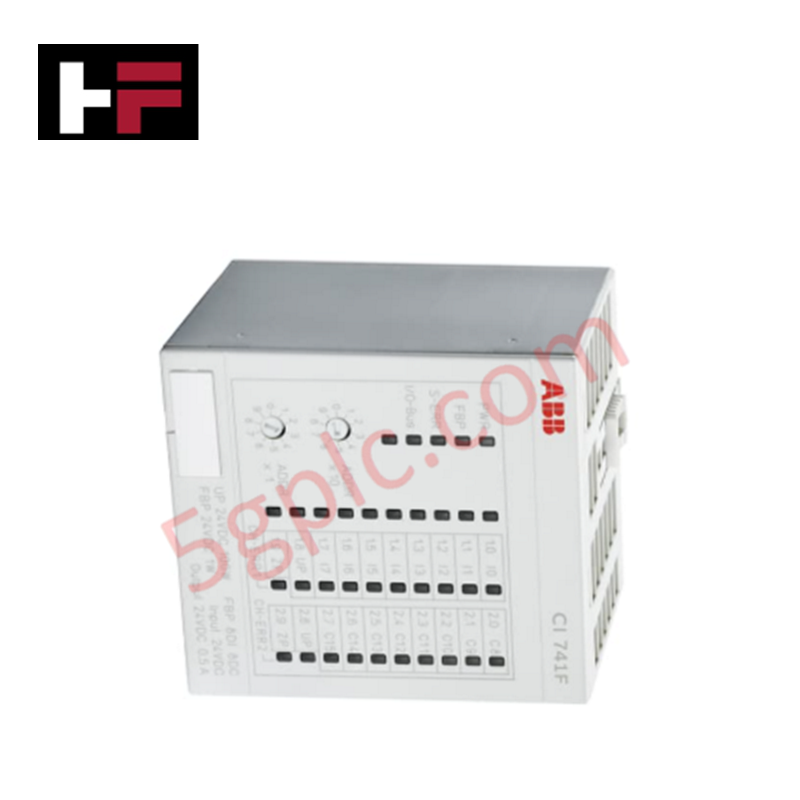
The ABB 3BSE017235R1, also cataloged as the PXAH 401 Operator Unit, serves as the primary PXAH 401 Operator Unit utilized to execute industrial force measurement monitoring and interface tasks across Millmate 400 platforms.
Hardware Specifications
| Parameter | Specification |
|---|---|
| Model | PXAH 401 (Product ID: 3BSE017235R1) |
| Brand | ABB |
| Origin | Sweden |
| Weight | 1.3 kg |
| Dimensions | Standard housing layout matching 2.3 dm3 gross volume package profile |
| Operating Temp | 0 to +50 deg C (Standard industrial baseline) |
| Power Consumption | System processing and display matrix execution dependent |
| Exchange Part Number | EXC3BSE017235R1 |
| Mounting Bracket P/N | 3BSE017172R1 |
| Customs Tariff Number | 85389091 |
| WEEE Category | Product Not in WEEE Scope |
Profinet / EtherNet/IP Deterministic Networks and Interface Synchronization
The processing architecture embedded within the hardware interface manages discrete display refreshing and register pooling cycles without diminishing host backplane bus communication velocity. The electronic sub-assembly routes synchronized process variables matching master controller clock vectors, which prevents communication jitter when operating adjacent to high-speed Profinet / EtherNet/IP deterministic networks. Serial data frames and bus translation blocks retain absolute firmware flash compatibility with legacy and current Millmate processing controllers, preserving I/O density scaling options across the entire physical terminal group.
Frequently Asked Questions
Q: What are the installation requirements regarding physical mounting and structural support for this 1.3 kg unit?
A: The operator unit requires standard mechanical stabilization. The manufacturer specifies compatibility with the dedicated external mounting bracket under part number 3BSE017172R1 to secure the chassis against continuous plant floor vibration.
Q: Can this unit be serviced via a hot-swap framework while active force-measurement loops are tracking data?
A: No. Disconnecting the interface cable assembly during active processing can interrupt internal bus termination, leading to data packet faults and unexpected control loop execution drops on the master controller.
Q: How is the firmware flash compatibility verified for a field replacement unit?
A: The PXAH 401 maps standard system registers to the host Millmate 400 controller. Firmware baseline parity is handled during initial rack indexing and power-on initialization sequences through the master system configuration tools.
Field Installation Guidelines
- Mounting Configuration: Affix the unit securely using the designated 3BSE017172R1 mounting bracket. Verify all structural fasteners are tensioned uniformly to maintain physical alignment.
- Grounding Regulations: Establish a low-impedance connection between the operator unit chassis and the common cabinet earth ground bar. A dedicated copper grounding strap is necessary to bypass local electromagnetic transients.
- Cable Routing Restrictions: Route the primary communication and power interconnect lines in separate wire trays away from high-current motor leads or AC switching circuits to suppress induced field noise.
- Thermal Management Clearances: Maintain standard peripheral clearances around the enclosure surface to facilitate passive heat dissipation, keeping internal components within the standard operating temperature thresholds.
Additional Information
- 100% Genuine Parts: All products are original and authentic, ensuring reliable industrial performance.
- 30-Day Refund Guarantee: Return any in-stock item within 30 days in original, unopened packaging for a full refund (excluding shipping and fees).
- 12-Month Warranty: Covers defects in materials or workmanship; excludes misuse, normal wear, or unauthorized modifications.
- Worldwide Shipping: We ship via USPS, UPS, FedEx, and DHL. Delivery times vary by country and may be subject to customs or import fees.
- Support & Contact: Technical and warranty assistance is available anytime. Contact us here: Contact.
- Purchase Guidance: Check product specifications and compatibility carefully before ordering to ensure proper application.






Tech & Buying Guide

Demystifying CPU Communication Ports in Siemens PLC Architectures
Industrial automation relies heavily on robust data exchange between devices. Without seamless connectivity, field instruments, network switches, human-machine interfaces, and programmable logic controllers cannot coordinate effectively. Therefore, understanding the various CPU communication ports available in Siemens hardware ensures efficient factory automation design and seamless system integration.

Mastering the Siemens PLC Scan Cycle: How the CPU Executes Automation Programs
Industrial automation relies heavily on programmable logic controllers (PLCs) to manage complex manufacturing processes. Many engineers dive straight into programming without mastering the underlying architecture. However, understanding how a PLC CPU executes a program ensures reliable system design. Therefore, mastering the scan cycle optimizes both performance and troubleshooting in modern control systems.

How to Connect to Siemens S7 PLCs: 5 Essential Communication Methods
Establishing a reliable hardware link between a programming terminal and a Siemens SIMATIC controller is essential for engineering workflows. Field engineers rely on distinct physical layers, ranging from legacy serial connections to high-speed Industrial Ethernet protocols. Modern factory automation environments prioritize fast data transfer and seamless driver integration. Selecting the correct connection method simplifies program downloads, online monitoring, and system troubleshooting in complex control systems.