










Product Details
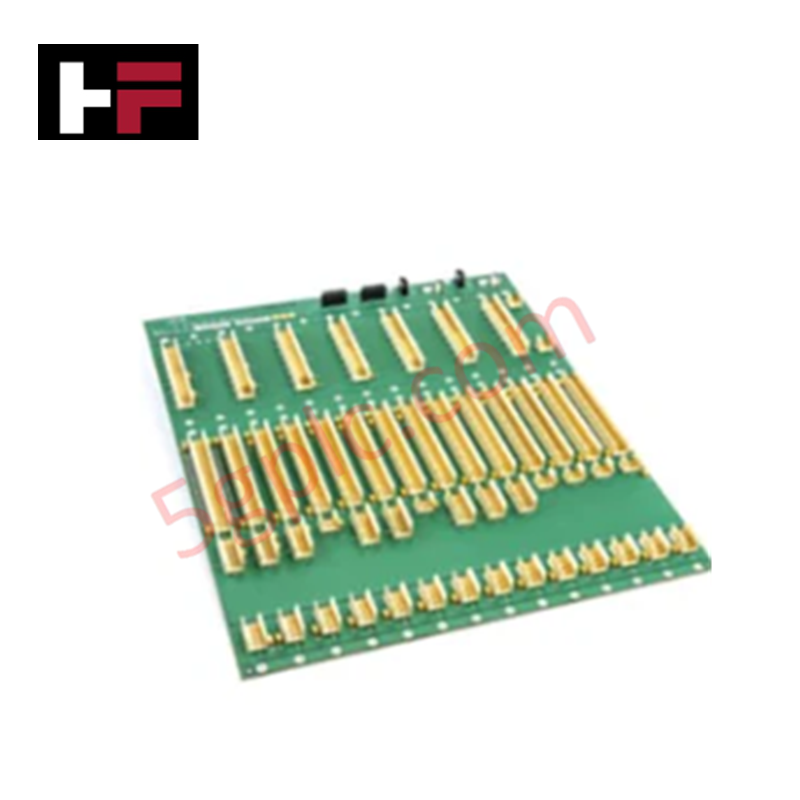
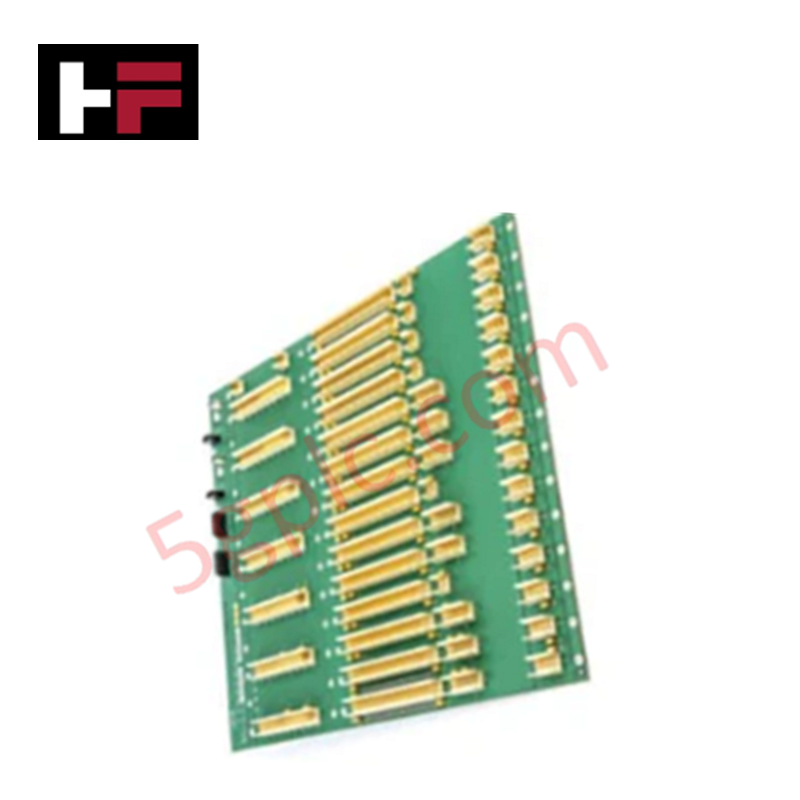
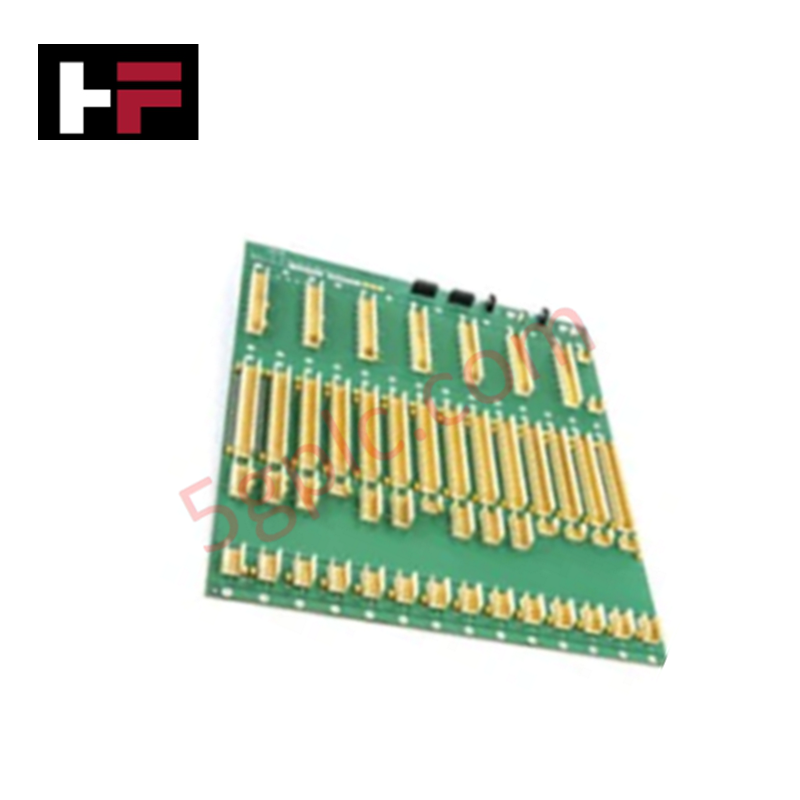
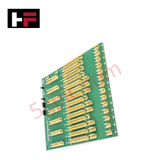
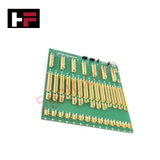
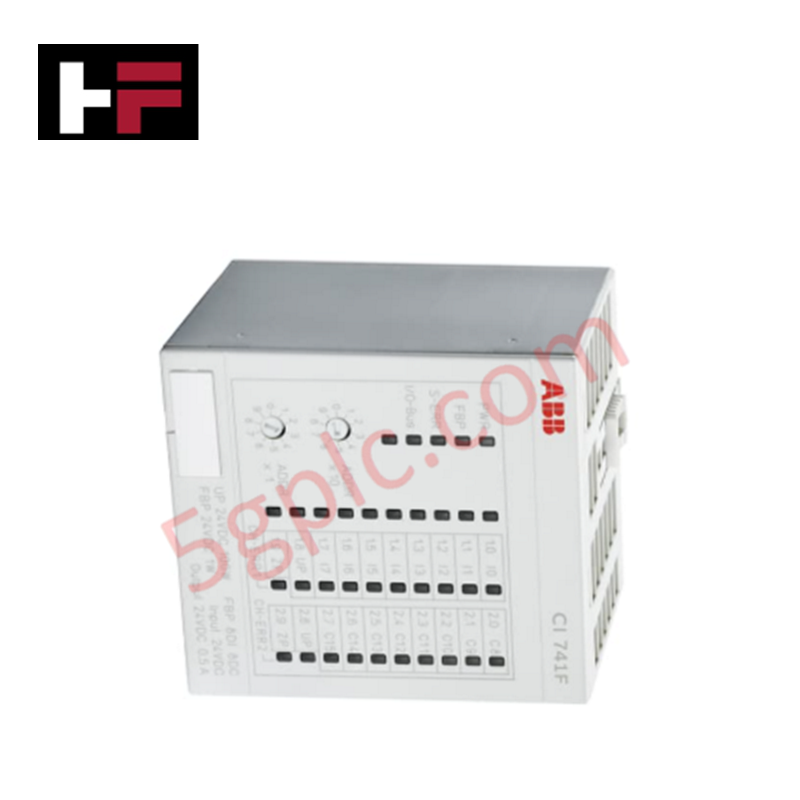
The ABB BB512 3BUR980001R0001 serves as the primary BB512 Bus Backplane utilized to execute physical module mounting and signal interconnection across S800 I/O platforms.
Hardware Specifications
| Parameter | Specification |
|---|---|
| Model | BB512 (Product ID: 3BUR980001R0001) |
| Brand | ABB |
| Origin | Sweden |
| Weight | 2.93 kg |
| Dimensions | Standard 18SU rack form factor |
| Operating Temp | 0 to +55 deg C (Standard baseline parameters) |
| Power Consumption | Passive electrical bus routing distribution matrix |
| Product Type | Control System Accessories |
| Capacity Allocation | 18 Submodule Units (18SU) |
| Environmental Scope | Product Not in WEEE Scope |
Profinet / EtherNet/IP Deterministic Networks and I/O Density Scaling
The internal structural trace alignment of the BB512 backplane is configured to extend the local ModuleBus backbone cluster. By maintaining fixed electrical trace impedance across all 18SU physical slot assignments, the infrastructure prevents signal attenuation and preserves backplane bus communication velocity during peak I/O scanning sequences. When linked to parent field communication interfaces running on Profinet / EtherNet/IP deterministic networks, the hardware routes parallel discrete and analog registers synchronously. This setup ensures direct firmware flash compatibility for all inserted S800 I/O modules, supporting expanded multi-channel I/O density scaling inside the termination cabinet.
Frequently Asked Questions
Q: Does the BB512 backplane matrix support the live hot-swap insertion of active I/O modules?
A: Yes. The mechanical and electrical contact design of the 18SU slots permits individual S800 I/O modules to be hot-swapped while the backplane is powered. However, the master Field Communication Interface (FCI) module or the underlying backplane segment base cannot be unmounted while active logic loops are processing.
Q: What are the passive power consumption boundaries of this backplane assembly?
A: The BB512 operates as a passive electrical bus distribution board containing no onboard microprocessors or active switching logic. It draws 0 W internally; its total current load is defined by the cumulative power draw of the individual I/O modules inserted into the 18SU slots.
Q: How is backplane bus communication velocity continuity ensured when interconnecting multiple assemblies?
A: The board uses dedicated side-mounted ribbon connector ports to link adjacent backplane segments. These connections maintain continuous internal bus termination parameters across extended cluster footprints to limit signal reflection errors.
Field Installation Guidelines
- Enclosure Mechanical Realignment: Mount the backplane housing firmly to the internal cabinet structural frame or mounting plates using heavy-duty industrial fasteners. The 2.93 kg net mass must be rigidly braced to neutralize operational floor vibrations.
- Low-Impedance Frame Earthing: Confirm that the integrated metallic grounding plates on the rear of the backplane maintain clear contact with the common cabinet copper earth busbar. Proper grounding is necessary to divert high-frequency electrostatic noise.
- Submodule Pin Protection: Align each S800 I/O module vertically with the guide slots before pressing it into the 18SU interface terminal. Inspect the pin block to ensure no contacts are bent during insertion.
- Thermal Ventilation Boundaries: Allow a baseline clearance of 50 mm above and below the backplane structure. This spacing ensures unimpeded convective airflow to keep ambient temperatures within the 0 to +55 deg C operational limit.
Additional Information
- 100% Genuine Parts: All products are original and authentic, ensuring reliable industrial performance.
- 30-Day Refund Guarantee: Return any in-stock item within 30 days in original, unopened packaging for a full refund (excluding shipping and fees).
- 12-Month Warranty: Covers defects in materials or workmanship; excludes misuse, normal wear, or unauthorized modifications.
- Worldwide Shipping: We ship via USPS, UPS, FedEx, and DHL. Delivery times vary by country and may be subject to customs or import fees.
- Support & Contact: Technical and warranty assistance is available anytime. Contact us here: Contact.
- Purchase Guidance: Check product specifications and compatibility carefully before ordering to ensure proper application.






Tech & Buying Guide

Demystifying CPU Communication Ports in Siemens PLC Architectures
Industrial automation relies heavily on robust data exchange between devices. Without seamless connectivity, field instruments, network switches, human-machine interfaces, and programmable logic controllers cannot coordinate effectively. Therefore, understanding the various CPU communication ports available in Siemens hardware ensures efficient factory automation design and seamless system integration.

Mastering the Siemens PLC Scan Cycle: How the CPU Executes Automation Programs
Industrial automation relies heavily on programmable logic controllers (PLCs) to manage complex manufacturing processes. Many engineers dive straight into programming without mastering the underlying architecture. However, understanding how a PLC CPU executes a program ensures reliable system design. Therefore, mastering the scan cycle optimizes both performance and troubleshooting in modern control systems.

How to Connect to Siemens S7 PLCs: 5 Essential Communication Methods
Establishing a reliable hardware link between a programming terminal and a Siemens SIMATIC controller is essential for engineering workflows. Field engineers rely on distinct physical layers, ranging from legacy serial connections to high-speed Industrial Ethernet protocols. Modern factory automation environments prioritize fast data transfer and seamless driver integration. Selecting the correct connection method simplifies program downloads, online monitoring, and system troubleshooting in complex control systems.