










Product Details
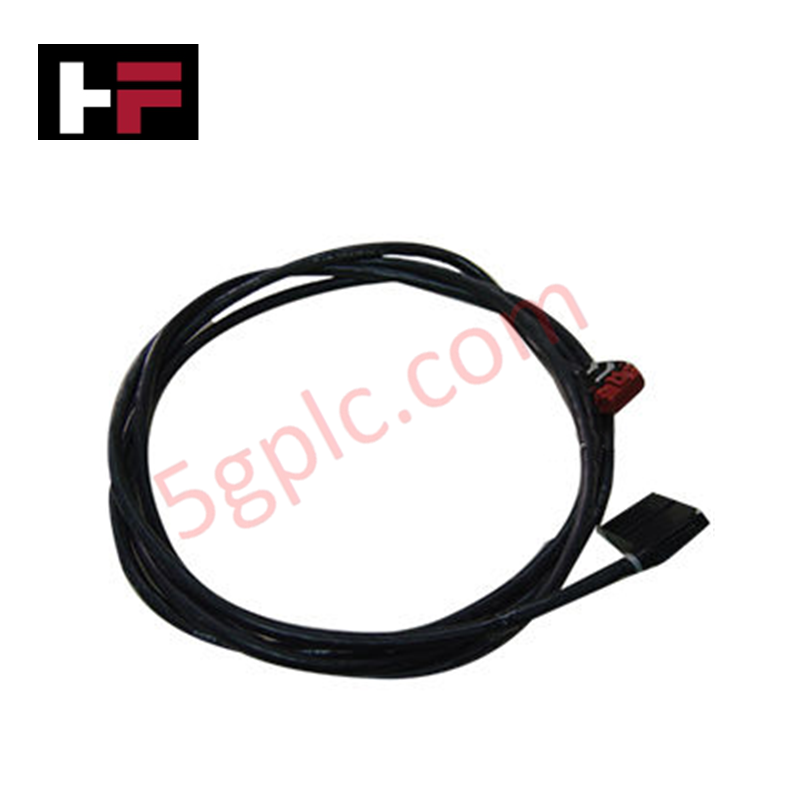
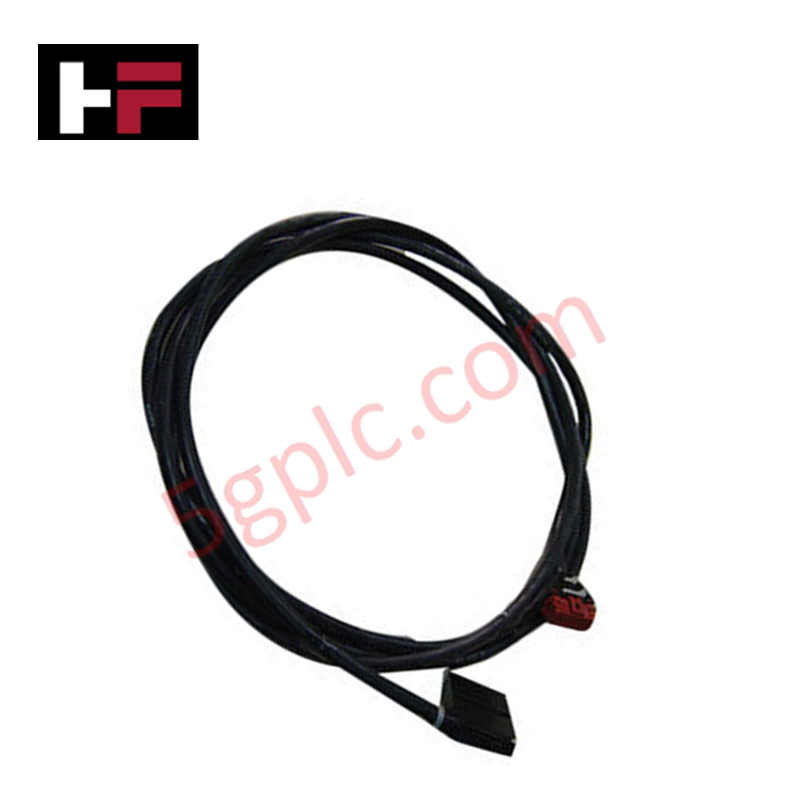
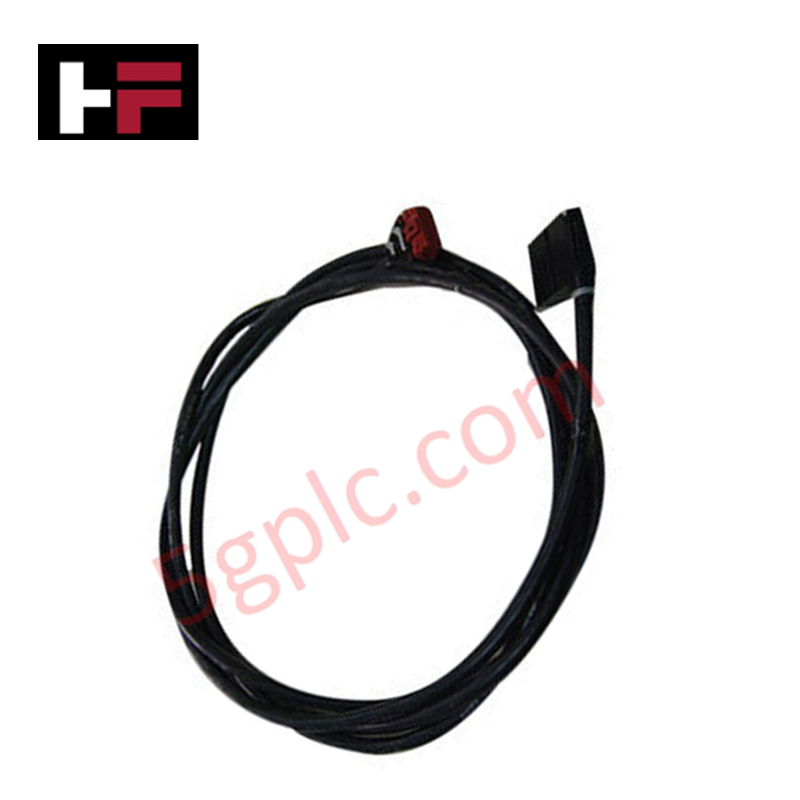
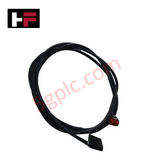
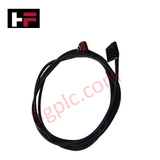
The ABB NKSD01-10, also cataloged as the NKSD01 Prefabricated Cable, serves as the primary NKSD01 Prefabricated Cable utilized to execute Sequence of Events (SOE) data link synchronization across Bailey Infi 90 platforms.
Hardware Specifications
| Parameter | Specification |
|---|---|
| Model | NKSD01-10 |
| Brand | ABB |
| Origin | Canada |
| Weight | 0.38 kg (Standard nominal line assembly calculation mass) |
| Dimensions | 10 ft length profile (Assembly volume: 25.4 mm x 101.6 mm x 25.4 mm) |
| Operating Temp | -20 to +75 deg C (Standard industrial parameters) |
| Power Consumption | Passive conductor loop (0 W internal load) |
| Product Type | Prefabricated Cables |
| Functional Interface | Connects Sequence of Events Device (SED) to NTDI module |
| Cable Diameter | 0.0254 mm (Core baseline indicator structure) |
| Environmental Scope | Product Not in WEEE Scope |
Profinet / EtherNet/IP Deterministic Networks and I/O Density Scaling
The internal core layout of this prefabricated cable provides deterministic physical signal delivery from the Sequence of Events Device (SED) to the NTDI module interface. This signal pathing isolates fast-acting event pulse arrays from structural fluctuations, shielding backplane bus communication velocity indexes from unnecessary interruption during peak scanning windows. When integrated into control networks alongside Profinet / EtherNet/IP deterministic networks, the copper connection preserves microsecond event timing stamps without altering upstream register execution. The low-attenuation construction retains broad firmware flash compatibility across legacy Infi 90 cabinets, allowing clear multi-channel tracking and linear I/O density scaling.
Frequently Asked Questions
Q: Does the NKSD01-10 line configuration support live hot-swap insertion between the SED and NTDI units?
A: No. Connecting or disconnecting the SOE interface cable while terminal nodes are live can introduce electrical transients that corrupt volatile data logs, causing sequence processing disruptions and generating hardware interface diagnostic alerts.
Q: How does the cable design address shielding protection against localized interference fields?
A: The cable utilizes an integrated conductive foil shield layer terminated through the plug housings. This architecture grounds electromagnetic interference directly to the common cabinet rail when the connectors are mated.
Q: Can this 10 ft factory-terminated assembly be spliced or lengthened with industrial terminal blocks?
A: Modifying the factory-molded cable lengths alters line impedance, total loop resistance, and capacitance variables. This degradation lowers terminal filtering margins and compromises high-speed event tracking accuracy.
Field Installation Guidelines
- Terminal Connector Insertion: Secure both terminal ends into the corresponding sockets of the SED and NTDI cards. Engage the physical retaining clips completely to counter trace movement from industrial floor vibrations.
- Minimum Layout Bend Radius: Maintain a minimum structural bend radius of 50 mm along the 10 ft deployment trajectory. Avoid sharp crimping to protect the insulation matrix and internal core lines.
- Isolation from High Voltage: Route the SOE data cable inside dedicated low-voltage wiring pathways. Maintain adequate separation from parallel three-phase AC power cables or variable frequency drive loops to prevent inductive signal distortion.
- Strain Relief Implementation: Clamp both ends of the wire assembly securely within the cabinet architecture to remove any dead mechanical weight or tension from the module terminal connection blocks.
Additional Information
- 100% Genuine Parts: All products are original and authentic, ensuring reliable industrial performance.
- 30-Day Refund Guarantee: Return any in-stock item within 30 days in original, unopened packaging for a full refund (excluding shipping and fees).
- 12-Month Warranty: Covers defects in materials or workmanship; excludes misuse, normal wear, or unauthorized modifications.
- Worldwide Shipping: We ship via USPS, UPS, FedEx, and DHL. Delivery times vary by country and may be subject to customs or import fees.
- Support & Contact: Technical and warranty assistance is available anytime. Contact us here: Contact.
- Purchase Guidance: Check product specifications and compatibility carefully before ordering to ensure proper application.






Tech & Buying Guide

Demystifying CPU Communication Ports in Siemens PLC Architectures
Industrial automation relies heavily on robust data exchange between devices. Without seamless connectivity, field instruments, network switches, human-machine interfaces, and programmable logic controllers cannot coordinate effectively. Therefore, understanding the various CPU communication ports available in Siemens hardware ensures efficient factory automation design and seamless system integration.

Mastering the Siemens PLC Scan Cycle: How the CPU Executes Automation Programs
Industrial automation relies heavily on programmable logic controllers (PLCs) to manage complex manufacturing processes. Many engineers dive straight into programming without mastering the underlying architecture. However, understanding how a PLC CPU executes a program ensures reliable system design. Therefore, mastering the scan cycle optimizes both performance and troubleshooting in modern control systems.

How to Connect to Siemens S7 PLCs: 5 Essential Communication Methods
Establishing a reliable hardware link between a programming terminal and a Siemens SIMATIC controller is essential for engineering workflows. Field engineers rely on distinct physical layers, ranging from legacy serial connections to high-speed Industrial Ethernet protocols. Modern factory automation environments prioritize fast data transfer and seamless driver integration. Selecting the correct connection method simplifies program downloads, online monitoring, and system troubleshooting in complex control systems.