










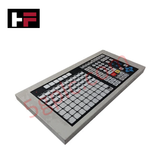
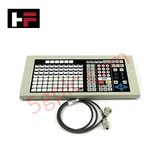
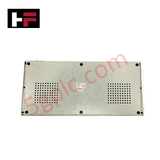
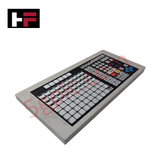
Product Details
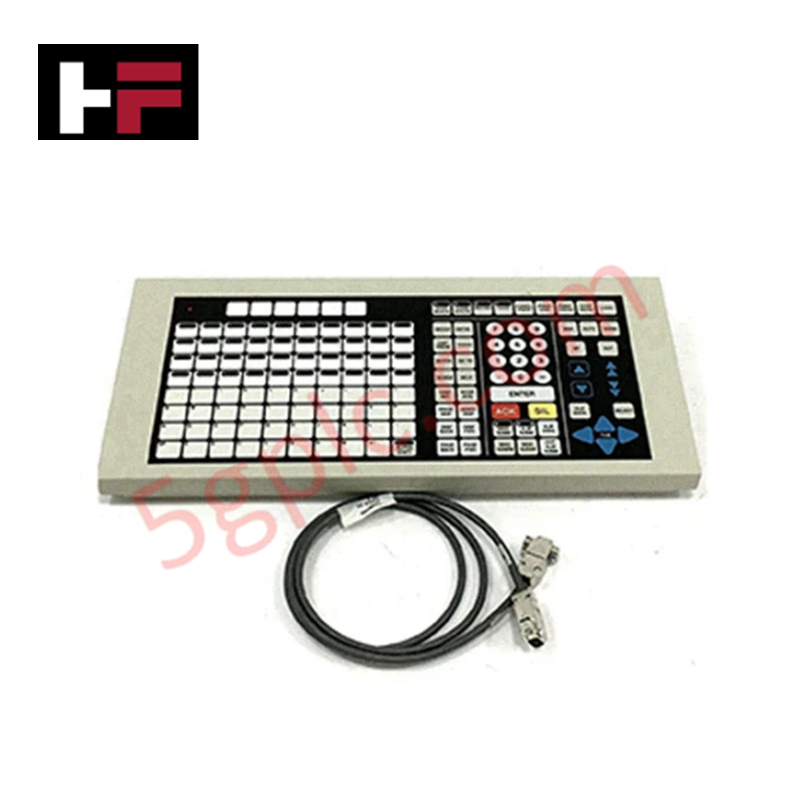
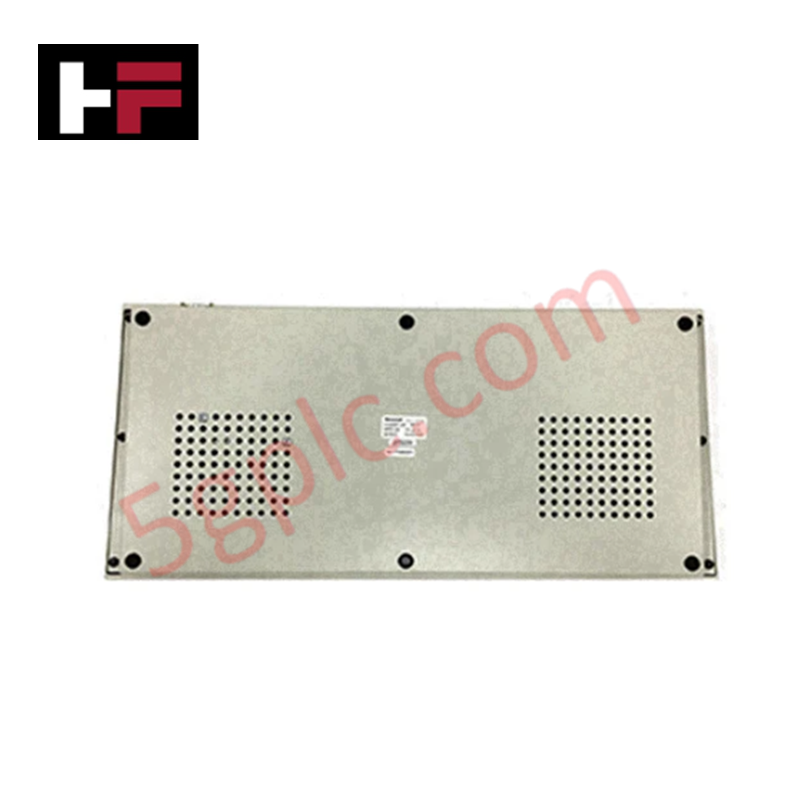
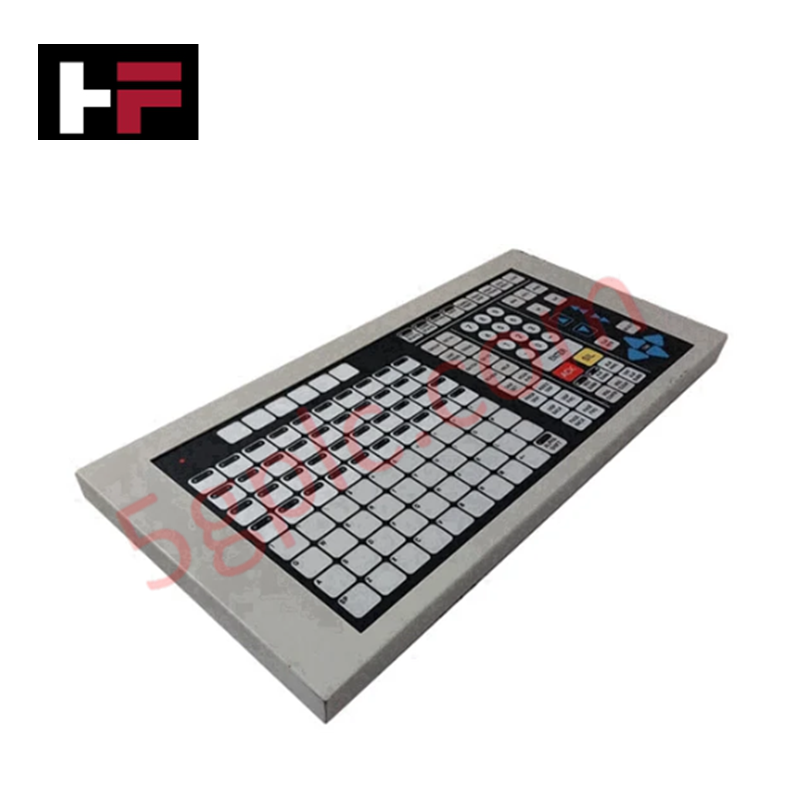
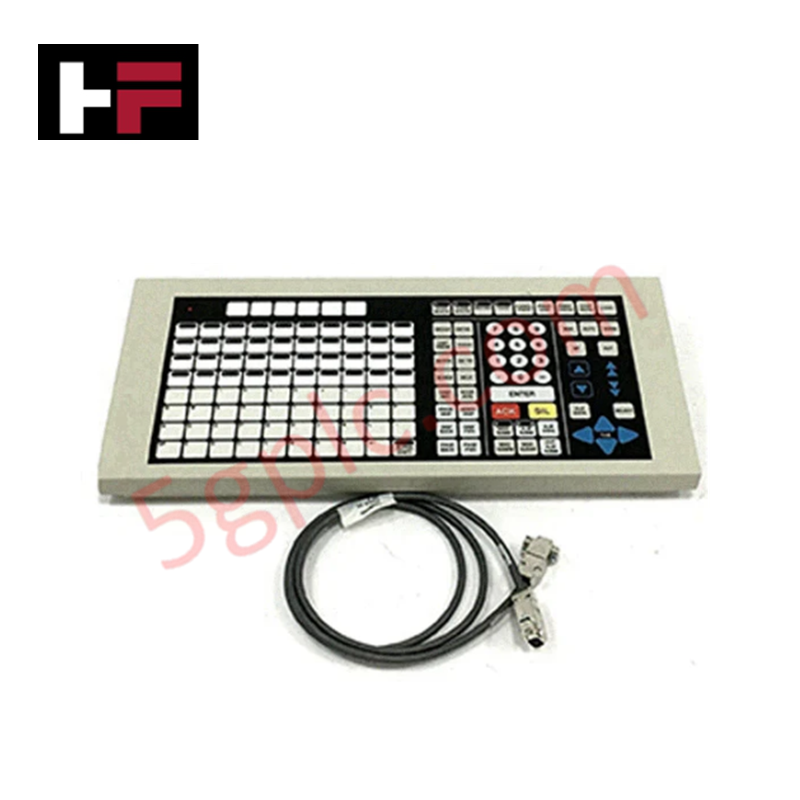
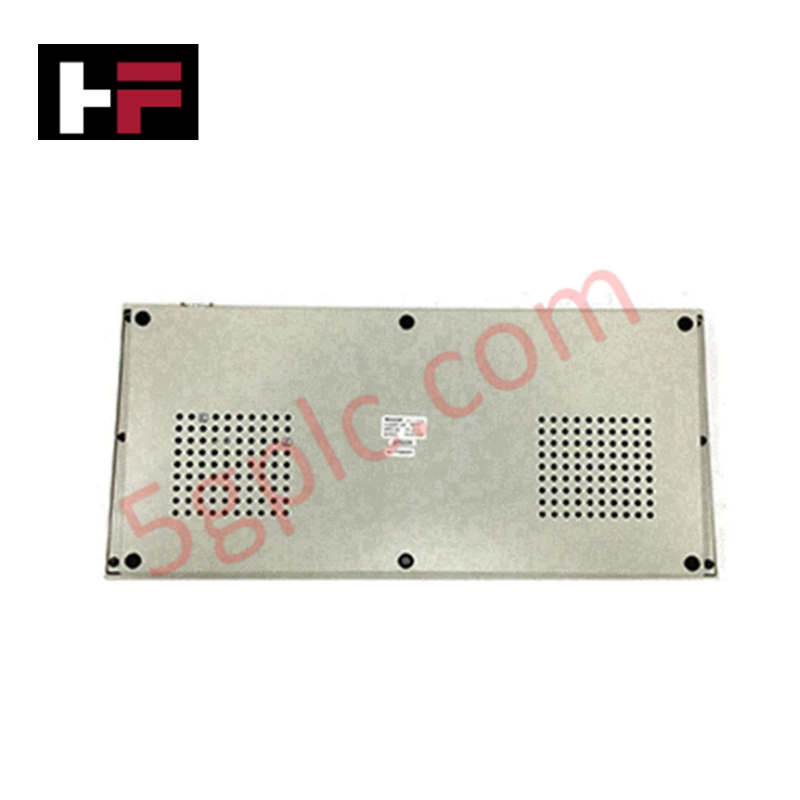
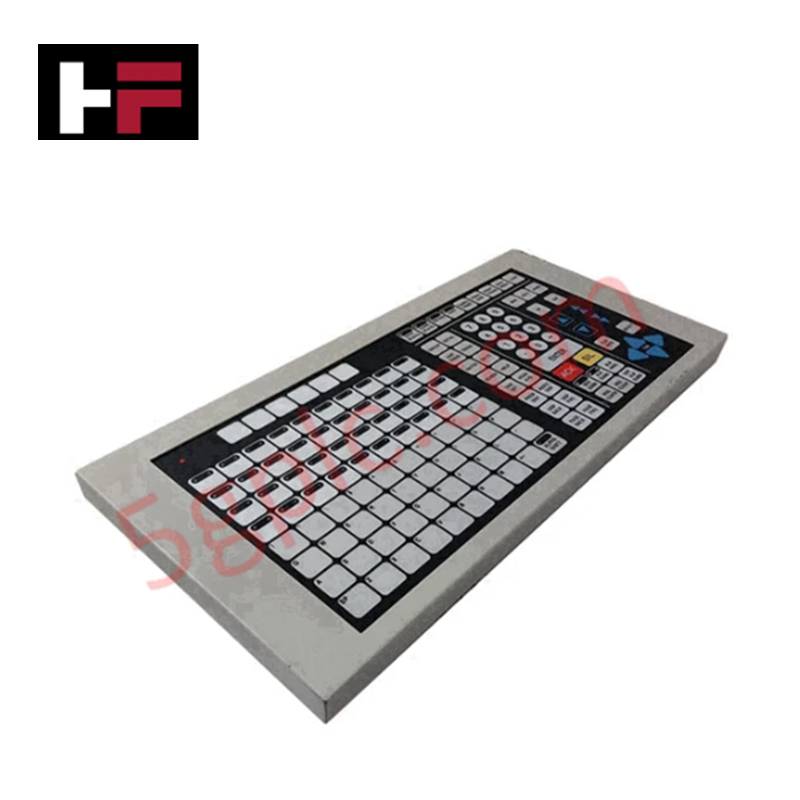
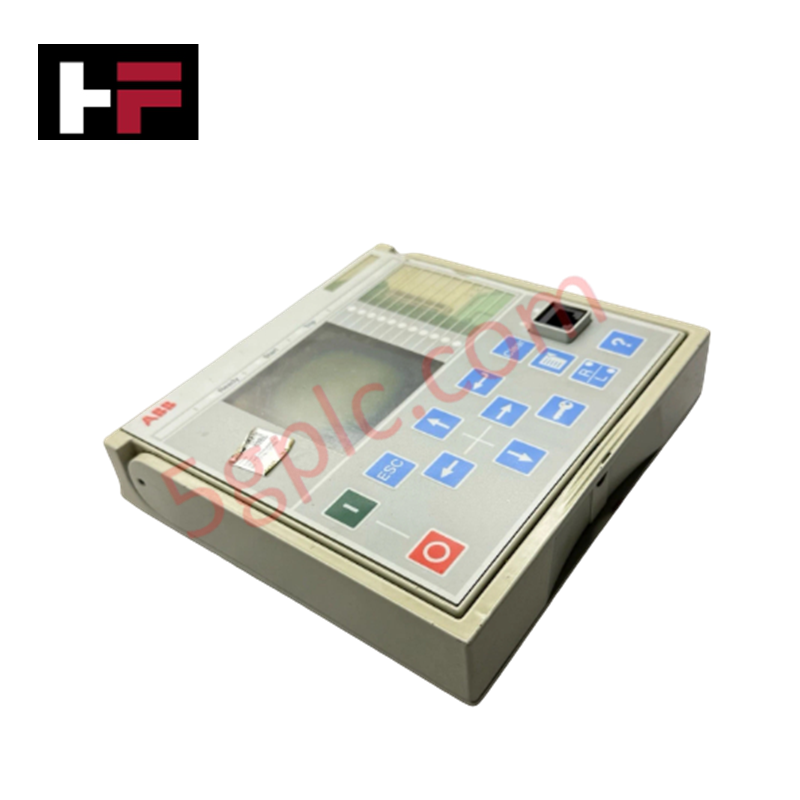
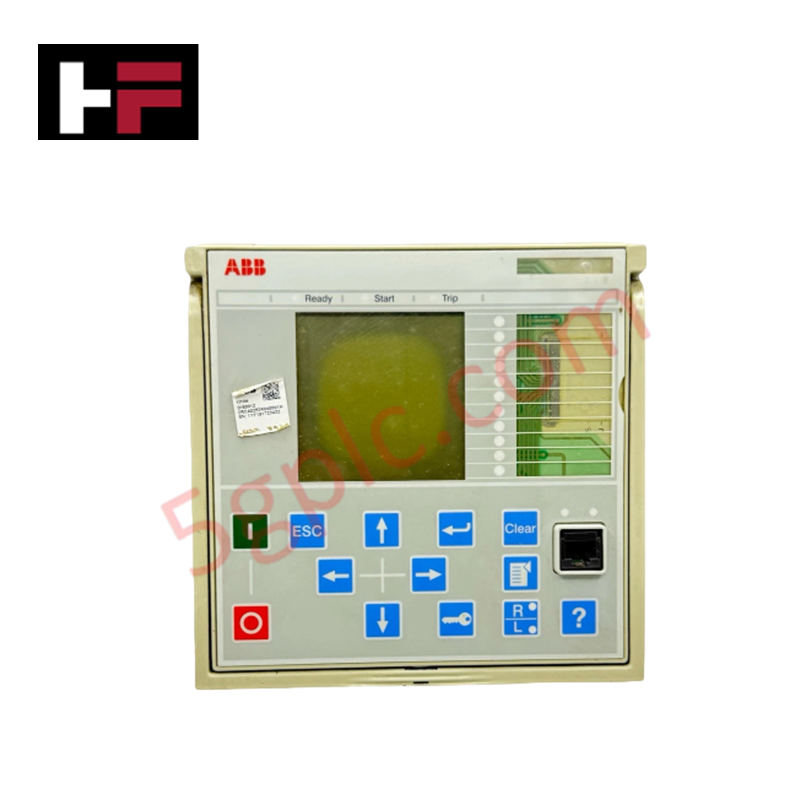
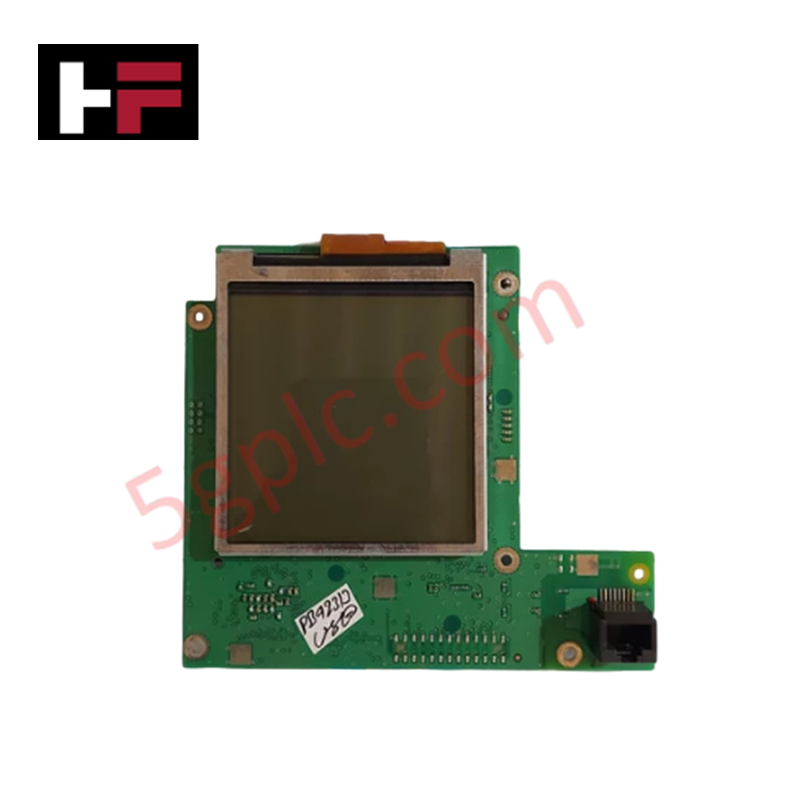
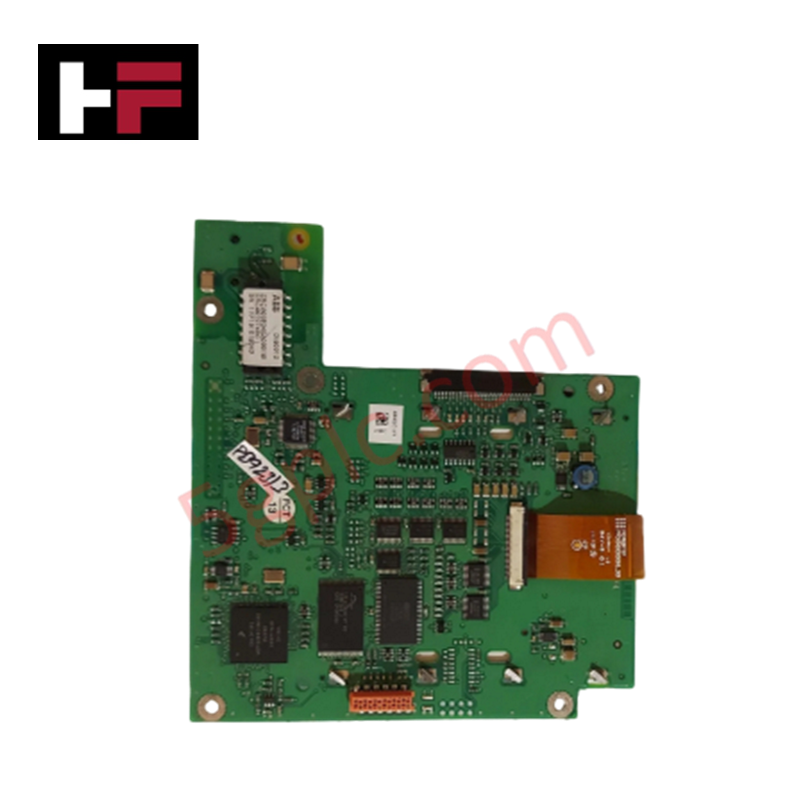
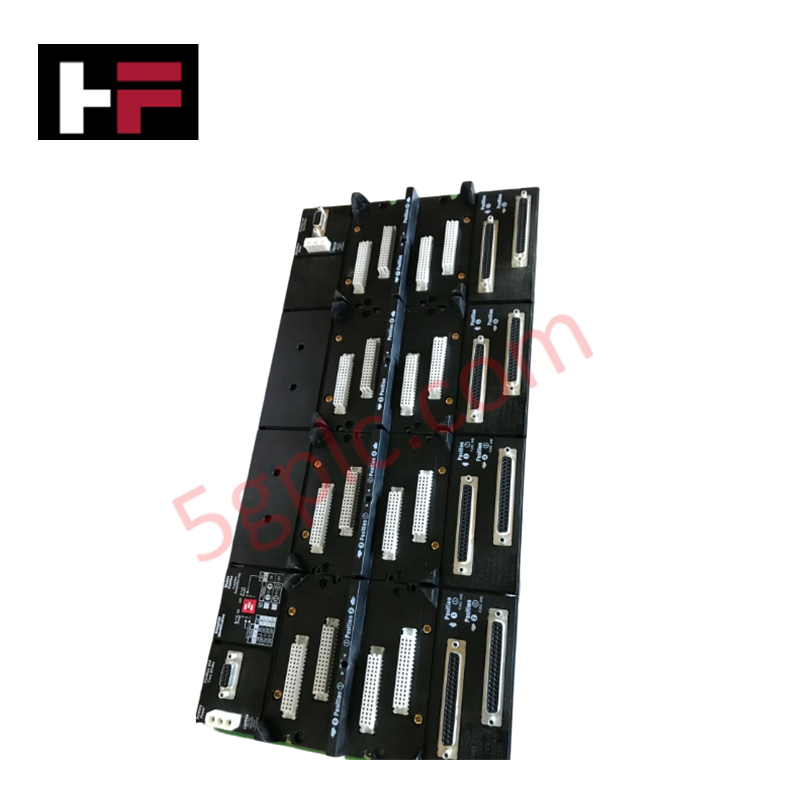
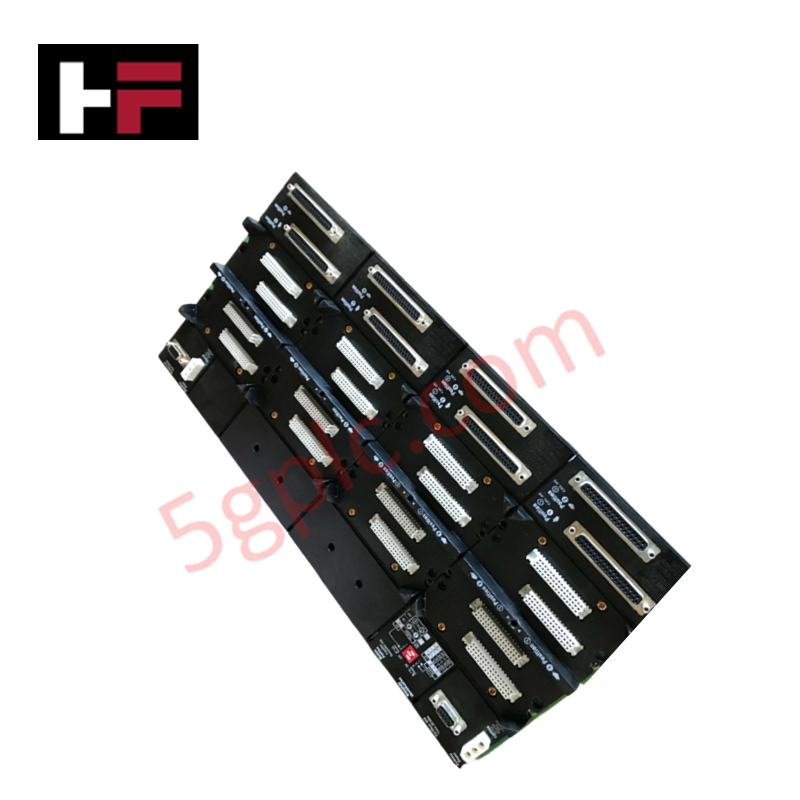
The Honeywell TP-OPADP1-200 51305381-500, also cataloged as the TP-OPADP1-200 Pushbutton Operator Panel, operates as a dedicated hardware component for local manual command execution and physical process override within Honeywell Experion PKS and C300 controller platforms. It processes discrete operator inputs to send immediate signal interrupts and parameters to connected process logic engines.
Hardware Specifications
| Parameter | Specification |
|---|---|
| Model | TP-OPADP1-200 51305381-500 |
| Brand | Honeywell |
| Origin | USA |
| Weight | 2 kg |
| Dimensions | Standard Control Panel Slot |
| Operating Temp | 0 deg C to 60 deg C |
| Power Consumption | 10 W |
| Product Type | Pushbutton Operator Panel |
| Interface Compatibility | Honeywell C300 Controller / Experion PKS |
| Indication | Integrated LED Status Feedback |
Channel Isolation and Loop Protocol Response
The Honeywell TP-OPADP1-200 51305381-500 incorporates channel-to-channel isolation on digital signal lines to isolate manual input loops from internal bus transients. Active status monitoring via integrated low-power LED circuitry operates across dedicated feedback loops, delivering visual verification of contact engagement without corrupting process network bus communication. The architecture limits galvanic crosstalk between adjacent pushbutton channels during simultaneous actuation events.
Frequently Asked Questions
Q: How does the panel maintain signal integrity across C300 system interfaces?
A: The digital contact circuits utilize isolated terminal routing that prevents high-voltage transient spikes from propagating down the C300 backplane bus during physical switch transitions.
Q: Are the internal contact blocks hot-swappable during active controller operations?
A: Physical maintenance requires de-energizing the local power distribution circuit or placing the associated C300 loop into a safe hold state to avoid unintended discrete state changes.
Q: What grounding procedure prevents static discharge from affecting the LED circuits?
A: Grounding requires attaching a dedicated copper conductor from the panel chassis grounding stud to the main cabinet protective earth bar with an impedance under 1 Ohm.
Field Installation Guidelines
- Mount the panel into the cabinet cutout using standard DIN-standard panel clamps to maintain structural alignment.
- Connect protective earth wiring to the ground lug before terminating signal or control conductors.
- Route digital input wires away from high-voltage AC lines to eliminate electromagnetic coupling on control circuits.
- Verify all wiring terminal screws are torqued according to control cabinet installation standards.
- Confirm power bus polarity before applying local supply voltage to the LED feedback loop.
Additional Information
- 100% Genuine Parts: All products are original and authentic, ensuring reliable industrial performance.
- 30-Day Refund Guarantee: Return any in-stock item within 30 days in original, unopened packaging for a full refund (excluding shipping and fees).
- 12-Month Warranty: Covers defects in materials or workmanship; excludes misuse, normal wear, or unauthorized modifications.
- Worldwide Shipping: We ship via USPS, UPS, FedEx, and DHL. Delivery times vary by country and may be subject to customs or import fees.
- Support & Contact: Technical and warranty assistance is available anytime. Contact us here: Contact.
- Purchase Guidance: Check product specifications and compatibility carefully before ordering to ensure proper application.




Tech & Buying Guide

Static UPS vs. Rotary UPS: Technical Evaluation for Industrial Automation

Comprehensive Guide to Noise Types in Industrial Automation and Electronics

Mitigating Emergency Stop Spurious Trips in Industrial Control Systems
Emergency stop (E-Stop) pushbuttons serve as vital safety devices in factory automation and process control plants. Functional safety standards mandate normally-closed (NC) contact blocks to ensure fail-safe operation during wiring breaks or power outages. However, mechanical degradation over time can trigger unexpected spurious trips, halting production lines without an actual emergency. Understanding the underlying causes of mechanical contact failure allows automation engineers to implement robust, fault-tolerant safety circuits.