










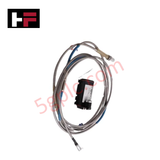
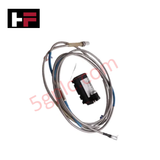
Product Details
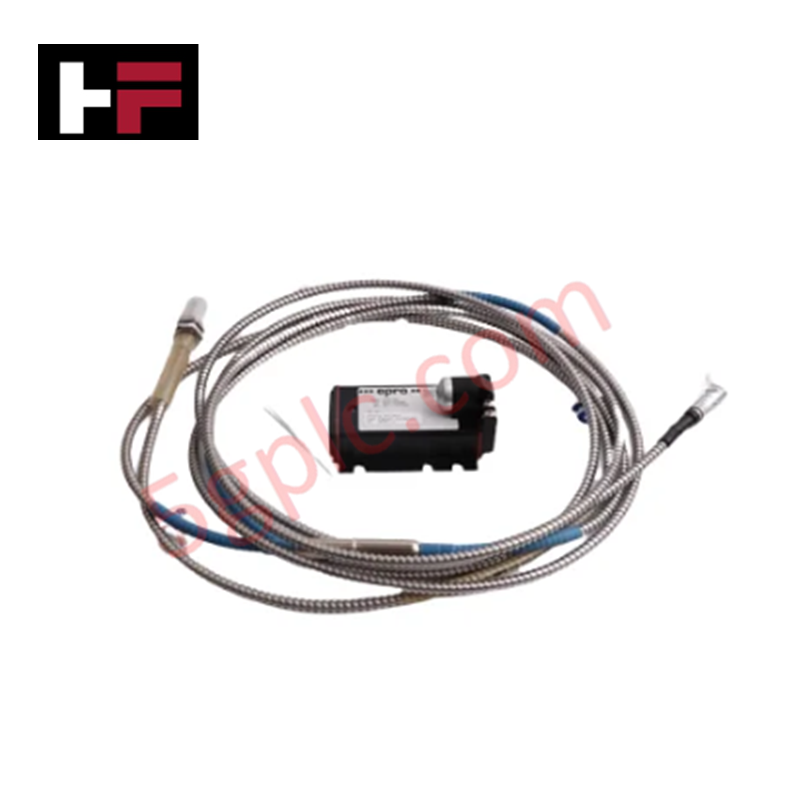
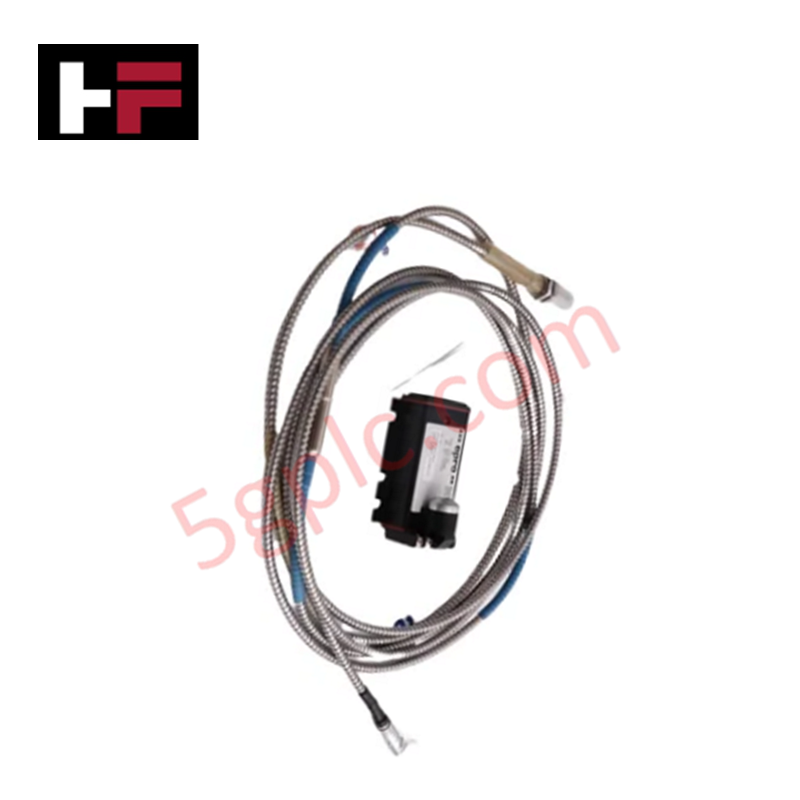
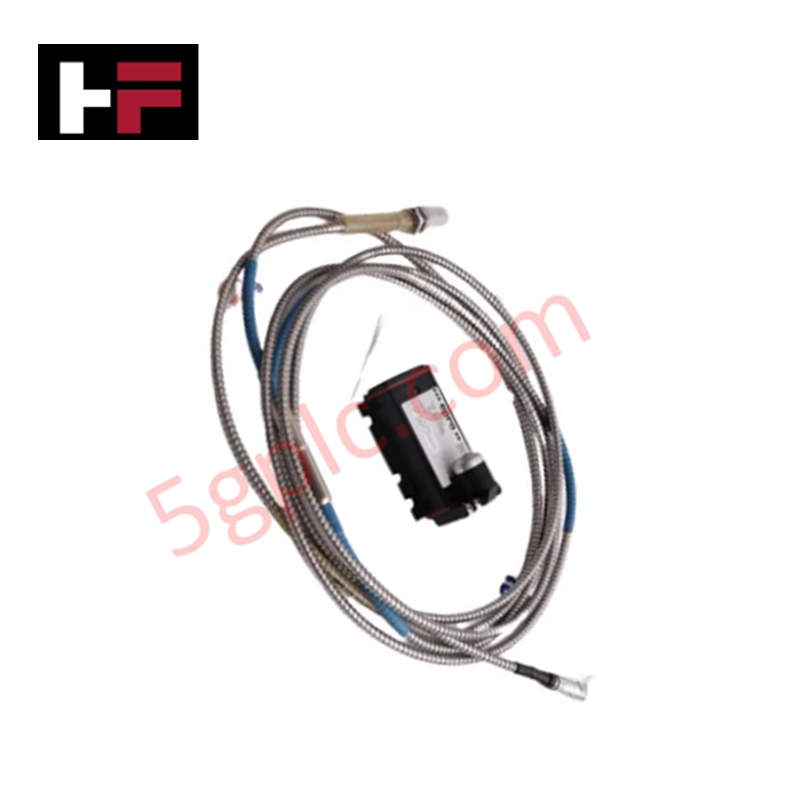
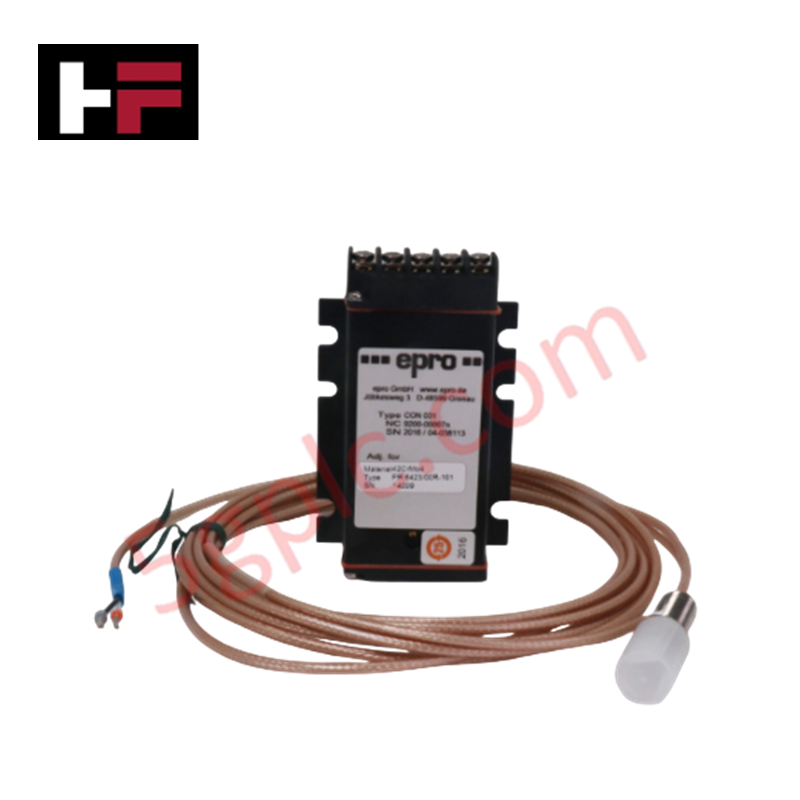
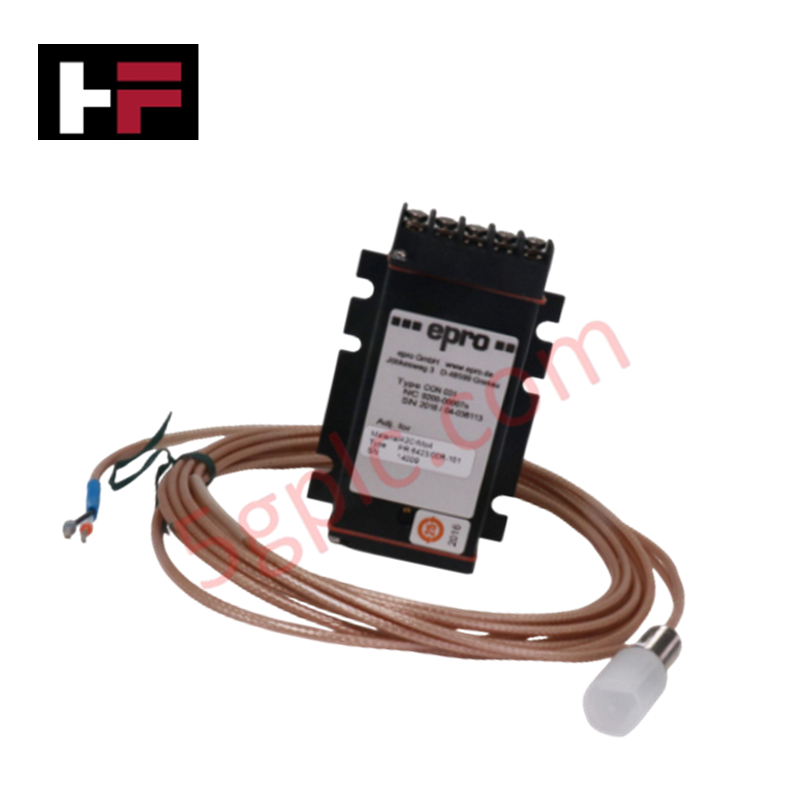
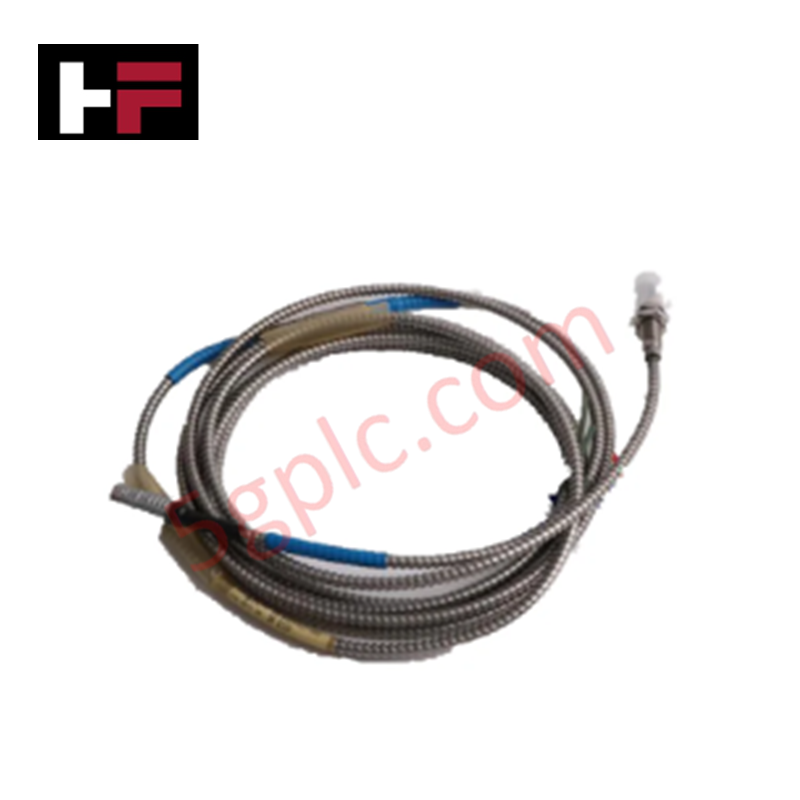
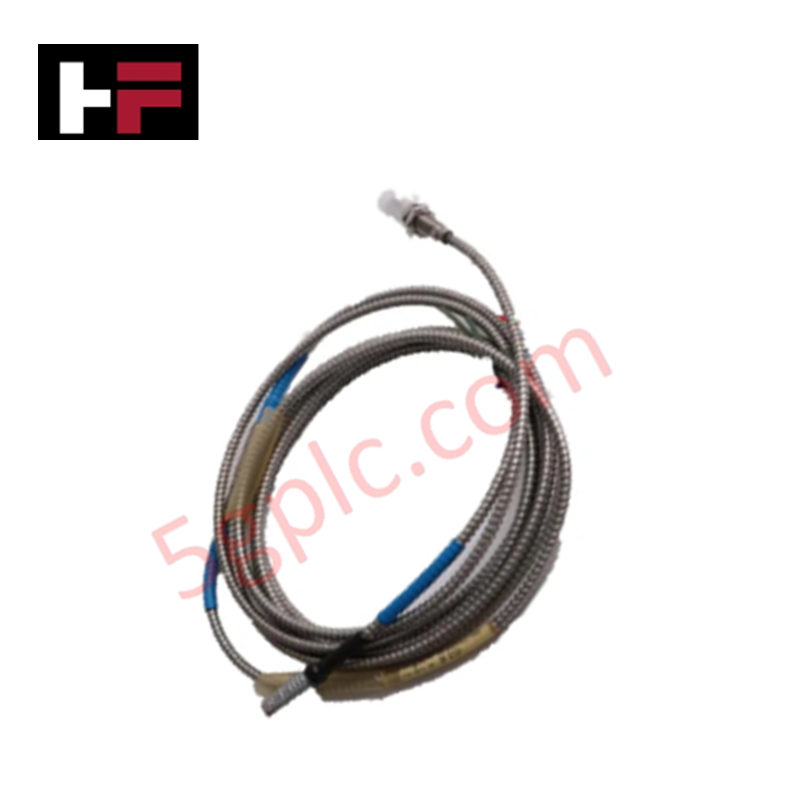
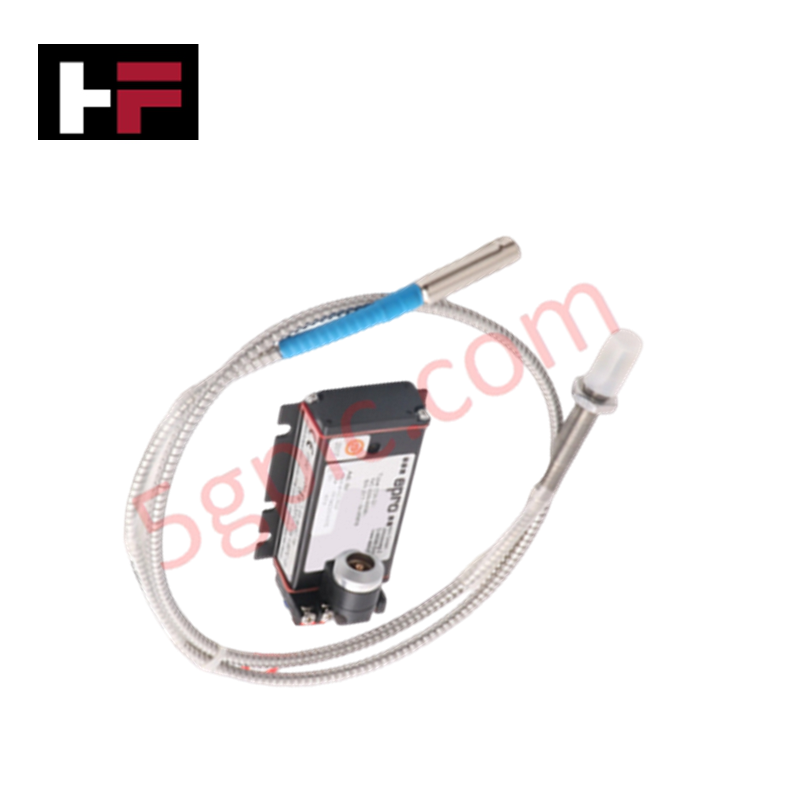
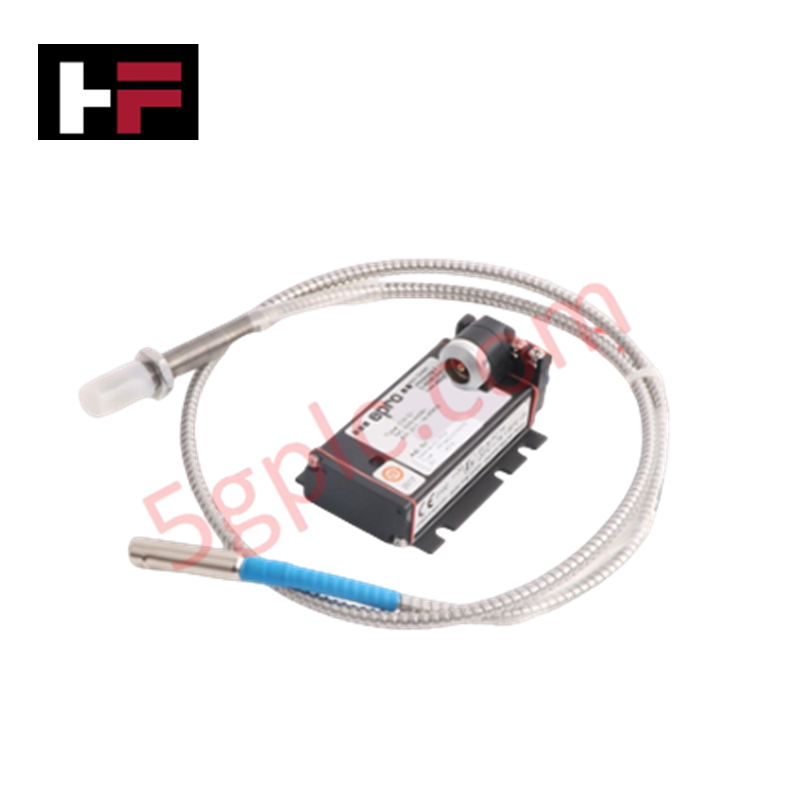
Configured for precision mechanical monitoring in rotating machinery, the Emerson CON010 + PR6423/010-120 (CON010 + PR6423/010-120 Eddy Current Sensor) provides direct physical electrical execution for shaft displacement and vibration measurement. The solution integrates the CON010 sensor module with the PR6423/010-120 proximity probe to interface with Emerson EPRO monitoring platforms, facilitating real-time acquisition of dynamic shaft movement.
Hardware Specifications
| Parameter | Specification |
|---|---|
| Model | CON010 + PR6423/010-120 |
| Brand | Emerson |
| Origin | USA |
| Weight | Not Specified |
| Dimensions | 21 cm x 20 cm x 3 cm |
| Operating Temp | -40 to 70 deg C |
| Power Consumption | 24 VDC nominal |
| Probe Length | 120 mm |
Eddy-Current Probe Scaling and Rotor Dynamics
The CON010 sensor module utilizes precise eddy-current probe scaling to translate electromagnetic induction changes into linear voltage signals corresponding to shaft gap distance. This process is required for accurate analysis of rotor dynamics, including radial vibration and axial position monitoring. The signal conditioning circuitry includes cross-talk suppression logic to maintain measurement integrity when multiple probes are installed in close proximity on a machine train. Operators must ensure proper gap voltage validation against the -10 VDC target range to maintain linearity within the transducer's dynamic operating range.
Frequently Asked Questions (FAQ)
Q: What is the recommended procedure for verifying the transducer gap voltage?
A: During static conditions, adjust the probe mounting position until the output voltage reaches the nominal -10 VDC setpoint. This ensures the probe is operating in the linear region of its characteristic curve for both positive and negative shaft excursion.
Q: Is this sensor system compatible with non-conductive shaft materials?
A: Eddy current sensors require a conductive target. Measurement accuracy is dependent on the target material's electrical conductivity and magnetic permeability. Consult the probe calibration data for the specific material characteristics of the observed shaft.
Field Installation Guidelines
- Ensure the mounting bracket is rigid to prevent mechanical resonances from introducing measurement errors.
- Verify that the probe tip is installed perpendicular to the shaft surface to maintain consistent signal response across the entire dynamic range.
- Utilize shielded coaxial cabling between the probe and the CON010 module, and ensure the shield is bonded at the monitoring rack end to prevent ground loops.
- Avoid routing probe signal cables in close proximity to high-current power cables or variable frequency drive (VFD) output leads to minimize electromagnetic interference (EMI).
- Perform a static calibration check after installation to confirm that the gap voltage output matches the manufacturer-specified baseline for the installation clearance.
Additional Information
- 100% Genuine Parts: All products are original and authentic, ensuring reliable industrial performance.
- 30-Day Refund Guarantee: Return any in-stock item within 30 days in original, unopened packaging for a full refund (excluding shipping and fees).
- 12-Month Warranty: Covers defects in materials or workmanship; excludes misuse, normal wear, or unauthorized modifications.
- Worldwide Shipping: We ship via USPS, UPS, FedEx, and DHL. Delivery times vary by country and may be subject to customs or import fees.
- Support & Contact: Technical and warranty assistance is available anytime. Contact us here: Contact.
- Purchase Guidance: Check product specifications and compatibility carefully before ordering to ensure proper application.




Tech & Buying Guide

Why Programmable Logic Controllers Drop into Stop Mode: An Expert Analysis
Industrial automation systems rely heavily on Programmable Logic Controllers (PLCs) to maintain uninterrupted production. When a PLC unexpectedly shifts from Run to Stop mode, whole manufacturing lines stall.
As control systems evolve across modern factory automation, understanding the root causes of these interruptions helps engineers minimize costly downtime. This technical guide breaks down why PLCs trip into Stop mode and provides practical strategies to mitigate system faults.

Understanding Root Causes of Unplanned PLC Stop Mode in Industrial Automation
Modern Programmable Logic Controllers manage execution through distinct operational states: Run, Stop, Start-Up, and Hold. During power-up, a controller initializes memory registers within Stop mode before briefly transitioning to Start-Up mode. During this phase, internal self-diagnostics evaluate system integrity across hardware and user programs. If the controller detects no critical faults, it enters Run mode to execute the control program continuously. However, any severe system anomaly forces the CPU back into Stop mode immediately to prevent erratic machine behavior across the plant floor.

Human-Machine Interface Design: Essential Guide to HMI Selection, Visualization, and Control System Integration
Human-Machine Interfaces (HMIs) serve as the primary operational window into complex industrial automation systems. Modern HMIs convert raw machine data into clear graphical displays, enabling operators to oversee entire manufacturing processes in real time. Instead of relying on physical control panels full of hardwired switches, engineers program interactive screens using intuitive graphics, dynamic color coding, and responsive touch interfaces. Over my 15 years in control systems engineering, I have observed HMIs transform from basic display screens into sophisticated command centers that drive operational efficiency across DCS and PLC environments.