










Product Details
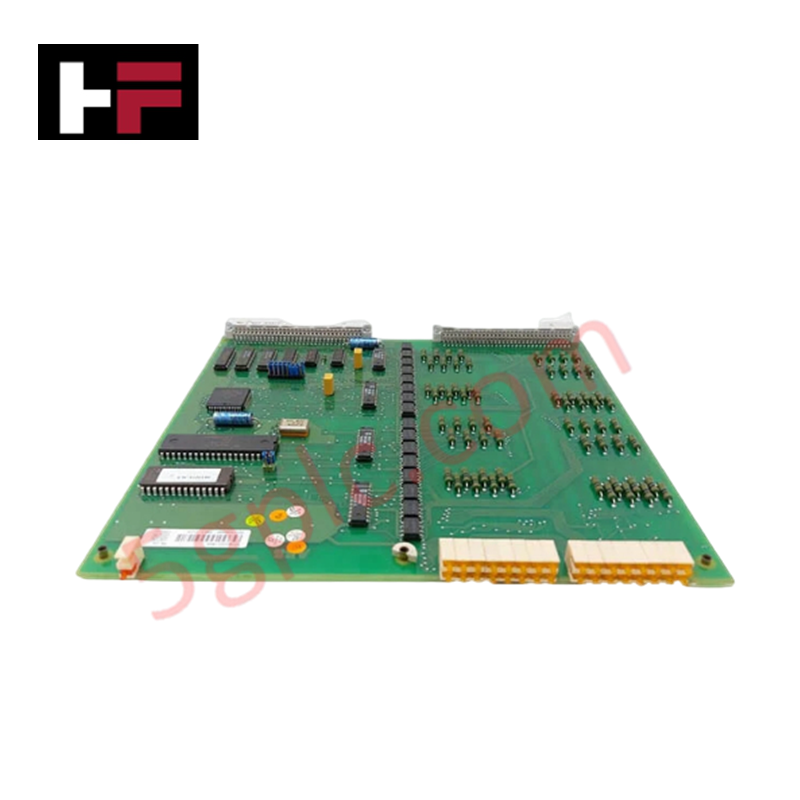
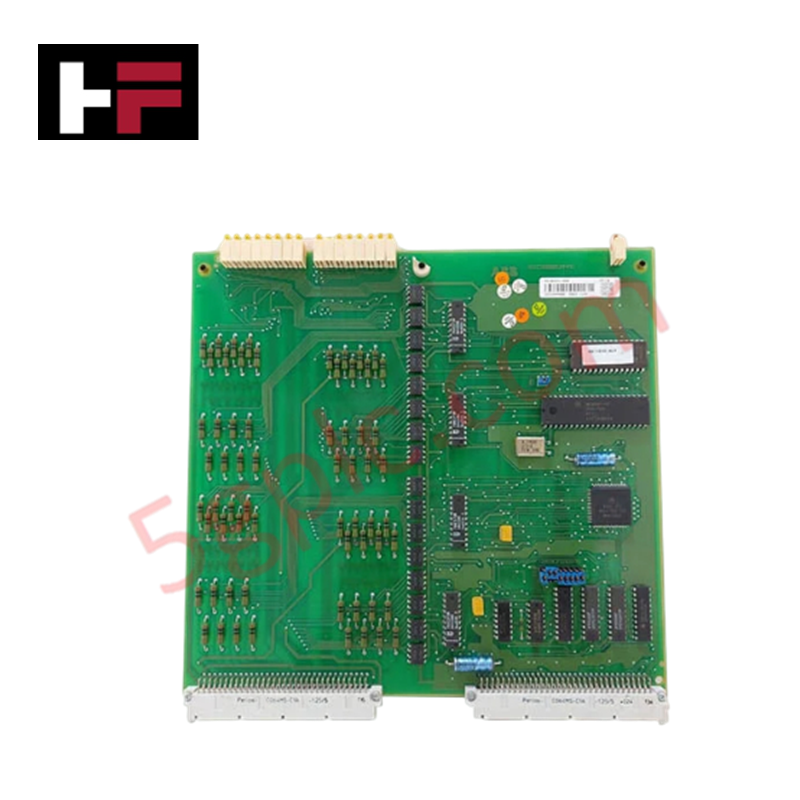
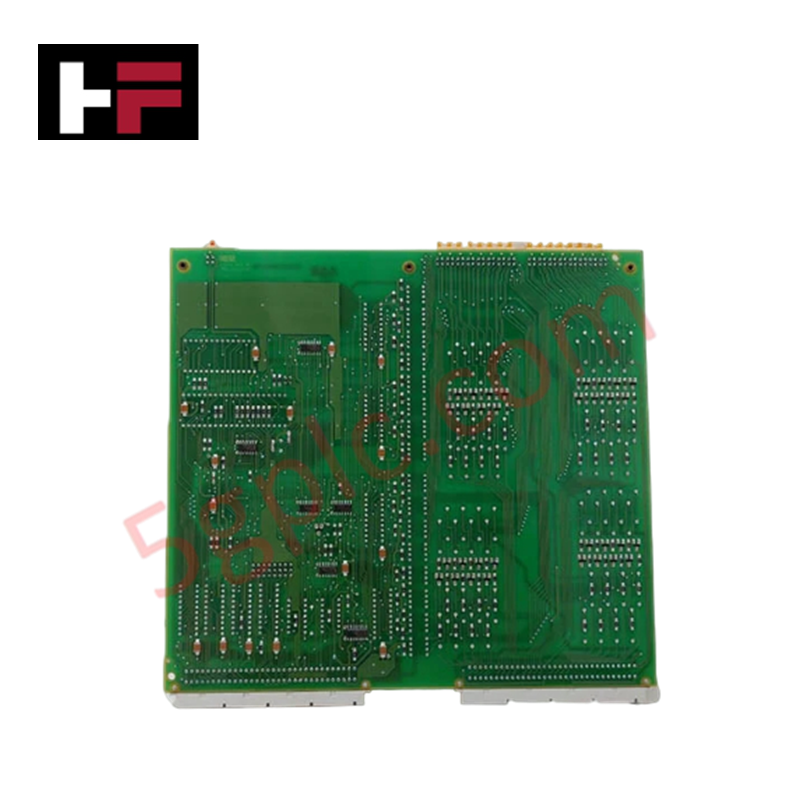
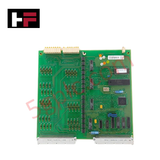
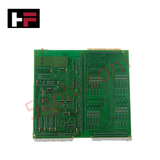
The ABB YPQ 108A YT204001-DT, also cataloged as the YPQ 108A Connection Unit, operates as a dedicated hardware component for physical interface routing and host data transfer within ULMA System platforms.
Hardware Specifications
| Parameter | Specification |
|---|---|
| Model | YPQ 108A YT204001-DT (Product Number: YPQ-110A reference family) |
| Brand | ABB |
| Origin | Sweden / Europe standard sourcing |
| Weight | Approximately 1.45 kg |
| Dimensions | Standard module size |
| Operating Temp | Standard industrial range |
| Power Consumption | Passive backplane drawing / Host powered |
| Module Type | I/O Connection Unit |
| Form Factor | Stand-alone |
| Host Interfaces | USB, 25-Pin Female D-Sub |
Profinet / EtherNet/IP Deterministic Networks and Firmware Flash Compatibility
The ABB YPQ 108A YT204001-DT manages physical layer adaptation across legacy 25-pin D-sub architectures and serial host links. When integrated into modern topologies via upstream bridges, it matches the timing constraints required by Profinet / EtherNet/IP deterministic networks to prevent communication frame corruption. The passive mapping layout preserves exact signal path alignment, ensuring total firmware flash compatibility when upgrading or flashing host controller nodes. The stand-alone design facilitates strict isolation of processing buses, allowing localized I/O configurations without altering core system code blocks.
Frequently Asked Questions
Q: What are the operational limits regarding hot-swapping the 25-pin D-sub connection?
A: Hot-swapping or disconnecting the 25-pin Female D-sub port under active host transmission is prohibited. Live line disruption can cause signal grounding shifts, leading to bus timeouts or data corruption faults within the host register map.
Q: How is the chassis grounded to prevent common-mode voltage spikes across the data ports?
A: The stand-alone enclosure links the structural metallic housing directly to the common ground terminal plate. Proper termination to external earth ground bars stabilizes the reference potentials for both the USB and D-sub data paths.
Field Installation Guidelines
- Mount the unit securely on a stable flat plane using standard structural fasteners to mitigate vibrational stresses on the internal connector solder tracks.
- Confirm all system power lines are fully de-energized before engaging or seating the host USB or D-sub communication cables.
- Tighten the retaining jack-screws on the mating male 25-pin D-sub connector to prevent mechanical separation or high-resistance physical pin gaps.
- Route the communication lines separately from high-voltage AC motor drives or power conduits to prevent high-frequency electromagnetic noise induction.
Additional Information
- 100% Genuine Parts: All products are original and authentic, ensuring reliable industrial performance.
- 30-Day Refund Guarantee: Return any in-stock item within 30 days in original, unopened packaging for a full refund (excluding shipping and fees).
- 12-Month Warranty: Covers defects in materials or workmanship; excludes misuse, normal wear, or unauthorized modifications.
- Worldwide Shipping: We ship via USPS, UPS, FedEx, and DHL. Delivery times vary by country and may be subject to customs or import fees.
- Support & Contact: Technical and warranty assistance is available anytime. Contact us here: Contact.
- Purchase Guidance: Check product specifications and compatibility carefully before ordering to ensure proper application.




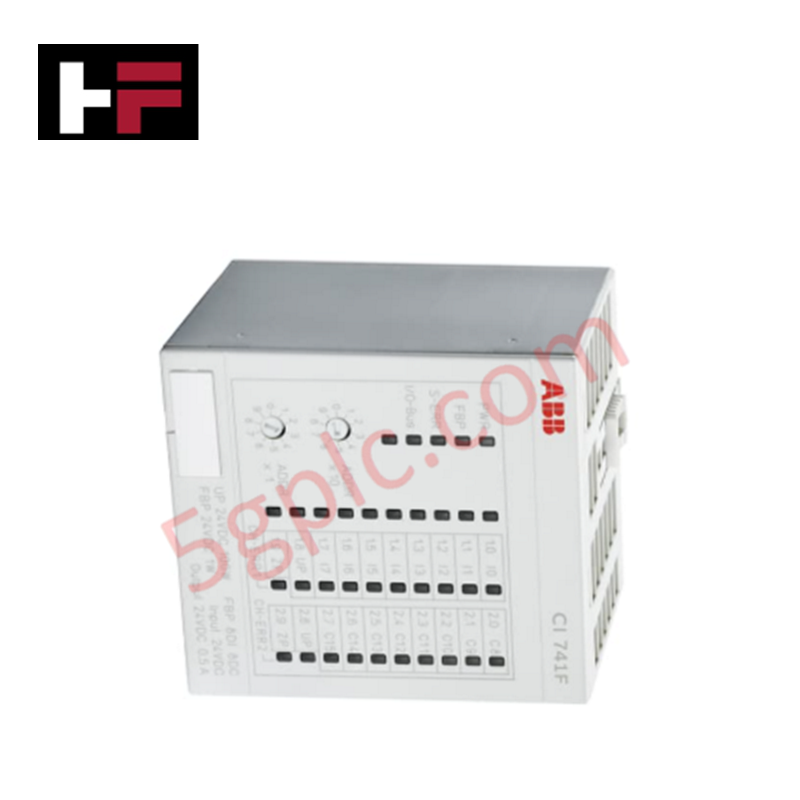


Tech & Buying Guide

Redefining Control Systems: The Rise of Flexible I/O Modules in Industrial Automation
Conventional input-output architectures often limit engineering agility and inflate long-term inventory costs. Today, Flexible Input/Output Modules (FIOM) are transforming how control system engineers design, commission, and maintain automation infrastructure. By allowing individual channel software configuration, FIOM technology bridges the gap between rigid hardware design and dynamic plant requirements.
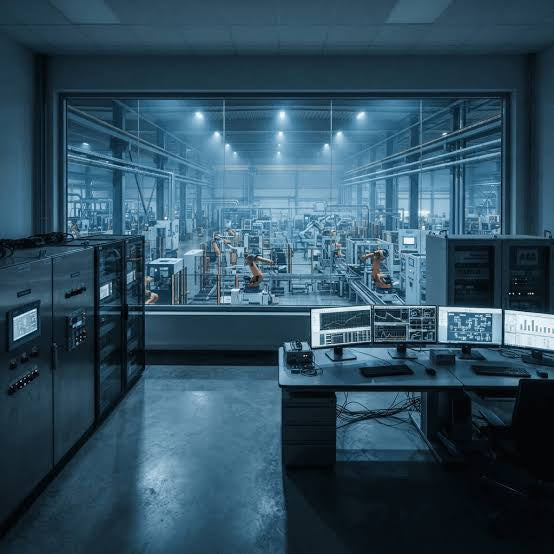
Understanding Modern SCADA Systems: Architecture, Communication Topologies, and Industrial Applications
Supervisory Control and Data Acquisition (SCADA) systems form the digital backbone of modern industrial automation. They collect critical field data, transmit signals across vast distances, and empower plant operators with real-time process visibility. Across modern infrastructures, SCADA solutions streamline centralized control and maintain continuous operational uptime.
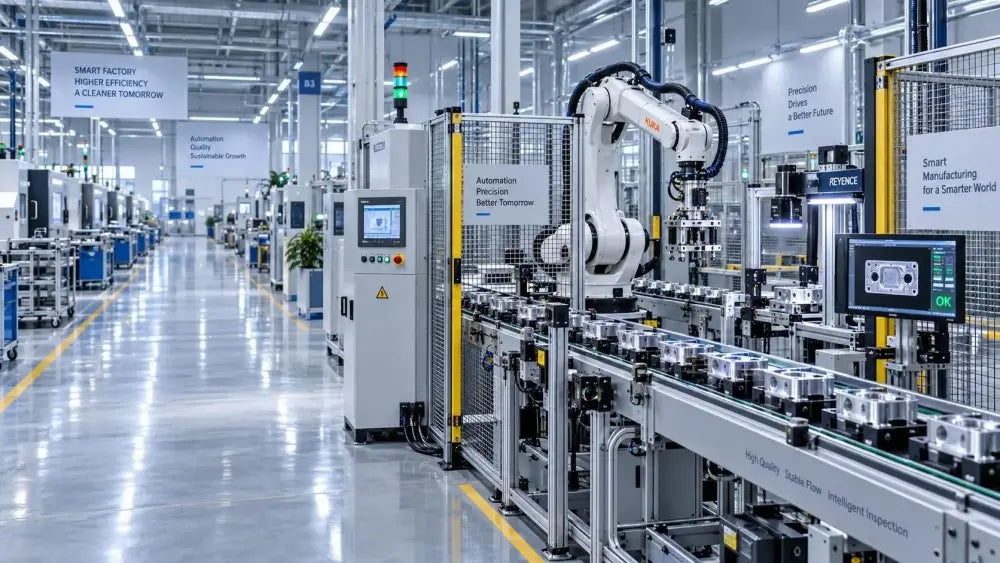
Understanding OPC Servers in Modern Industrial Automation: Principles, Architecture, and Applications
In industrial automation, connecting physical hardware with high-level software remains a primary operational challenge. Factories utilize programmable logic controllers (PLCs), distributed control systems (DCS), human-machine interfaces (HMIs), and smart sensors from diverse vendors. These devices often speak different proprietary protocols. Open Platform Communications (OPC) servers solve this interoperability challenge by standardizing how data flows across factory networks.