






Product Details
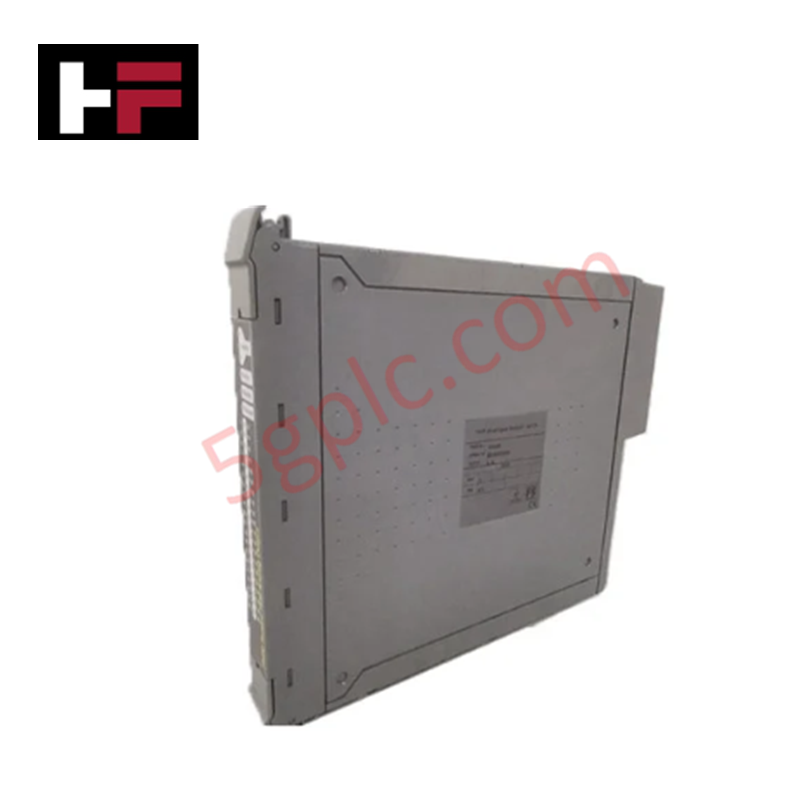
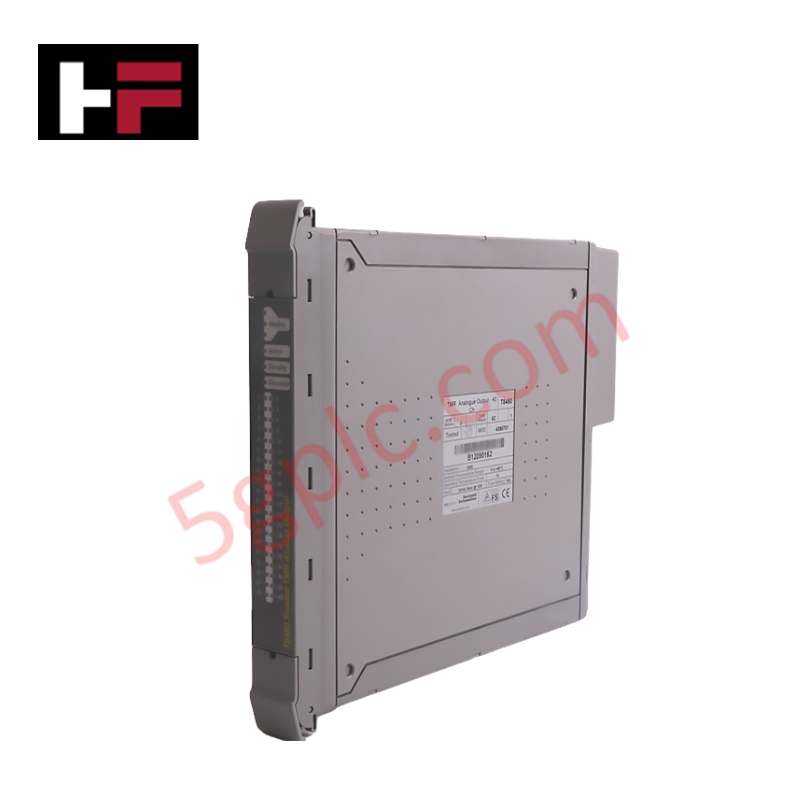
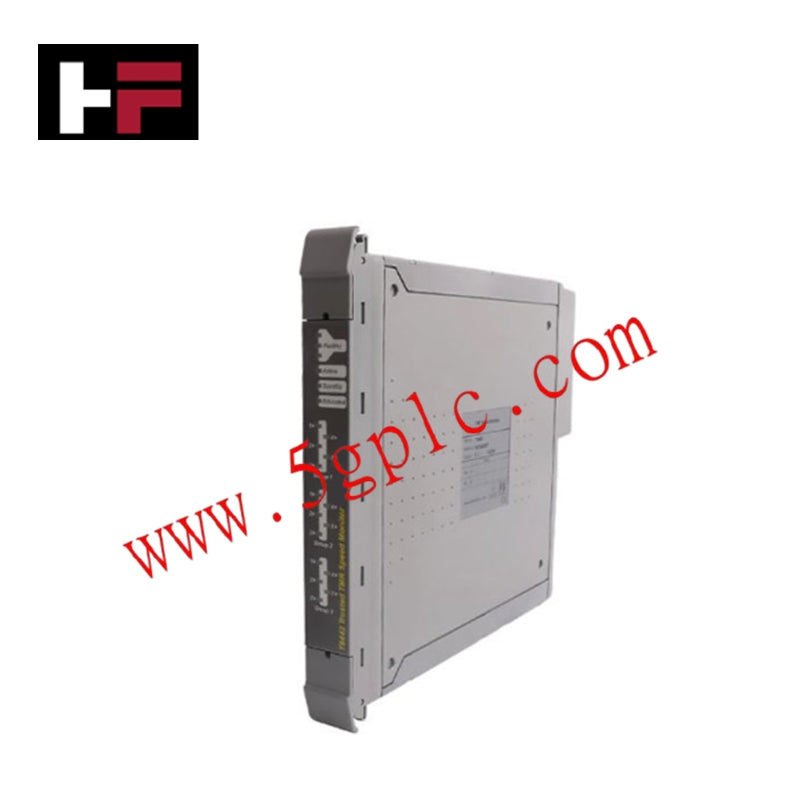
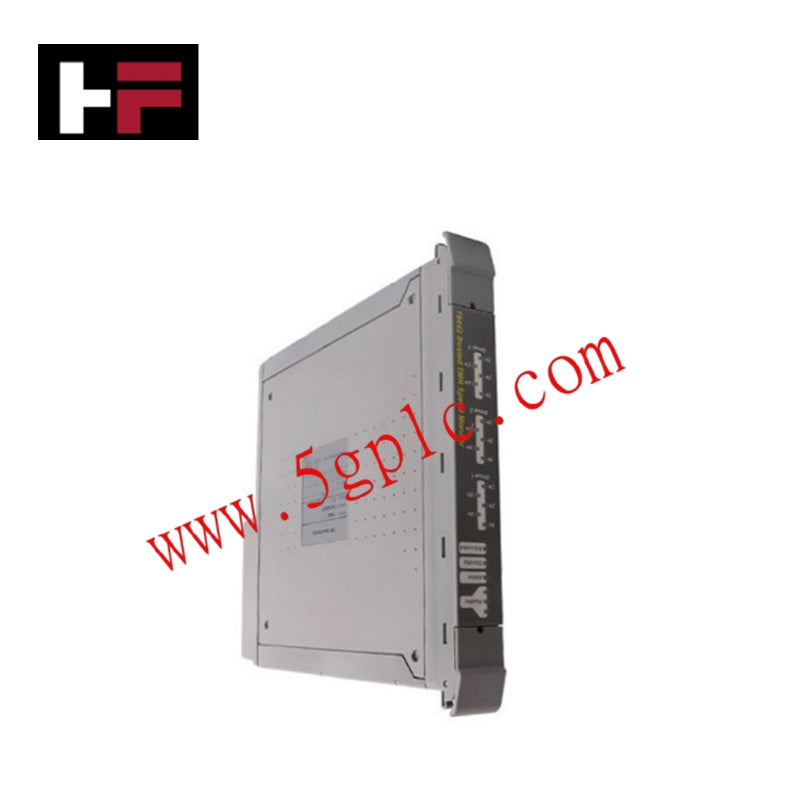
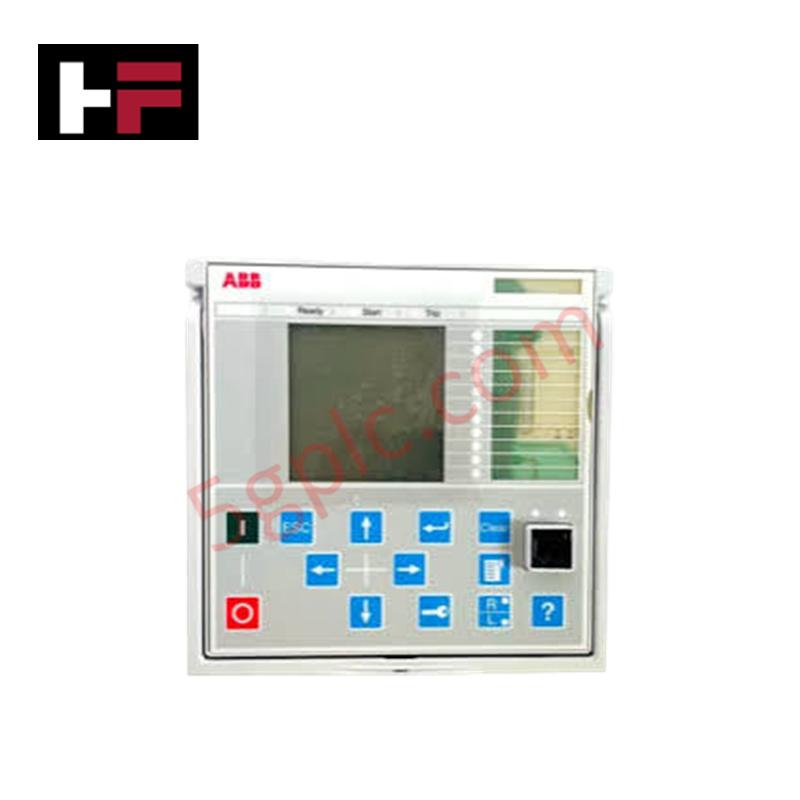
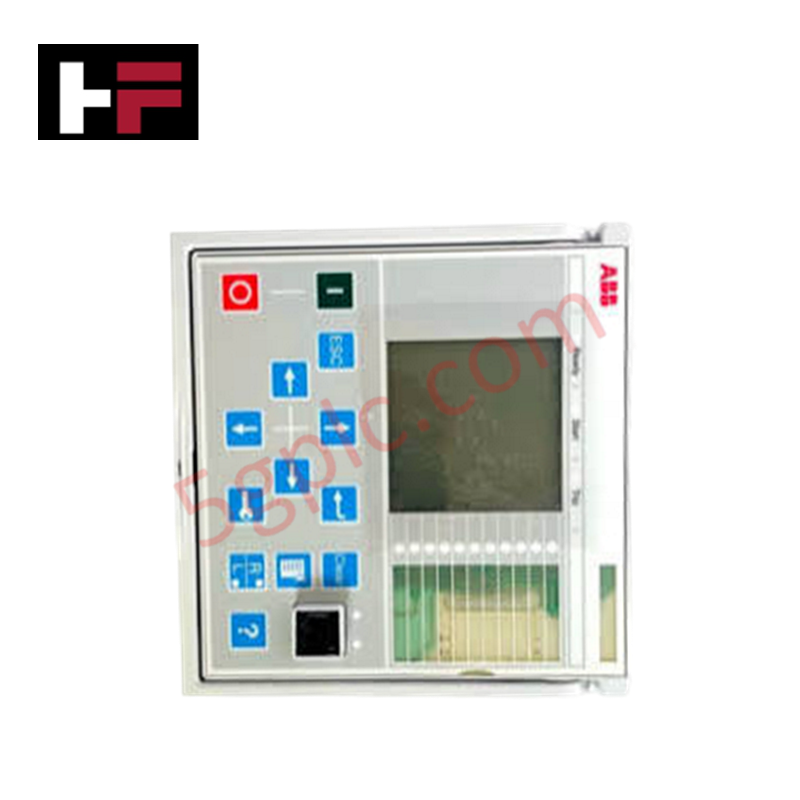
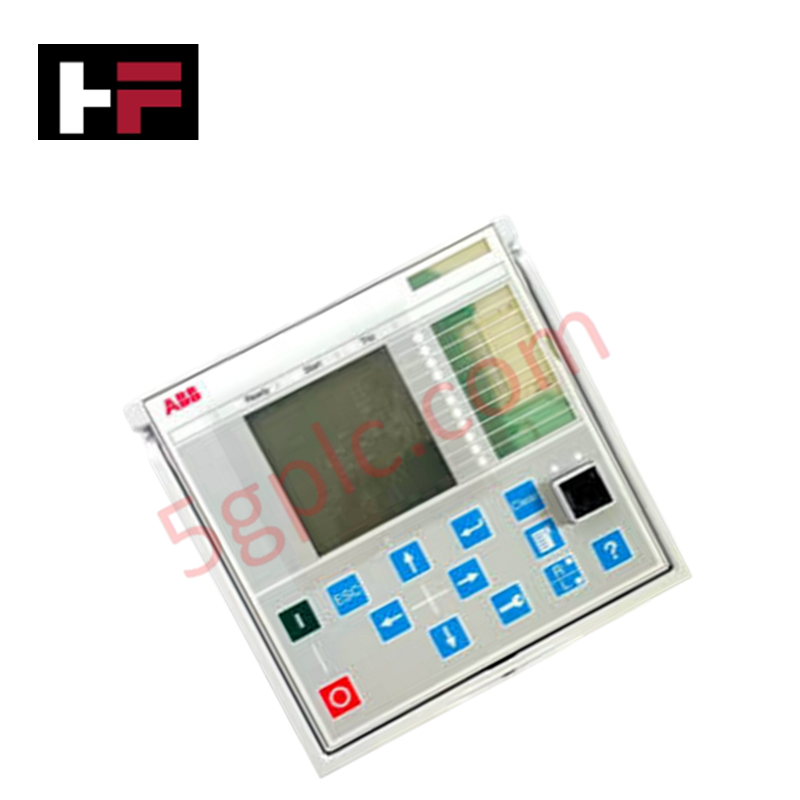
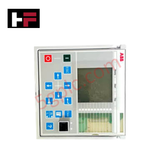
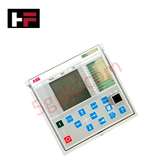
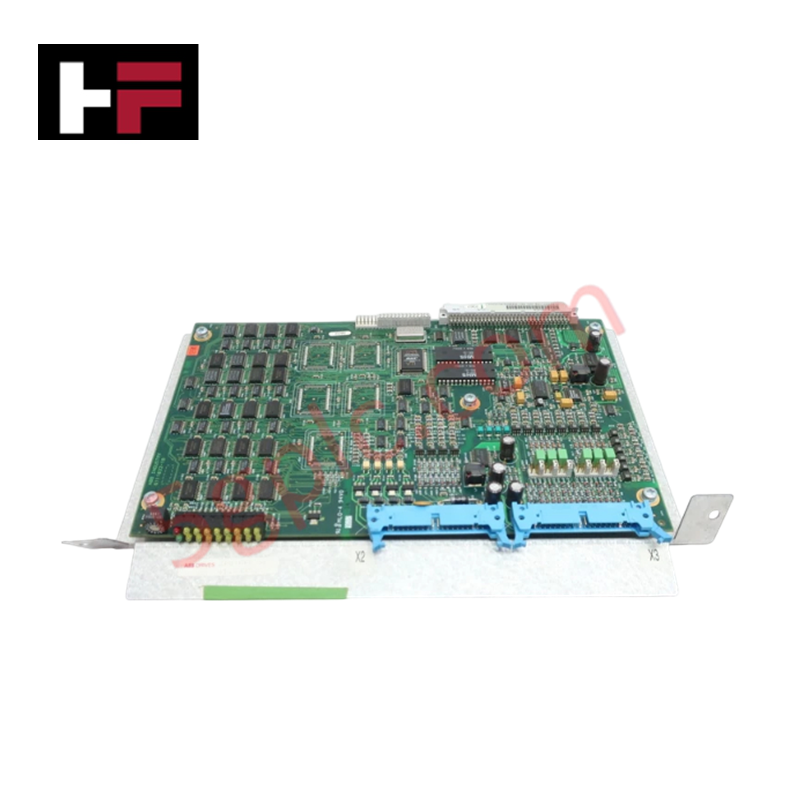
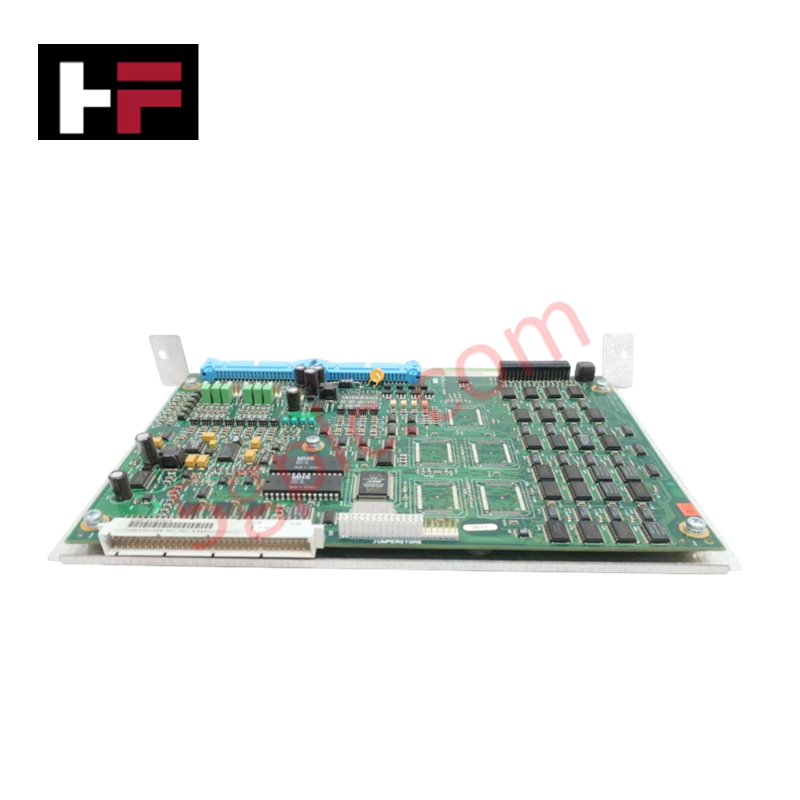
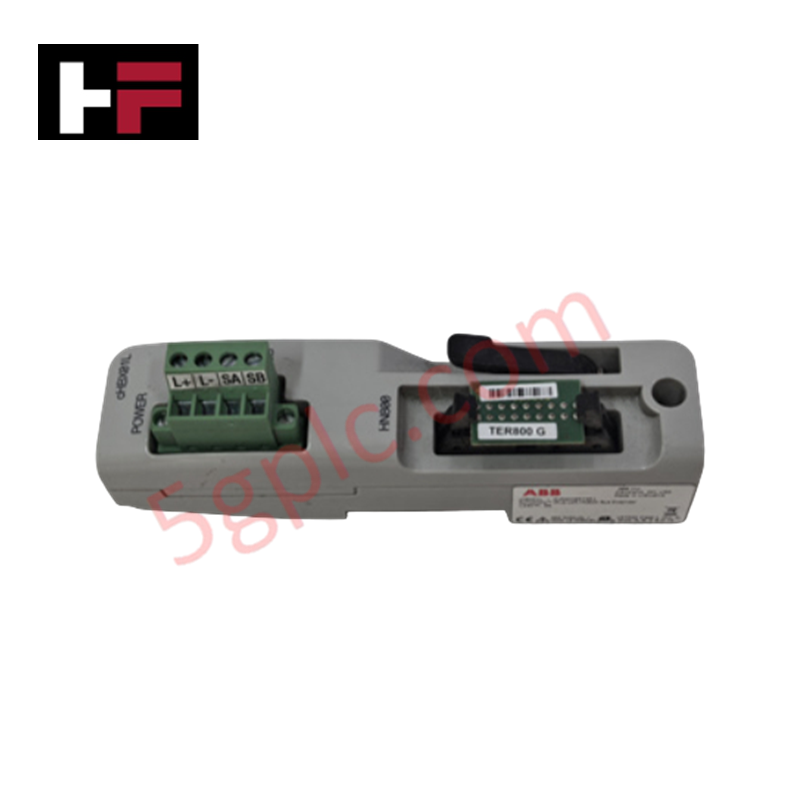
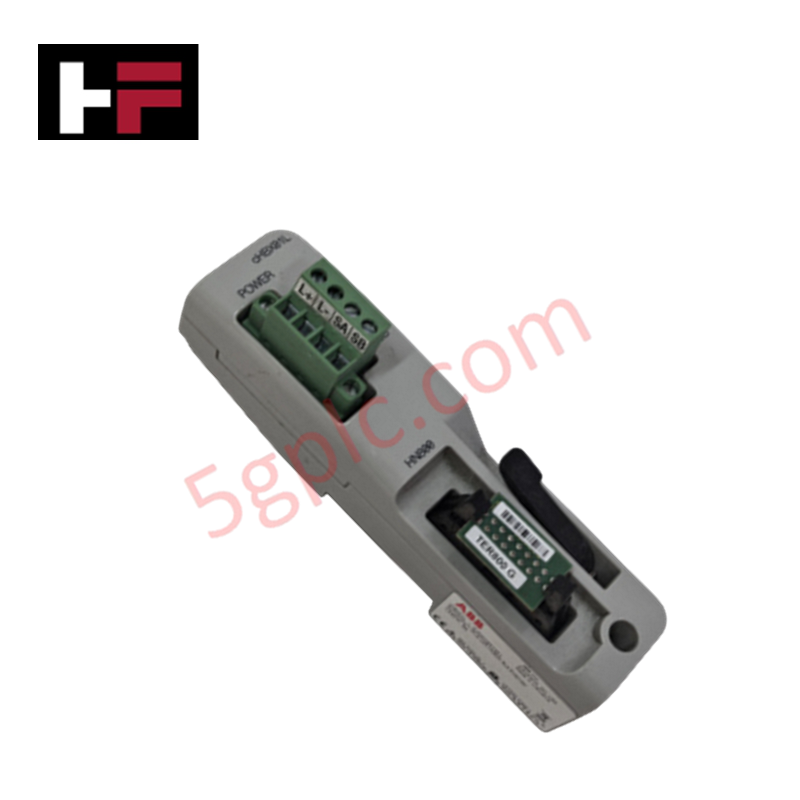
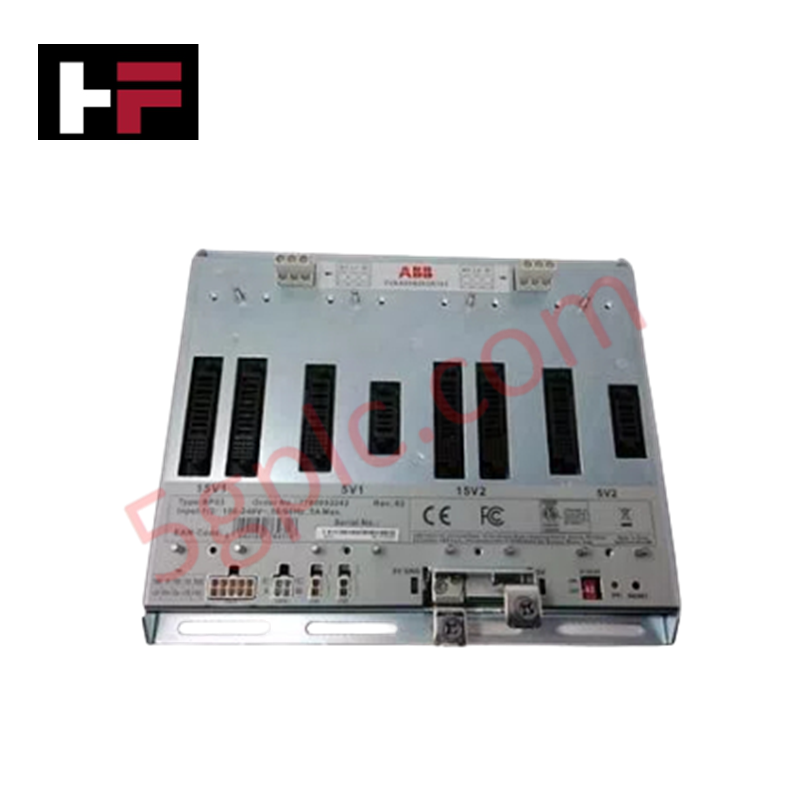
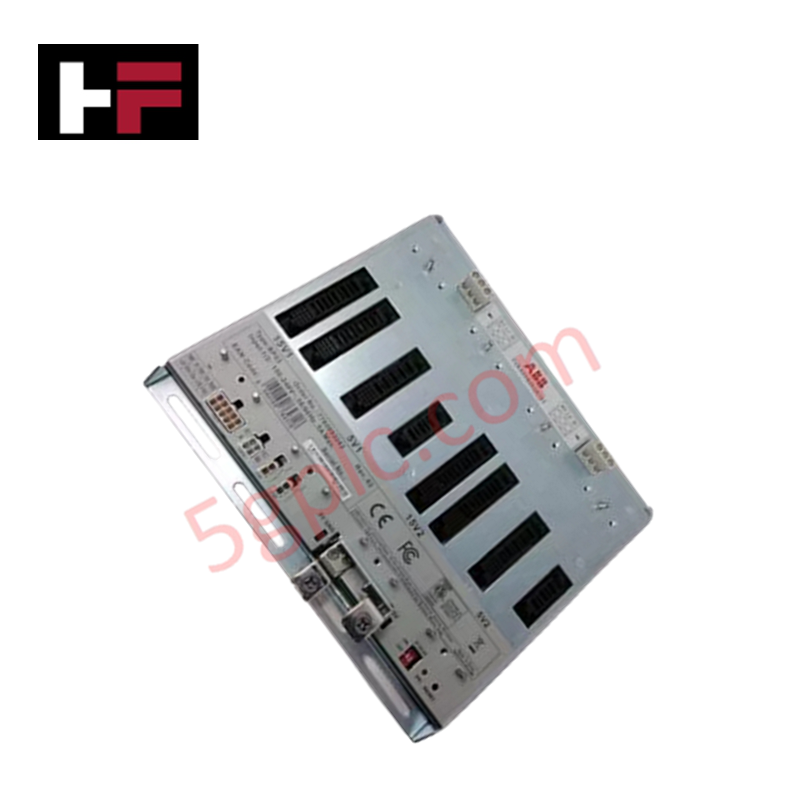
The ABB DIS0012 2RCA025340A0001B, also cataloged as the DIS0012 Spare Part Display Module, operates as a dedicated hardware component for local status visualization and user interface diagnostics within ABB controller cabinet subracks. The unit mounts into assigned chassis slots to deliver direct physical/electrical execution of real-time operational feedback.
Hardware Specifications
| Parameter | Specification |
|---|---|
| Model | DIS0012 (2RCA025340A0001B) |
| Brand | ABB |
| Origin | India |
| Operating Temp | -20 deg C to +60 deg C |
| Power Consumption | Low-power logic draw via backplane |
| ABB Type Designation | 2RCA025340A0001B |
| Product Type | Display Interface / Spare Part |
| Customs Tariff Number | 85381010 |
Deterministic Network Backplane and System Signal Integrity
The DIS0012 display unit communicates across internal rack buses to receive dynamic diagnostic frames without affecting backplane bus communication velocity. Onboard driver logic decodes incoming controller telemetry, maintaining strict update rates for fault status codes and operational indicators.
Designed with full firmware flash compatibility across supporting ABB processing platforms, the unit maintains electrical isolation between user-facing LED displays and internal control buses. Common-mode noise suppression circuits integrated into the board power rails ensure steady signal rendering during voltage transients on the system power backplane.
Frequently Asked Questions
Q: Does the DIS0012 module require external power supply connections during subrack installation?
A: No, the DIS0012 draws operating DC logic power directly from the system backplane bus when fully seated into its subrack slot.
Q: Are there specific hot-swap constraints when replacing a DIS0012 module in an active cabinet?
A: To prevent transient voltage surges across backplane bus communication lines, power to the subrack section or slot should be isolated prior to insertion or removal.
Q: How is physical alignment ensured when installing the DIS0012 into an ABB rack slot?
A: The module incorporates standard card-edge alignment guides that fit into subrack mounting channels, establishing positive contact with the backplane connector.
Field Installation Guidelines
- De-energize the target subrack slot or section before inserting or extracting the DIS0012 module.
- Wear an anti-static wrist strap connected to cabinet earth ground to prevent electrostatic discharge to onboard display drivers.
- Align the module PCB edges carefully with the top and bottom chassis guide rails before sliding it into the enclosure.
- Press the unit firmly into the rear connector assembly to ensure low-resistance pin mating across all backplane contacts.
- Fasten faceplate retaining screws to ensure continuous chassis grounding and maintain resistance against mechanical vibration.
Additional Information
- 100% Genuine Parts: All products are original and authentic, ensuring reliable industrial performance.
- 30-Day Refund Guarantee: Return any in-stock item within 30 days in original, unopened packaging for a full refund (excluding shipping and fees).
- 12-Month Warranty: Covers defects in materials or workmanship; excludes misuse, normal wear, or unauthorized modifications.
- Worldwide Shipping: We ship via USPS, UPS, FedEx, and DHL. Delivery times vary by country and may be subject to customs or import fees.
- Support & Contact: Technical and warranty assistance is available anytime. Contact us here: Contact.
- Purchase Guidance: Check product specifications and compatibility carefully before ordering to ensure proper application.
Tech & Buying Guide

Engineering a Process Control System Philosophy: Principles and Operational Impact
A Process Control System (PCS) Philosophy serves as the foundational blueprint for modern plant engineering. During the design and construction phases, this document establishes clear guidelines for instrumentation and control (I&C) teams. Consequently, a well-defined philosophy directly dictates overall operational stability, maintenance efficiency, and future expansion capabilities across heavy process industries.

Engineering MCC Signal Interface Terminations in Modern Process Automation
Industrial manufacturing plants rely on Motor Control Centers (MCC) to drive critical electrical loads. Plant engineers must interface these MCC motor starters and drives with central control systems. Standardizing the Signal Interface Termination (SIT) architecture ensures seamless command delivery and feedback monitoring between field equipment and process automation platforms.

Layer-2 vs. Layer-3 Network Switches in Industrial Control Systems
Modern factory automation relies heavily on robust Industrial Ethernet communications. Control system engineers deploy managed Ethernet switches to connect programmable logic controllers (PLCs), distributed control systems (DCS), human-machine interfaces (HMIs), and field I/O devices. Selecting between Layer-2 and Layer-3 switching architecture directly impacts network throughput, routing capabilities, and overall cybersecurity defense in operational technology (OT) networks.