










Product Details
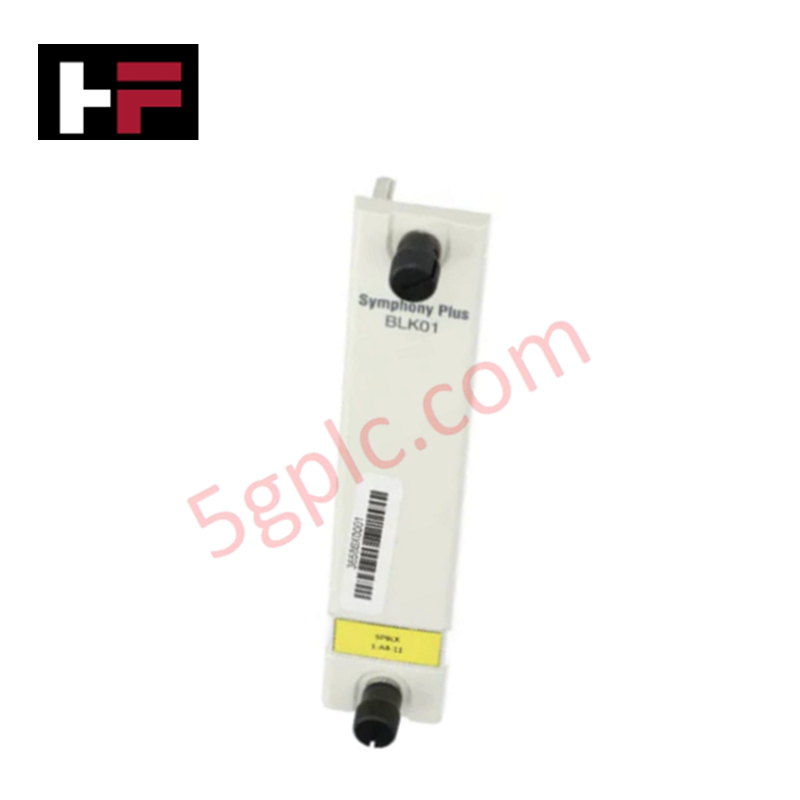
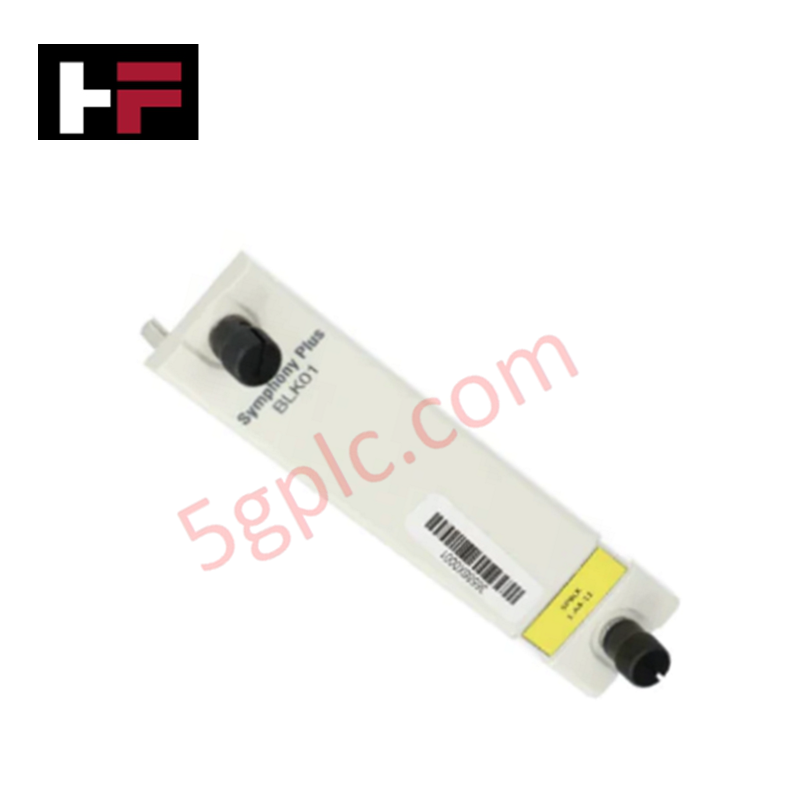
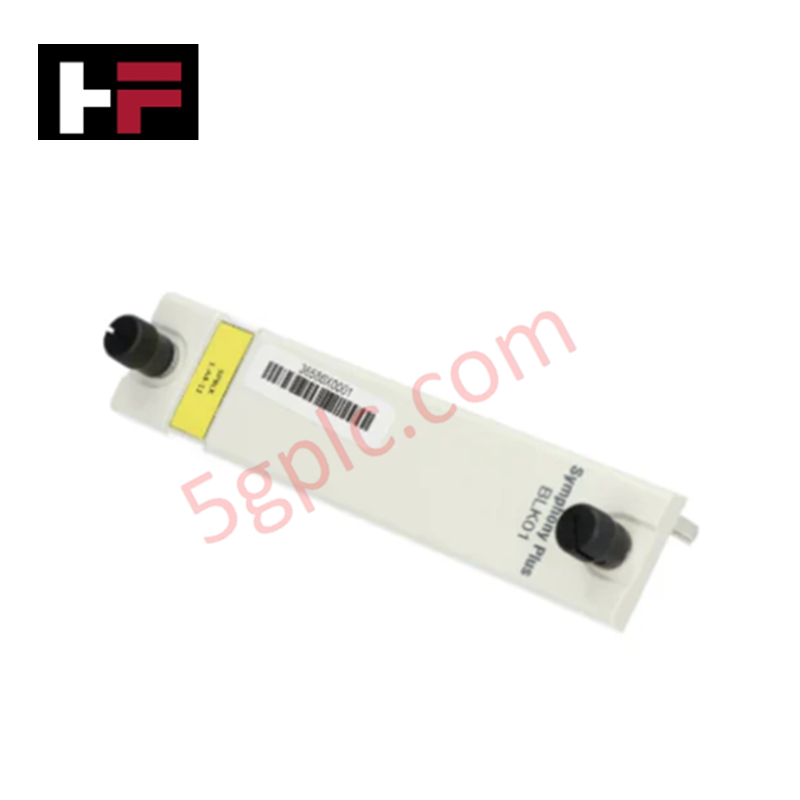
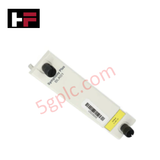
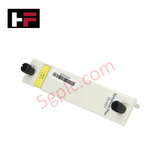
The ABB BLK01, also cataloged as the BLK01 Blank SD I/O Module Cover, operates as a dedicated hardware component for empty slot protection within Symphony Plus SD I/O systems.
Hardware Specifications
| Parameter | Specification |
|---|---|
| Model | BLK01 |
| Brand | ABB |
| Origin | USA |
| Weight | 0.1 kg |
| Dimensions | 114.3 mm x 81.28 mm x 0.0 mm (depth value per factory log) |
| Operating Temp | -40 to +70 deg C standard cabinet protection limits |
| Power Consumption | 0.0 W passive component |
| Product Type | Blank Module Covers |
| Environmental Compliance | SCIP: No SVHC present; WEEE: Product not in WEEE scope |
Backplane Bus Communication Velocity and I/O Density Scaling
The ABB BLK01 non-electrical barrier plate maintains the internal integrity of modular infrastructure. While it draws no current from the active rails, it serves to maintain the proper thermal airflow profiles and spatial separation across high-speed bus segments. This passive protection prevents airborne dust contamination from disrupting the backplane bus communication velocity across populated modules. When engineers adjust local nodes during I/O density scaling routines, installing these faceplates maintains stable signal shielding boundaries and prevents EMI disturbances from altering adjacent firmware flash compatibility behaviors.
Frequently Questions And Answers
Q: Does this component have internal circuit traces or affect backplane loop power parameters?
A: No. The board is a completely passive physical barrier with no electrical termination networks, logic components, or power consumption metrics.
Q: Can the empty slot cover be added or removed while the surrounding system rack is fully energized?
A: Yes. Because the component has no conductive terminals matching the backplane bus pins, it can be mounted or extracted online without risking electrical arcing, tracking, or signal path disruption on adjacent active slots.
Field Installation Guidelines
- Position the cover plate square against the unpopulated slot opening on the target module carrier rail assembly.
- Align the internal mechanical locking fasteners with the corresponding slot retention holes on the structural frame.
- Apply uniform pressure until the housing clips snap into place, ensuring complete environmental seal coverage over the open backplane terminal section.
- Verify that physical alignment does not block or obstruct the status indicator view paths or wiring layouts of adjacent active I/O cards.
Additional Information
- 100% Genuine Parts: All products are original and authentic, ensuring reliable industrial performance.
- 30-Day Refund Guarantee: Return any in-stock item within 30 days in original, unopened packaging for a full refund (excluding shipping and fees).
- 12-Month Warranty: Covers defects in materials or workmanship; excludes misuse, normal wear, or unauthorized modifications.
- Worldwide Shipping: We ship via USPS, UPS, FedEx, and DHL. Delivery times vary by country and may be subject to customs or import fees.
- Support & Contact: Technical and warranty assistance is available anytime. Contact us here: Contact.
- Purchase Guidance: Check product specifications and compatibility carefully before ordering to ensure proper application.






Tech & Buying Guide

Understanding Siemens PLC Memory Cards: MMC, SMC, and SD Solutions in Industrial Automation
Memory management plays a pivotal role in maintaining control system reliability across modern manufacturing plants. Industrial control systems rely on specialized memory cards to store project logic, firmware updates, and retentive system data. Siemens uses several memory architectures, including Micro Memory Cards (MMC) and SIMATIC Memory Cards (SMC). Engineers must understand these hardware variations to ensure zero data loss and minimize downtime during maintenance routines.

Redefining Control Systems: The Rise of Flexible I/O Modules in Industrial Automation
Conventional input-output architectures often limit engineering agility and inflate long-term inventory costs. Today, Flexible Input/Output Modules (FIOM) are transforming how control system engineers design, commission, and maintain automation infrastructure. By allowing individual channel software configuration, FIOM technology bridges the gap between rigid hardware design and dynamic plant requirements.

Understanding Modern SCADA Systems: Architecture, Communication Topologies, and Industrial Applications
Supervisory Control and Data Acquisition (SCADA) systems form the digital backbone of modern industrial automation. They collect critical field data, transmit signals across vast distances, and empower plant operators with real-time process visibility. Across modern infrastructures, SCADA solutions streamline centralized control and maintain continuous operational uptime.