










Product Details
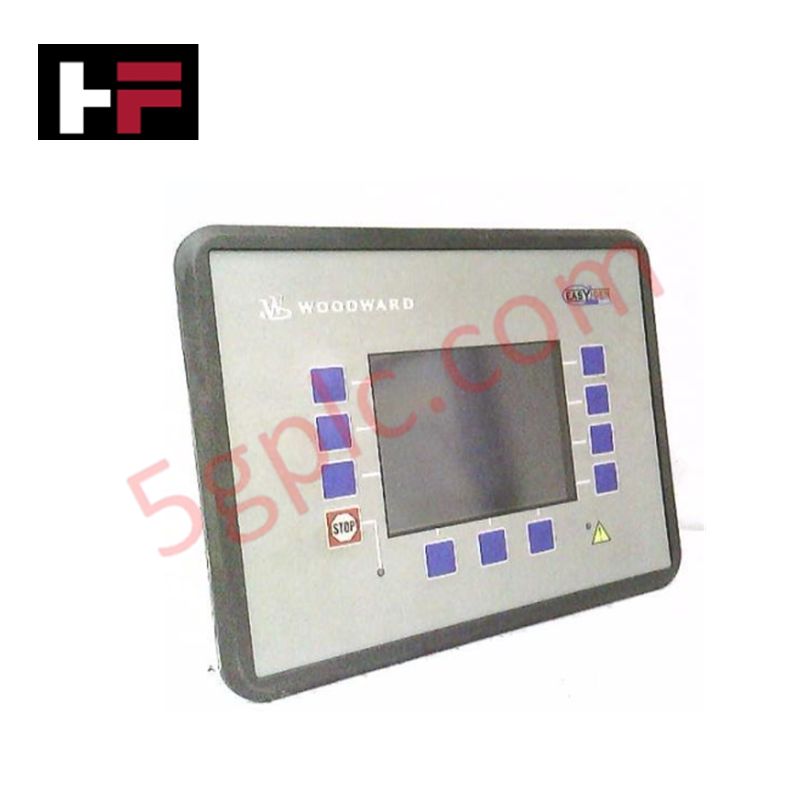
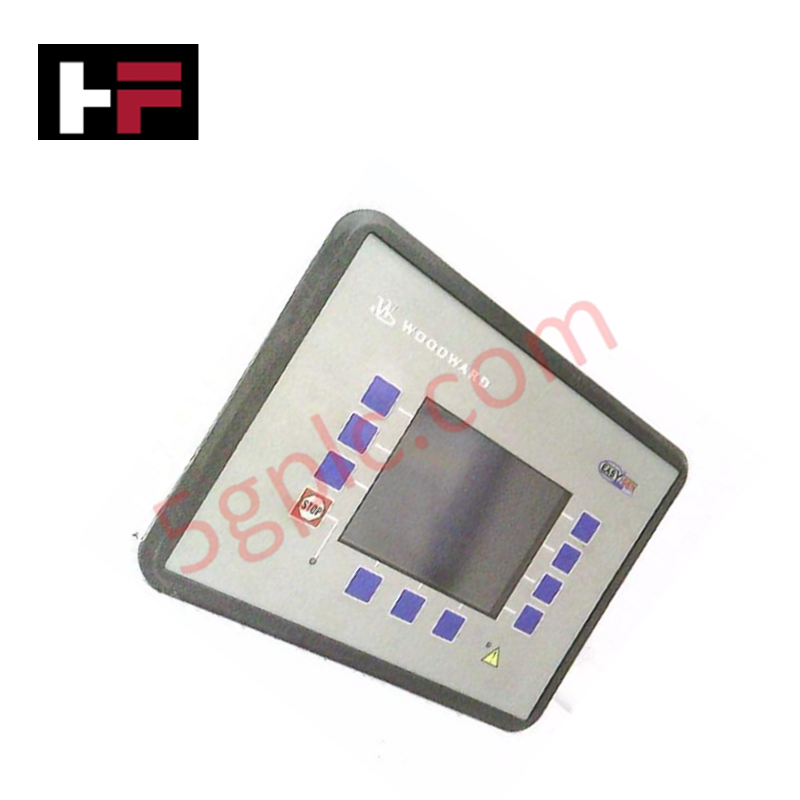
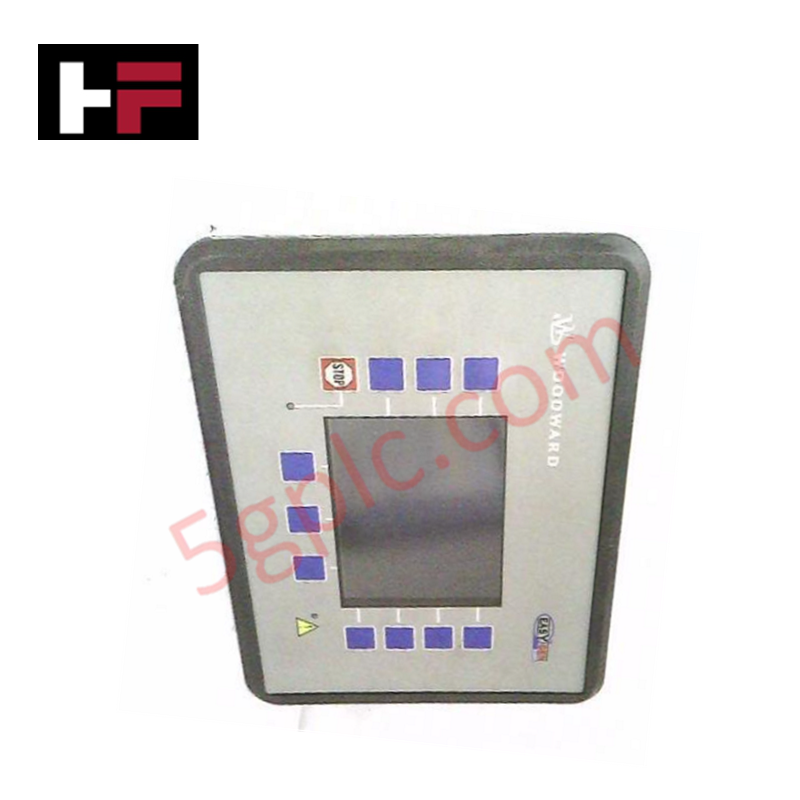
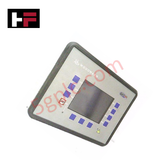
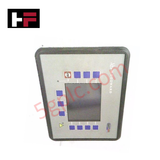
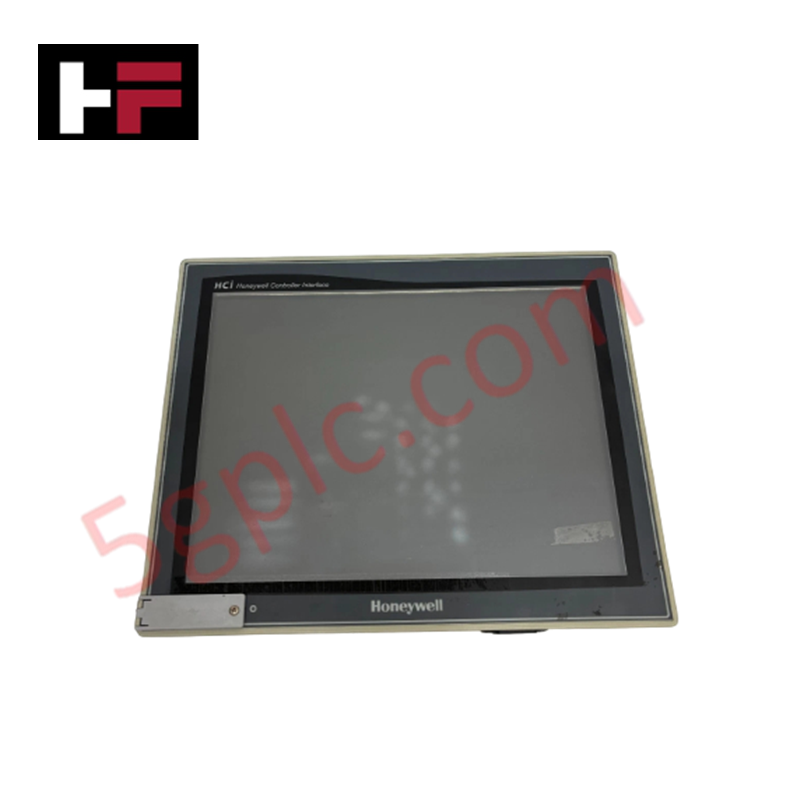
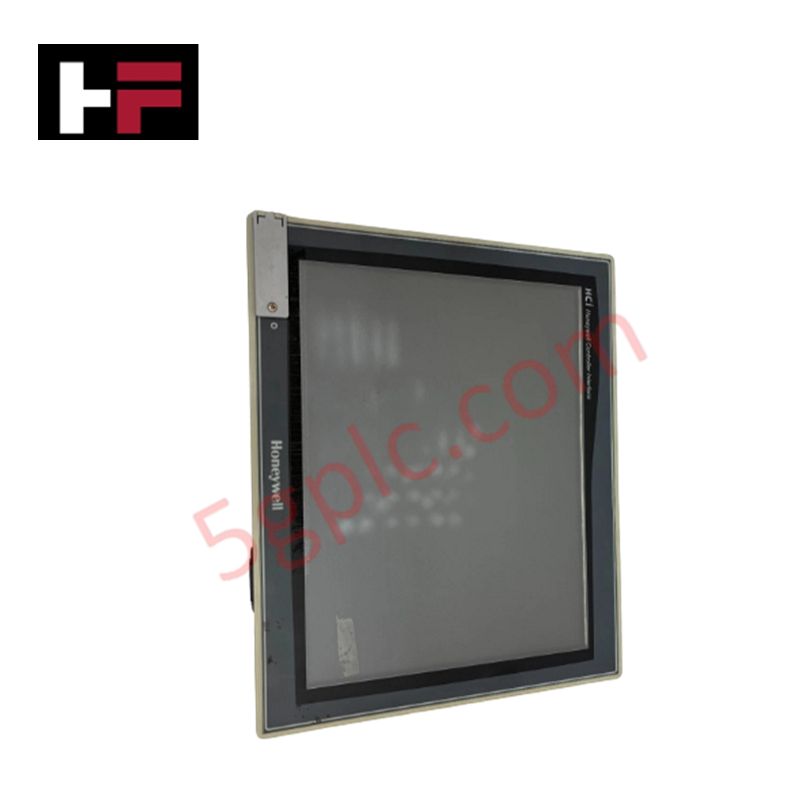
Configured for operator interface functions in RP-3000 control networks, the Woodward 8446-1048 (8446-1048 Annunciator) provides direct physical execution of status monitoring and command input via an 11-button LCD interface.
Hardware Specifications
| Parameter | Specification |
|---|---|
| Model | 8446-1048 |
| Brand | Woodward |
| Origin | Not specified |
| Weight | 6.00 lbs |
| Interface | 11-button keypad, LCD display |
| Mounting | Panel mount |
Actuator Loop Feedback Response and Thermal Heat Sink Dissipation Profiles
The 8446-1048 panel serves as a primary HMI interface, facilitating interaction with the RP-3000 controller series. The unit processes input commands from the 11-button layout and updates the LCD display to reflect real-time operational status. Internal electronics are housed within a standard panel-mount enclosure designed to manage thermal heat sink dissipation profiles, ensuring display longevity and logic integrity during extended operation in localized control cabinets. The panel supports signal feedback loops, allowing operators to monitor actuator loop feedback response directly through the annunciator interface, thereby simplifying the verification of governor or turbine control outputs.
Frequently Asked Questions
Q: Does the 8446-1048 support hot-plugging into an active RP-3000 communication bus?
A: The annunciator is intended for permanent connection to the control network. Hot-plugging the communication interface is not recommended, as it may cause transient signal faults or protocol synchronization errors in the RP-3000 system.
Q: Are there specific backlight intensity or contrast settings adjustable via the physical interface?
A: The LCD contrast and brightness are typically managed via firmware settings within the RP-3000 controller configuration. Refer to the specific control system manual for procedures to modify display parameters through the annunciator keypad.
Field Installation Guidelines
- Mounting: Utilize the panel-mount cutout according to the mechanical footprint specifications. Secure the unit using the provided gasket and mounting brackets to maintain the required cabinet ingress protection rating.
- Wiring: Connect the communication link to the RP-3000 controller using shielded, twisted-pair cabling. Ensure the shield is properly grounded at the system control point to mitigate EMI that could induce flicker or data corruption on the LCD screen.
- Powering: Verify the input power supply matches the requirements of the RP-3000 interface before energizing. Use isolated power sources to prevent ground potential differences between the panel and the primary controller.
- Cleanliness: Avoid using chemical solvents for display cleaning. Use a damp cloth to prevent damage to the anti-glare screen coating and keypad membrane integrity.
Additional Information
- 100% Genuine Parts: All products are original and authentic, ensuring reliable industrial performance.
- 30-Day Refund Guarantee: Return any in-stock item within 30 days in original, unopened packaging for a full refund (excluding shipping and fees).
- 12-Month Warranty: Covers defects in materials or workmanship; excludes misuse, normal wear, or unauthorized modifications.
- Worldwide Shipping: We ship via USPS, UPS, FedEx, and DHL. Delivery times vary by country and may be subject to customs or import fees.
- Support & Contact: Technical and warranty assistance is available anytime. Contact us here: Contact.
- Purchase Guidance: Check product specifications and compatibility carefully before ordering to ensure proper application.


Tech & Buying Guide

The Shift to Flexible IO Modules in Modern Industrial Automation
Traditional control systems rely on dedicated Input Output (IO) cards for industrial automation. Each conventional module processes a single signal type, such as Digital Input (DI), Digital Output (DO), Analog Input (AI), or Analog Output (AO). A standard 16-channel card accepts only one specific channel type across all ports. This inflexible hardware design often creates severe engineering bottlenecks during project execution. Engineers frequently must install entirely new cards to accommodate a single extra sensor. Consequently, late design changes increase control cabinet space requirements and drive up project costs.

DCS Commissioning Steps in Industrial Automation Projects
Commissioning a Distributed Control System (DCS) represents a crucial milestone when deploying modern process automation infrastructure. Field engineers must execute systematic verification steps to transition complex control hardware from static installation to dynamic plant control. Proper commissioning ensures that controllers, I/O modules, network switches, and HMI software operate in strict compliance with engineering design specifications before introducing live process fluids.

PLC and DCS Control System Spares Strategy: Engineering Guidelines
Modern factory automation relies on high-speed fiber optic backbones to link distributed control systems across noise-intensive industrial environments. Unlike copper wiring, optical fibers transmit data via light pulses, making them completely immune to electromagnetic interference (EMI). Field engineers must master optical cable joining and fusion splicing techniques to guarantee low-loss data transmission across critical Programmable Logic Controller (PLC) and Distributed Control System (DCS) nodes.