












Product Details
Module Overview
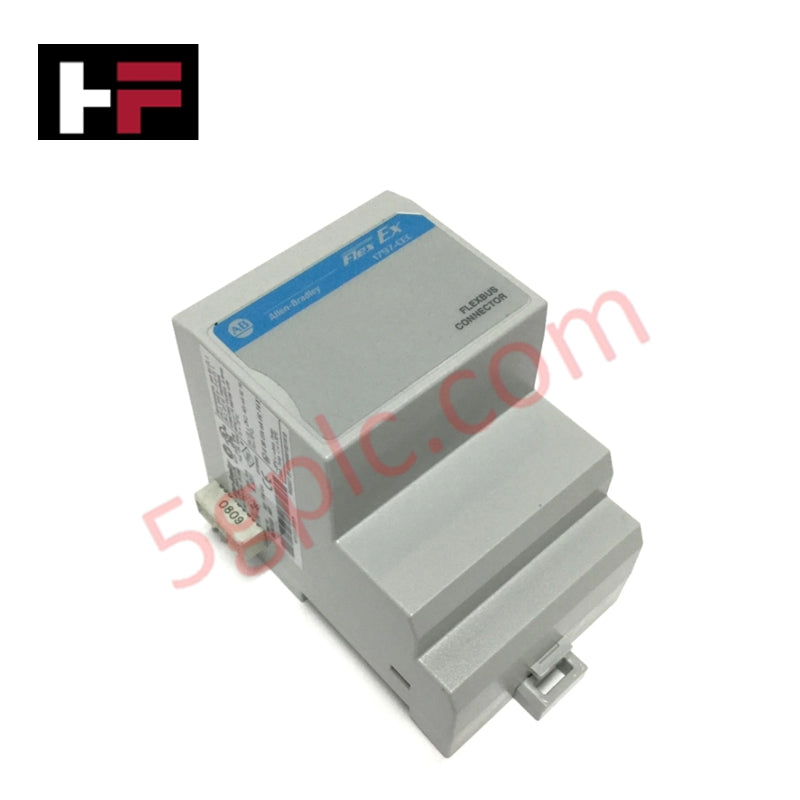
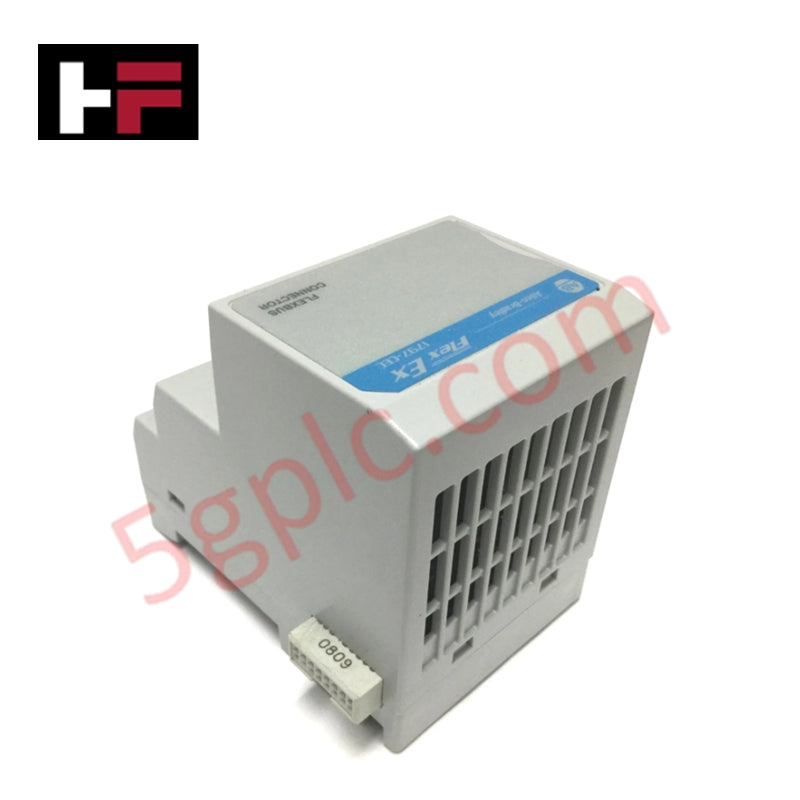
The 1797-CEC is a specialized backplane extension and bus connector module within the Allen-Bradley FLEX Ex I/O family. Its primary function is to provide an intrinsically safe (IS) compatible mechanism to connect the internal communication bus (FlexBus) across different sections of a DIN rail. This module is essential for "intermixed" systems where a designer needs to combine standard FLEX I/O modules and intrinsically safe FLEX Ex modules on the same adapter group. It effectively acts as a bridge that maintains the integrity of the IS backplane while allowing the system to scale up to its maximum capacity of eight I/O modules.
Detailed Engineering Specifications
The 1797-CEC is a passive mechanical and electrical interface designed for hazardous area backplane continuity.
-
Product Type: FlexBus Connector / Bus Isolator Extension
-
Product Line: FLEX Ex 1797
-
I/O Module Capacity: Supports up to 8 I/O modules on the "slave" side
-
Function: Connects standard FLEX I/O adapters/modules to FLEX Ex modules
-
Mounting: 35mm x 7.5mm DIN Rail (Zinc-plated yellow-chromate steel recommended)
-
Protection Factor: IP20 (Open-style equipment)
-
Operational Temperature: -20°C to 70°C (-4°F to 158°F)
-
Storage Temperature: -40°C to 85°C (-40°F to 185°F)
-
Relative Humidity: 5% to 95% (Non-condensing)
-
Operating Shock: 30g peak acceleration
-
Physical Weight: 1.17 lbs (0.53 kg)
-
Hazardous Location Rating: II 3G Ex nA IIC (ATEX compliant for Zone 2)
System Architecture and Intermixing
The 1797-CEC is typically used in conjunction with the 1797-BIC (Bus Isolator Module). In an intermixed system, standard FLEX I/O modules are mounted to the left of the 1797-CEC, while the intrinsically safe FLEX Ex modules are mounted to the right. This physical separation is critical for:
-
Power Conversion: Helping convert hazardous power to IS-safe power for the bus receiver circuitry.
-
Signal Isolation: Ensuring that non-IS signals cannot propagate into the IS-protected portion of the backplane.
-
Grounding: Maintaining a consistent ground path across the DIN rail through the use of high-conductivity rail materials.
Installation Guidelines
To install the 1797-CEC, follow these critical steps to ensure backplane alignment:
-
Remove Cover Plugs: Clear any protective plugs from the male FlexBus connector of the adjacent module.
-
DIN Rail Alignment: Hook the top of the module onto the DIN rail and rotate it downward until the locking tab snaps into place.
-
Horizontal Connection: Firmly push the module to the left into the adjacent adapter or terminal base until the units interconnect.
-
Locking: Use DIN rail locks (like the 1492-EA35) to prevent accidental separation, especially in high-vibration environments.
Technical FAQ
Can I place the 1797-CEC between two standard FLEX I/O modules?
No. The 1797-CEC must be positioned to the right of standard FLEX I/O modules. It serves as the transition point into the FLEX Ex (intrinsically safe) portion of the rack.
Does this module require its own power supply?
The 1797-CEC itself is a connector and isolator interface; however, the FLEX Ex modules connected to its "slave" side must be powered by a 1797-PS series intrinsically safe power supply to maintain the IS rating of the system.
Is this module still being manufactured?
The 1797-CEC has been discontinued by Rockwell Automation. It is primarily available through specialized industrial surplus and repair vendors. When sourcing a replacement, ensure the unit carries the appropriate ATEX or UL/FM markings required for your specific hazardous zone.
Additional Information
- 100% Genuine Parts: All products are original and authentic, ensuring reliable industrial performance.
- 30-Day Refund Guarantee: Return any in-stock item within 30 days in original, unopened packaging for a full refund (excluding shipping and fees).
- 12-Month Warranty: Covers defects in materials or workmanship; excludes misuse, normal wear, or unauthorized modifications.
- Worldwide Shipping: We ship via USPS, UPS, FedEx, and DHL. Delivery times vary by country and may be subject to customs or import fees.
- Support & Contact: Technical and warranty assistance is available anytime. Contact us here: Contact.
- Purchase Guidance: Check product specifications and compatibility carefully before ordering to ensure proper application.
Tech & Buying Guide
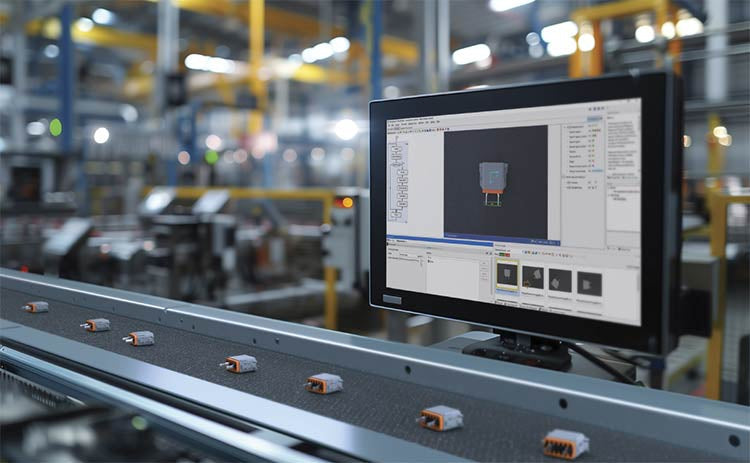
Modern Industrial Automation: Transforming Safety and Efficiency in Mining Operations
Industrial automation has evolved from a simple manufacturing tool into the operational backbone of high-risk sectors. Modern mining operations increasingly rely on advanced control systems, programmable logic controllers (PLCs), distributed control systems (DCS), and artificial intelligence to address deep-underground hazards. By replacing manual labor in high-risk zones, factory automation technologies protect personnel while significantly boosting operational throughput.

Step-by-Step System Cabinet Health Check Guide for PLC and DCS Infrastructure
