










Product Details
Module Overview
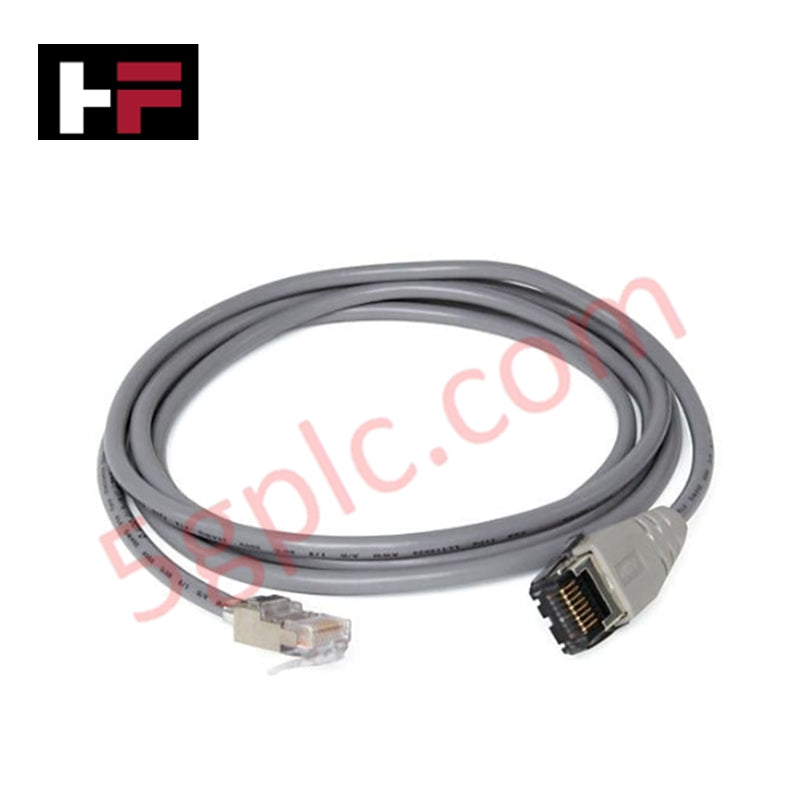
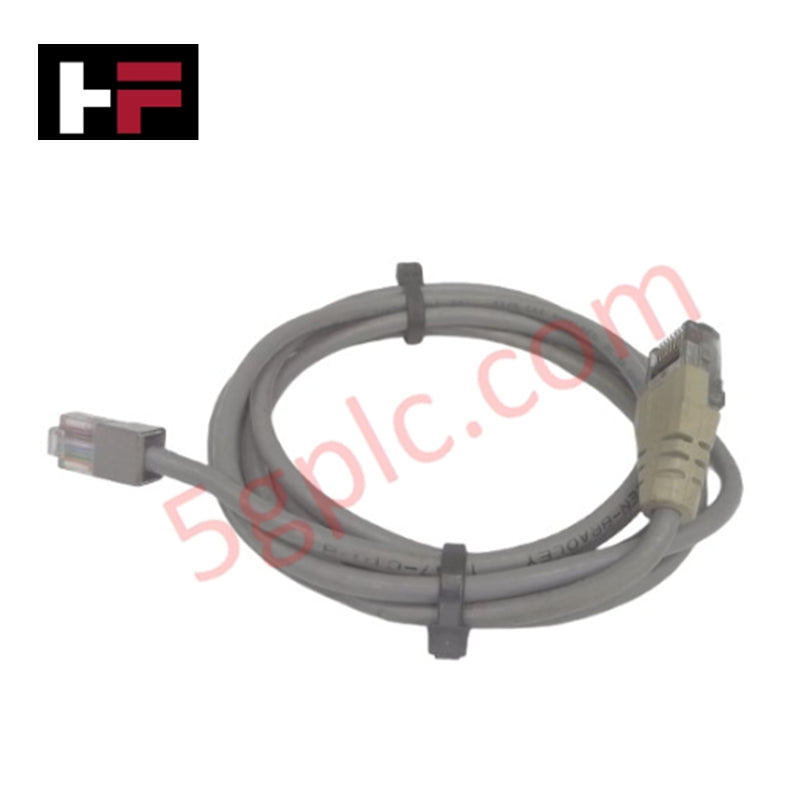
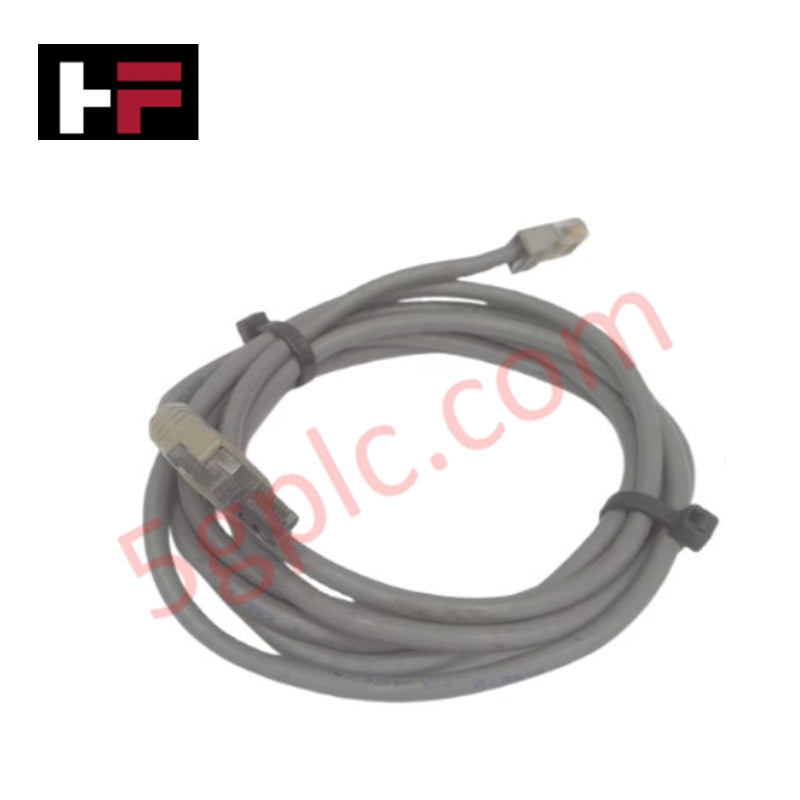
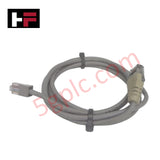
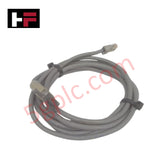
The 1747-C10 is a specialized internal communication cable designed specifically for the Allen-Bradley SLC 500 modular hardware platform. This 6-foot cable is used to connect a 1747-DCM (Direct Communication Module) or a 1747-DMR module to a standard SLC 500 fixed controller or a modular SLC 5/01, 5/02, 5/03, 5/04, or 5/05 CPU. Unlike standard serial cables, the 1747-C10 is engineered with specific shielding and pinouts to facilitate high-speed data exchange across the SLC backplane architecture, ensuring deterministic performance for distributed I/O and peer-to-peer messaging.
Detailed Engineering Specifications
The 1747-C10 is a ruggedized industrial cable built to withstand the electrical noise and physical rigors of a control cabinet environment.
-
Product Type: Communication Cable
-
Product Family: SLC 500
-
Length: 6 Feet (1.83 meters)
-
Connector Type: 10-pin linear connector to 10-pin linear connector
-
Wire Gauge: 24 AWG (standard industrial grade)
-
Shielding: Foil and braid for high-frequency noise immunity
-
Compatible Modules: 1747-DCM, 1747-DMR, and SLC 500 Chassis
-
Jacket Material: Industrial-grade PVC (oil and chemical resistant)
-
Operating Temperature: 0°C to 60°C (32°F to 140°F)
-
Physical Weight: 0.20 lbs (0.09 kg)
Network and System Integration
The primary use of the 1747-C10 is to bridge the communication gap between a "Master" PLC-5 or SLC 5/04 and a "Slave" SLC chassis via a Direct Communication Module. In this configuration, the cable carries the Remote I/O (RIO) or Data Highway Plus (DH+) signals from the DCM module to the local processor's internal bus. This allows the slave SLC to appear as a single I/O rack to the master controller, enabling complex distributed control strategies without the need for extensive long-distance wiring.
Installation Best Practices
When installing the 1747-C10, ensure the following to maintain signal integrity:
-
Strain Relief: Use the integrated cable ties or clips to secure the 10-pin connectors. The pins on SLC modules are delicate, and excessive tension can lead to intermittent "Rack Faults."
-
Routing: Avoid routing the communication cable parallel to high-voltage AC lines or Variable Frequency Drive (VFD) output cables. If the cable must cross power lines, ensure it does so at a 90° angle.
-
Seating: Confirm the connector is fully seated and the locking tabs (if applicable) are engaged. A loose 1747-C10 can cause "Communication Lost" errors in the processor status file.
Technical FAQ
Can I use the 1747-C10 as a programming cable for my SLC 5/03?
No. The 1747-C10 is an internal module-to-processor cable. For programming an SLC 5/03 via the RJ45 (DH-485) port, you would require a 1747-PIC or 1747-UIC converter. For the DB9 (RS-232) port, a 1747-CP3 null-modem cable is needed.
What is the difference between the 1747-C10 and 1747-C11?
The only difference is the length. The 1747-C10 is 6 feet long, while the 1747-C11 is shorter (typically 1 foot), intended for modules located in the same or adjacent chassis.
Is this cable hot-swappable?
While the cable is passive, disconnecting it while the SLC processor is in "Run" mode will likely result in an immediate major fault (non-recoverable) and a halt of the control program. Always place the CPU in "Program" mode or remove power before changing communication cables.
Additional Information
- 100% Genuine Parts: All products are original and authentic, ensuring reliable industrial performance.
- 30-Day Refund Guarantee: Return any in-stock item within 30 days in original, unopened packaging for a full refund (excluding shipping and fees).
- 12-Month Warranty: Covers defects in materials or workmanship; excludes misuse, normal wear, or unauthorized modifications.
- Worldwide Shipping: We ship via USPS, UPS, FedEx, and DHL. Delivery times vary by country and may be subject to customs or import fees.
- Support & Contact: Technical and warranty assistance is available anytime. Contact us here: Contact.
- Purchase Guidance: Check product specifications and compatibility carefully before ordering to ensure proper application.
Tech & Buying Guide

Mastering Wire Identification in Industrial Automation: The Power of Ferrules and Cross-Ferruling
Proper wire labeling forms the cornerstone of reliable control system installation and long-term maintenance. In complex industrial automation environments, technicians terminate thousands of conductor ends inside control panels, marshalling racks, and field junction boxes. Ferrules serve as individual tube-shaped sleeve markers slipped onto conductors before final termination. While technicians historically relied on pre-printed individual letter rings, modern control panel builders utilize automated ferrule printing machines. These thermal-transfer printers generate durable, single-sleeve heat-shrink tags directly matching approved wiring schematics, significantly accelerating cabinet assembly workflows.

Understanding Marshalling Cabinets in Industrial Automation and Control Systems
Marshalling cabinets serve as the crucial connection hub between field instruments and centralized processing units. In large DCS and PLC control system architectures, hundreds of multipair field cables run from local junction boxes to the central instrument equipment room. The marshalling cabinet houses field terminal blocks, surge arresters, intrinsic safety isolation barriers, and interposing relays. By segregating field field-wiring terminations from sensitive processor hardware, engineers protect expensive controller backplanes from high-voltage transients. Consequently, this modular separation dramatically streamlines maintenance workflows and simplifies system expansion.

Essential Best Practices for PLC Wiring and Installation in Industrial Automation
Successful control system deployment begins with thoroughly reviewing manufacturer technical documentation. Controllers from major brands like Allen-Bradley, Siemens, and Schneider Electric feature unique terminal layouts. Engineers must verify voltage requirements before connecting power cables to prevent catastrophic equipment damage. Standard line connections require strict adherence to regional electrical codes and proper wire color coding. Furthermore, panel builders should always establish a robust low-impedance ground connection using at least 16-AWG copper conductor tied directly to the main plant grounding grid.