












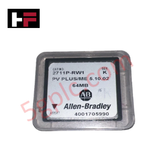
Product Details
Product Overview
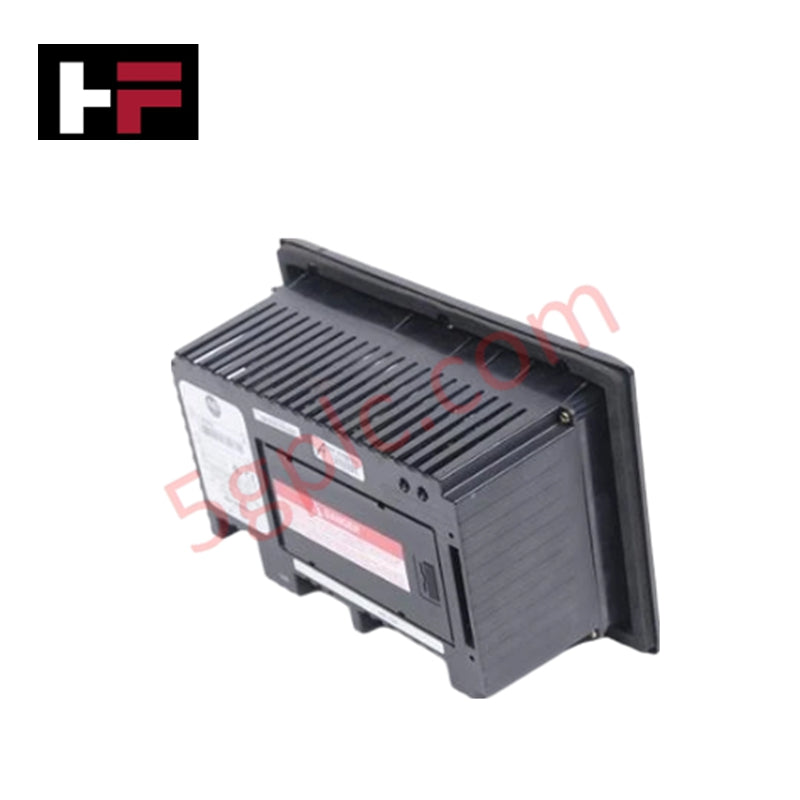
The 2711P-RW1 functions as a dedicated internal Compact Flash memory module designed specifically for the Allen-Bradley PanelView Plus and PanelView Plus CE platforms. This 64 MB industrial-grade card provides the primary storage space for the FactoryTalk View Machine Edition (ME) runtime environment, application files, and operating system data. It installs directly into the logic module of the terminal to ensure high-speed data access during HMI boot-up and process visualization. We supply this unit as 100% Brand New and factory-original, guaranteeing the read/write endurance required for continuous industrial operation.
Technical Specifications
The 2711P-RW1 utilizes high-integrity flash architecture to withstand the rigorous power cycles of plant-floor environments.
| Feature | Specification |
| Manufacturer | Allen-Bradley / Rockwell Automation |
| Storage Capacity | 64 MB |
| Memory Type | Compact Flash (Internal) |
| Compatibility | PanelView Plus 400, 600, 700, 1000, 1250, 1500 |
| Module Location | Logic Module Internal Slot |
| Hardware Series | Supports Series A through J |
| Power Consumption | System Supplied |
| Weight | 0.31 lbs (0.14 kg) |
Engineering Advantages
-
Optimized Runtime Stability: The 2711P-RW1 stores the compiled HMI application, allowing for rapid loading of complex graphic displays and alarm logs. The industrial-grade flash controller prevents the data corruption often associated with consumer-grade storage cards.
-
Seamless Hardware Integration: This module fits perfectly into the dedicated internal slot of the PanelView Plus logic module. It requires no external power or cabling, maintaining the HMI’s compact form factor while providing essential non-volatile storage.
-
Vibration and Thermal Resistance: Unlike mechanical storage media, this solid-state module withstands the high-vibration environments typical of machine-mounted operator terminals. It operates reliably across the full temperature range specified for the PanelView Plus series.
-
Direct Legacy Support: For facilities maintaining older PanelView Plus hardware (Series A-J), the 2711P-RW1 provides the exact firmware-compatible storage needed to keep legacy terminals operational without the need for expensive system-wide upgrades.
FAQs
-
Does the 2711P-RW1 support Removal and Insertion Under Power (RIUP)?
No. You must power down the terminal before installing or removing the 2711P-RW1. Performing this action while the unit is live risks permanent data loss or damage to the HMI logic module.
-
What tools do I need for installation?
Installation requires standard #00, #1, or #2 Phillips screwdrivers to access the logic module. Most importantly, always wear an Electrostatic Discharge (ESD) wristband during installation to prevent static damage to the sensitive flash circuitry.
-
Can I use a standard off-the-shelf Compact Flash card instead?
While standard cards may fit the slot, Rockwell Automation designs the 2711P-RW1 with specific industrial wear-leveling and timing parameters. Using non-approved cards often leads to "Module Not Found" errors or premature card failure during intensive data-logging tasks.
-
Is this card pre-loaded with firmware?
This module serves as raw storage. You must transfer the appropriate PanelView Plus firmware and your specific application files using the FactoryTalk View ME Transfer Utility after installation.
Additional Information
- 100% Genuine Parts: All products are original and authentic, ensuring reliable industrial performance.
- 30-Day Refund Guarantee: Return any in-stock item within 30 days in original, unopened packaging for a full refund (excluding shipping and fees).
- 12-Month Warranty: Covers defects in materials or workmanship; excludes misuse, normal wear, or unauthorized modifications.
- Worldwide Shipping: We ship via USPS, UPS, FedEx, and DHL. Delivery times vary by country and may be subject to customs or import fees.
- Support & Contact: Technical and warranty assistance is available anytime. Contact us here: Contact.
- Purchase Guidance: Check product specifications and compatibility carefully before ordering to ensure proper application.
Tech & Buying Guide

Why Programmable Logic Controllers Drop into Stop Mode: An Expert Analysis
Industrial automation systems rely heavily on Programmable Logic Controllers (PLCs) to maintain uninterrupted production. When a PLC unexpectedly shifts from Run to Stop mode, whole manufacturing lines stall.
As control systems evolve across modern factory automation, understanding the root causes of these interruptions helps engineers minimize costly downtime. This technical guide breaks down why PLCs trip into Stop mode and provides practical strategies to mitigate system faults.

Understanding Root Causes of Unplanned PLC Stop Mode in Industrial Automation
Modern Programmable Logic Controllers manage execution through distinct operational states: Run, Stop, Start-Up, and Hold. During power-up, a controller initializes memory registers within Stop mode before briefly transitioning to Start-Up mode. During this phase, internal self-diagnostics evaluate system integrity across hardware and user programs. If the controller detects no critical faults, it enters Run mode to execute the control program continuously. However, any severe system anomaly forces the CPU back into Stop mode immediately to prevent erratic machine behavior across the plant floor.

Human-Machine Interface Design: Essential Guide to HMI Selection, Visualization, and Control System Integration
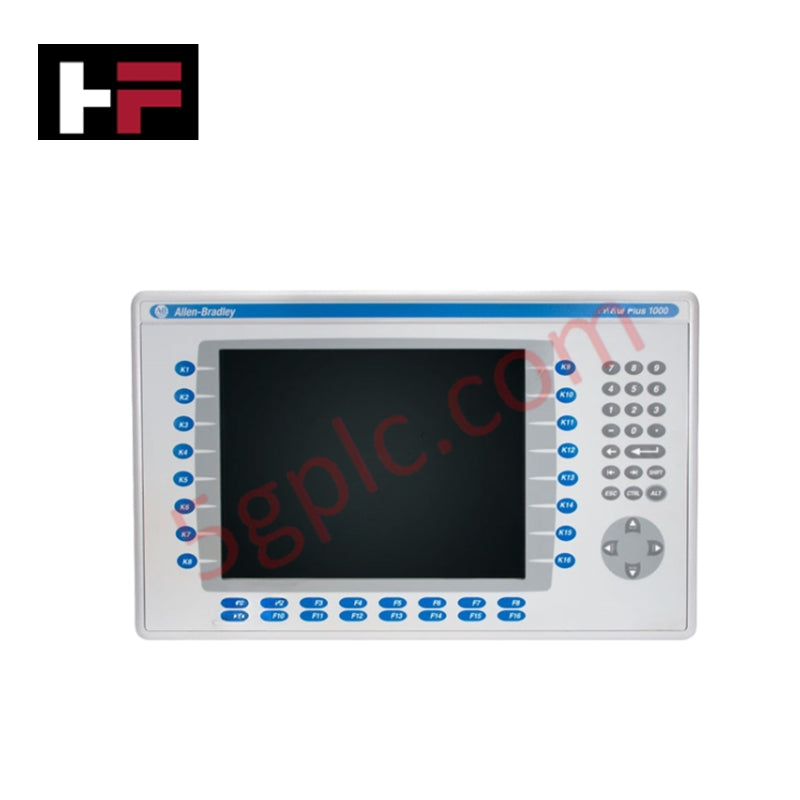
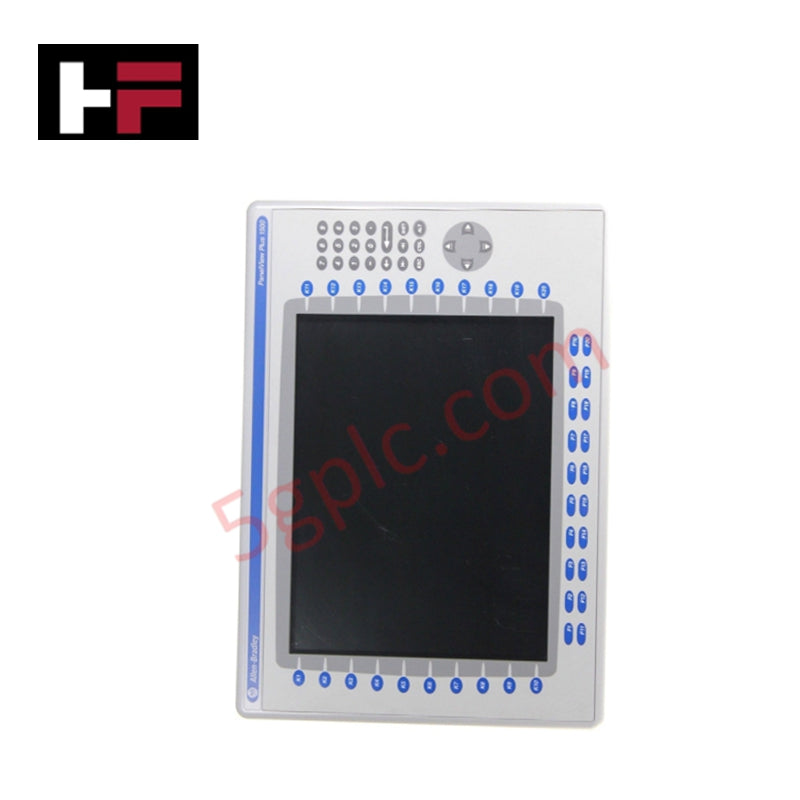
Human-Machine Interfaces (HMIs) serve as the primary operational window into complex industrial automation systems. Modern HMIs convert raw machine data into clear graphical displays, enabling operators to oversee entire manufacturing processes in real time. Instead of relying on physical control panels full of hardwired switches, engineers program interactive screens using intuitive graphics, dynamic color coding, and responsive touch interfaces. Over my 15 years in control systems engineering, I have observed HMIs transform from basic display screens into sophisticated command centers that drive operational efficiency across DCS and PLC environments.