










Product Details
Product Overview
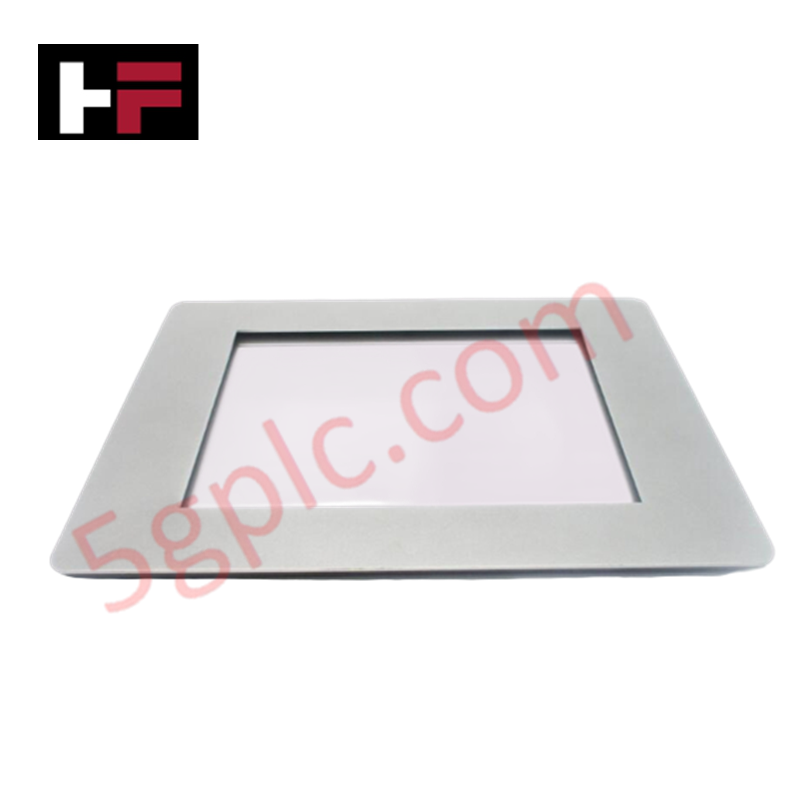
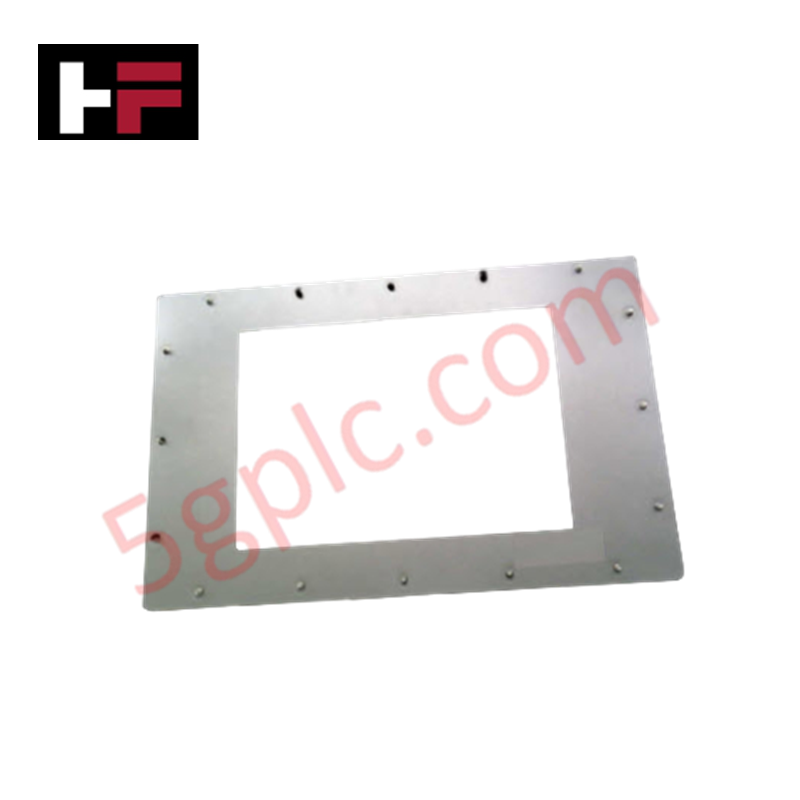
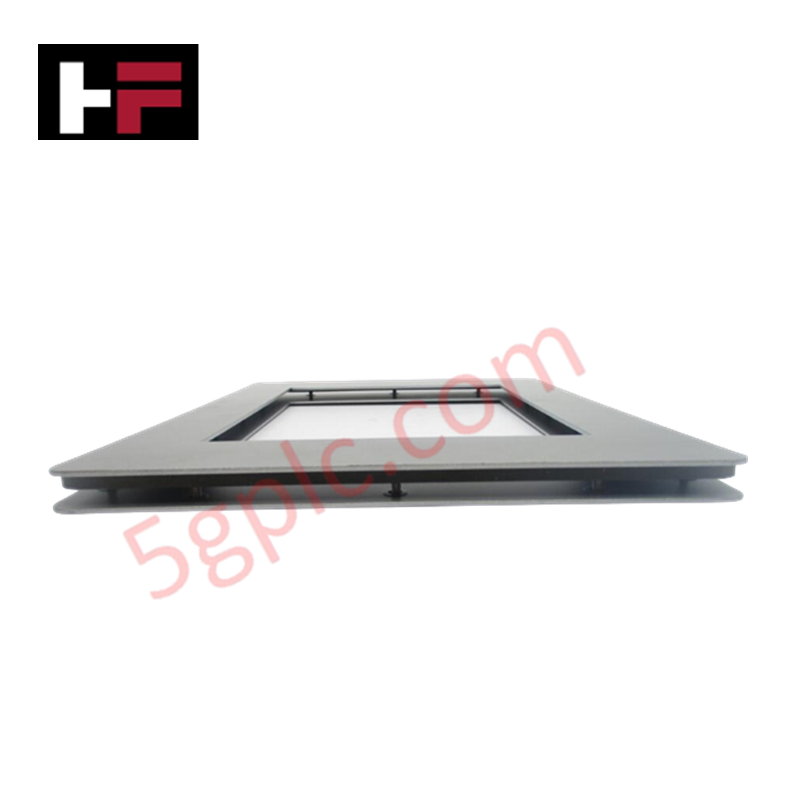
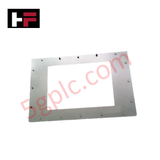
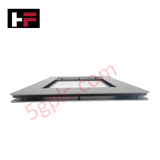
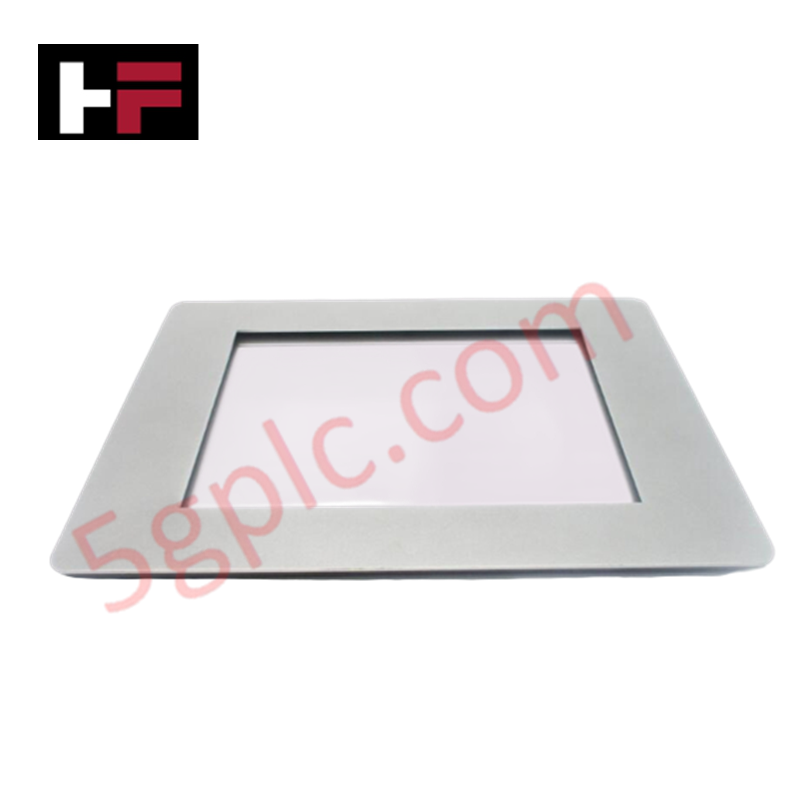
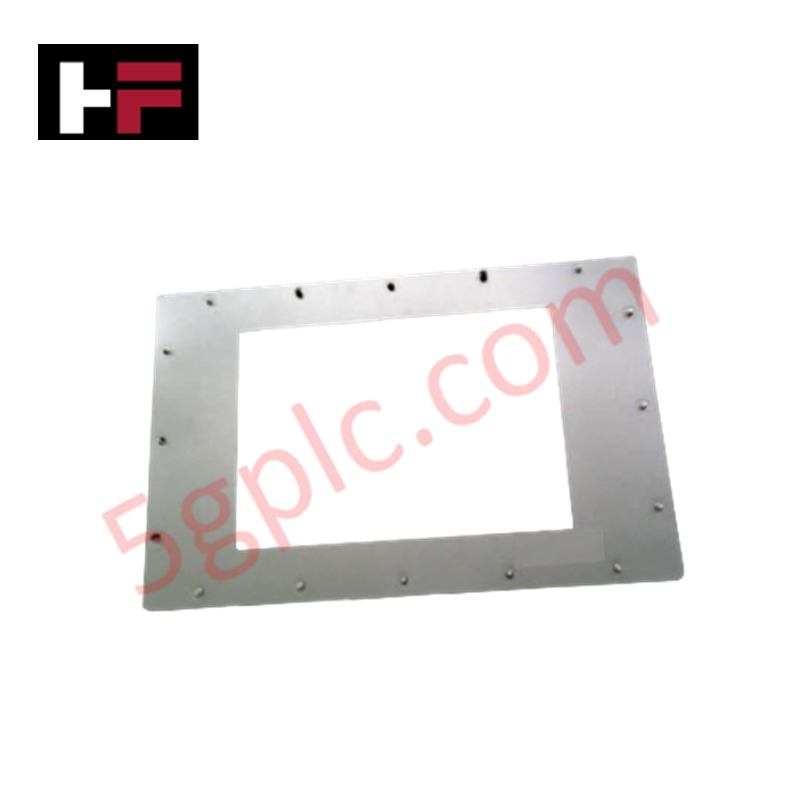
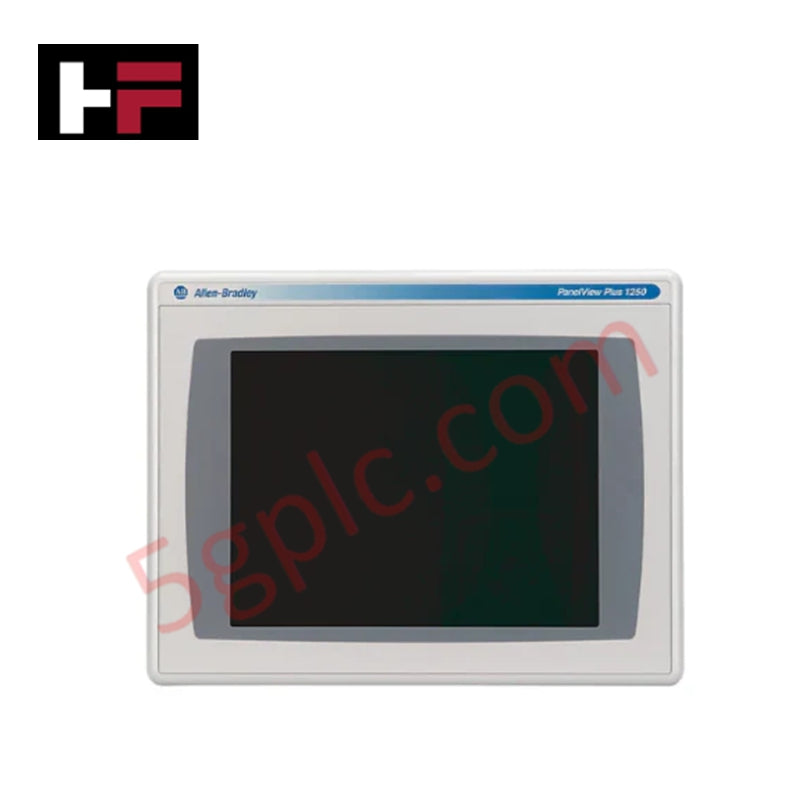
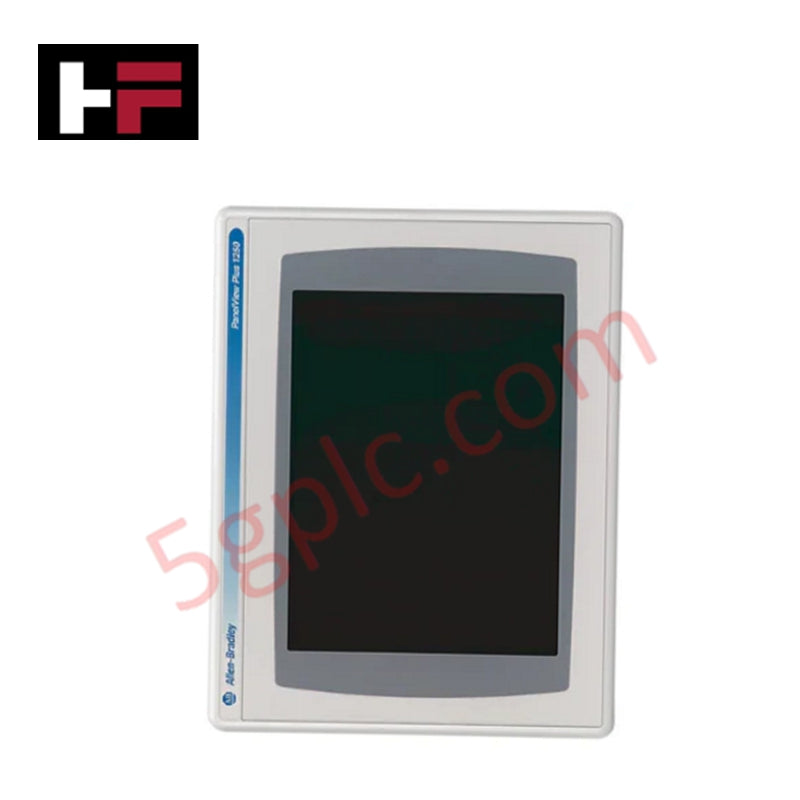
The Allen Bradley 2711P-RAAT12 serves as a precision-engineered protective antiglare overlay designed specifically for the PanelView Plus 7 Performance series. This industrial-grade accessory shields the sensitive touchscreen interface from physical abrasion, chemical contaminants, and repetitive contact wear. By diffusing reflected light, the 2711P-RAAT12 ensures optimal display readability in high-glare environments, maintaining the operational efficiency of the Human Machine Interface (HMI) in demanding factory floor conditions.
Technical Specifications
| Feature | Detailed Specification |
| Manufacturer | Allen Bradley / Rockwell Automation |
| Part Number | 2711P-RAAT12 |
| Product Line | PanelView Plus 7 (Performance) |
| Function | Antiglare Protective Overlay |
| Dimensions | 2.2 cm x 12.4 cm x 12.6 cm |
| Weight | 0.1 kg |
| Country of Origin | USA |
| Condition | 100% Brand New Original |
Engineering Advantages
-
Glare Reduction Technology: The 2711P-RAAT12 utilizes a specialized matte finish to scatter incident light. This eliminates harsh reflections from overhead industrial lighting, allowing operators to view critical process data and alarm notifications clearly from multiple viewing angles.
-
Touchscreen Longevity: This overlay acts as a sacrificial barrier against mechanical stress. It prevents direct contact between operator fingers (or gloves) and the factory glass, effectively stopping scratches and preventing the "polishing" effect caused by frequent interaction with common touch points.
-
Chemical and Fluid Resistance: The material withstands common industrial cleaning agents and incidental contact with oils or coolants. This protection ensures that the HMI remains functional in "wash-down" environments or near machining centers where airborne particulates and fluids are prevalent.
-
Simplified Maintenance: Maintenance teams install or replace the 2711P-RAAT12 in seconds without disassembling the HMI terminal. This capability allows for rapid restoration of display clarity during scheduled maintenance windows, avoiding the high cost of replacing an entire display module.
-
Precision Fitment: Engineered to the exact CAD specifications of the PanelView Plus 7 frame, the overlay ensures 100% coverage without interfering with touch sensitivity or edge-of-screen navigation.
FAQs
-
Is the 2711P-RAAT12 100% Brand New?
Yes. We supply only Brand New, original Allen Bradley accessories. Each 2711P-RAAT12 arrives in its original factory packaging to ensure the adhesive backing and surface finish remain pristine.
-
Does this overlay affect touch sensitivity?
No. Allen Bradley designs this overlay with high-transparency, low-interference materials. The touchscreen registers all inputs accurately, including multi-touch gestures, through the protective layer.
-
How often should I replace the 2711P-RAAT12?
Replacement frequency depends on the environment. We recommend replacing the overlay whenever the surface shows significant scuffing or when chemical buildup begins to obscure the display. Frequent replacement preserves the underlying HMI hardware indefinitely.
-
Will this fit any PanelView terminal?
The 2711P-RAAT12 specifically fits designated sizes within the PanelView Plus 7 Performance family. Always cross-reference your specific HMI display dimensions with the 12.4 cm x 12.6 cm profile to ensure a correct fit.
Additional Information
- 100% Genuine Parts: All products are original and authentic, ensuring reliable industrial performance.
- 30-Day Refund Guarantee: Return any in-stock item within 30 days in original, unopened packaging for a full refund (excluding shipping and fees).
- 12-Month Warranty: Covers defects in materials or workmanship; excludes misuse, normal wear, or unauthorized modifications.
- Worldwide Shipping: We ship via USPS, UPS, FedEx, and DHL. Delivery times vary by country and may be subject to customs or import fees.
- Support & Contact: Technical and warranty assistance is available anytime. Contact us here: Contact.
- Purchase Guidance: Check product specifications and compatibility carefully before ordering to ensure proper application.
Tech & Buying Guide

Why Programmable Logic Controllers Drop into Stop Mode: An Expert Analysis
Industrial automation systems rely heavily on Programmable Logic Controllers (PLCs) to maintain uninterrupted production. When a PLC unexpectedly shifts from Run to Stop mode, whole manufacturing lines stall.
As control systems evolve across modern factory automation, understanding the root causes of these interruptions helps engineers minimize costly downtime. This technical guide breaks down why PLCs trip into Stop mode and provides practical strategies to mitigate system faults.

Understanding Root Causes of Unplanned PLC Stop Mode in Industrial Automation
Modern Programmable Logic Controllers manage execution through distinct operational states: Run, Stop, Start-Up, and Hold. During power-up, a controller initializes memory registers within Stop mode before briefly transitioning to Start-Up mode. During this phase, internal self-diagnostics evaluate system integrity across hardware and user programs. If the controller detects no critical faults, it enters Run mode to execute the control program continuously. However, any severe system anomaly forces the CPU back into Stop mode immediately to prevent erratic machine behavior across the plant floor.

Human-Machine Interface Design: Essential Guide to HMI Selection, Visualization, and Control System Integration
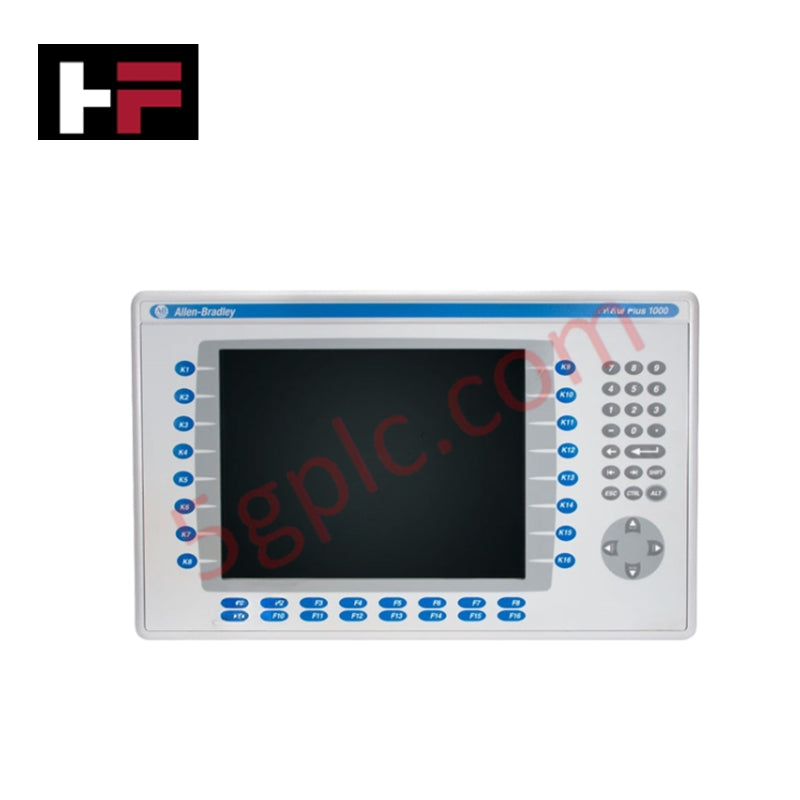
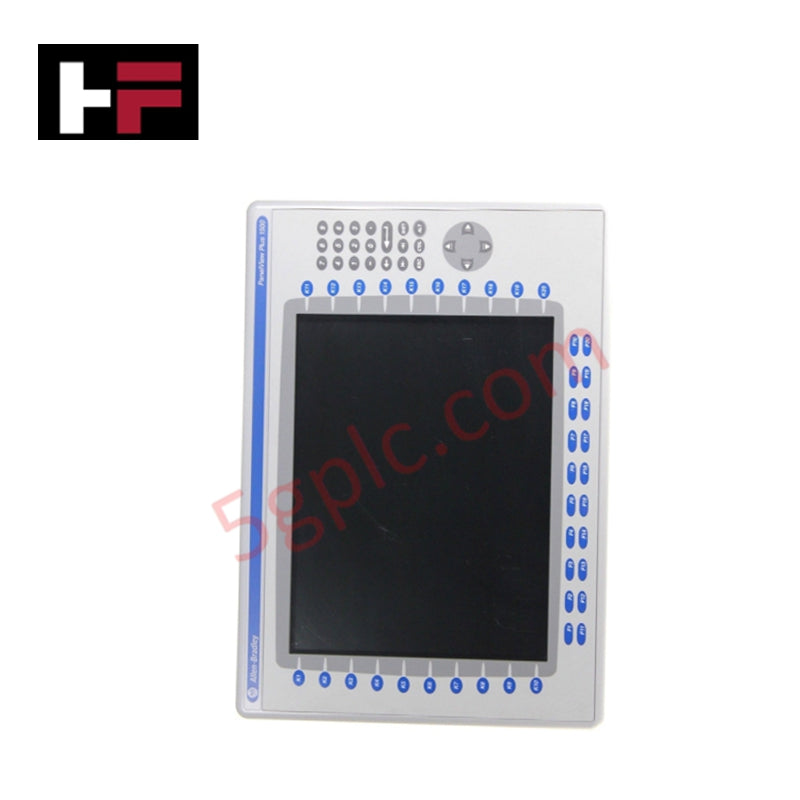
Human-Machine Interfaces (HMIs) serve as the primary operational window into complex industrial automation systems. Modern HMIs convert raw machine data into clear graphical displays, enabling operators to oversee entire manufacturing processes in real time. Instead of relying on physical control panels full of hardwired switches, engineers program interactive screens using intuitive graphics, dynamic color coding, and responsive touch interfaces. Over my 15 years in control systems engineering, I have observed HMIs transform from basic display screens into sophisticated command centers that drive operational efficiency across DCS and PLC environments.