










Product Details
Product Overview
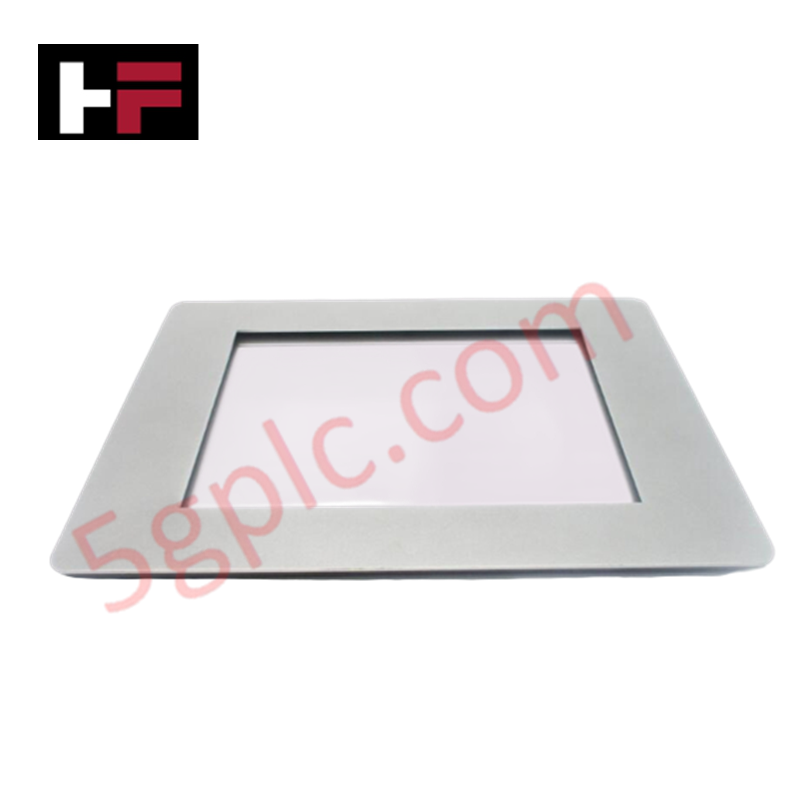
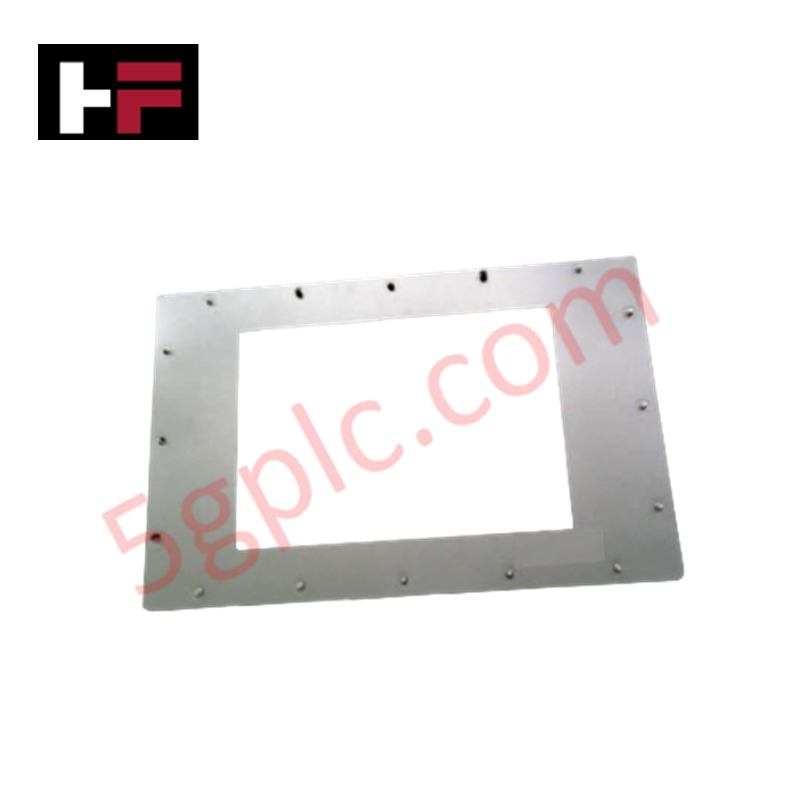
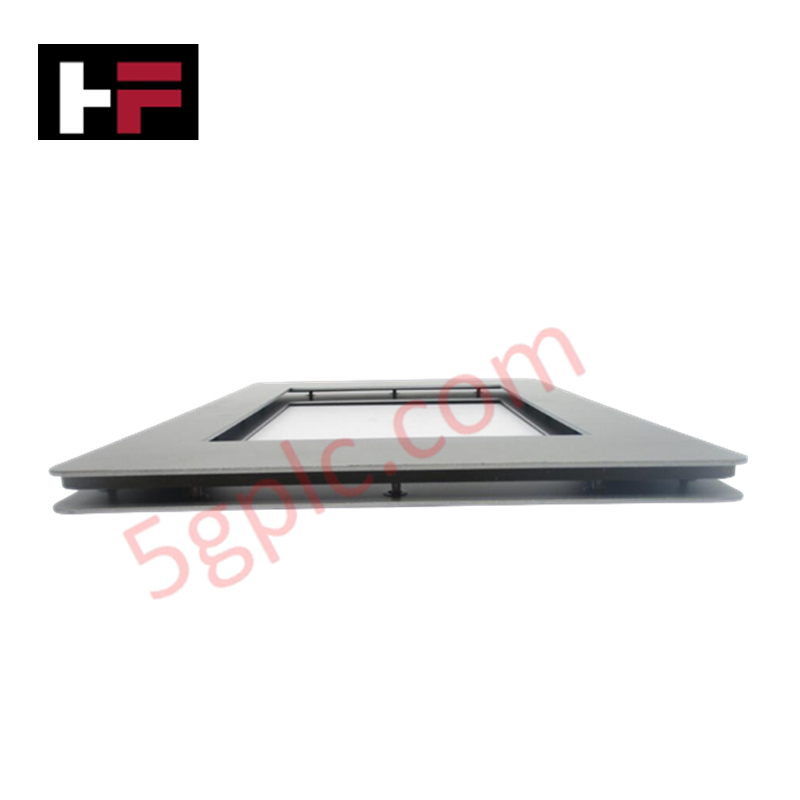
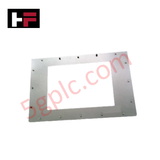
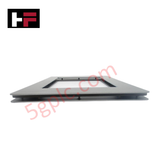
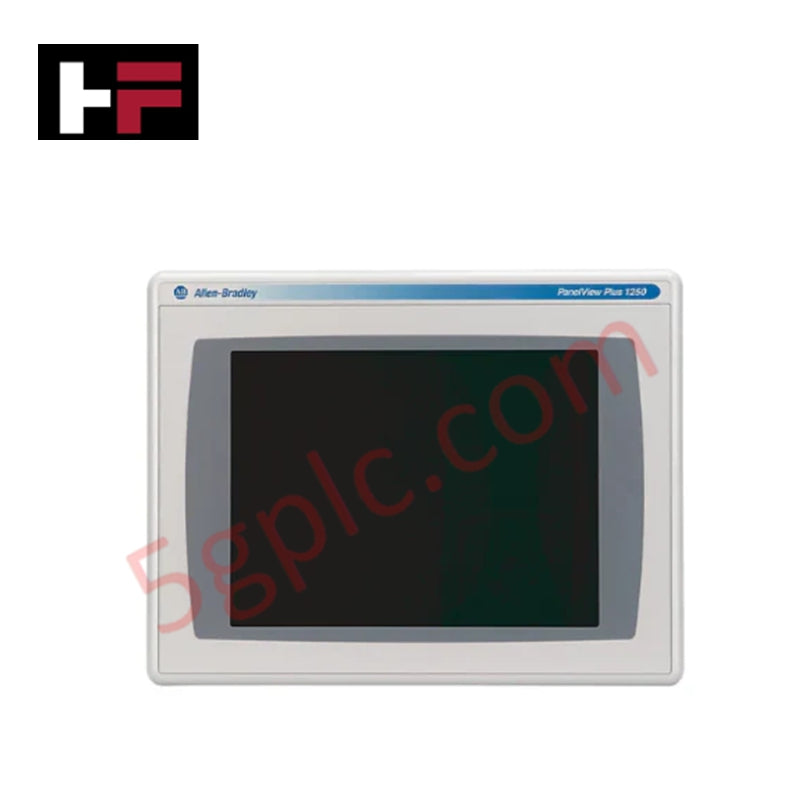
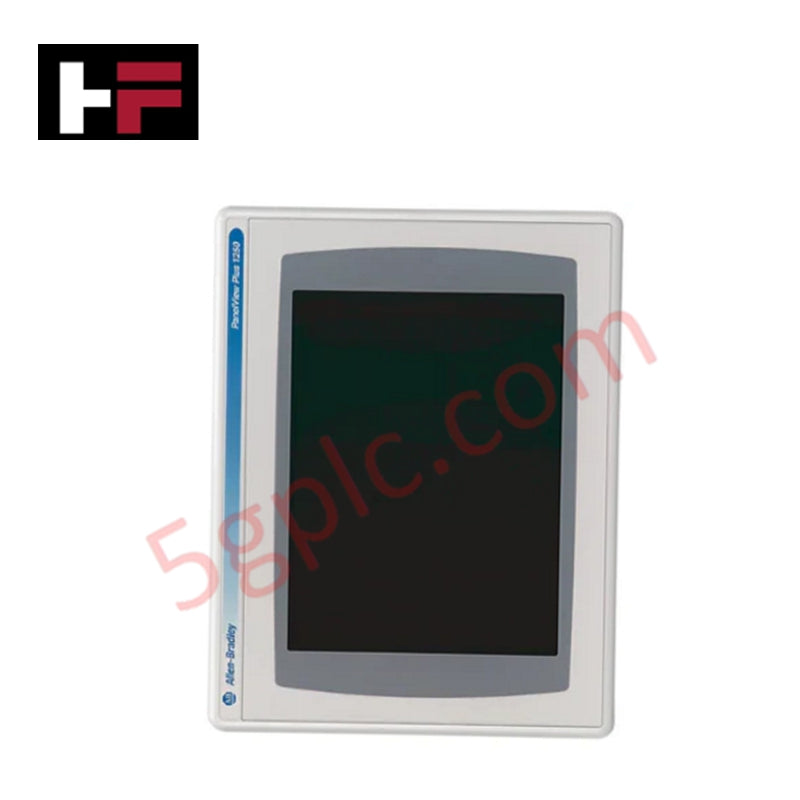
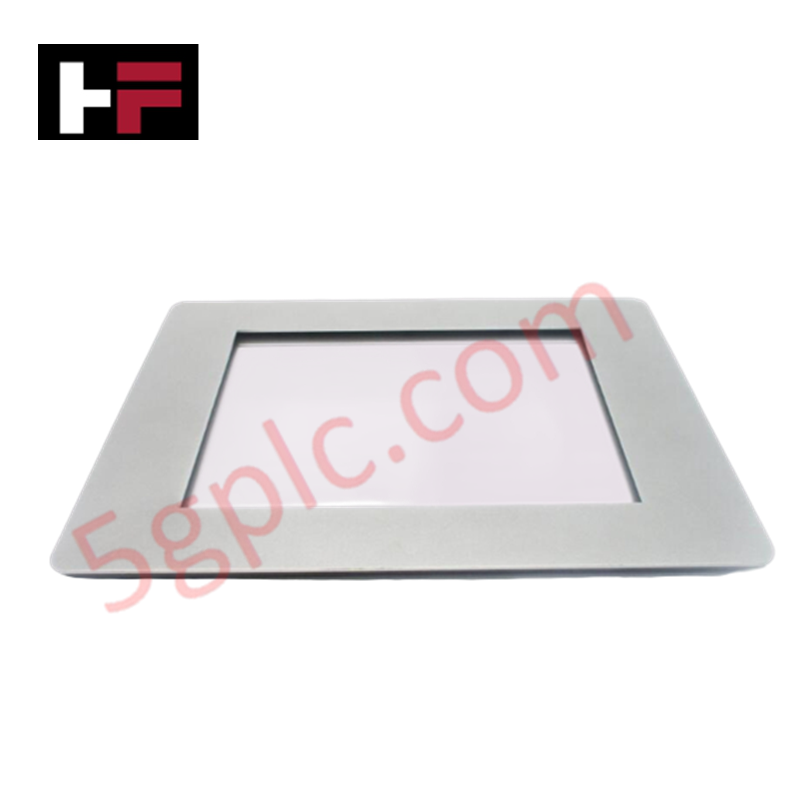
The Allen Bradley 2711P-RAAT10 serves as a high-precision antiglare protective overlay specifically engineered for the 10.4-inch PanelView Plus 7 Performance terminals. This industrial accessory provides a critical layer of defense for the HMI's glass touchscreen, preventing surface scratches, chemical etching, and wear from repetitive touch. By utilizing a specialized matte finish, the 2711P-RAAT10 diffuses incident light to eliminate harsh reflections, ensuring that operators can read process data clearly under bright factory lighting conditions.
Technical Specifications
| Feature | Detailed Specification |
| Manufacturer | Allen Bradley / Rockwell Automation |
| Part Number | 2711P-RAAT10 |
| Product Line | PanelView Plus 7 (Performance) |
| Compatibility | 10.4-inch Display Models |
| Function | Antiglare & Scratch Protection |
| Material | Industrial Grade Polyester/Polycarbonate |
| Quantity | Typically sold in packs (verify pack size) |
| Condition | 100% Brand New Original |
Engineering Advantages
-
Reflective Glare Suppression: The 2711P-RAAT10 features advanced light-diffusing properties. This solves the problem of "mirroring" on HMI screens located directly under high-intensity LED or fluorescent shop lights, allowing for safe and accurate monitoring from various angles.
-
Sacrificial Wear Barrier: In environments involving heavy glove use or grit, the overlay absorbs the mechanical friction of daily operation. This prevents the permanent "polishing" or clouding of the original touchscreen glass, maintaining the high-resolution clarity of the 10.4-inch TFT display.
-
Contaminant Resistance: The overlay material resists common industrial chemicals, including oils, grease, and non-corrosive cleaning agents. This protection ensures that the HMI remains operational in machining and food processing areas where splash contact is frequent.
-
Maintain Touch Accuracy: Despite its rugged protective qualities, the 2711P-RAAT10 maintains full responsiveness for the PanelView Plus 7’s multi-touch capabilities. It ensures zero latency between user input and system response.
-
Cost-Effective Maintenance: Replacing a scuffed or dirty overlay takes only minutes and costs a fraction of a full display module replacement. This allows facilities to maintain "like-new" HMI visibility without significant hardware expenditure.
FAQs
-
Is the 2711P-RAAT10 supplied as Brand New?
Yes. We supply this product as 100% Brand New in original factory packaging. Each overlay features a protective film on both sides to ensure it remains pristine until final installation.
-
Will this fit the PanelView Plus 7 Standard 10-inch models?
The 2711P-RAAT10 is primarily designed for the 10.4-inch Performance series. Always verify your specific terminal's frame dimensions before application, as the Performance and Standard frames sometimes differ in bezel thickness.
-
How do I install the overlay without bubbles?
Thoroughly clean the HMI glass with an approved screen cleaner and a lint-free cloth. Align one edge of the 2711P-RAAT10 with the bezel and slowly press it down across the surface, using a flat card to push air toward the edges.
-
Does this overlay protect against high-impact hits?
While the 2711P-RAAT10 prevents scratches and minor abrasions, it is a thin film designed for surface protection. It does not provide significant structural protection against heavy impacts that could shatter the underlying glass.
Additional Information
- 100% Genuine Parts: All products are original and authentic, ensuring reliable industrial performance.
- 30-Day Refund Guarantee: Return any in-stock item within 30 days in original, unopened packaging for a full refund (excluding shipping and fees).
- 12-Month Warranty: Covers defects in materials or workmanship; excludes misuse, normal wear, or unauthorized modifications.
- Worldwide Shipping: We ship via USPS, UPS, FedEx, and DHL. Delivery times vary by country and may be subject to customs or import fees.
- Support & Contact: Technical and warranty assistance is available anytime. Contact us here: Contact.
- Purchase Guidance: Check product specifications and compatibility carefully before ordering to ensure proper application.
Tech & Buying Guide

Understanding VFD Mechanical Brake Logic and Control in Industrial Automation
Variable Frequency Drives (VFDs) play a crucial role in modern industrial automation by controlling motor speed, torque, and acceleration. However, high-inertia loads and vertical lifting systems require precise mechanical braking logic to ensure operational safety and prevent equipment damage.

Why Programmable Logic Controllers Drop into Stop Mode: An Expert Analysis
Industrial automation systems rely heavily on Programmable Logic Controllers (PLCs) to maintain uninterrupted production. When a PLC unexpectedly shifts from Run to Stop mode, whole manufacturing lines stall.
As control systems evolve across modern factory automation, understanding the root causes of these interruptions helps engineers minimize costly downtime. This technical guide breaks down why PLCs trip into Stop mode and provides practical strategies to mitigate system faults.

Understanding Root Causes of Unplanned PLC Stop Mode in Industrial Automation
Modern Programmable Logic Controllers manage execution through distinct operational states: Run, Stop, Start-Up, and Hold. During power-up, a controller initializes memory registers within Stop mode before briefly transitioning to Start-Up mode. During this phase, internal self-diagnostics evaluate system integrity across hardware and user programs. If the controller detects no critical faults, it enters Run mode to execute the control program continuously. However, any severe system anomaly forces the CPU back into Stop mode immediately to prevent erratic machine behavior across the plant floor.