












Product Details
Product Overview
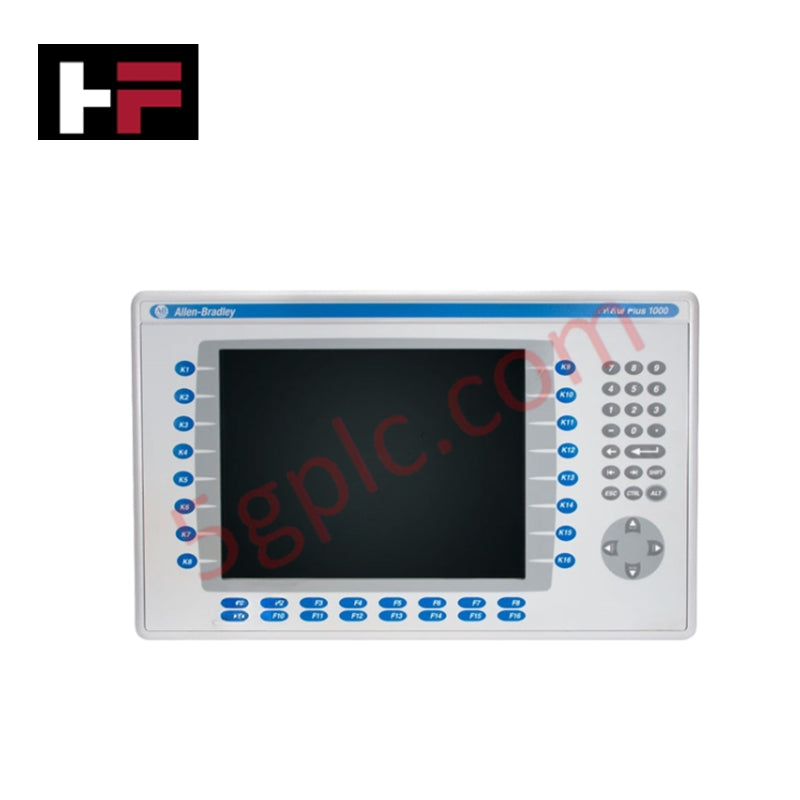
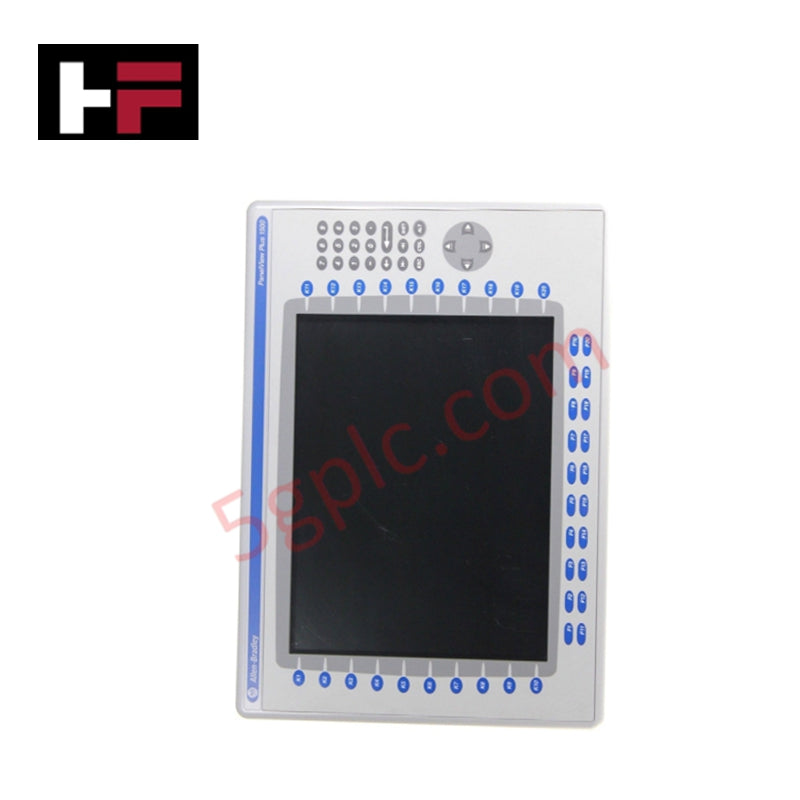
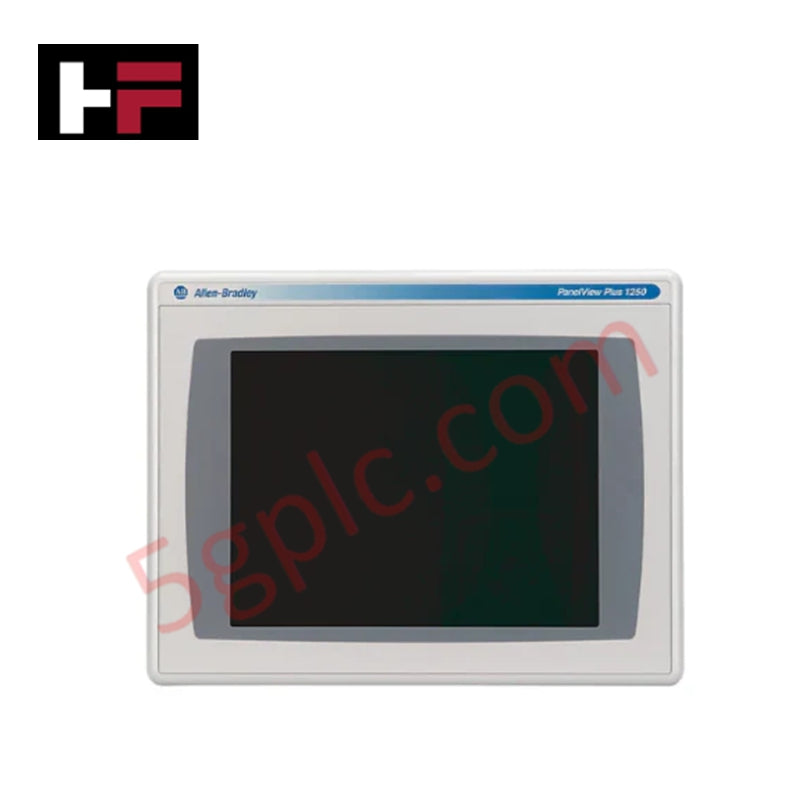
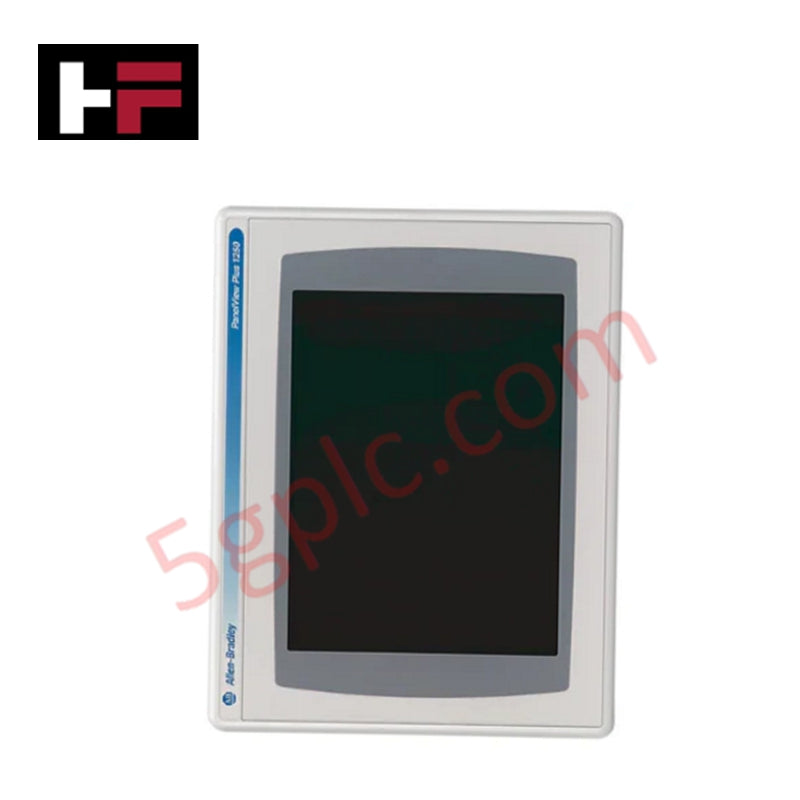
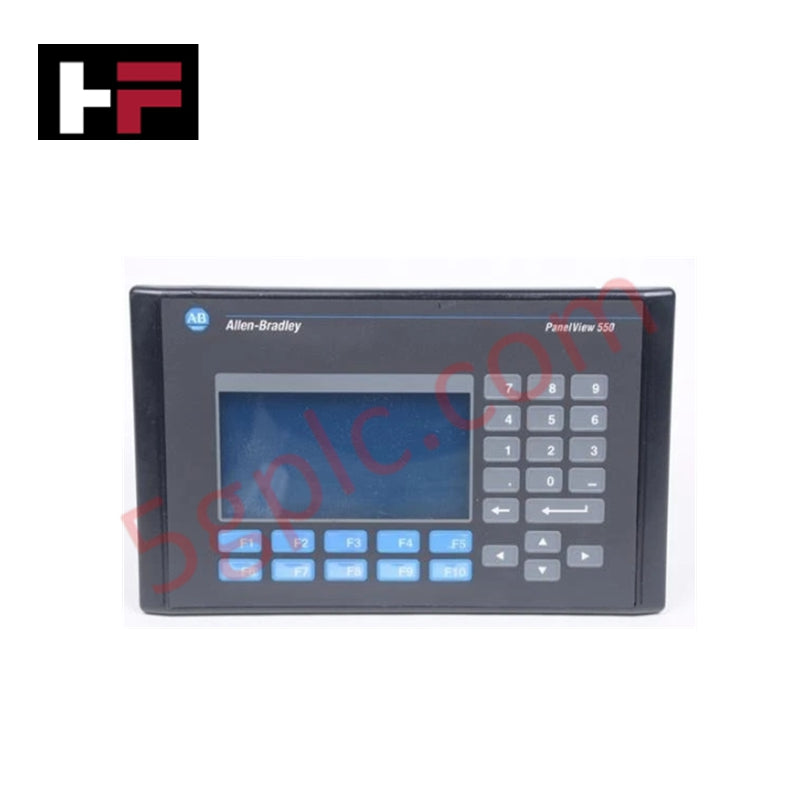
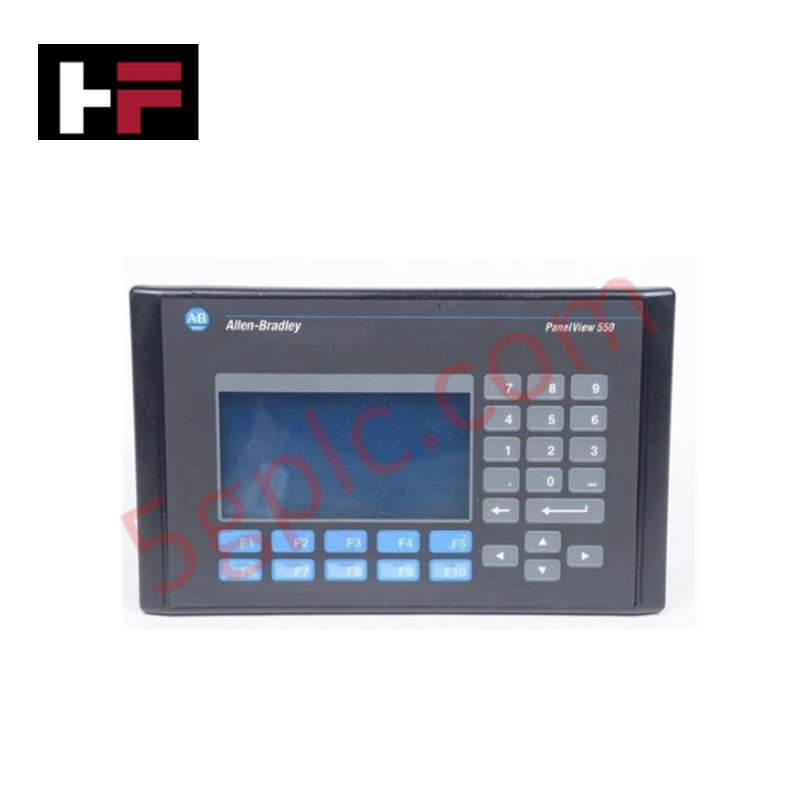
The Allen-Bradley 2711P-B10C6D1 serves as a high-performance Human-Machine Interface (HMI) within the legacy PanelView Plus 1000 operator terminal series. This visualization platform bridges the gap between floor operators and complex automated systems, rendering real-time process diagnostics, alarm telemetry, and machine control parameters.
While the original manufacturer labels this hardware series as discontinued and obsolete, we supply this critical industrial asset exclusively as a 100% brand new, original factory-sealed unit. This ensures a completely pristine LCD panel matrix, unblemished tactile micro-switches, and a fresh internal backup capacitor array ready for immediate deployment on legacy production networks.
Technical Specifications
The table below displays the complete mechanical, electrical, and data communication profile for the 2711P-B10C6D1 operator terminal:
| Parameter | Industrial System Configuration & Rating |
| Manufacturer | Allen-Bradley / Rockwell Automation |
| Part Number | 2711P-B10C6D1 |
| Product Family | PanelView Plus Operator Terminals |
| Display Size & Type | 10.4-inch Color Active Matrix Thin-Film精神 Transistor (TFT) LCD |
| Active Display Area | 210 x 131 mm (8.27 x 5.17 in.) |
| Native Resolution | 640 x 400 Pixels |
| Backlight Mechanism | Ultra-Long-Life LED Backlight (100,000 Hours Lifespan) |
| Operator Input Configuration | Dual Modality: Keypad & Analog Resistive Touchscreen |
| Mechanical Keypad Layout | 32 Action Keys (F1-F16, K1-K16), Numeric (0-9), System Navigation |
| Keypad Durability Rating | Tested up to 1 Million Actuations |
| Internal Memory Profile | 64 MB Total Memory / 32 MB Flash & 32 MB RAM |
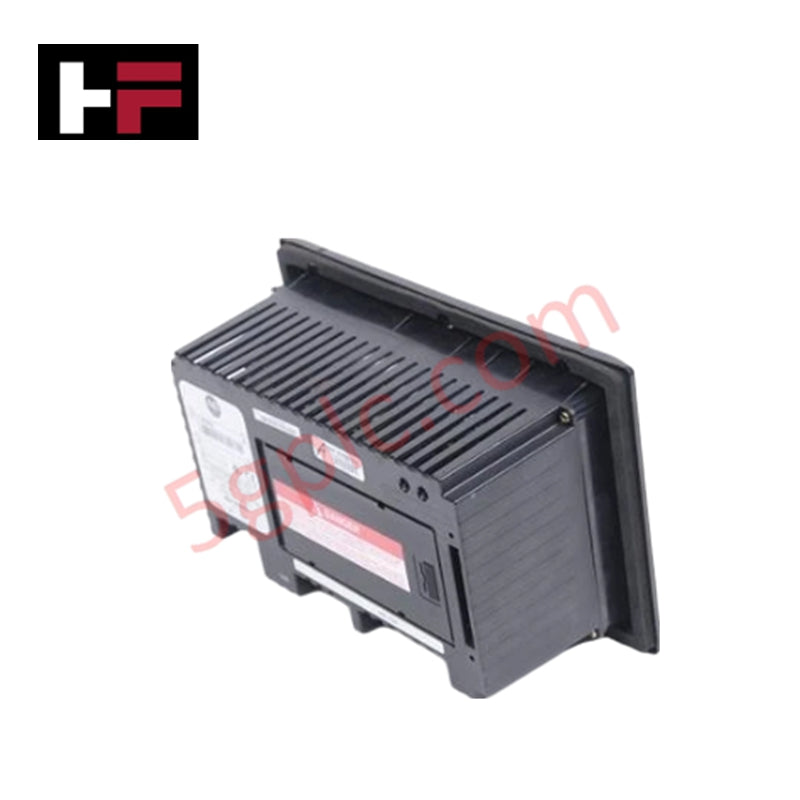
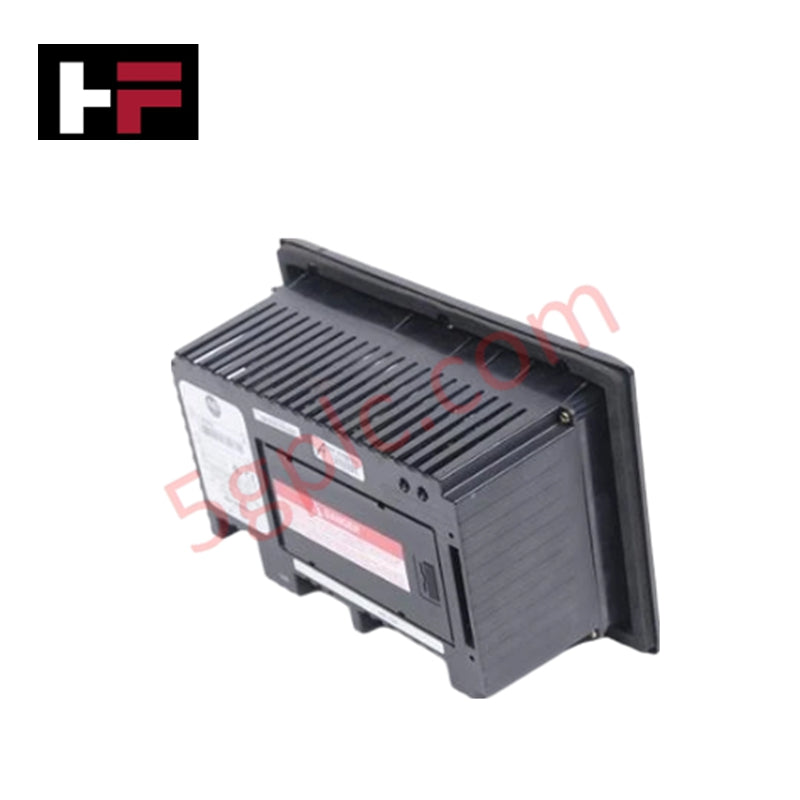
| Integrated Communication Interfaces | Data Highway Plus (DH+), Remote I/O (RIO), DH-485, RS-232, Ethernet, USB |
| Dedicated Network Cables | Belden 1770-CD (RIO/DH+) / 1761-CBL-ASO3 (DH-485) |
| Hardware Series Compatibility | Series A, B, C, D, and F Support |
| Input DC Operating Power | 18 to 32V DC Nominal Field Power Input |
| Net Hardware Weight | 7.00 lbs (3.18 kg) |
Engineering Advantages
-
Dual Interface Mode Ensures Constant Field Availability: This unit combines an analog resistive touchscreen with a 32-button mechanical membrane keypad. When operators wear thick, chemical-resistant safety gloves that degrade typical touchscreen accuracy, the physical dome switches provide definite tactile feedback. This redundant input path guarantees continuous control even if flying debris punctures or scratches the top resistive screen layer.
-
Simplifies Legacy RIO and DH+ Infrastructure Migrations: The communication expansion footprint houses onboard processing chips for Remote I/O (RIO) and Data Highway Plus (DH+) communication. Plant engineers do not need to rewrite complex control rungs, replace thousands of feet of existing blue-hose network cable, or install external gateway converters when swapping out a damaged field terminal.
-
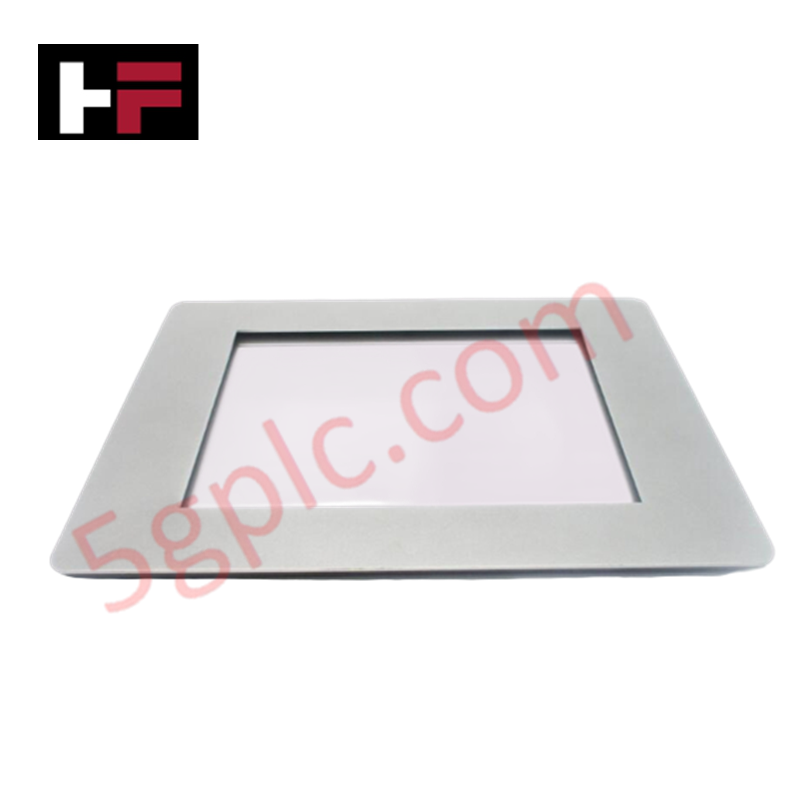
Resists Extreme Control Panel Moisture Puncture: High-durometer compression gaskets seal the perimeter edge of the screen frame. When clamped into a standard cabinet cutout, this sealing boundary blocks airborne dust particles, vaporized machine coolant, and low-pressure water washdown sprays from bypassing the cutout and short-circuiting the sensitive internal circuit board architecture.
FAQs
-
Can this terminal run newer FactoryTalk View ME runtime files directly?
The 2711P-B10C6D1 natively supports runtime files engineered for the original PanelView Plus framework. When migrating older systems using FactoryTalk View Studio software, you must compile the application file (.APA) into a specific legacy runtime format (.MER) that matches the internal operating system limits of this terminal before transferring data via the RS-232 or Ethernet ports.
-
How does the 100,000-hour LED backlight affect continuous operations?
The solid-state LED backlight eliminates the high-voltage inverter assemblies found in older cold-cathode fluorescent lamp (CCFL) terminals. This design cuts panel heat generation inside the HMI housing, maintains bright, crisp color contrast across a 100,000-hour runtime curve, and stops the screen flickering caused by failing high-voltage backplane components.
-
What are the key wiring precautions during the final panel installation?
The power supply terminal accept a broad DC range spanning from 18V DC up to 32V DC. Technicians must route the DC power feeds inside a separate conduit away from high-current AC motor leads, and they must land a dedicated ground wire onto the functional earth ground lug to shield the communication channels from electromagnetic common-mode noise.
Additional Information
- 100% Genuine Parts: All products are original and authentic, ensuring reliable industrial performance.
- 30-Day Refund Guarantee: Return any in-stock item within 30 days in original, unopened packaging for a full refund (excluding shipping and fees).
- 12-Month Warranty: Covers defects in materials or workmanship; excludes misuse, normal wear, or unauthorized modifications.
- Worldwide Shipping: We ship via USPS, UPS, FedEx, and DHL. Delivery times vary by country and may be subject to customs or import fees.
- Support & Contact: Technical and warranty assistance is available anytime. Contact us here: Contact.
- Purchase Guidance: Check product specifications and compatibility carefully before ordering to ensure proper application.
Tech & Buying Guide

Why Programmable Logic Controllers Drop into Stop Mode: An Expert Analysis
Industrial automation systems rely heavily on Programmable Logic Controllers (PLCs) to maintain uninterrupted production. When a PLC unexpectedly shifts from Run to Stop mode, whole manufacturing lines stall.
As control systems evolve across modern factory automation, understanding the root causes of these interruptions helps engineers minimize costly downtime. This technical guide breaks down why PLCs trip into Stop mode and provides practical strategies to mitigate system faults.

Understanding Root Causes of Unplanned PLC Stop Mode in Industrial Automation
Modern Programmable Logic Controllers manage execution through distinct operational states: Run, Stop, Start-Up, and Hold. During power-up, a controller initializes memory registers within Stop mode before briefly transitioning to Start-Up mode. During this phase, internal self-diagnostics evaluate system integrity across hardware and user programs. If the controller detects no critical faults, it enters Run mode to execute the control program continuously. However, any severe system anomaly forces the CPU back into Stop mode immediately to prevent erratic machine behavior across the plant floor.

Human-Machine Interface Design: Essential Guide to HMI Selection, Visualization, and Control System Integration
Human-Machine Interfaces (HMIs) serve as the primary operational window into complex industrial automation systems. Modern HMIs convert raw machine data into clear graphical displays, enabling operators to oversee entire manufacturing processes in real time. Instead of relying on physical control panels full of hardwired switches, engineers program interactive screens using intuitive graphics, dynamic color coding, and responsive touch interfaces. Over my 15 years in control systems engineering, I have observed HMIs transform from basic display screens into sophisticated command centers that drive operational efficiency across DCS and PLC environments.