








Product Details
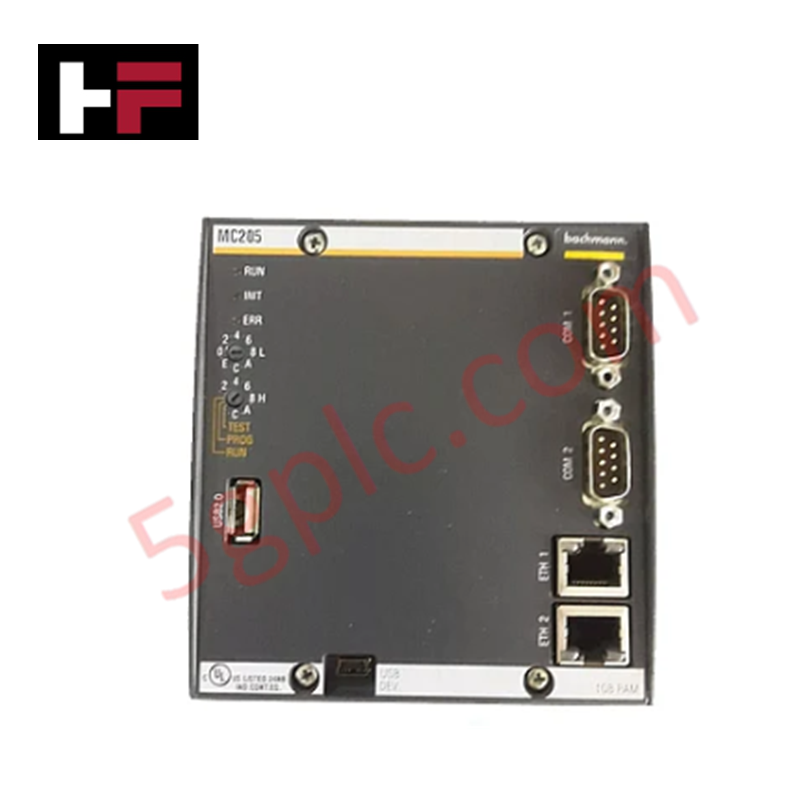
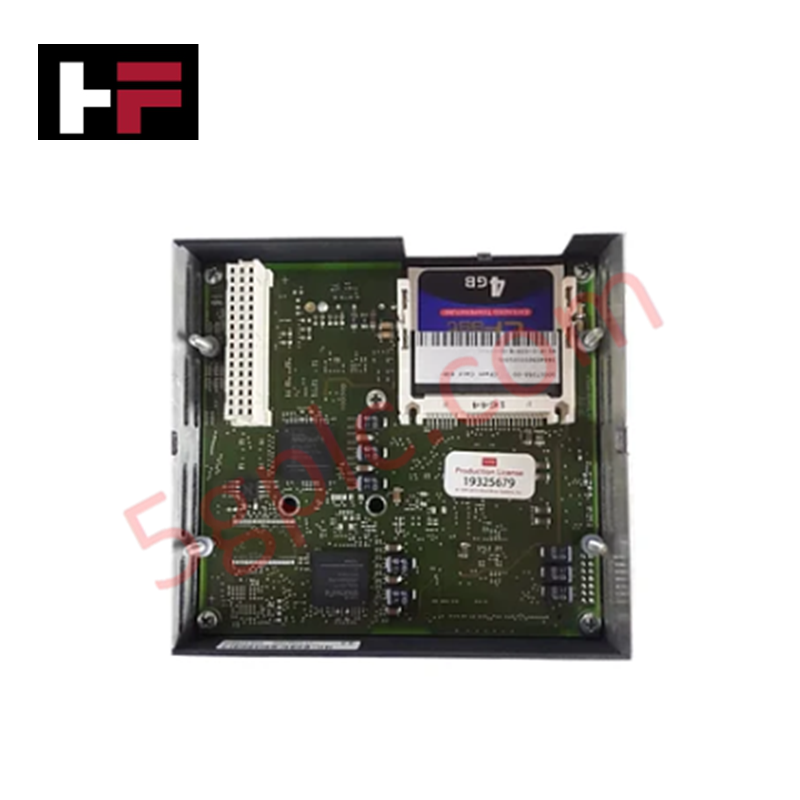
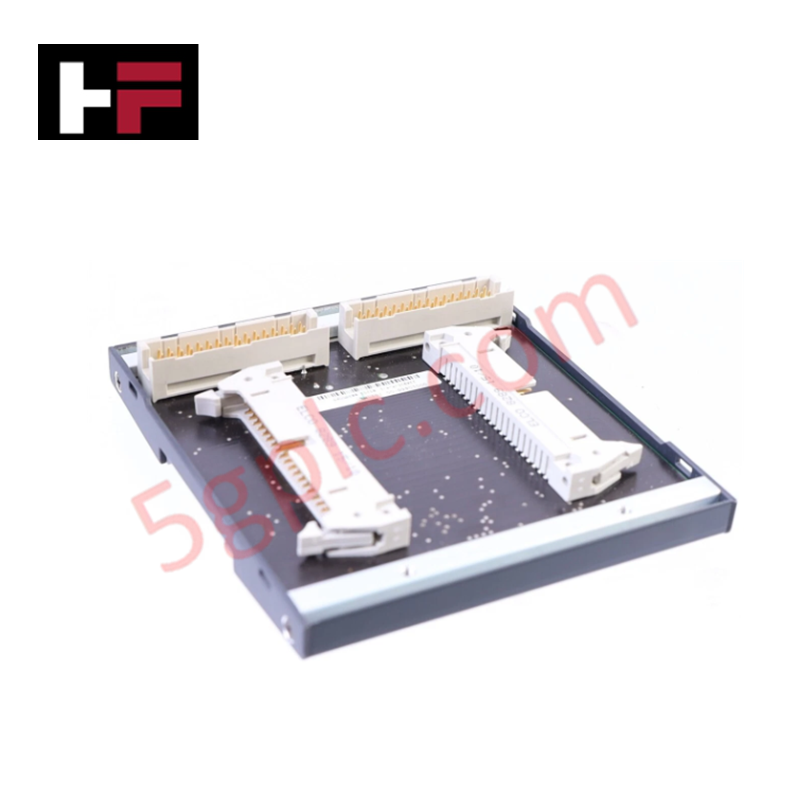
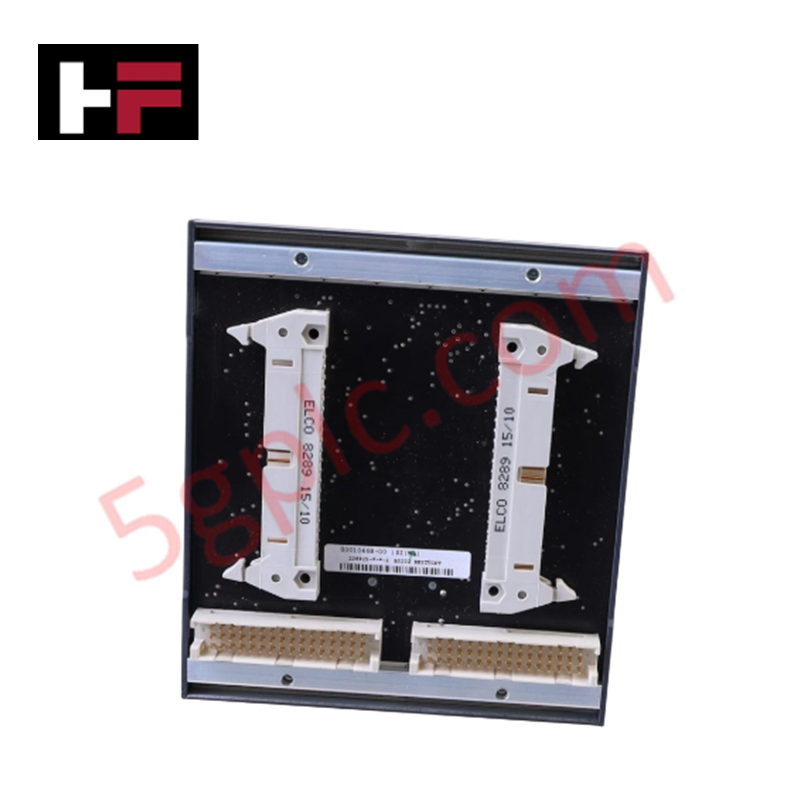
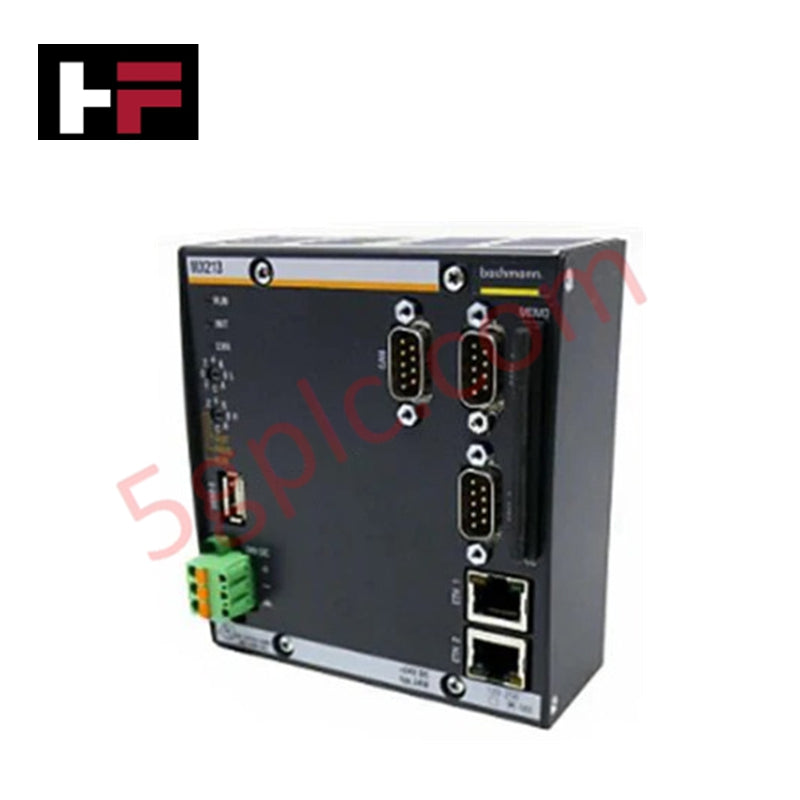
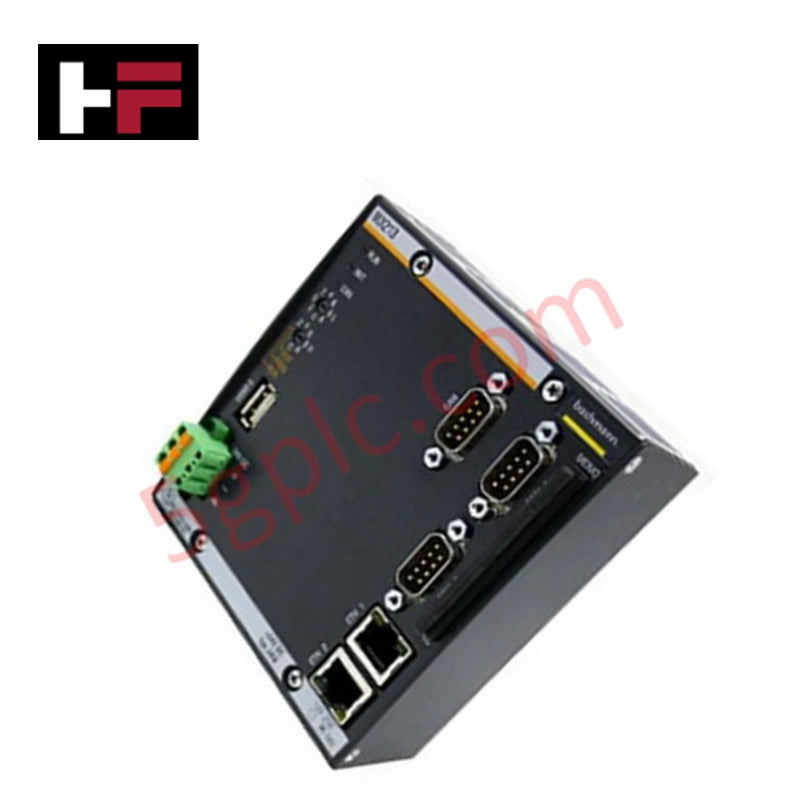
The Bachmann MC205, also cataloged as the MC205 CPU Module, operates as a dedicated hardware component for executing real-time control logic and process management within M-series automation platforms.
Hardware Specifications
| Parameter | Specification |
|---|---|
| Model | MC205 |
| Brand | Bachmann |
| Origin | Germany |
| Weight | Approx. 0.45 kg |
| Dimensions | Standard M-series module form factor |
| Operating Temp | -20 deg C to 60 deg C |
| Power Consumption | < 12 W |
| Processor | 600 MHz ATOM E620 |
| RAM | 1 GB DRAM DDR2 |
| Mass Storage | > 8 GB CFast |
| Interfaces | 2x Gigabit Ethernet (IEEE1588), 2x Serial, 2x USB |
Backplane bus communication velocity Licences
The Bachmann MC205 utilizes a high-speed internal bus controller to interface with local and distributed I/O modules, maintaining deterministic scan cycles required for motion and process control. The module firmware supports integration with standardized fieldbus networks, with communication velocities optimized for the M-series backplane. License-based features enable the scaling of I/O density and backplane throughput, allowing the processor to synchronize task execution across multi-node architectures. The integrated Ethernet ports support IEEE1588 precision time protocol, facilitating clock synchronization across distributed control systems.
Frequently Asked Questions
Q: Does the MC205 support hot-swapping within the controller rack?
A: The MC205 is not designed for hot-swapping. The system must be powered down before removing or installing the CPU module to prevent damage to the backplane connectors and sensitive electronic components.
Q: Can the internal FLASH memory be expanded for larger application programs?
A: No, the 64 MB internal FLASH memory is fixed. For applications requiring larger memory footprints, the external CFast mass storage port should be utilized for data logging and extended application storage.
Q: Is the firmware flash compatible with legacy M-series modules?
A: Firmware compatibility is dependent on the specific SolutionCenter version. Always verify that the current processor firmware matches the requirements of the backplane bus drivers before initiating a flash update.
Field Installation Guidelines
- Environmental Preparation: Ensure the module is installed in a cabinet with adequate forced air cooling to maintain ambient temperatures within the specified -20 deg C to 60 deg C range.
- Backplane Insertion: Align the module with the primary controller slot on the backplane. Ensure the chassis ground contact is established before the electrical bus pins engage.
- Shielding and Grounding: Connect the functional ground terminal to a low-impedance earth point to provide a return path for high-frequency noise induced on the communication lines.
- Interface Wiring: Use shielded Category 6 Ethernet cables for Gigabit connections to prevent packet loss. Ensure serial port cabling uses the correct pinout configuration (RS232/422/485) as defined by the software-configured settings.
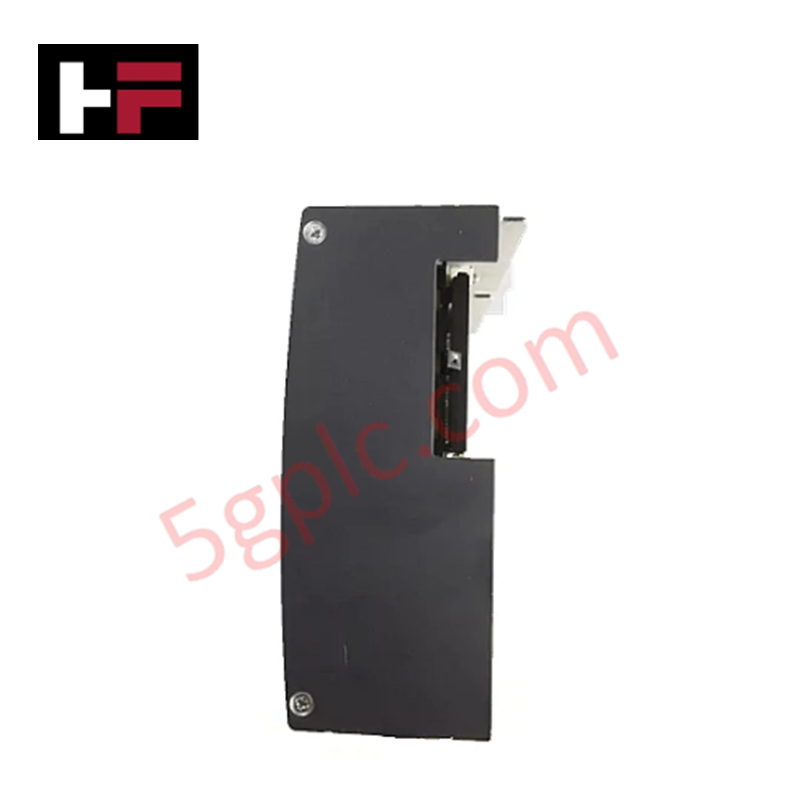
- Memory Management: When utilizing the side-accessible CFast card, ensure the module is at a static state before physical removal to prevent corruption of the file system.
Additional Information
- 100% Genuine Parts: All products are original and authentic, ensuring reliable industrial performance.
- 30-Day Refund Guarantee: Return any in-stock item within 30 days in original, unopened packaging for a full refund (excluding shipping and fees).
- 12-Month Warranty: Covers defects in materials or workmanship; excludes misuse, normal wear, or unauthorized modifications.
- Worldwide Shipping: We ship via USPS, UPS, FedEx, and DHL. Delivery times vary by country and may be subject to customs or import fees.
- Support & Contact: Technical and warranty assistance is available anytime. Contact us here: Contact.
- Purchase Guidance: Check product specifications and compatibility carefully before ordering to ensure proper application.
Tech & Buying Guide
Multi-Touch HMI Technology: Transforming Interaction in Industrial Automation
Modern human-machine interfaces (HMIs) are evolving rapidly across factory floors worldwide. Traditional resistive touchscreens allowed operators to register only a single touch point at a time. Today, multi-touch HMI panels enable intuitive multi-finger gestures and concurrent multi-operator inputs in demanding industrial automation setups.

Centralized vs Decentralized Automation Systems: Architectural Trade-Offs in Modern Industrial Control
Industrial automation relies heavily on robust control architectures to manage complex processes efficiently. Engineers must choose between centralized and decentralized topologies when designing plant automation. This decision directly impacts system reliability, scalability, and long-term maintenance costs.

Engineering a Process Control System Philosophy: Principles and Operational Impact
A Process Control System (PCS) Philosophy serves as the foundational blueprint for modern plant engineering. During the design and construction phases, this document establishes clear guidelines for instrumentation and control (I&C) teams. Consequently, a well-defined philosophy directly dictates overall operational stability, maintenance efficiency, and future expansion capabilities across heavy process industries.