










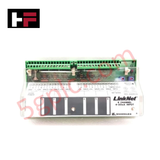
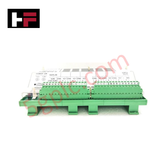
Product Details
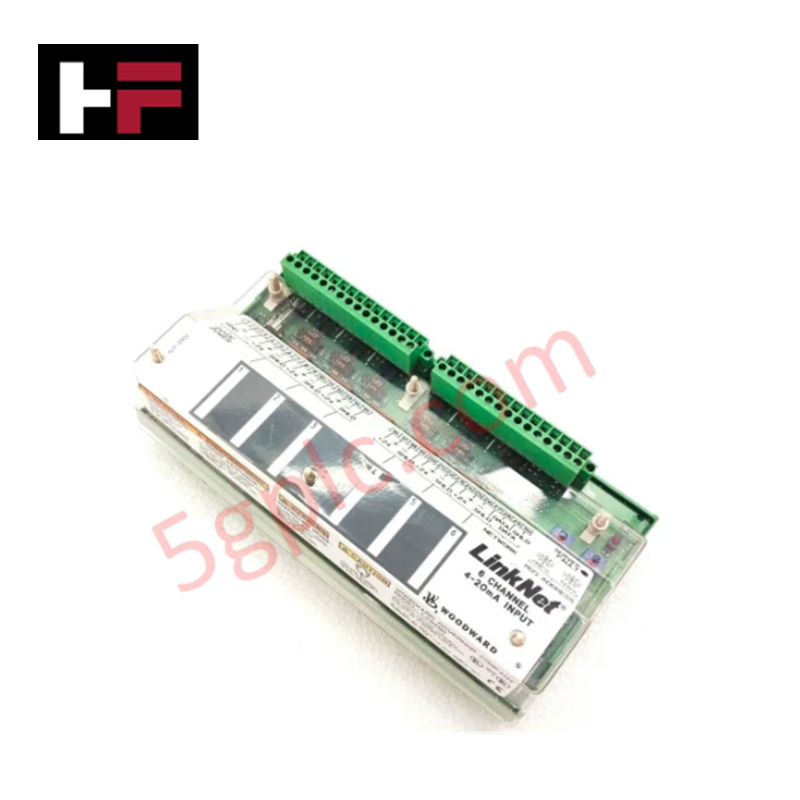
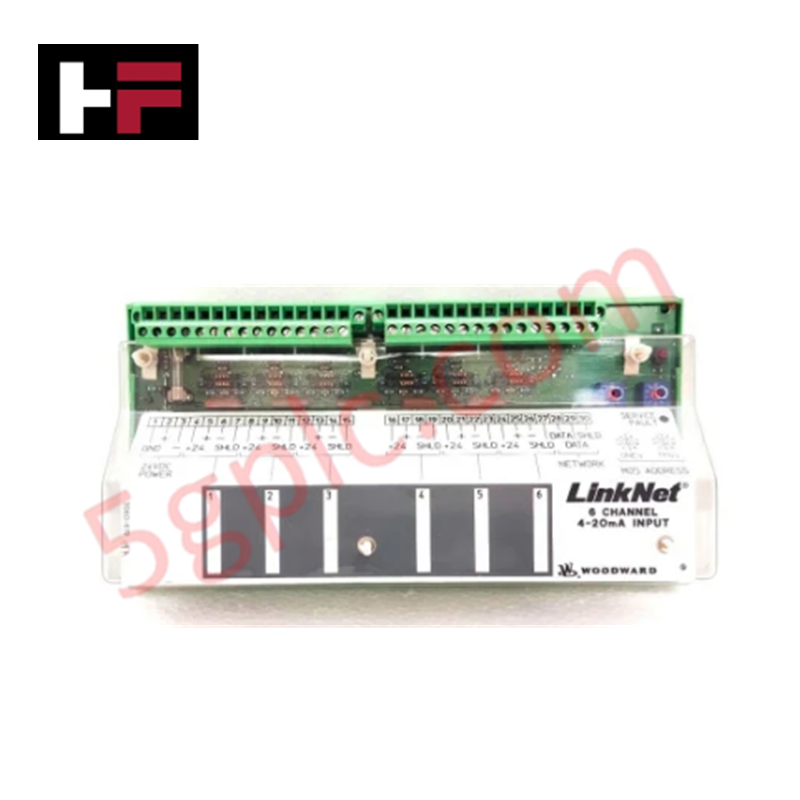
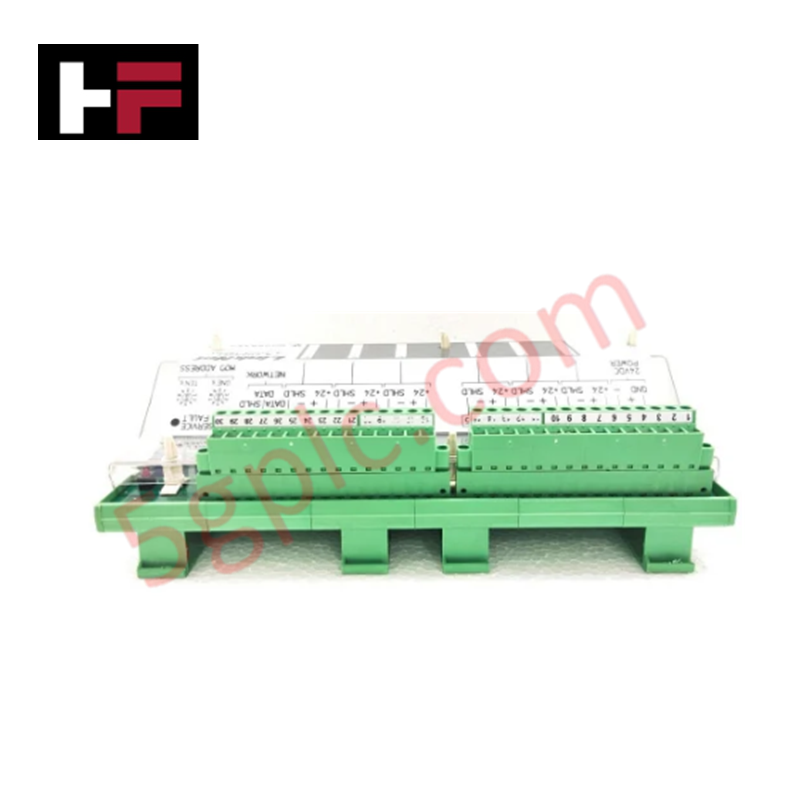
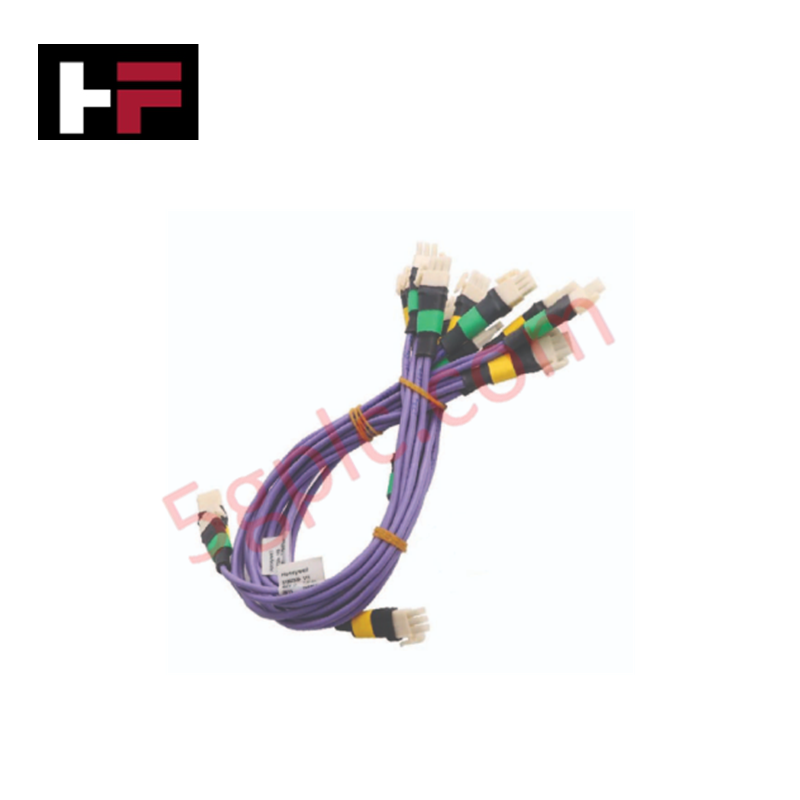
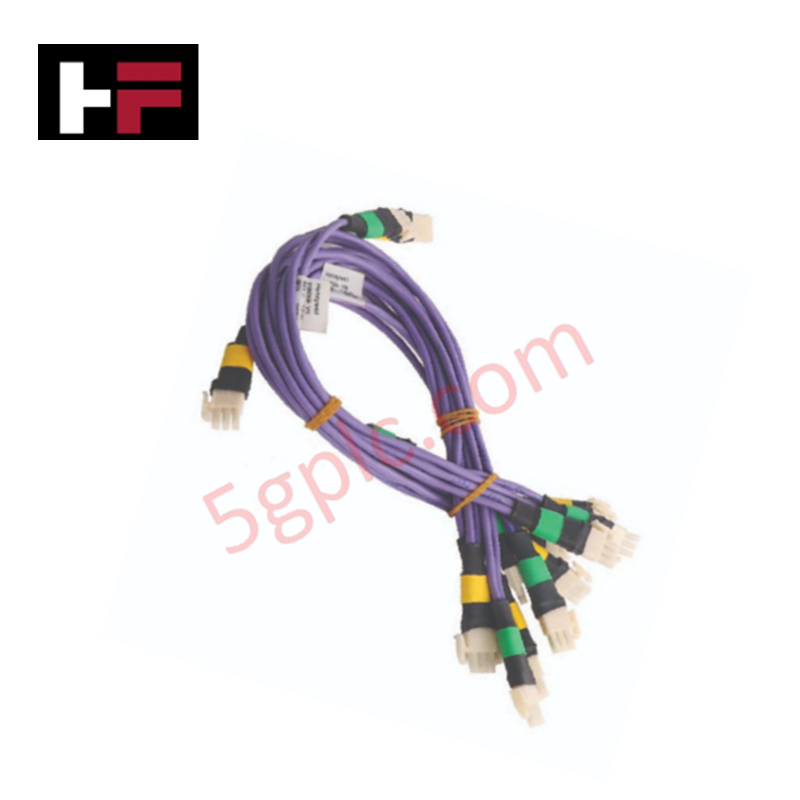
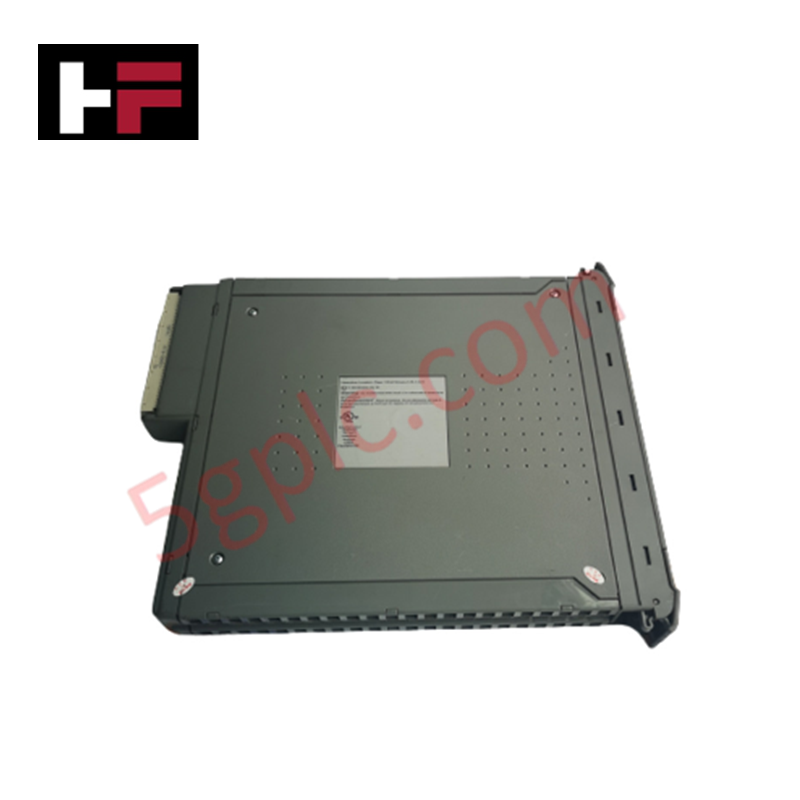
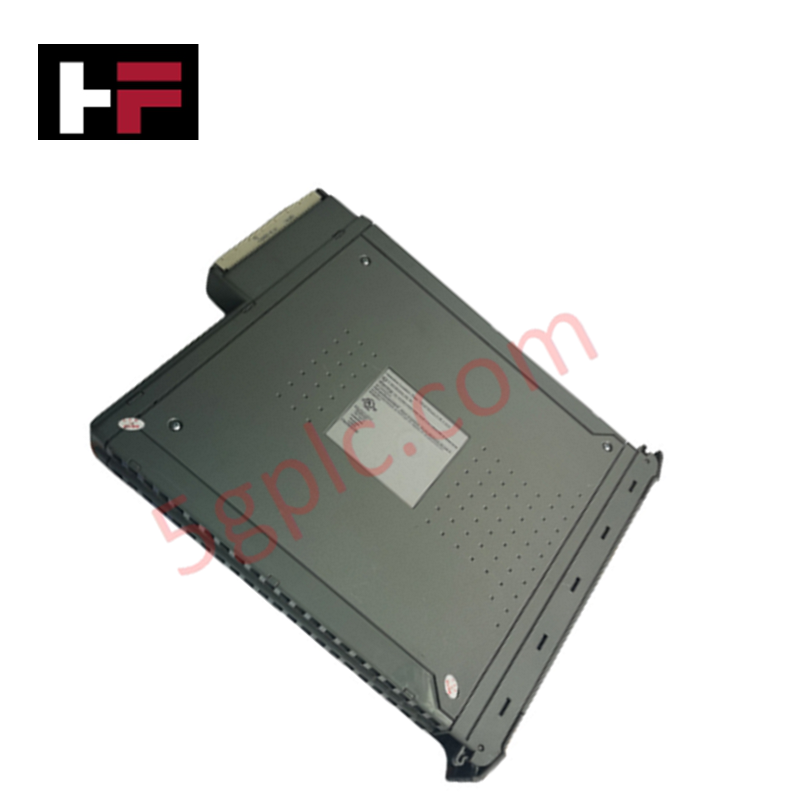
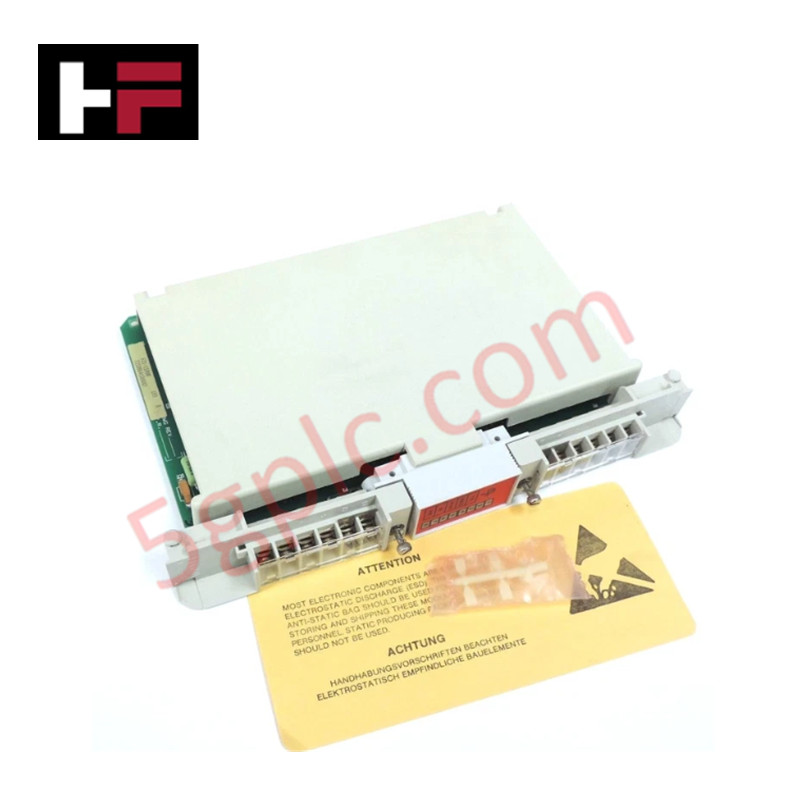
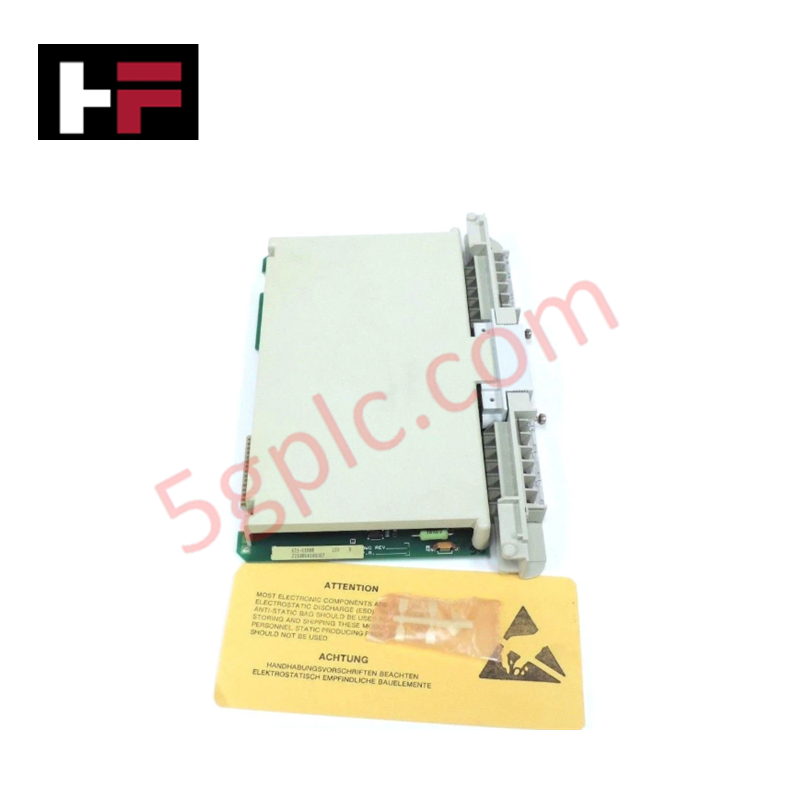
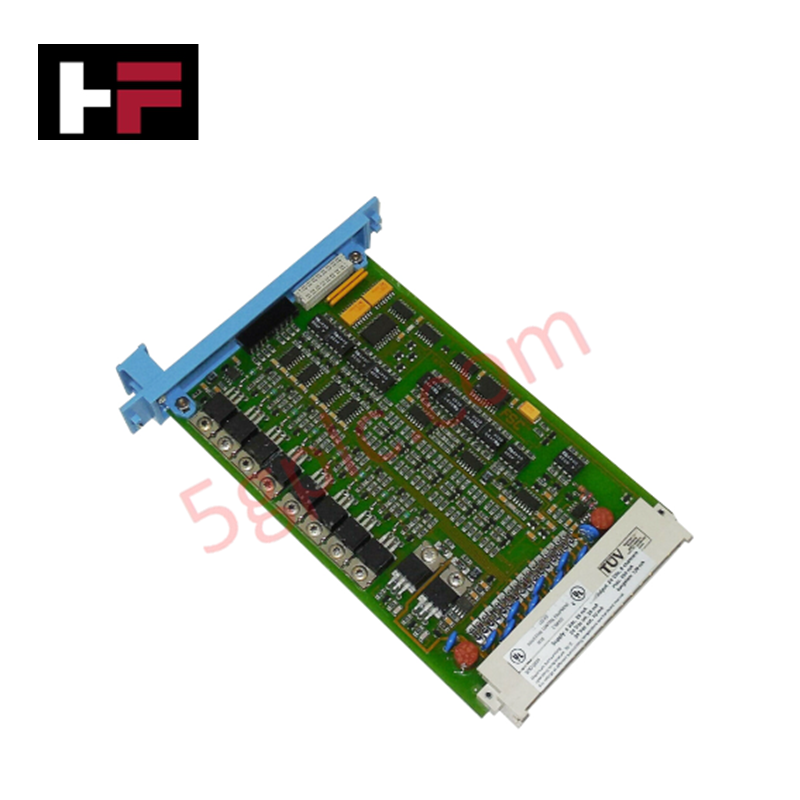
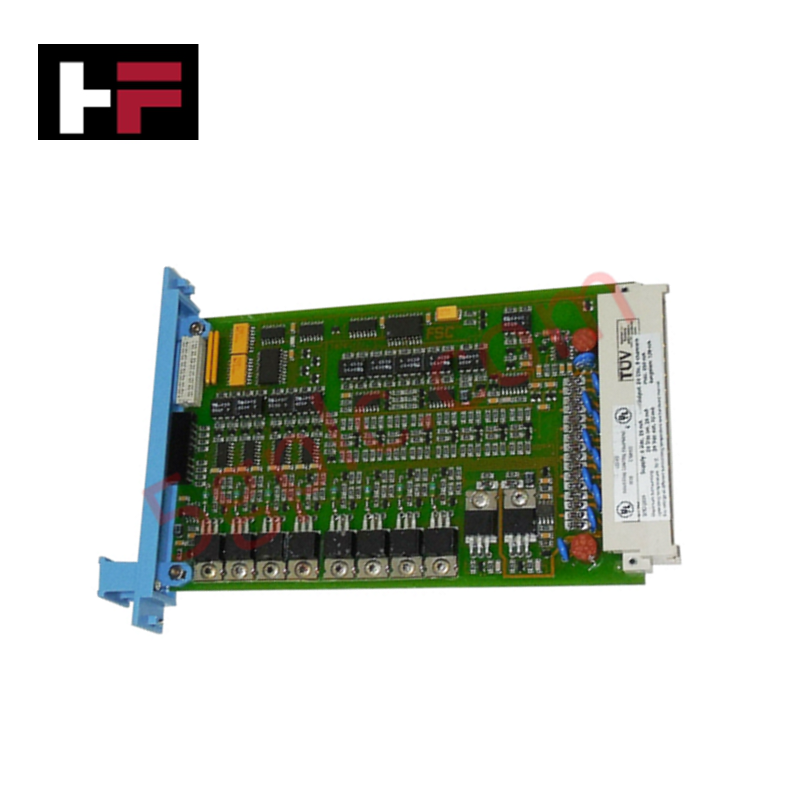
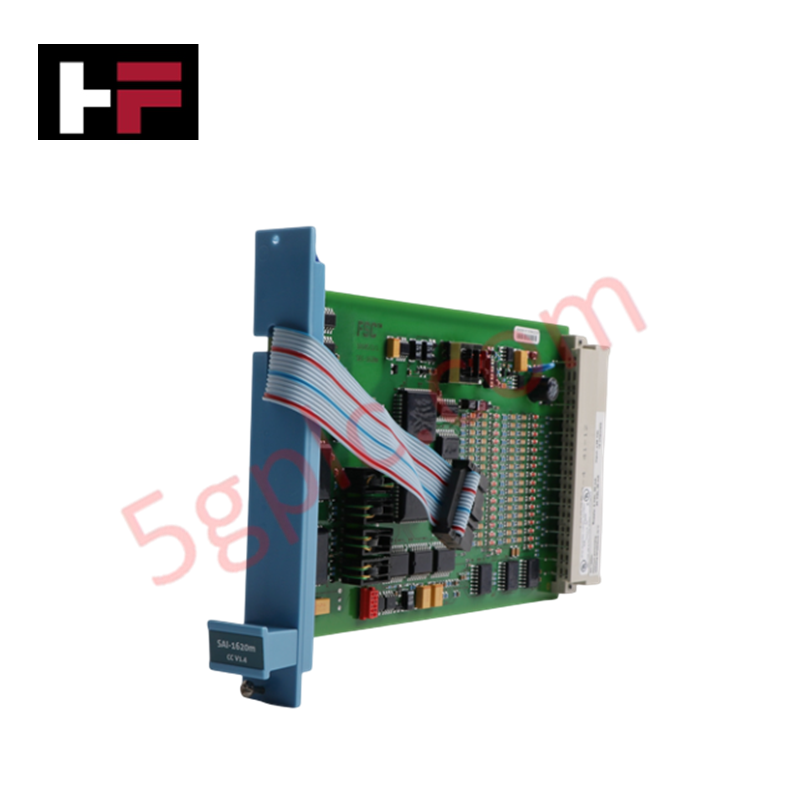
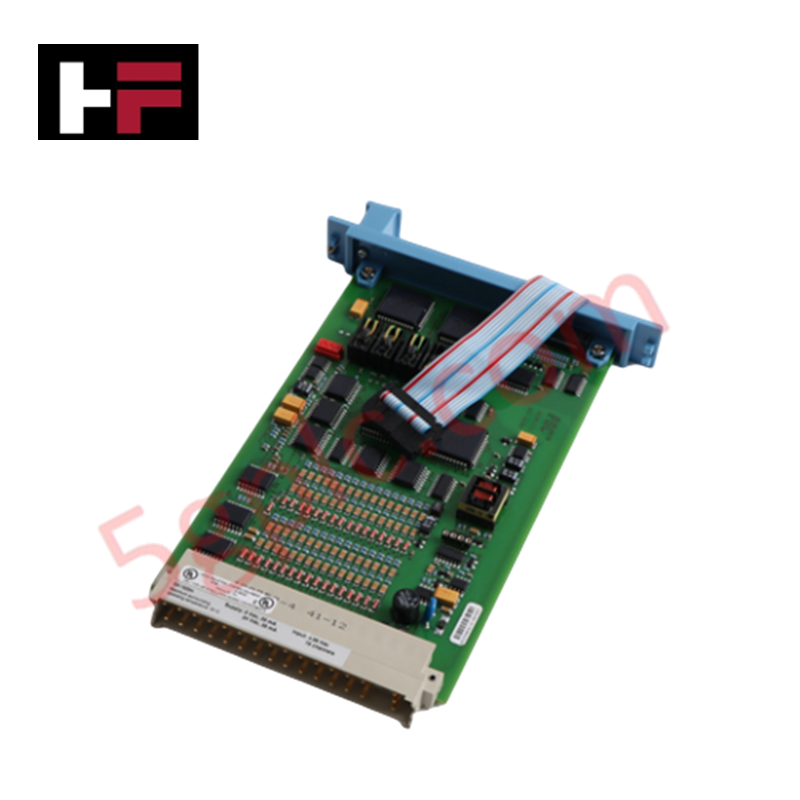
The Woodward 9905-969, also cataloged as the 9905-969 Analog Input Module, operates as a dedicated hardware component for distributed signal acquisition across LINKnet turbine control platforms.
Hardware Specifications
| Parameter | Specification |
|---|---|
| Model | 9905-969 |
| Brand | Woodward |
| Origin | USA |
| Weight | 9.11 lbs |
| Dimensions | 14 x 11 x 4 inches |
| Operating Temp | -40 to 55 deg C |
| Power Consumption | +24 VDC at 1 A |
| Accuracy | 1% at 25 deg C |
| Input Channels | 6 Channel (4-20 mA) |
Actuator Loop Feedback Response
The 9905-969 module facilitates distributed analog signal collection, interfacing with the NetCon controller via a single twisted-pair communication trunk. The input channels are optimized for 4-20 mA sensor feedback, providing the necessary data for sequencing and monitoring tasks. In systems utilizing actuator loop feedback, the module translates field device current levels into digital packets, which are then processed by the NetCon controller's defined rate group. Consistent signal integrity is maintained through isolated network trunks, with each module configured via dual rotary switches to ensure accurate node addressing (1 to 60) within the LINKnet architecture.
Frequently Asked Questions
Q: Can the 9905-969 module be hot-swapped during active network communication?
A: The module is designed as a plug-in component for the LINKnet system. However, replace modules only when the trunk is powered down or when the system software configuration permits safe removal to prevent address conflict or communication bus instability.
Q: How are network address conflicts avoided when installing multiple modules?
A: Each module utilizes two rotary switches to set the node address. This address must correspond precisely with the configuration assigned within the MOE coder program to ensure data packets are correctly routed to the assigned channel rate group.
Field Installation Guidelines
- Mounting: Ensure the module is securely mounted in the control cabinet. Maintain adequate spacing to allow for proper airflow within the -40 to 55 deg C operating range.
- Addressing: Before inserting the module, set the dual rotary switches to the address specified by the system integrator’s configuration file.
- Communication Wiring: Connect the module to the NetCon controller trunk using a single twisted-pair wire. Ensure terminations are tight to prevent intermittent data loss on the 277 VAC rated network line.
- Shielding: Ground cable shields at the designated cabinet terminals to protect against common-mode noise, especially in environments where humidity reaches the 95% threshold.
- Validation: After power-up, check the 2-line display for status indicators. Ensure the NetCon controller acknowledges the node before calibrating the 6 channels via the MOE coder program.
Additional Information
- 100% Genuine Parts: All products are original and authentic, ensuring reliable industrial performance.
- 30-Day Refund Guarantee: Return any in-stock item within 30 days in original, unopened packaging for a full refund (excluding shipping and fees).
- 12-Month Warranty: Covers defects in materials or workmanship; excludes misuse, normal wear, or unauthorized modifications.
- Worldwide Shipping: We ship via USPS, UPS, FedEx, and DHL. Delivery times vary by country and may be subject to customs or import fees.
- Support & Contact: Technical and warranty assistance is available anytime. Contact us here: Contact.
- Purchase Guidance: Check product specifications and compatibility carefully before ordering to ensure proper application.
Tech & Buying Guide

The Shift to Flexible IO Modules in Modern Industrial Automation
Traditional control systems rely on dedicated Input Output (IO) cards for industrial automation. Each conventional module processes a single signal type, such as Digital Input (DI), Digital Output (DO), Analog Input (AI), or Analog Output (AO). A standard 16-channel card accepts only one specific channel type across all ports. This inflexible hardware design often creates severe engineering bottlenecks during project execution. Engineers frequently must install entirely new cards to accommodate a single extra sensor. Consequently, late design changes increase control cabinet space requirements and drive up project costs.

DCS Commissioning Steps in Industrial Automation Projects
Commissioning a Distributed Control System (DCS) represents a crucial milestone when deploying modern process automation infrastructure. Field engineers must execute systematic verification steps to transition complex control hardware from static installation to dynamic plant control. Proper commissioning ensures that controllers, I/O modules, network switches, and HMI software operate in strict compliance with engineering design specifications before introducing live process fluids.

PLC and DCS Control System Spares Strategy: Engineering Guidelines
Modern factory automation relies on high-speed fiber optic backbones to link distributed control systems across noise-intensive industrial environments. Unlike copper wiring, optical fibers transmit data via light pulses, making them completely immune to electromagnetic interference (EMI). Field engineers must master optical cable joining and fusion splicing techniques to guarantee low-loss data transmission across critical Programmable Logic Controller (PLC) and Distributed Control System (DCS) nodes.