










Product Details
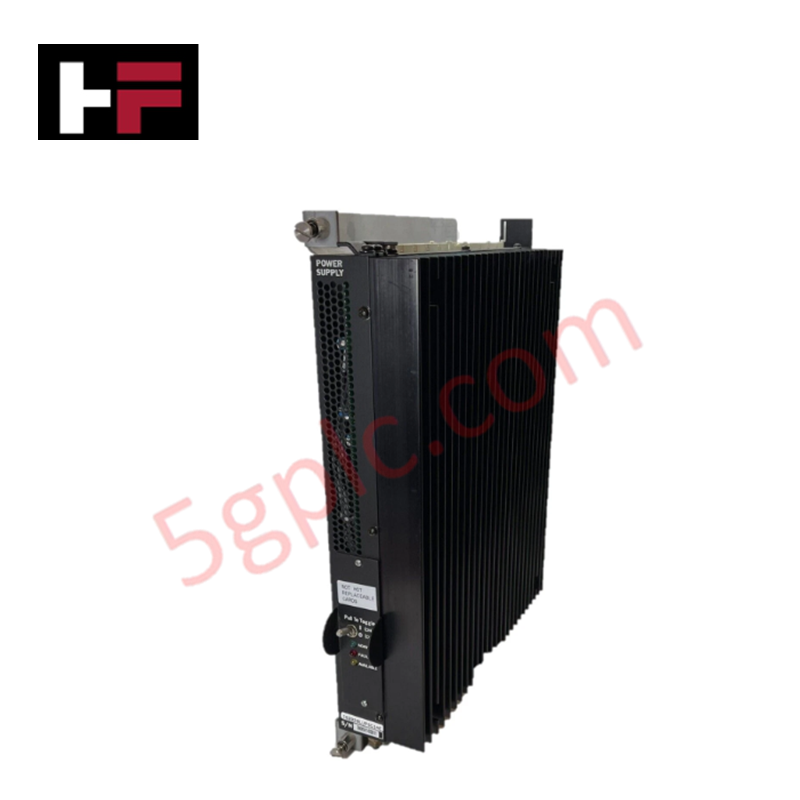
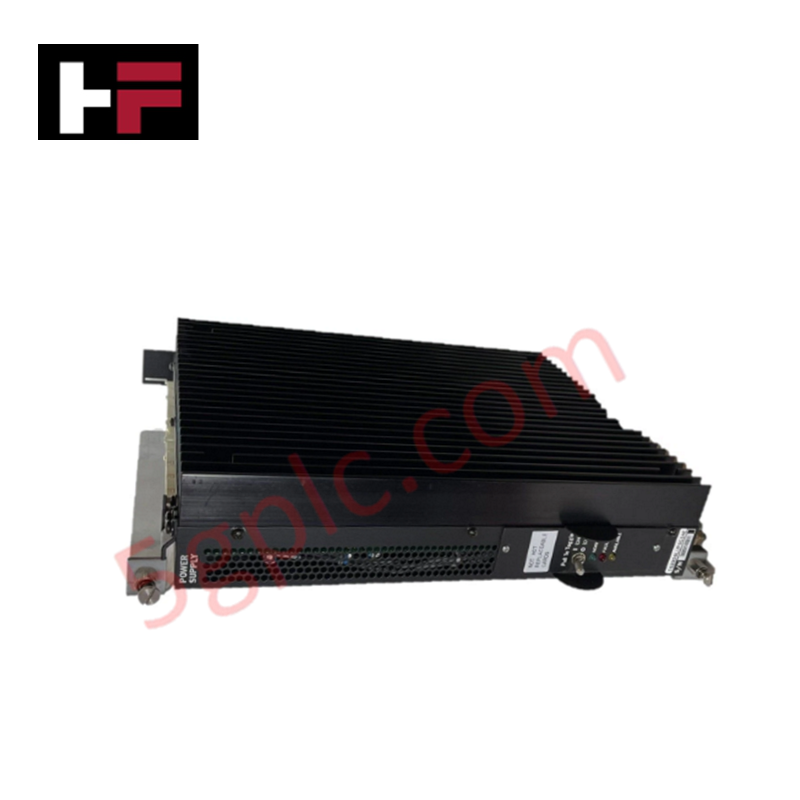
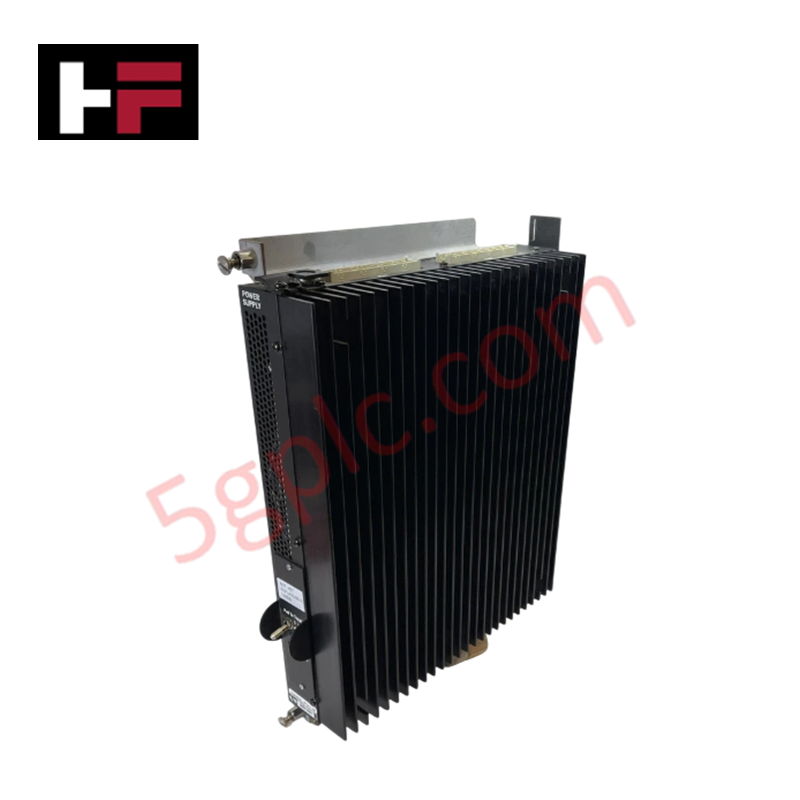
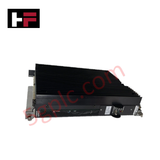
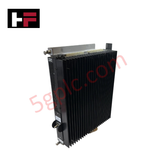
The GE IS2020LVPSG1A, also cataloged as the IS2020LVPSG1A VME Rack Power Supply Module, operates as a dedicated hardware component for converting line-level AC power into regulated DC voltages within Mark VI VME-based control rack architectures.
Hardware Specifications
| Parameter | Specification |
|---|---|
| Model | IS2020LVPSG1A |
| Brand | General Electric |
| Origin | USA |
| Weight | 2.95 kg |
| Dimensions | 261 mm x 295 mm x 50.8 mm |
| Operating Temp | Industrial standard range |
| Power Consumption | 230 VAC input |
| Output Voltage | 2.5-7.5 VDC |
| Output Current | 4 A (maximum) |
| Output Noise | < 5 mV RMS |
Profinet / EtherNet/IP Deterministic Networks
The IS2020LVPSG1A is engineered to provide stable, low-noise DC power to the VME backplane bus. The module utilizes high-frequency switching regulation to ensure deterministic power delivery, which maintains the integrity of backplane bus communication velocity for sensitive processor and I/O modules. Firmware flash compatibility is governed by the Mark VI system power distribution requirements; users must verify that the load demands of the populated rack do not exceed the 4 A current limit of the supply. The unit supports I/O density scaling within the rack by providing regulated voltage rails that facilitate synchronized module performance, ensuring that deterministic data exchange remains unaffected by power-related signal interference or voltage droop.
Frequently Asked Questions
Q: Does the IS2020LVPSG1A support hot-swapping within the VME rack?
A: No. The VME rack must be de-energized before inserting or removing the power supply module to prevent electrical arcing and to protect the backplane power pins.
Q: How is the output voltage adjusted within the 2.5-7.5 VDC range?
A: The output voltage is typically factory-configured or set via the system power distribution control interface. Ensure the settings align with the specific voltage requirements of the installed VME module suite.
Field Installation Guidelines
- Mounting: Slide the module into the designated power supply slot of the VME rack. Ensure the engagement of the backplane connectors is solid to avoid intermittent power delivery.
- Wiring: Connect the 230 VAC input power to the primary terminals. Ensure the cabinet ground connection is robustly bonded to the module chassis to prevent ground loops and EMI injection into the DC rails.
- Cooling: The module requires adequate airflow for thermal management. Ensure that the VME rack cooling fans are functional to prevent the internal components from exceeding operational temperature limits.
- Verification: Prior to connecting critical loads, use a digital multimeter to verify the output DC voltage at the backplane test points. Confirm that the voltage ripple is within the < 5 mV RMS specification.
- Load Check: Monitor the current draw on the 2.5-7.5 VDC rail. Ensure the total rack consumption does not exceed the 4 A capacity of the module to prevent premature shutdown or hardware damage.
Additional Information
- 100% Genuine Parts: All products are original and authentic, ensuring reliable industrial performance.
- 30-Day Refund Guarantee: Return any in-stock item within 30 days in original, unopened packaging for a full refund (excluding shipping and fees).
- 12-Month Warranty: Covers defects in materials or workmanship; excludes misuse, normal wear, or unauthorized modifications.
- Worldwide Shipping: We ship via USPS, UPS, FedEx, and DHL. Delivery times vary by country and may be subject to customs or import fees.
- Support & Contact: Technical and warranty assistance is available anytime. Contact us here: Contact.
- Purchase Guidance: Check product specifications and compatibility carefully before ordering to ensure proper application.


Tech & Buying Guide

Demystifying CPU Communication Ports in Siemens PLC Architectures
Industrial automation relies heavily on robust data exchange between devices. Without seamless connectivity, field instruments, network switches, human-machine interfaces, and programmable logic controllers cannot coordinate effectively. Therefore, understanding the various CPU communication ports available in Siemens hardware ensures efficient factory automation design and seamless system integration.

Mastering the Siemens PLC Scan Cycle: How the CPU Executes Automation Programs
Industrial automation relies heavily on programmable logic controllers (PLCs) to manage complex manufacturing processes. Many engineers dive straight into programming without mastering the underlying architecture. However, understanding how a PLC CPU executes a program ensures reliable system design. Therefore, mastering the scan cycle optimizes both performance and troubleshooting in modern control systems.

How to Connect to Siemens S7 PLCs: 5 Essential Communication Methods
Establishing a reliable hardware link between a programming terminal and a Siemens SIMATIC controller is essential for engineering workflows. Field engineers rely on distinct physical layers, ranging from legacy serial connections to high-speed Industrial Ethernet protocols. Modern factory automation environments prioritize fast data transfer and seamless driver integration. Selecting the correct connection method simplifies program downloads, online monitoring, and system troubleshooting in complex control systems.