










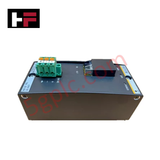
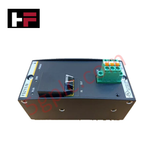
Product Details
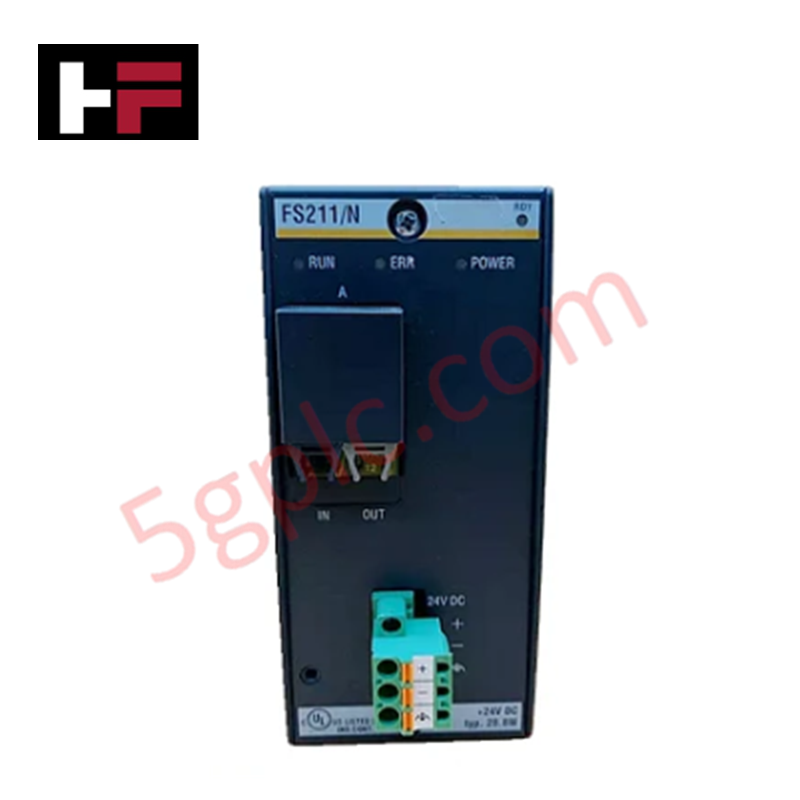
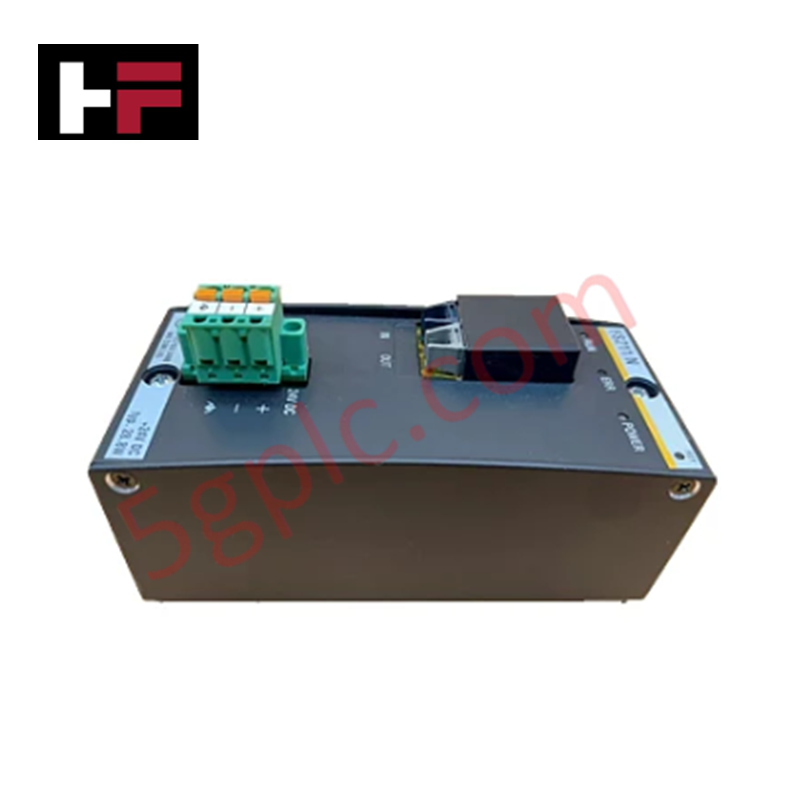
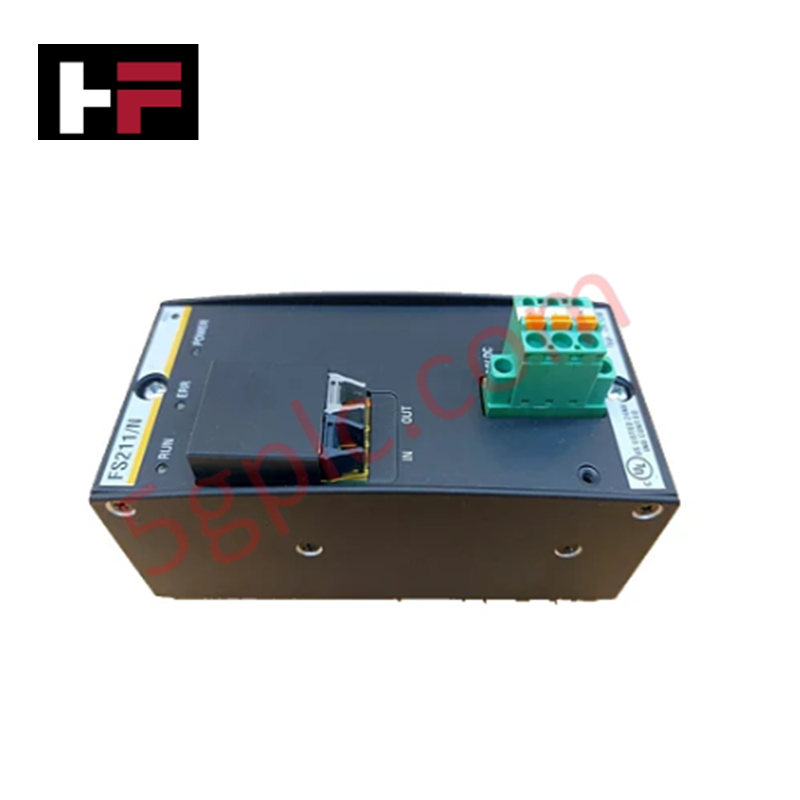
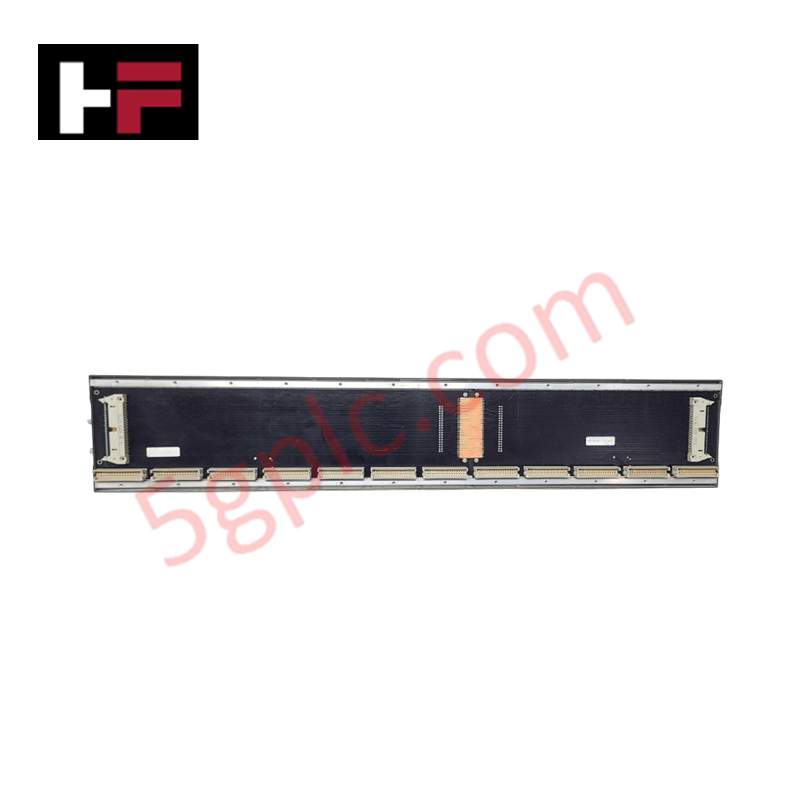
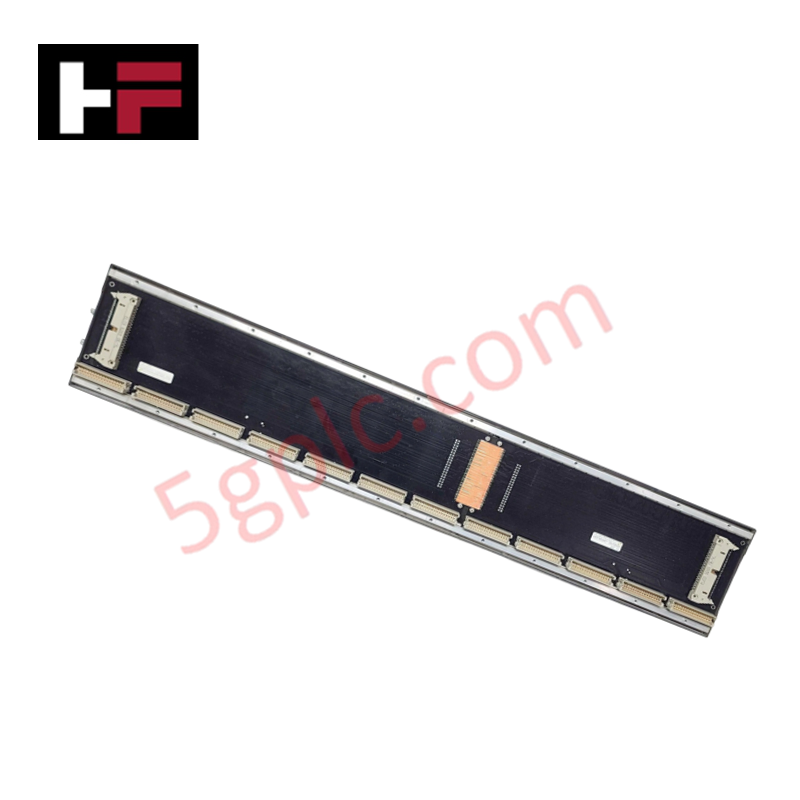
Configured for distributed SubDevice communication in M1 automation platforms, the Bachmann FS211/N (FS211/N FASTBUS Slave Module) provides direct physical/electrical execution of high-speed data transmission over fiber-optic interfaces.
Hardware Specifications
| Parameter | Specification |
|---|---|
| Model | FS211/N |
| Brand | Bachmann |
| Origin | Austria |
| Weight | 0.25 kg (approx.) |
| Dimensions | 102 mm x 12 mm x 130 mm |
| Operating Temp | 0 deg C to 60 deg C |
| Power Consumption | 10 W (with integrated supply) |
| Fiber Interfaces | 1 interface |
| Transmission Distance | 40 m (POF) / 150 m (HCS) / 180 m (special HCS) |
| Supported Nodes | Up to 15 SubDevices |
| Diagnostics | Status display (RUN/ERR), fiber type indicator |
Backplane Bus Communication and I/O Density
The FS211/N interfaces with the M1 backplane to extend I/O density by distributing SubDevices across external stations. This module utilizes specialized fiber-optic communication to maintain minimal signal delay, ensuring deterministic data transfer consistent with the controller cycle. I/O density scaling is achieved by cascading up to 15 distributed units, which are powered directly by the integrated supply circuit within the slave module. Firmware flash compatibility ensures that communication protocols remain aligned with the primary M1 controller firmware, allowing for seamless integration within the existing hardware configuration.
Frequently Asked Questions
Q: Does the FS211/N require external power for the connected I/O modules?
A: The FS211/N features an integrated power supply designed to provide the necessary operating voltage for the I/O modules attached to the SubDevice, eliminating the need for a separate power module at the slave station.
Q: Can the FS211/N be used with standard glass fiber-optic cables?
A: No, the FASTBUS interface is designed for specific fiber types, including Plastic Optical Fiber (POF) and Hard Clad Silica (HCS) cables. Verify the fiber type using the module display before termination.
Q: Is hot-swapping supported for the FS211/N module?
A: The module does not support hot-swapping. The controller power or the specific FASTBUS segment must be powered down prior to removal or insertion to prevent backplane bus errors.
Field Installation Guidelines
- Fiber Termination: Ensure fiber-optic connectors are clean and free of dust before insertion. Use appropriate polishing tools for HCS fibers to maintain signal integrity over maximum distances.
- Cable Radius: Respect the minimum bending radius for POF and HCS cables during installation. Tight bends can introduce signal attenuation and data packet loss.
- Grounding: Ensure the DIN-rail mounting is correctly grounded to provide a stable reference for the module's electronic circuitry.
- Distance Limits: Verify the total cable length between stations does not exceed the rated limits for the specific fiber type used (POF: 40 m; Standard HCS: 150 m; Special HCS: 180 m).
Additional Information
- 100% Genuine Parts: All products are original and authentic, ensuring reliable industrial performance.
- 30-Day Refund Guarantee: Return any in-stock item within 30 days in original, unopened packaging for a full refund (excluding shipping and fees).
- 12-Month Warranty: Covers defects in materials or workmanship; excludes misuse, normal wear, or unauthorized modifications.
- Worldwide Shipping: We ship via USPS, UPS, FedEx, and DHL. Delivery times vary by country and may be subject to customs or import fees.
- Support & Contact: Technical and warranty assistance is available anytime. Contact us here: Contact.
- Purchase Guidance: Check product specifications and compatibility carefully before ordering to ensure proper application.
Tech & Buying Guide

Understanding Siemens PLC Memory Cards: MMC, SMC, and SD Solutions in Industrial Automation
Memory management plays a pivotal role in maintaining control system reliability across modern manufacturing plants. Industrial control systems rely on specialized memory cards to store project logic, firmware updates, and retentive system data. Siemens uses several memory architectures, including Micro Memory Cards (MMC) and SIMATIC Memory Cards (SMC). Engineers must understand these hardware variations to ensure zero data loss and minimize downtime during maintenance routines.

Redefining Control Systems: The Rise of Flexible I/O Modules in Industrial Automation
Conventional input-output architectures often limit engineering agility and inflate long-term inventory costs. Today, Flexible Input/Output Modules (FIOM) are transforming how control system engineers design, commission, and maintain automation infrastructure. By allowing individual channel software configuration, FIOM technology bridges the gap between rigid hardware design and dynamic plant requirements.

Understanding Modern SCADA Systems: Architecture, Communication Topologies, and Industrial Applications
Supervisory Control and Data Acquisition (SCADA) systems form the digital backbone of modern industrial automation. They collect critical field data, transmit signals across vast distances, and empower plant operators with real-time process visibility. Across modern infrastructures, SCADA solutions streamline centralized control and maintain continuous operational uptime.