










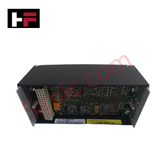
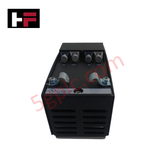
Product Details
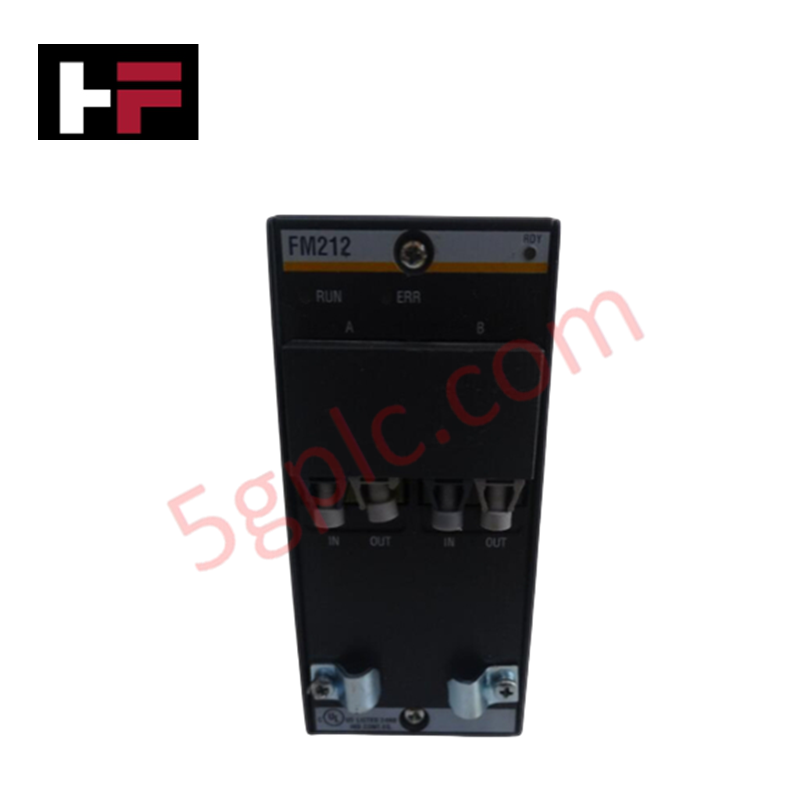
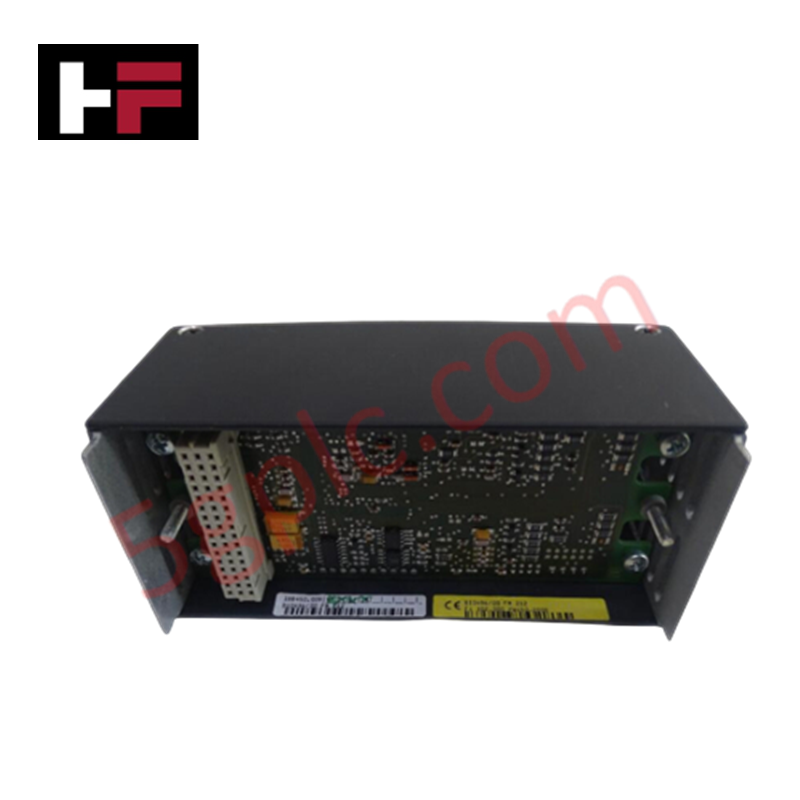
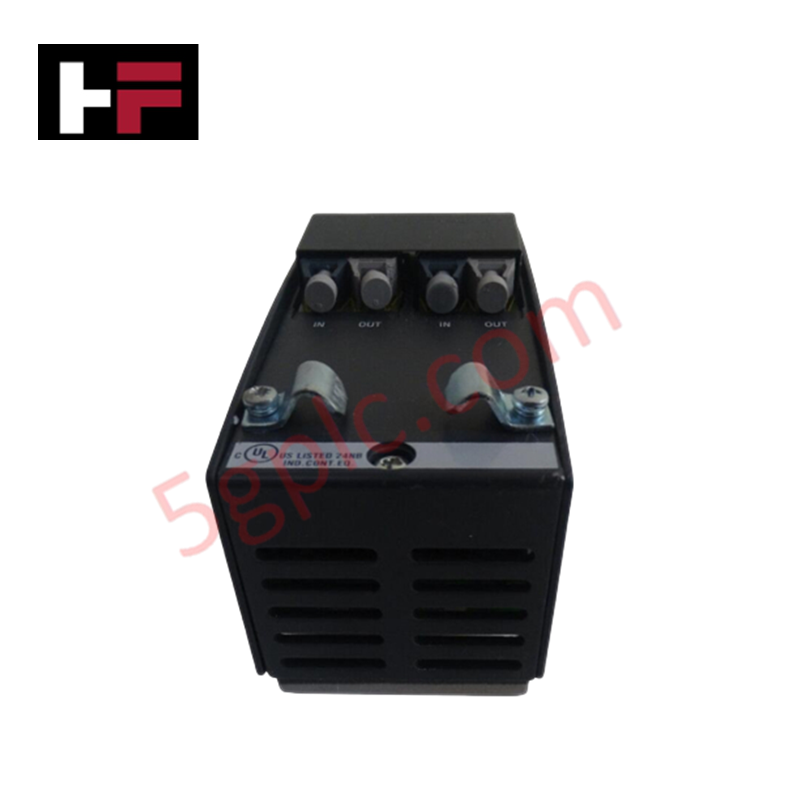
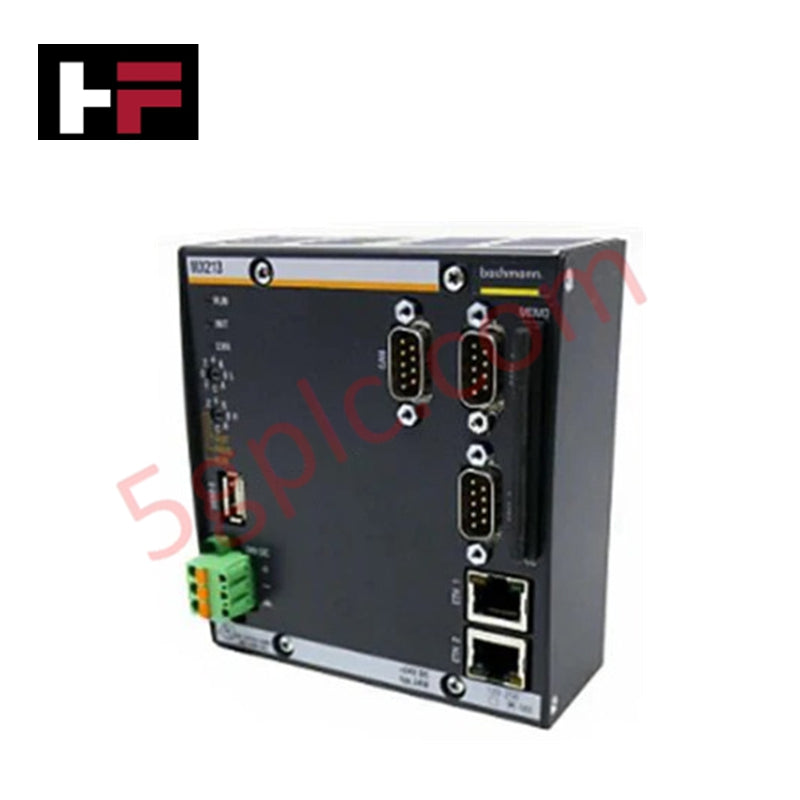
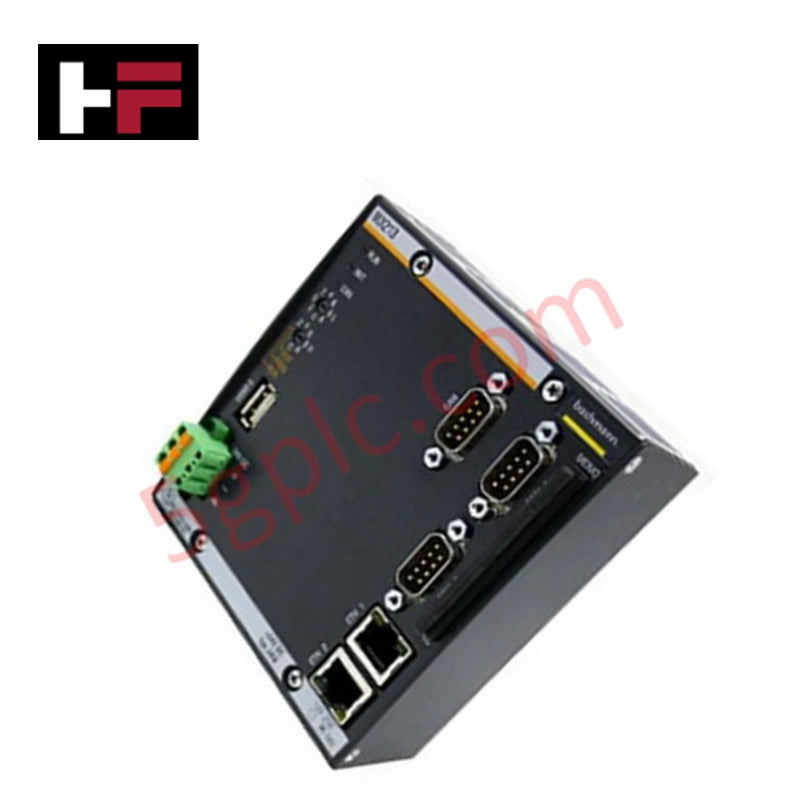
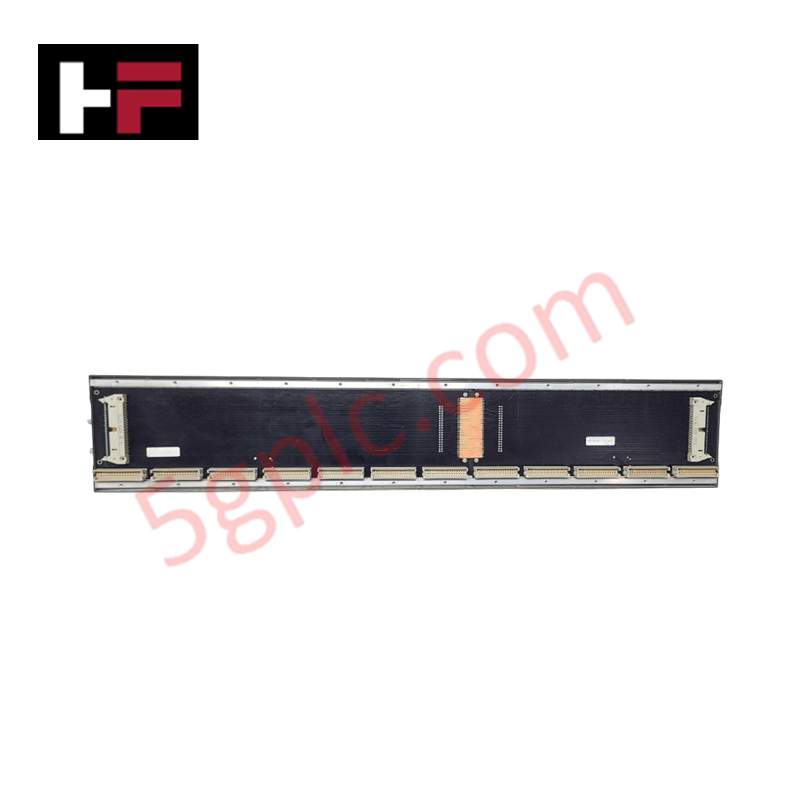
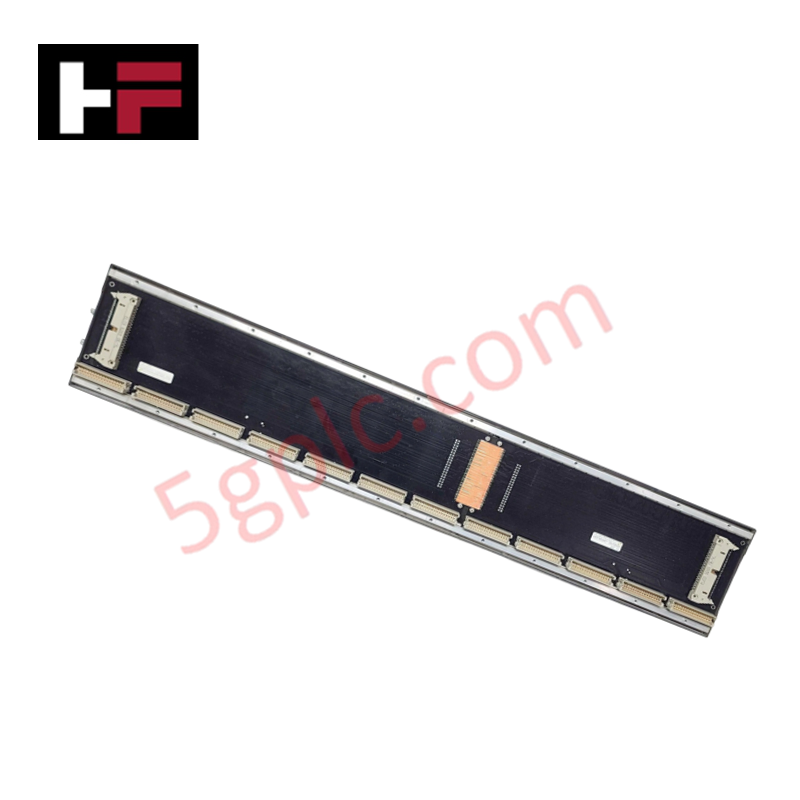
The Bachmann FM212, also cataloged as the FM212 FASTBUS Module, operates as a dedicated hardware component for high-speed data transmission and synchronization within M-series controller platforms.
Hardware Specifications
| Parameter | Specification |
|---|---|
| Model | FM212 |
| Brand | Bachmann |
| Origin | USA |
| Weight | 1.5 kg |
| Dimensions | 2.2 cm x 12.4 cm x 12.6 cm |
| Operating Temp | -20 deg C to 60 deg C |
| Power Consumption | System-dependent |
| Bus Interface | FASTBUS |
Backplane bus communication velocity Licences
The Bachmann FM212 provides the necessary physical layer infrastructure to support high-velocity backplane bus communication across Bachmann controller architectures. It facilitates the synchronization of data packets between the processor and distributed I/O segments. The module is configured to maintain signal integrity at high transmission rates, ensuring deterministic latency for control operations. Firmware compatibility must be verified against the host controller's current M-series version to ensure full support for the bus communication velocity licenses required for multi-node system integration.
Frequently Asked Questions
Q: Is the FM212 module capable of hot-swapping during normal system operation?
A: No, the module does not support hot-swapping. Power must be isolated from the backplane before installation or removal to prevent potential damage to the bus interface pins.
Q: How is the module's communication velocity verified within the system?
A: Communication status and velocity are monitored via the SolutionCenter software, which reports the handshake success and bus traffic stability for the integrated FASTBUS segments.
Field Installation Guidelines
- Mechanical Mounting: Secure the Bachmann FM212 into the designated slot on the M-series backplane. Ensure the module is seated squarely to allow the connector pins to establish contact without lateral force.
- Grounding: Ensure the control cabinet's DIN-rail or chassis mounting surface is free of paint or oxidation to facilitate a proper functional ground connection, reducing electrical noise susceptibility.
- Signal Cabling: Use appropriate shielding for all FASTBUS connections. Avoid routing communication cables in parallel with high-voltage AC lines to prevent induced electromagnetic interference.
- Pre-Power Checks: Before applying power, verify that the module is properly locked into the backplane. Inspect the interface connectors for any debris or physical damage to the pins.
- Configuration: Once installed, utilize the engineering software to verify the module address and bus parameters to ensure correct integration into the existing controller network.
Additional Information
- 100% Genuine Parts: All products are original and authentic, ensuring reliable industrial performance.
- 30-Day Refund Guarantee: Return any in-stock item within 30 days in original, unopened packaging for a full refund (excluding shipping and fees).
- 12-Month Warranty: Covers defects in materials or workmanship; excludes misuse, normal wear, or unauthorized modifications.
- Worldwide Shipping: We ship via USPS, UPS, FedEx, and DHL. Delivery times vary by country and may be subject to customs or import fees.
- Support & Contact: Technical and warranty assistance is available anytime. Contact us here: Contact.
- Purchase Guidance: Check product specifications and compatibility carefully before ordering to ensure proper application.
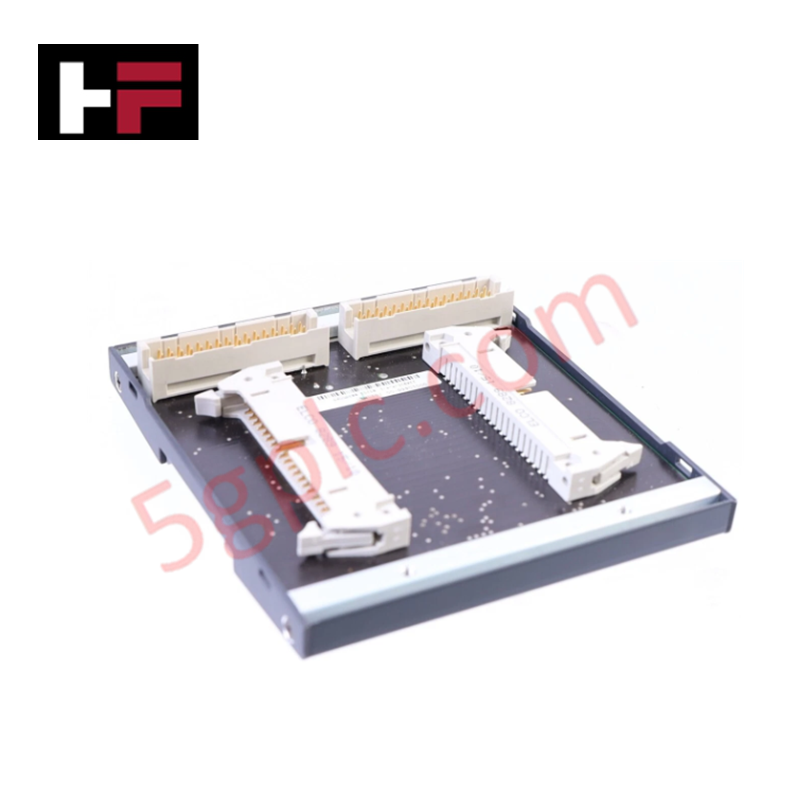
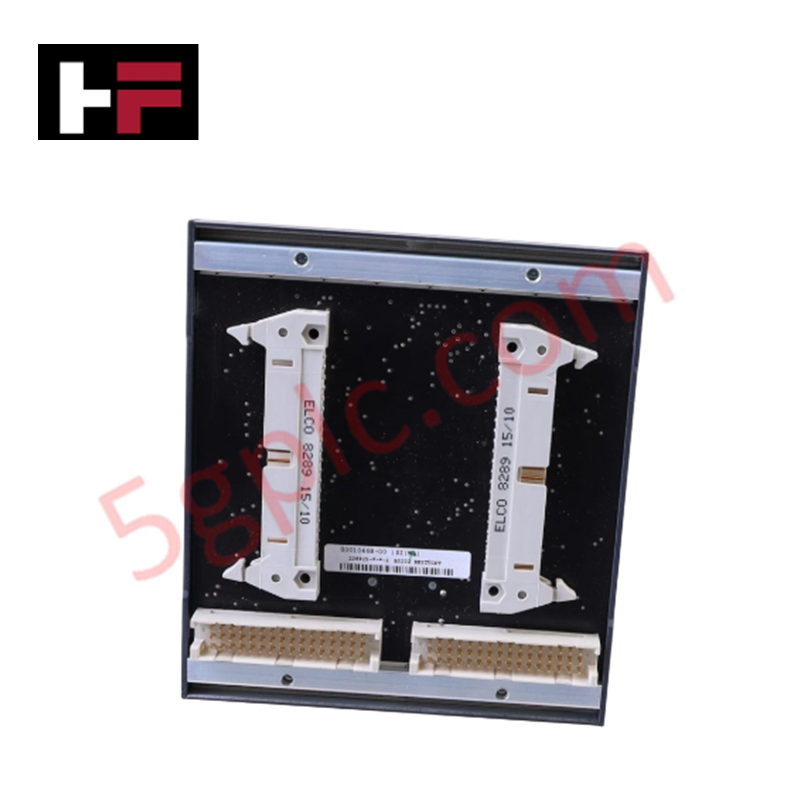
Tech & Buying Guide

Mastering the Siemens PLC Scan Cycle: How the CPU Executes Automation Programs
Industrial automation relies heavily on programmable logic controllers (PLCs) to manage complex manufacturing processes. Many engineers dive straight into programming without mastering the underlying architecture. However, understanding how a PLC CPU executes a program ensures reliable system design. Therefore, mastering the scan cycle optimizes both performance and troubleshooting in modern control systems.

How to Connect to Siemens S7 PLCs: 5 Essential Communication Methods
Establishing a reliable hardware link between a programming terminal and a Siemens SIMATIC controller is essential for engineering workflows. Field engineers rely on distinct physical layers, ranging from legacy serial connections to high-speed Industrial Ethernet protocols. Modern factory automation environments prioritize fast data transfer and seamless driver integration. Selecting the correct connection method simplifies program downloads, online monitoring, and system troubleshooting in complex control systems.

Will PLCs Become Obsolete? The Future of Control Systems in Industry 4.0
Modern manufacturing is undergoing a rapid technological transformation driven by Industry 4.0 innovations. Technologies like Artificial Intelligence (AI), Machine Learning (ML), and the Industrial Internet of Things (IIoT) are dominating discussions across the factory automation sector. Consequently, many engineers wonder if these advanced digital tools will eventually replace traditional Programmable Logic Controllers (PLCs). However, evaluating the core physics of industrial operations reveals a very different reality for control systems.