










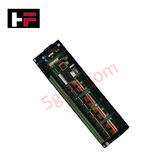
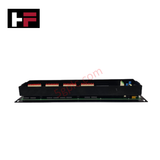
Product Details
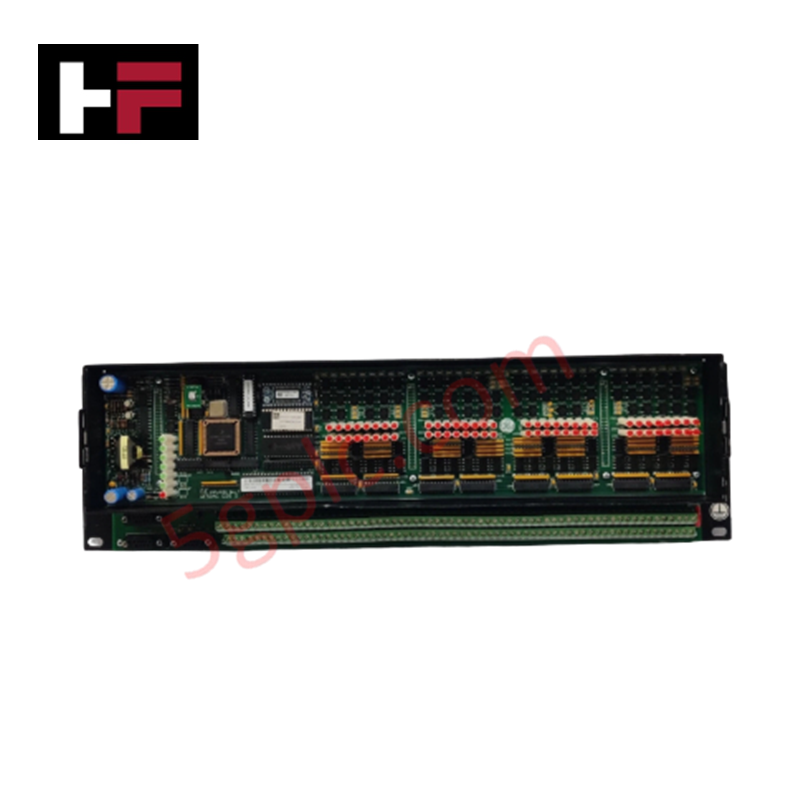
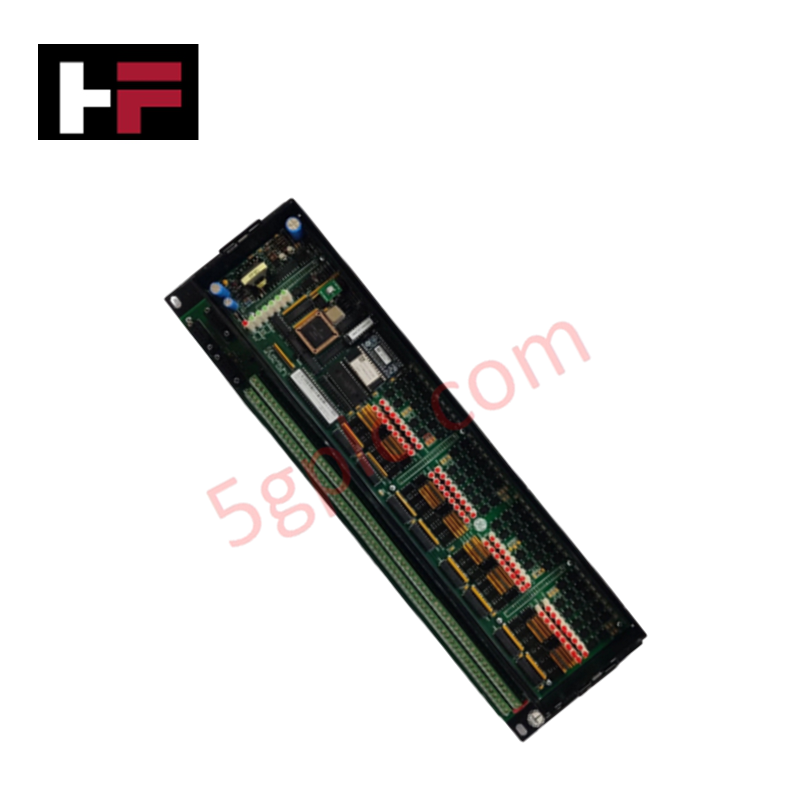
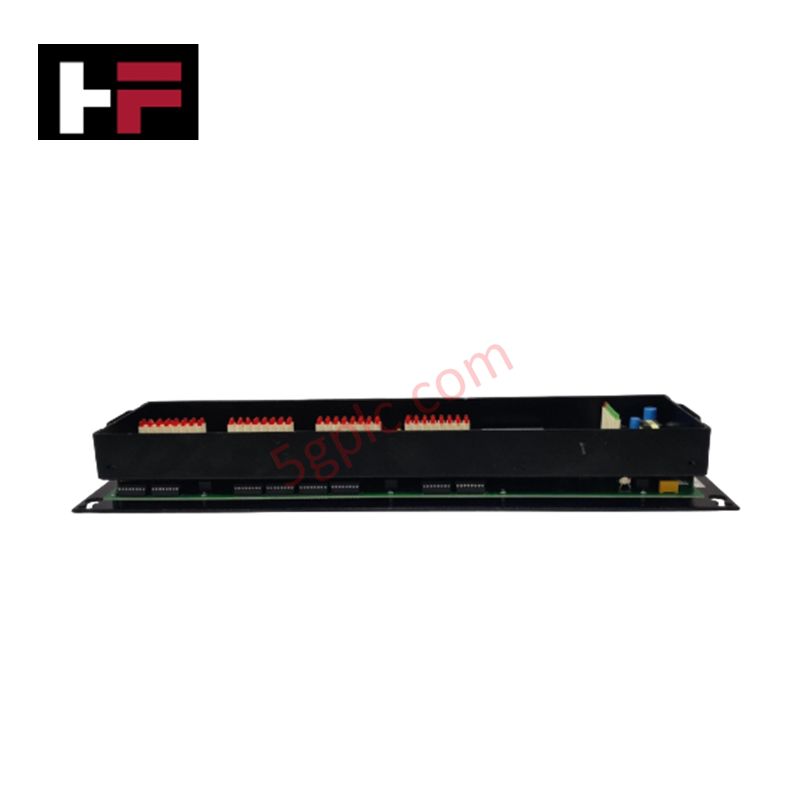
Configured for status point processing and discrete signal acquisition in Wesdac D20 RTU automation architectures, the GE 820-0154 (820-0154 Input Module Logic Panel) provides direct physical/electrical execution.
Hardware Specifications
| Parameter | Specification |
|---|---|
| Model | 820-0154 |
| Brand | GE / GE Multilin / Harris |
| Origin | USA |
| Operating Temp | -20 to +70 deg C |
| Power Consumption | Logic Backplane Powered (5 VDC Bus) |
| Module Type | Status Input Logic Panel (D20 S) |
| System Platform | Wesdac D20 Substation Automation / RTU System |
| Signal Processing | Multi-Channel Digital Input Filtering & Latching |
| Mounting Type | Subrack Card Guide Mount |
Backplane Bus Communication Velocity and Firmware Flash Compatibility
The 820-0154 logic card interfaces with the primary D20 processor backplane to manage status point scanning without degrading backplane bus communication velocity. Onboard logic circuits execute hardware filtering, debounce processing, and sequence-of-events (SOE) time-tagging prior to bus transmission. This physical layer offloads raw contact scanning from the main processor, maintaining deterministic polling speeds and ensuring firmware flash compatibility across legacy D20 subrack revisions and master processor cards.
Frequently Asked Questions
Q: Can the 820-0154 logic card be inserted or removed while the D20 subrack is powered?
A: Power should be isolated from the rack backplane before inserting or extracting the board to prevent logic glitches or bus interface damage.
Q: How does the 820-0154 logic panel interface with field contact wiring?
A: Field wiring connects via dedicated inter-module ribbon cables routed from the rear termination assemblies to the logic panel front/edge connectors.
Field Installation Guidelines
- Power down the D20 subrack chassis before installing or replacing the 820-0154 module.
- Align the circuit board edges with the subrack card guides and slide the card into the target slot position.
- Push firmly on the front ejection levers to seat the rear multi-pin connector securely into the backplane socket.
- Tighten the top and bottom panel thumbscrews to secure the card frame and establish chassis ground continuity.
- Attach the inter-module signal cables to the front header connectors, verifying connector key orientation.
- Re-energize the D20 rack power supply and check the module status LED indicators for normal logic initialization.
Additional Information
- 100% Genuine Parts: All products are original and authentic, ensuring reliable industrial performance.
- 30-Day Refund Guarantee: Return any in-stock item within 30 days in original, unopened packaging for a full refund (excluding shipping and fees).
- 12-Month Warranty: Covers defects in materials or workmanship; excludes misuse, normal wear, or unauthorized modifications.
- Worldwide Shipping: We ship via USPS, UPS, FedEx, and DHL. Delivery times vary by country and may be subject to customs or import fees.
- Support & Contact: Technical and warranty assistance is available anytime. Contact us here: Contact.
- Purchase Guidance: Check product specifications and compatibility carefully before ordering to ensure proper application.


Tech & Buying Guide

Will PLCs Become Obsolete? The Future of Control Systems in Industry 4.0
Modern manufacturing is undergoing a rapid technological transformation driven by Industry 4.0 innovations. Technologies like Artificial Intelligence (AI), Machine Learning (ML), and the Industrial Internet of Things (IIoT) are dominating discussions across the factory automation sector. Consequently, many engineers wonder if these advanced digital tools will eventually replace traditional Programmable Logic Controllers (PLCs). However, evaluating the core physics of industrial operations reveals a very different reality for control systems.

Demystifying Open Platform Communication (OPC): The Backbone of Industrial Interoperability
Interoperability remains a cornerstone requirement for modern smart factories and process automation. Open Platform Communication (OPC) bridges the gap between disparate hardware platforms, control systems, and visualization software. By establishing a universal communication standard, OPC allows field controllers, SCADA platforms, and enterprise software from different vendors to exchange real-time data seamlessly.

Understanding Siemens PLC Memory Cards: MMC, SMC, and SD Solutions in Industrial Automation
Memory management plays a pivotal role in maintaining control system reliability across modern manufacturing plants. Industrial control systems rely on specialized memory cards to store project logic, firmware updates, and retentive system data. Siemens uses several memory architectures, including Micro Memory Cards (MMC) and SIMATIC Memory Cards (SMC). Engineers must understand these hardware variations to ensure zero data loss and minimize downtime during maintenance routines.