












Product Details
Product Description
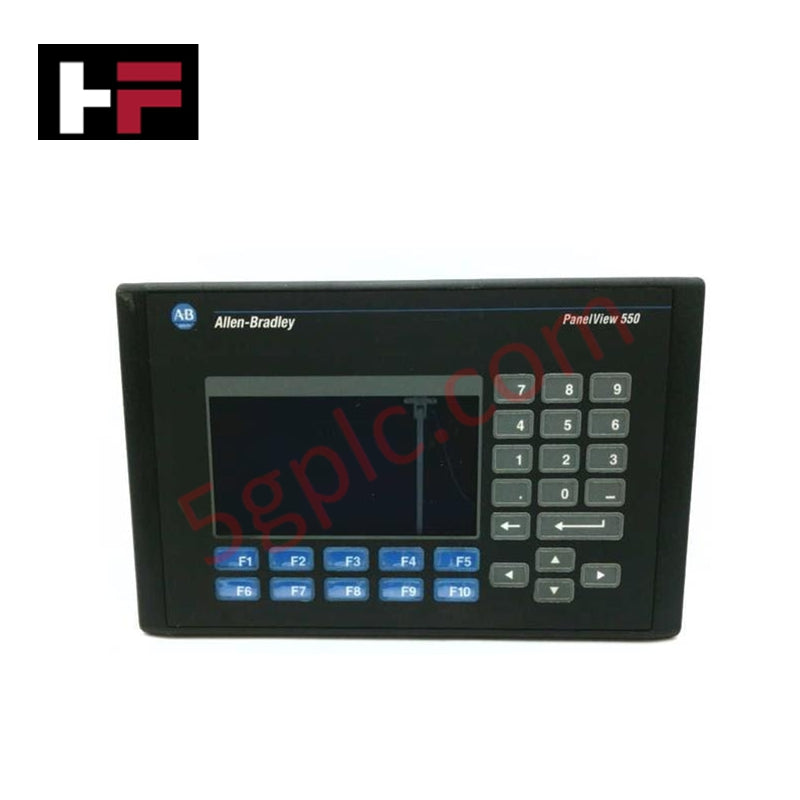
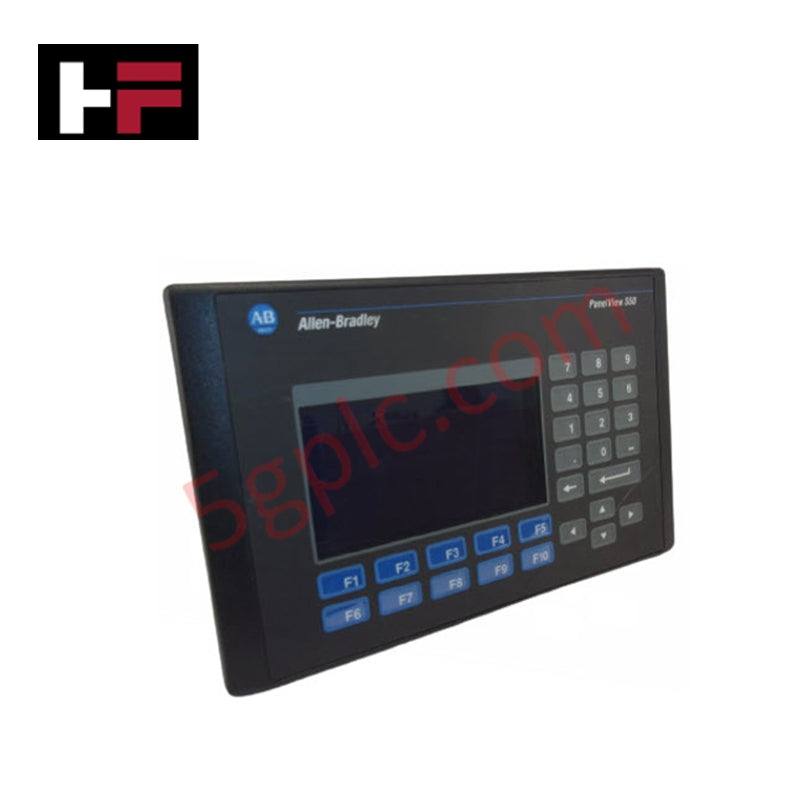
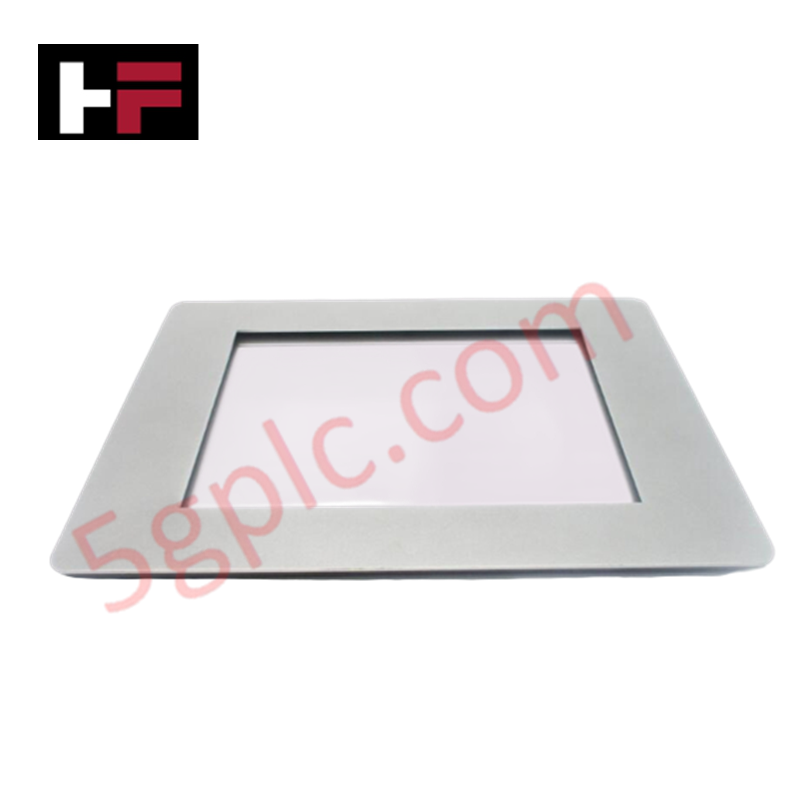
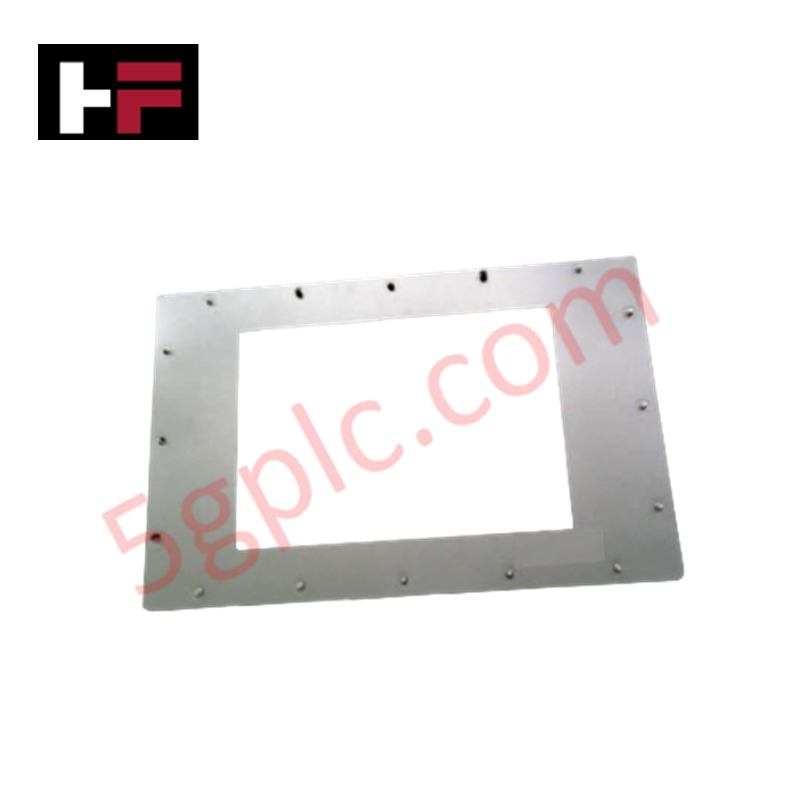
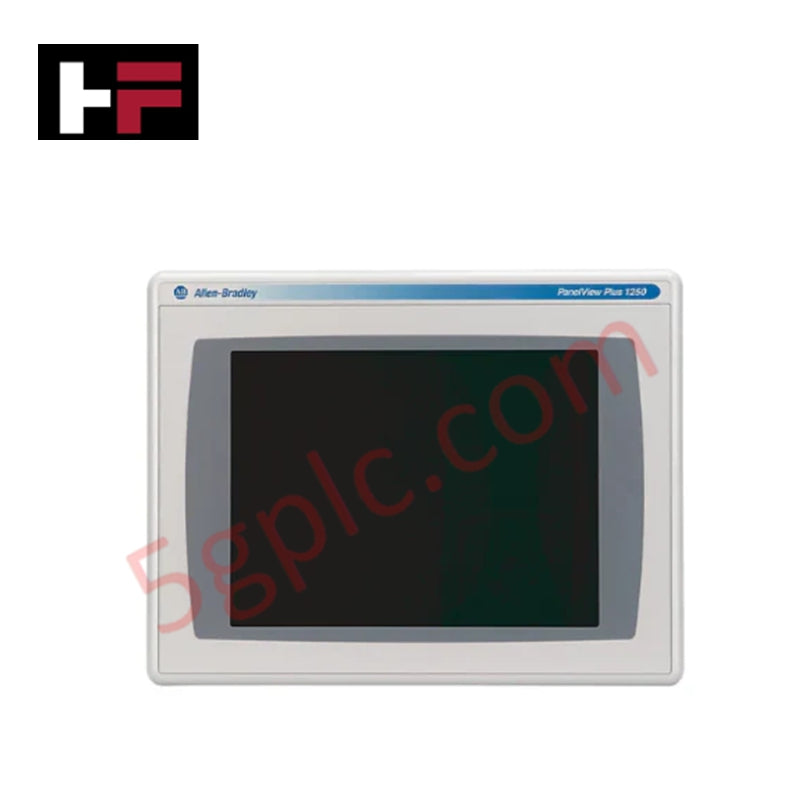
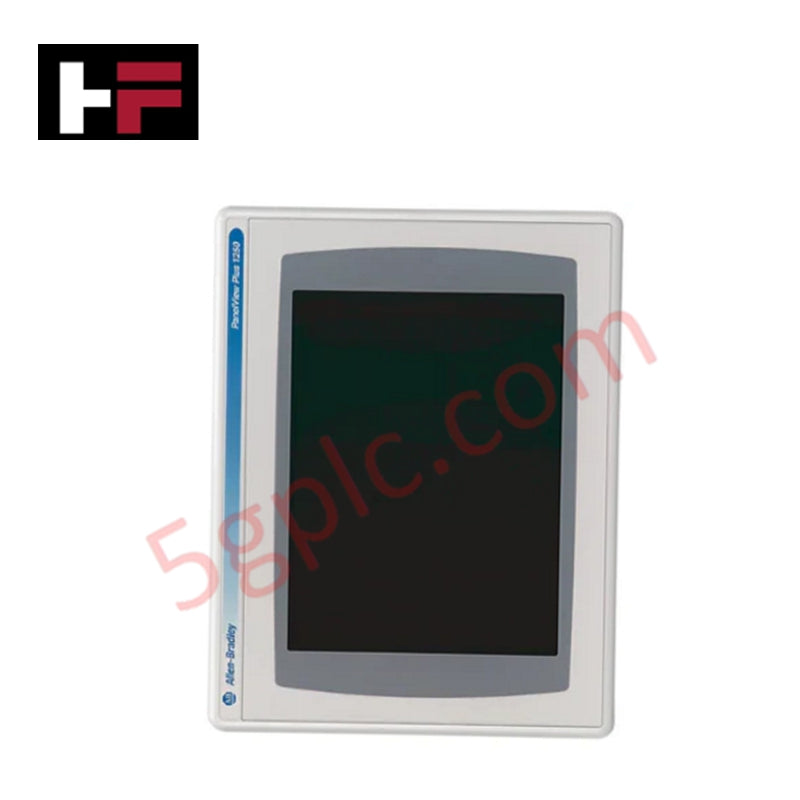
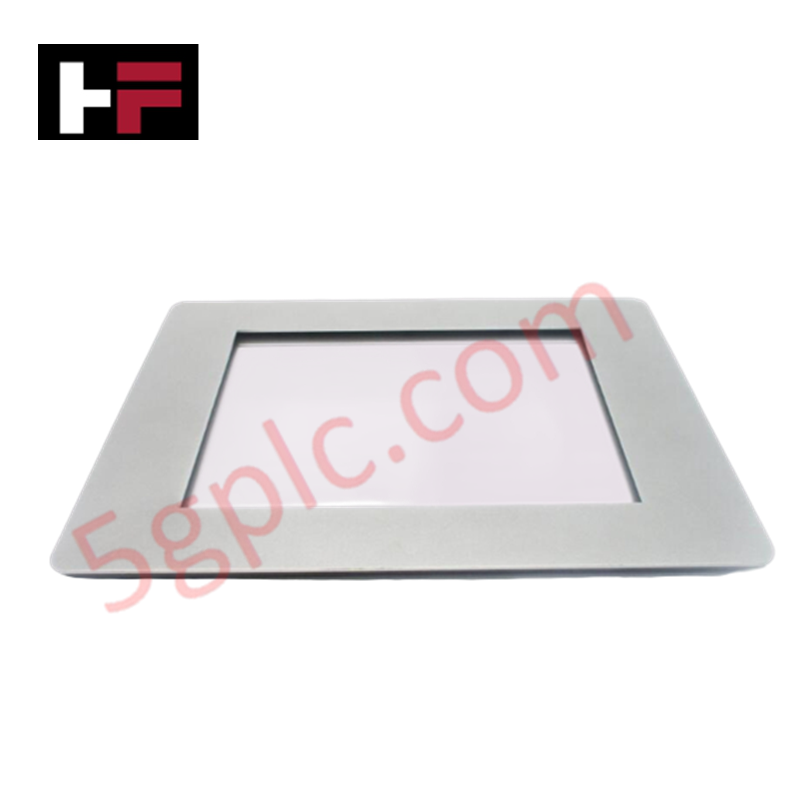
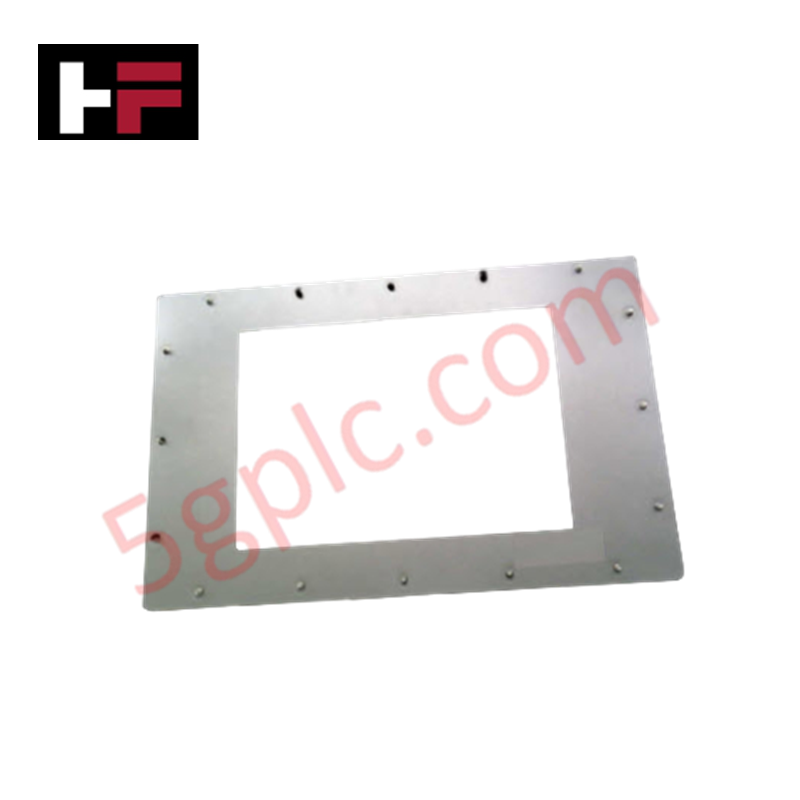
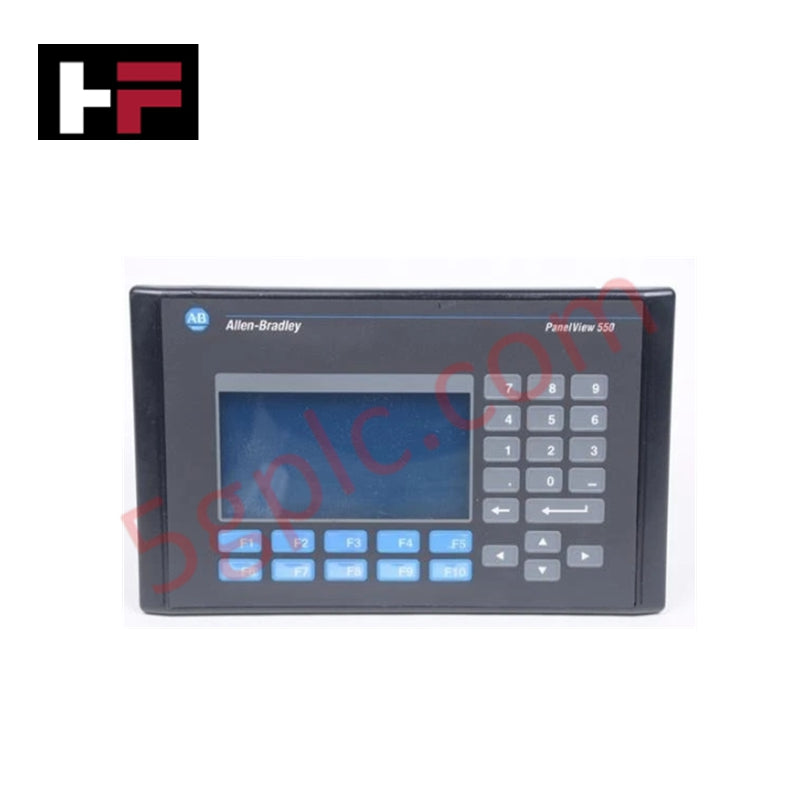
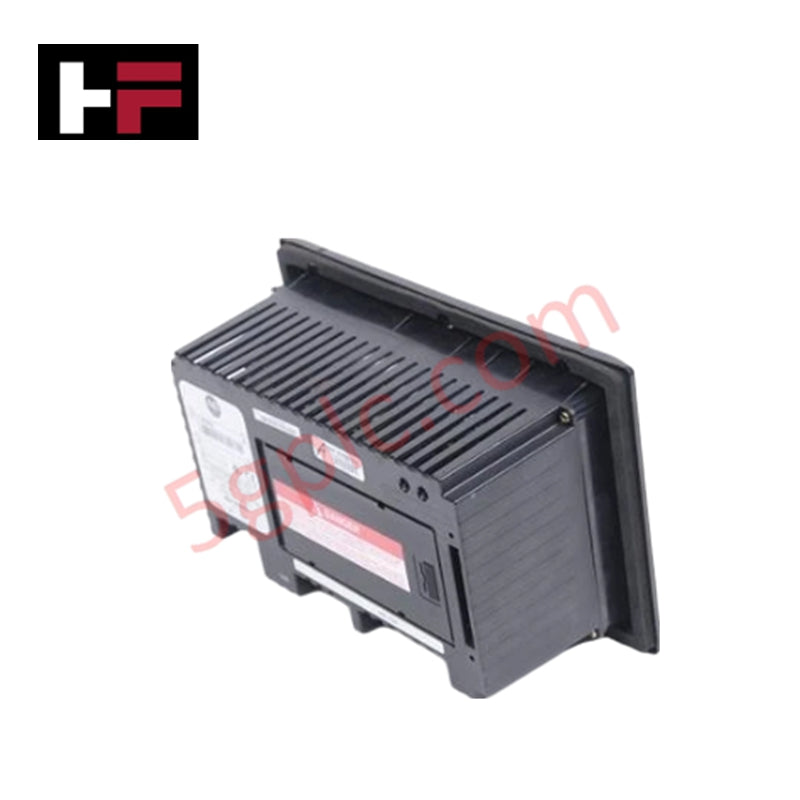
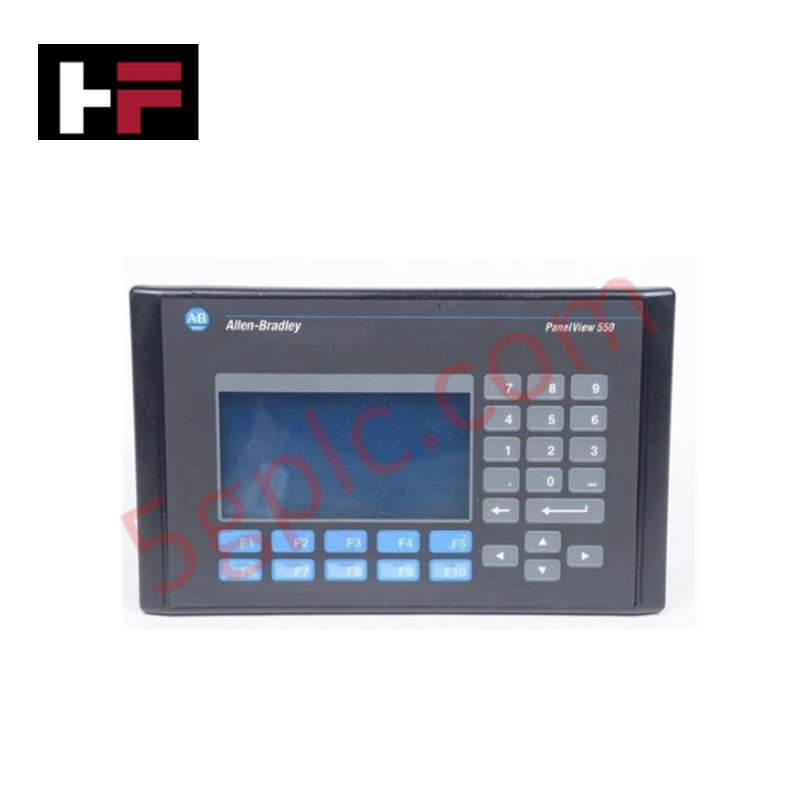
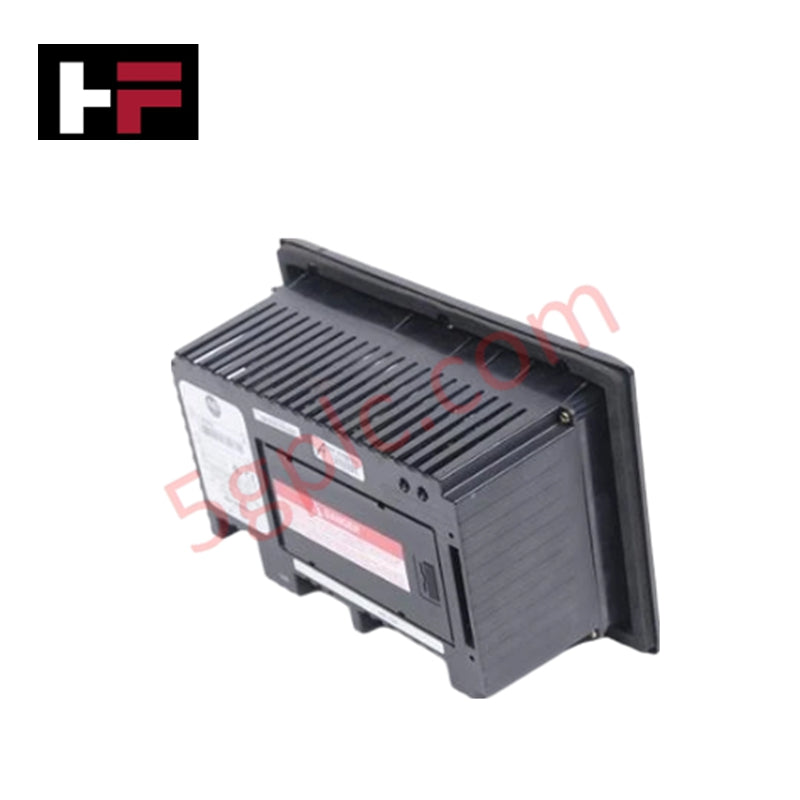
Allen-Bradley PanelView 550 Operator Terminal – Model: 2711-B5A10 The 2711-B5A10 is a discontinued operator interface terminal from the Allen-Bradley PanelView 550 series. It combines keypad and touchscreen input for versatile operator control, featuring a monochrome LCD display with long-life LED backlighting. Designed for industrial environments, this unit provides reliable visualization and communication through DeviceNet and RS-232 printer ports.
Technical Specifications
-
Manufacturer: Allen-Bradley (Rockwell Automation)
-
Product Line: PanelView 550
-
Model: 2711-B5A10
-
Type: Standard Operator Terminal
-
Display Size: 5.5 in. (120 × 60 mm)
-
Display Type: Monochrome LCD, blue mode
-
Resolution: 256 × 128 pixels
-
Backlight Life: 100,000 hours (LED, at 25 °C)
-
Input Methods: Keypad (10 function keys, F1–F10) and touchscreen (128 cells, rated for 1 million actuations)
-
Application Memory: 170 KB runtime; 240 KB nonvolatile storage (objects, text, bitmaps)
-
Communication Ports: DeviceNet; RS-232 (printer)
-
Input Voltage Range: 85–264 VAC, 47–63 Hz (nominal 120 VAC)
-
Accessories: Function key legend inserts, anti-glare overlays, backlight replacements, real-time clock, mounting hardware, power supply, terminal block, interface modules
-
Weight: 2.63 lbs (1.19 kg)
-
Series Compatibility: A through H
-
Lifecycle Status: Discontinued/Obsolete
Application Scenarios
-
Legacy PanelView 550 systems requiring keypad and touchscreen input
-
Machine-level operator interface with DeviceNet communication
-
Industrial environments needing durable monochrome displays
-
Replacement in existing PanelView 550 installations
FAQ
Q: What is the display resolution of the 2711-B5A10? A: 256 × 128 pixels on a monochrome LCD.
Q: What input methods are supported? A: Both keypad (10 function keys) and touchscreen input.
Q: What communication options are available? A: DeviceNet and RS-232 printer port.
Q: Is this model still in production? A: No, it is discontinued/obsolete.
Additional Information
- 100% Genuine Parts: All products are original and authentic, ensuring reliable industrial performance.
- 30-Day Refund Guarantee: Return any in-stock item within 30 days in original, unopened packaging for a full refund (excluding shipping and fees).
- 12-Month Warranty: Covers defects in materials or workmanship; excludes misuse, normal wear, or unauthorized modifications.
- Worldwide Shipping: We ship via USPS, UPS, FedEx, and DHL. Delivery times vary by country and may be subject to customs or import fees.
- Support & Contact: Technical and warranty assistance is available anytime. Contact us here: Contact.
- Purchase Guidance: Check product specifications and compatibility carefully before ordering to ensure proper application.
Tech & Buying Guide
Redundant Automation Systems: Maximizing Uptime in Critical Control Applications
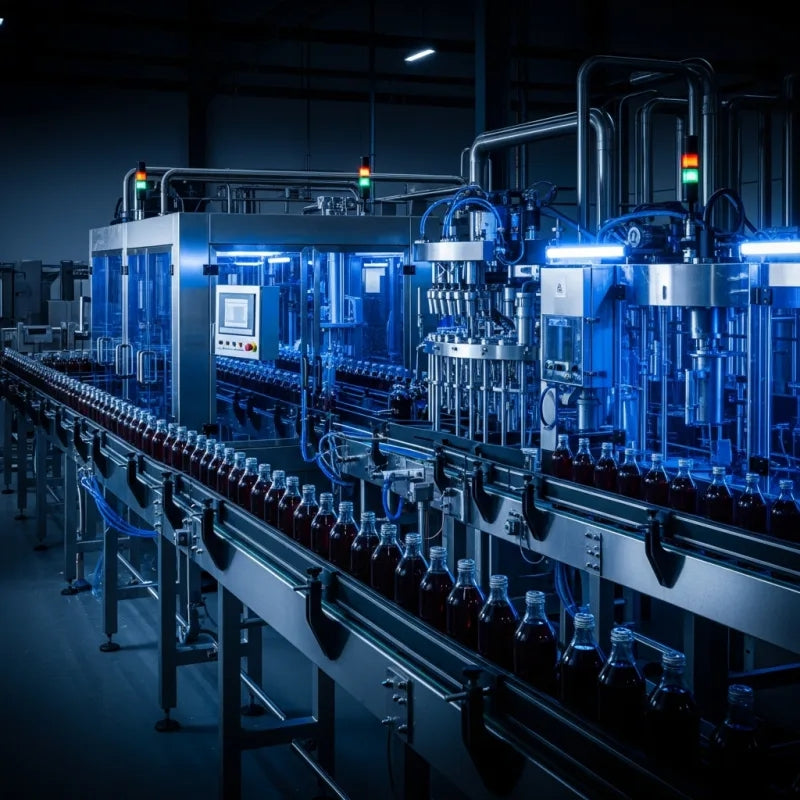
Industrial automation relies on continuous operational stability to prevent catastrophic downtime and financial loss. While standard dictionary definitions treat redundancy as superfluous, industrial engineers consider redundant control architectures indispensable for high-availability systems. Implementing backup hardware ensures seamless takeover during primary equipment failures, protecting critical infrastructure across manufacturing and process industries.
Demystifying the 5 Levels of Industrial Automation Architecture
Modern manufacturing relies on structured communication hierarchy to bridge physical shop-floor hardware with enterprise management software. This framework, commonly known as the Automation Pyramid, establishes how data flows between field devices, logic controllers, and corporate IT networks. Understanding these five distinct levels helps engineers and plant managers optimize system operations, reduce downtime, and implement seamless factory automation solutions.

Transforming Shop Floor Data into Actionable Insights: A Deep Dive into MES
Manufacturing Execution Systems serve as the digital backbone of modern factory floors. Positioned at Level 3 of the ISA-95 automation pyramid, MES links enterprise resource planning with real-time shop floor control systems. Today, industrial operators rely on MES software to bridge operational strategy with physical production execution.