










Product Details
Product Overview
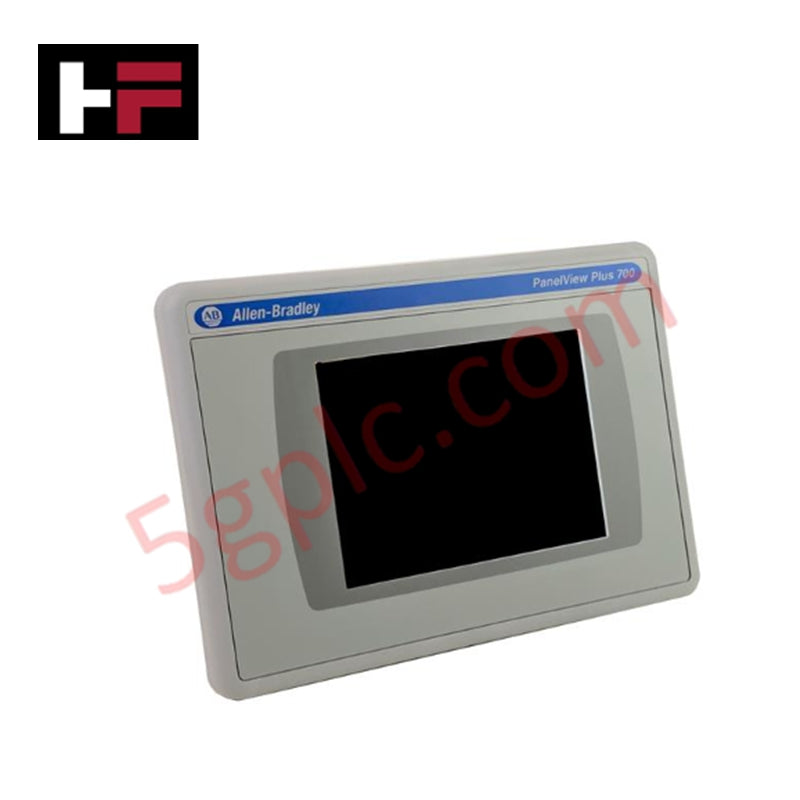
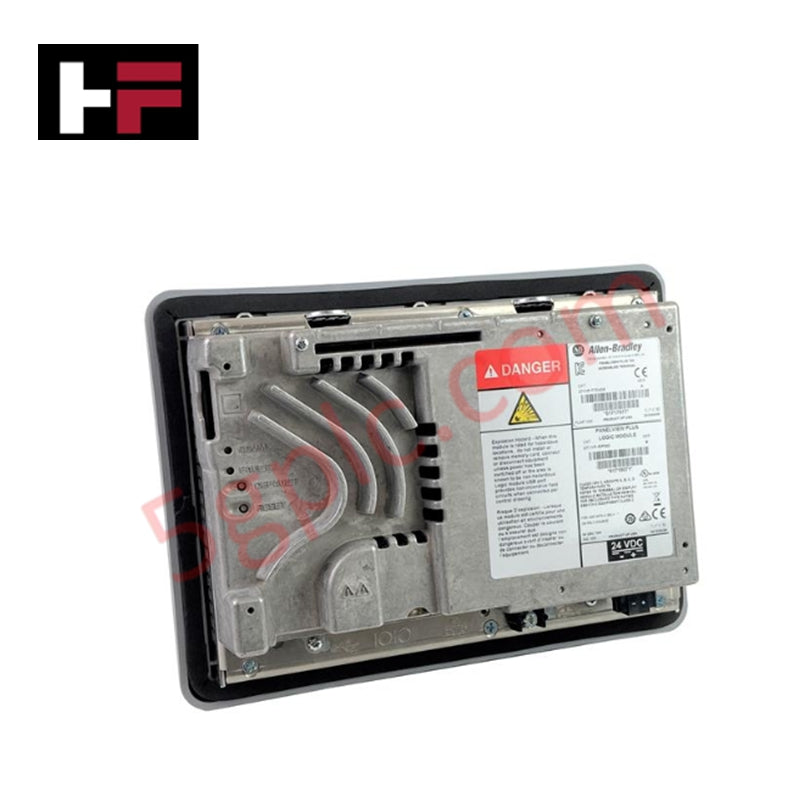
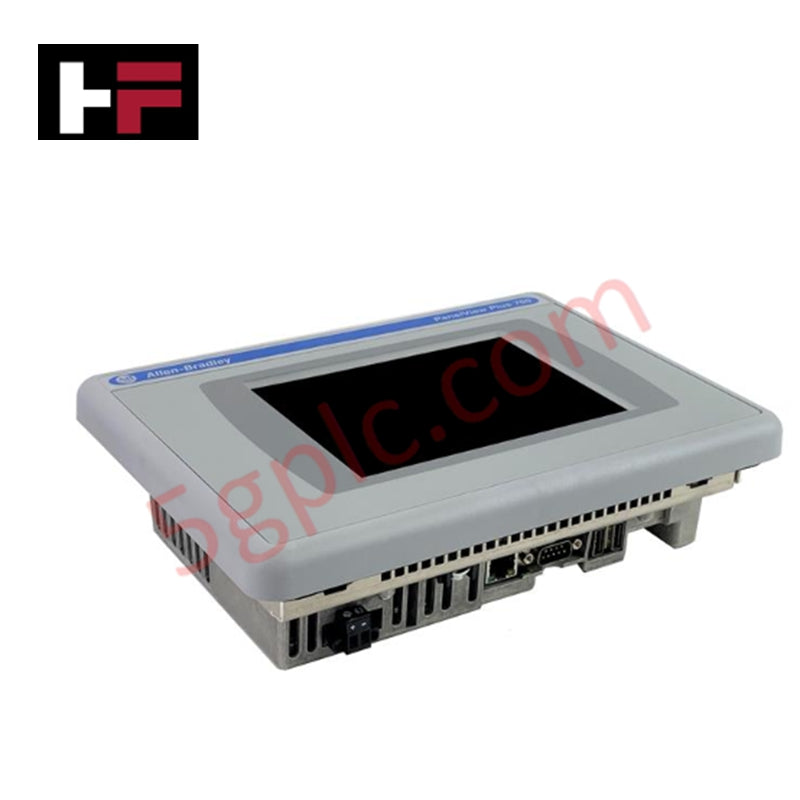
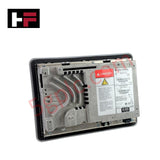
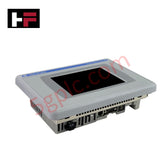
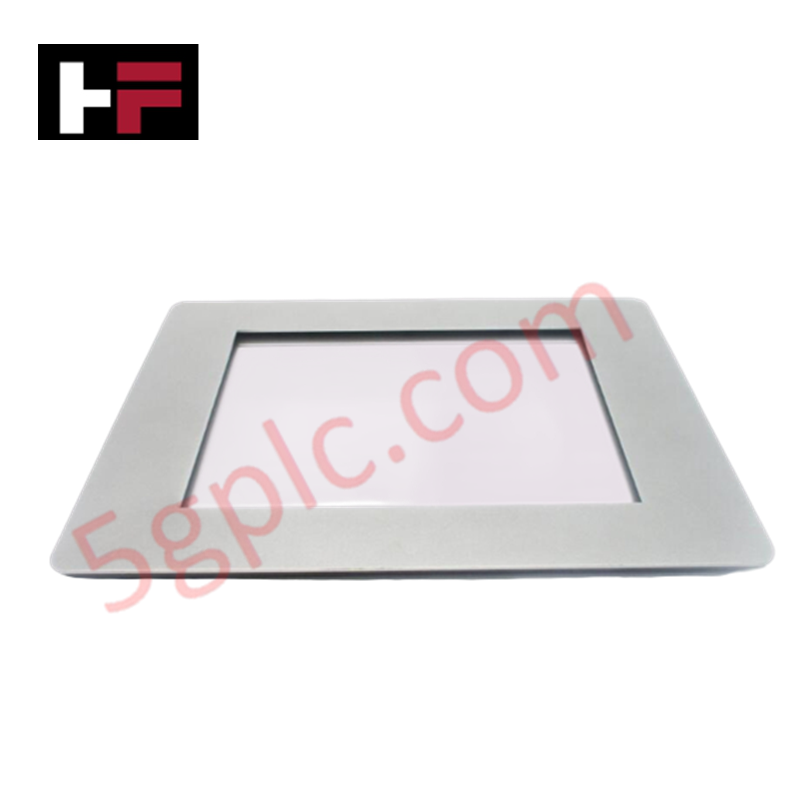
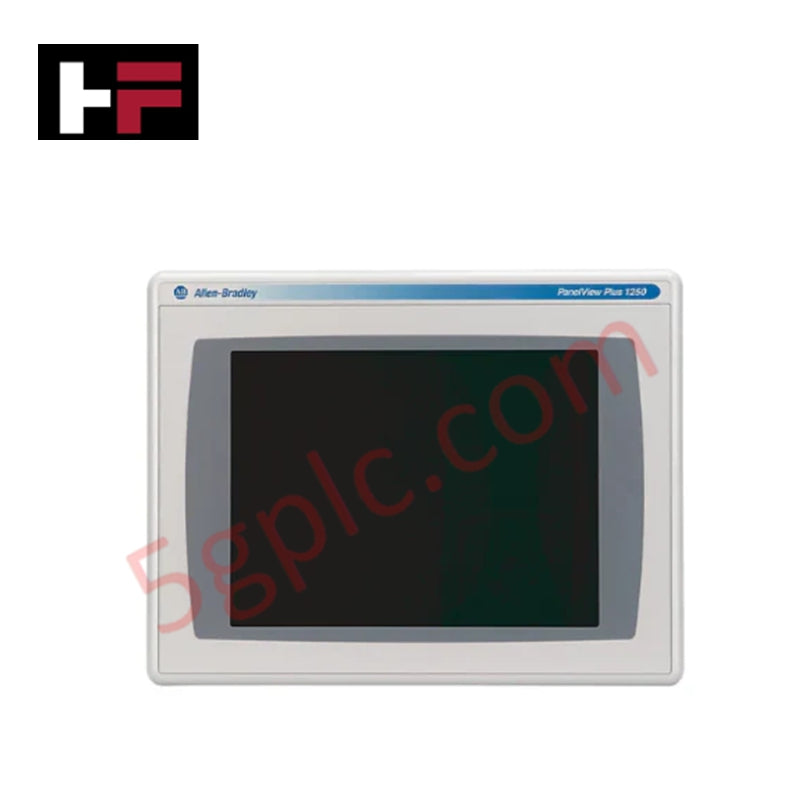
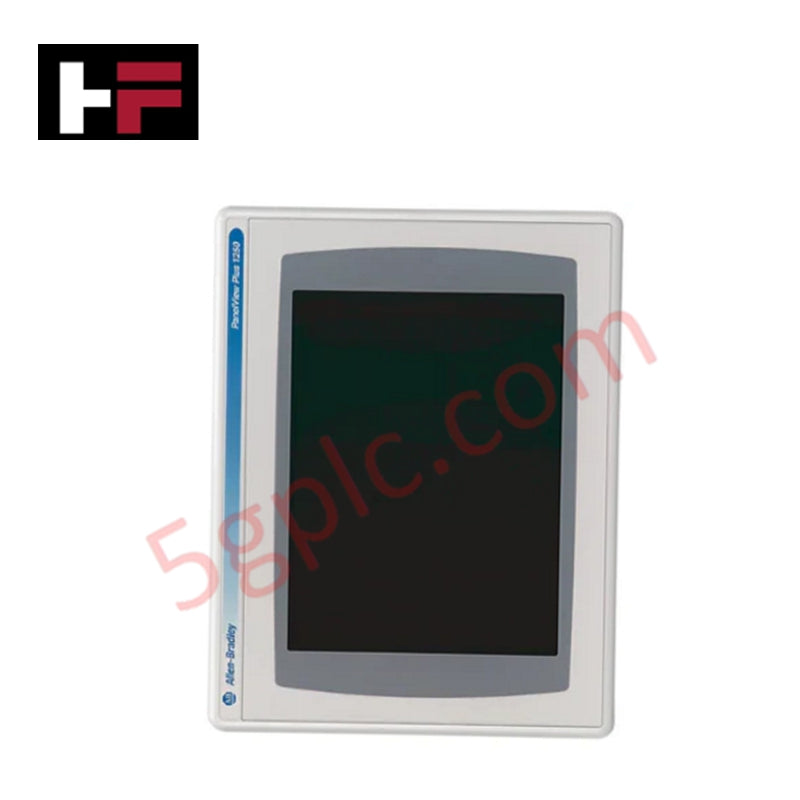
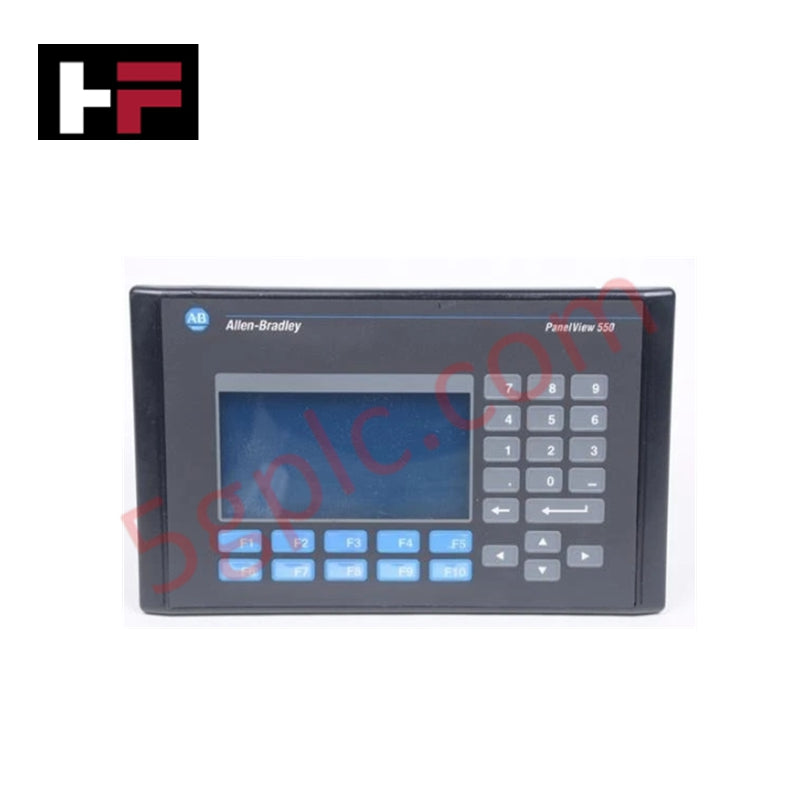
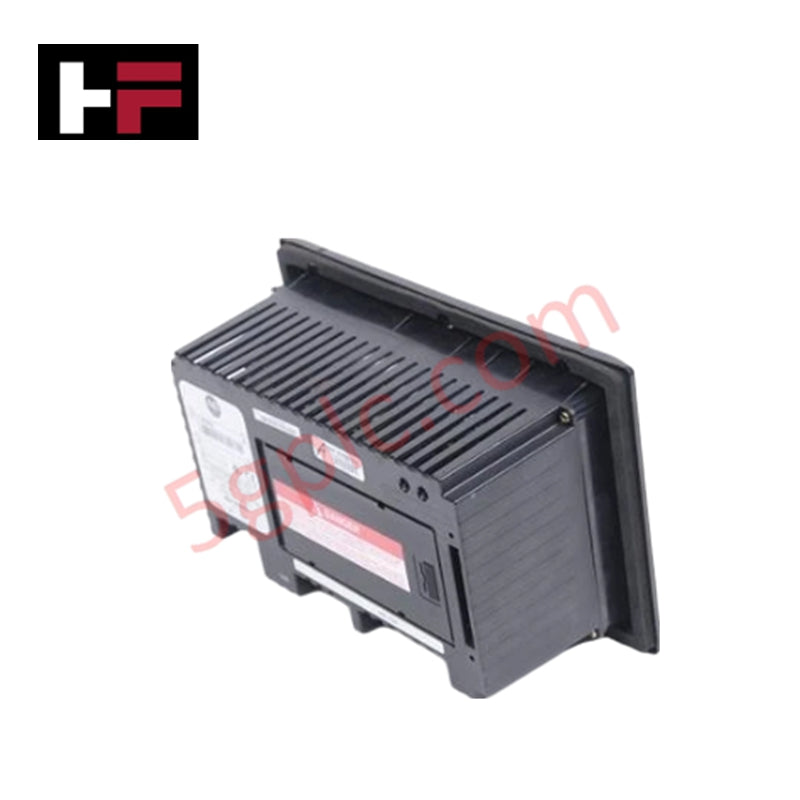
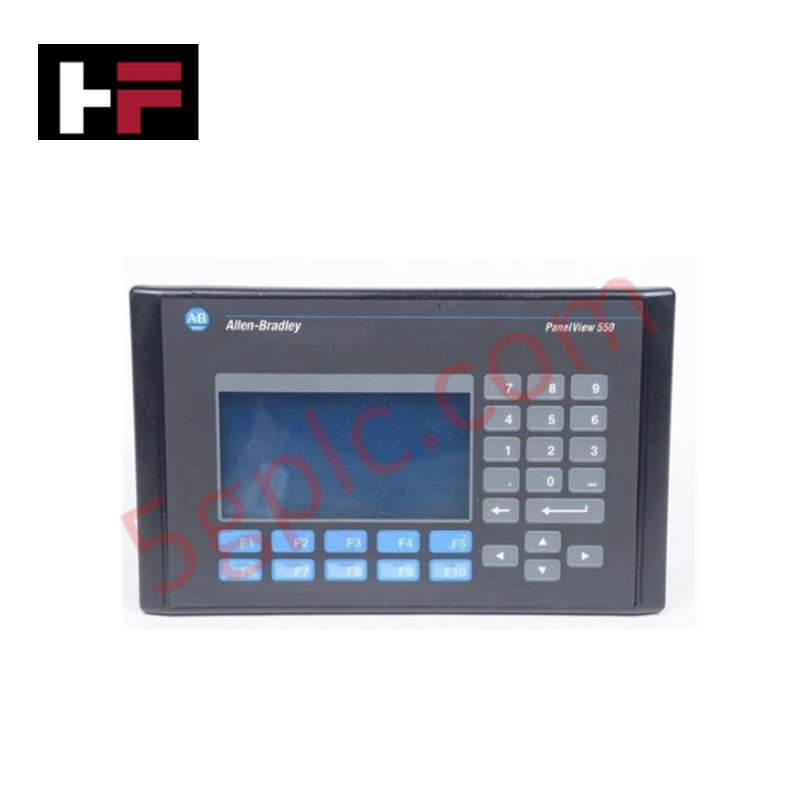
The Allen Bradley 2711P-T7C4B1 serves as a high-performance operator interface terminal within the PanelView Plus 700 series. It features a 6.5-inch color active-matrix display that enables crisp visualization of complex industrial processes. This model utilizes a resistive touchscreen for intuitive operator input and integrates both Ethernet and RS-232 communication ports to facilitate seamless data exchange with Logix5000 and other Rockwell Automation controllers. As a legacy hardware staple, it remains a critical component for maintaining existing automation lines without requiring expensive software migrations.
Technical Specifications
| Feature | Detailed Specification |
| Manufacturer | Allen Bradley / Rockwell Automation |
| Part Number | 2711P-T7C4B1 |
| Product Line | PanelView Plus 700 |
| Display Size | 6.5 inches |
| Display Type | Color Active Matrix TFT |
| Input Type | Analog Resistive Touchscreen |
| Communication | Ethernet and RS-232 |
| Internal Memory | 64 MB |
| Input Power | 85–264V AC / 18–32V DC (Multi-voltage support) |
| Backlight Replacement | 2711P-RL7C |
| Weight | 4.00 lbs (1.81 kg) |
| Condition | 100% Brand New Original |
Engineering Advantages
-
Dual-Port Communication Versatility: The 2711P-T7C4B1 includes both Ethernet and RS-232 ports. This allows engineers to bridge modern networked controllers with legacy serial-based machinery simultaneously, eliminating the need for external protocol converters.
-
Flexible Power Architecture: The internal power supply accepts both AC (85–264V) and DC (18–32V) inputs. This flexibility simplifies spare parts inventory, as a single unit replaces multiple voltage-specific hardware variations across different plant sectors.
-
Rapid Field Restoration: This terminal supports the use of CompactFlash cards for project transfers and firmware updates. Maintenance teams can restore a failed station in minutes by simply inserting the project card, minimizing downtime during critical production shifts.
-
Robust Touch Response: The industrial-grade resistive touchscreen responds accurately even when operators wear heavy gloves. This ensures reliable command execution in harsh environments where moisture, dust, or oil contaminants are present on the screen surface.
-
Modular Component Design: The 2711P-T7C4B1 allows for the independent replacement of the logic module or communication module. This modularity reduces long-term maintenance costs by allowing engineers to repair specific sub-assemblies rather than discarding the entire HMI.
FAQs
-
Is this 2711P-T7C4B1 unit 100% Brand New?
Yes. Despite the discontinued status from the OEM, we provide this terminal as 100% Brand New in original factory packaging. This ensures you receive a unit with zero run-time hours and a fresh backlight (2711P-RL7C).
-
Can I use this model to replace an older Series A or B unit?
Yes. The 2711P-T7C4B1 maintains backward compatibility across its series lifecycle (Series A through G). It serves as a direct drop-in replacement for existing PanelView Plus 700 touchscreen applications.
-
Does the terminal include the communication cable?
No. While the unit supports Ethernet and RS-232, you must order communication cables like the 1761-NET-ENI separately depending on your specific network topology and controller distance.
-
What software do I need to program this terminal?
This unit utilizes FactoryTalk View Studio Machine Edition (ME). You can upload existing .mer files directly to the 64MB internal memory via the Ethernet port or a compatible memory card.
Additional Information
- 100% Genuine Parts: All products are original and authentic, ensuring reliable industrial performance.
- 30-Day Refund Guarantee: Return any in-stock item within 30 days in original, unopened packaging for a full refund (excluding shipping and fees).
- 12-Month Warranty: Covers defects in materials or workmanship; excludes misuse, normal wear, or unauthorized modifications.
- Worldwide Shipping: We ship via USPS, UPS, FedEx, and DHL. Delivery times vary by country and may be subject to customs or import fees.
- Support & Contact: Technical and warranty assistance is available anytime. Contact us here: Contact.
- Purchase Guidance: Check product specifications and compatibility carefully before ordering to ensure proper application.
Tech & Buying Guide

Understanding VFD Mechanical Brake Logic and Control in Industrial Automation
Variable Frequency Drives (VFDs) play a crucial role in modern industrial automation by controlling motor speed, torque, and acceleration. However, high-inertia loads and vertical lifting systems require precise mechanical braking logic to ensure operational safety and prevent equipment damage.

Why Programmable Logic Controllers Drop into Stop Mode: An Expert Analysis
Industrial automation systems rely heavily on Programmable Logic Controllers (PLCs) to maintain uninterrupted production. When a PLC unexpectedly shifts from Run to Stop mode, whole manufacturing lines stall.
As control systems evolve across modern factory automation, understanding the root causes of these interruptions helps engineers minimize costly downtime. This technical guide breaks down why PLCs trip into Stop mode and provides practical strategies to mitigate system faults.

Understanding Root Causes of Unplanned PLC Stop Mode in Industrial Automation
Modern Programmable Logic Controllers manage execution through distinct operational states: Run, Stop, Start-Up, and Hold. During power-up, a controller initializes memory registers within Stop mode before briefly transitioning to Start-Up mode. During this phase, internal self-diagnostics evaluate system integrity across hardware and user programs. If the controller detects no critical faults, it enters Run mode to execute the control program continuously. However, any severe system anomaly forces the CPU back into Stop mode immediately to prevent erratic machine behavior across the plant floor.