










Product Details
Product Overview
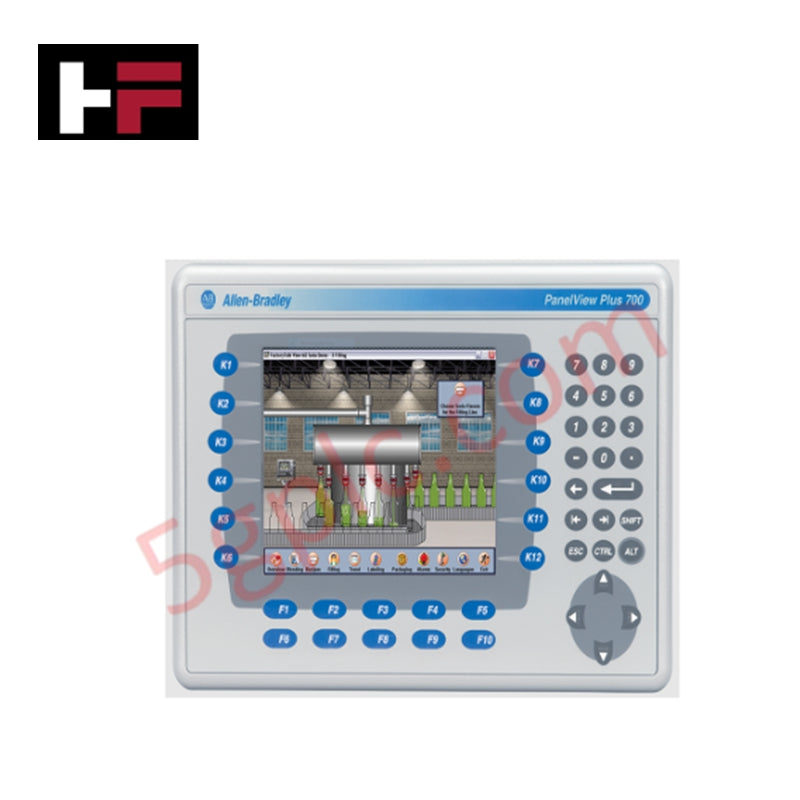
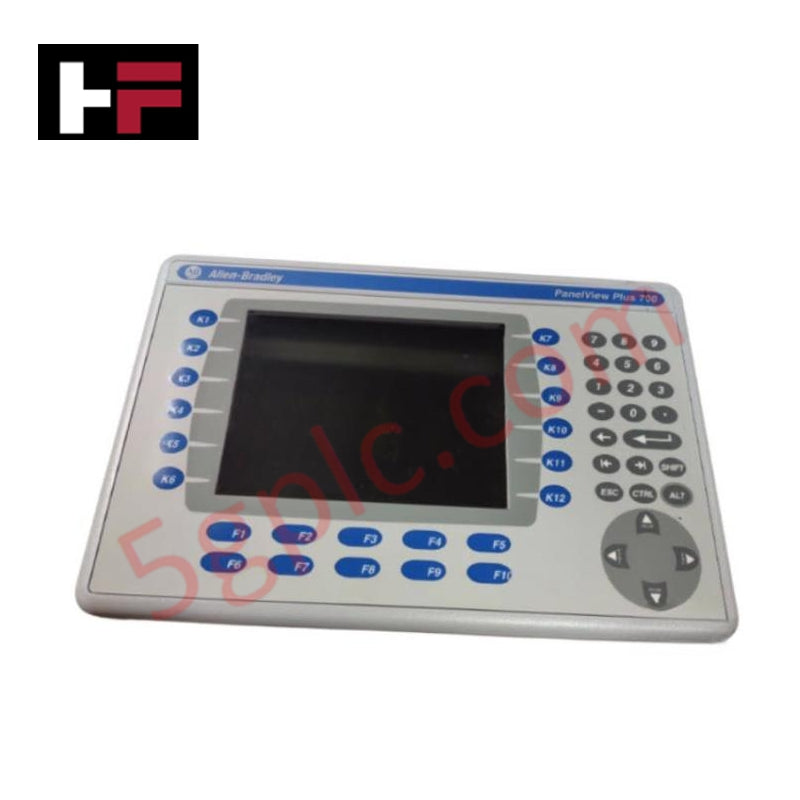
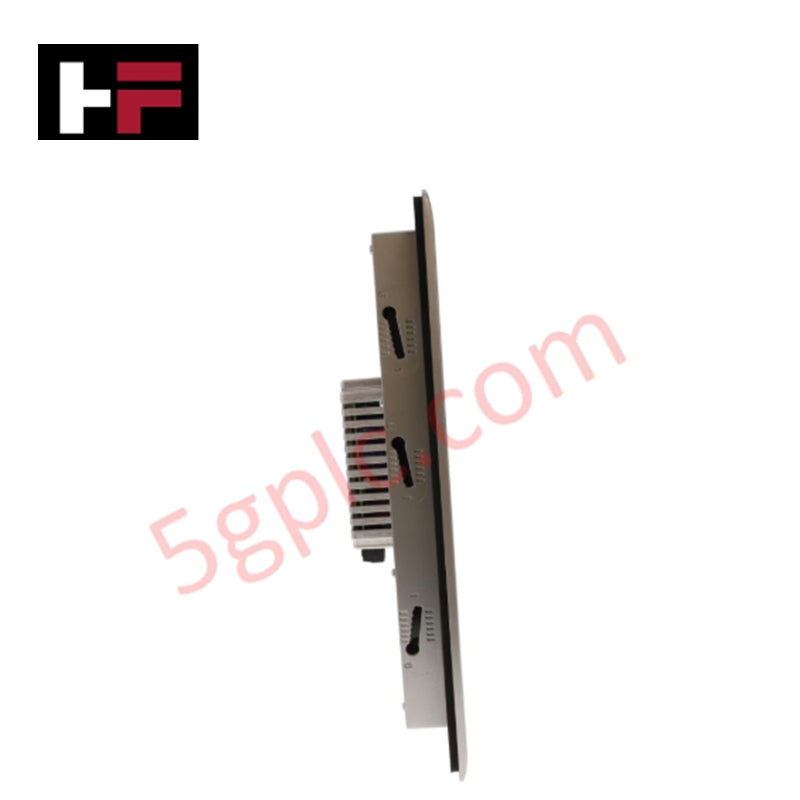
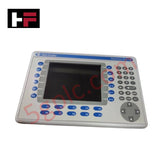
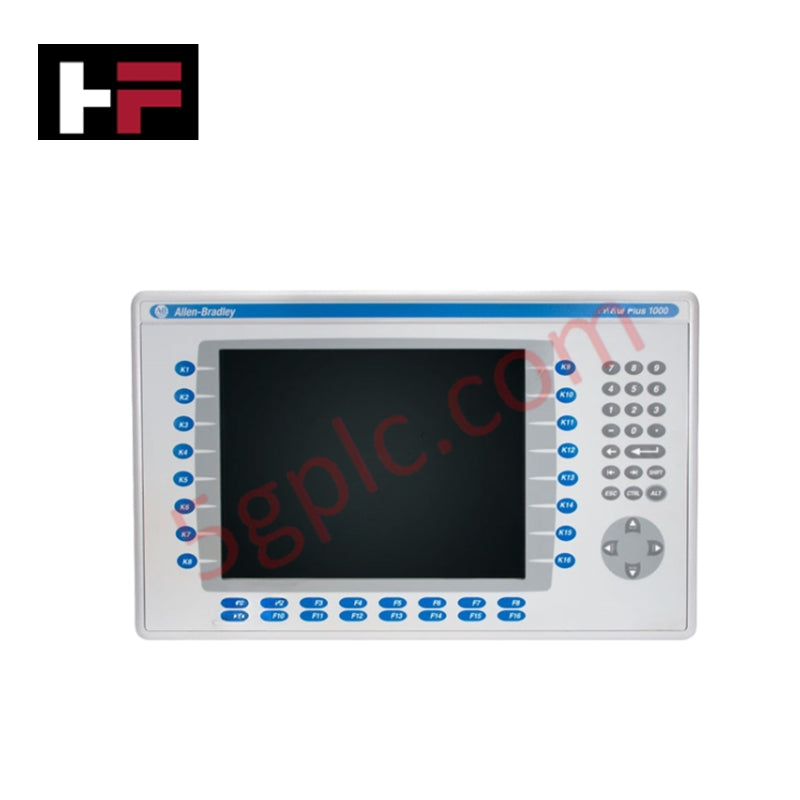
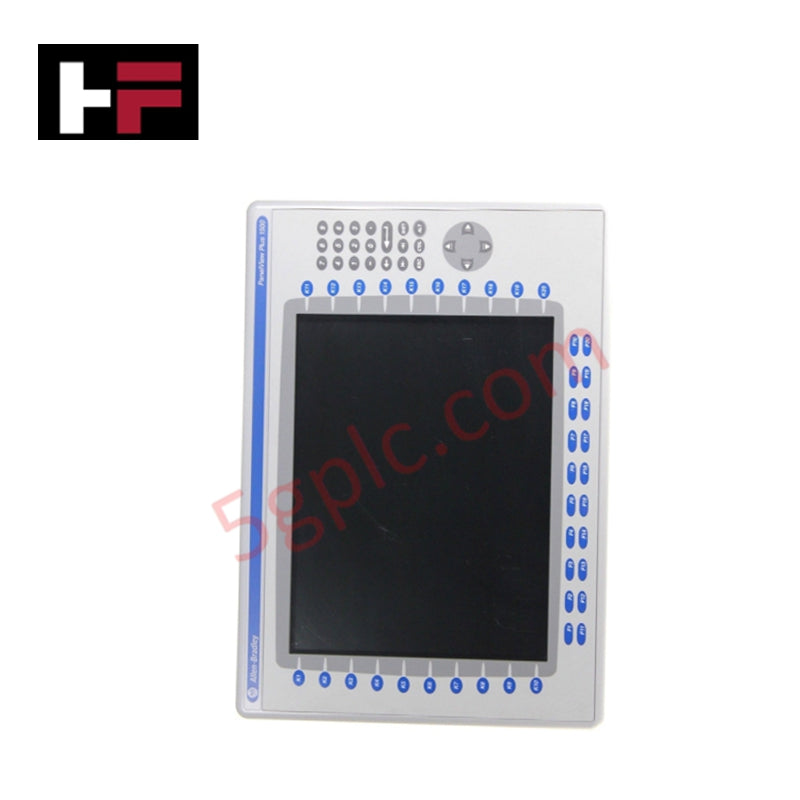
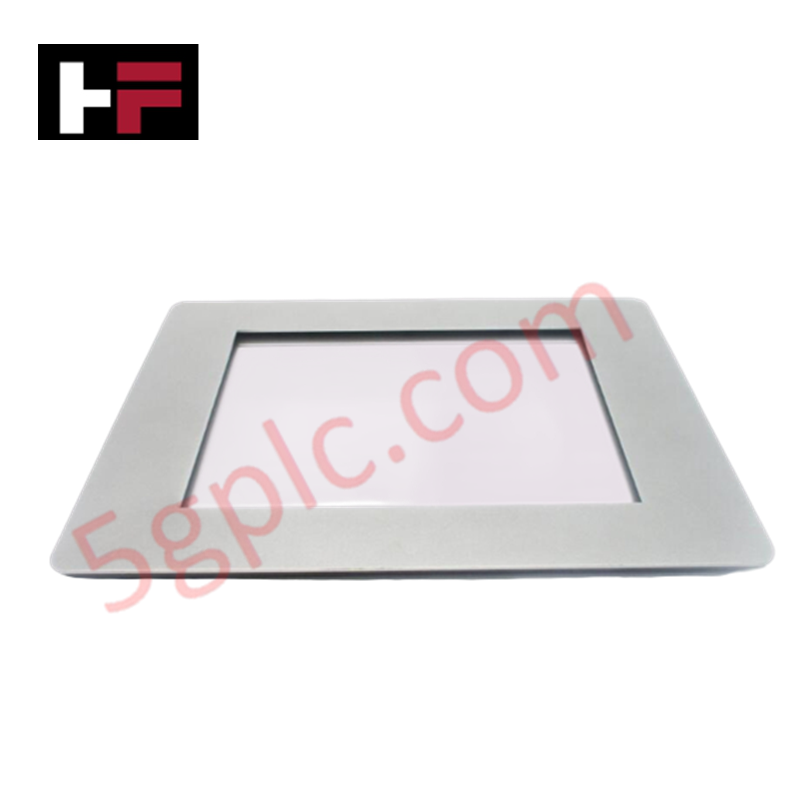
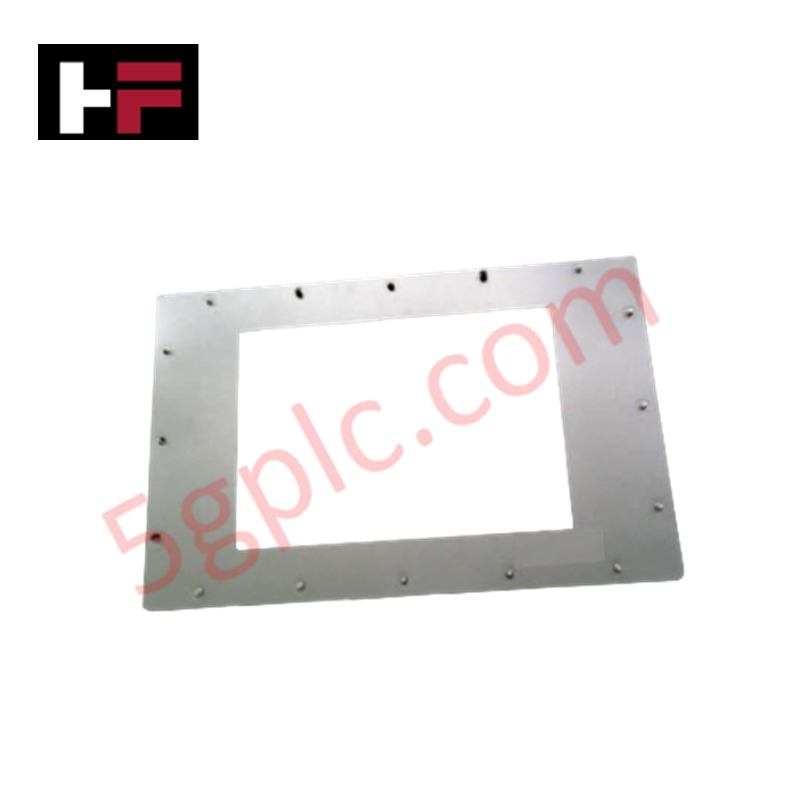
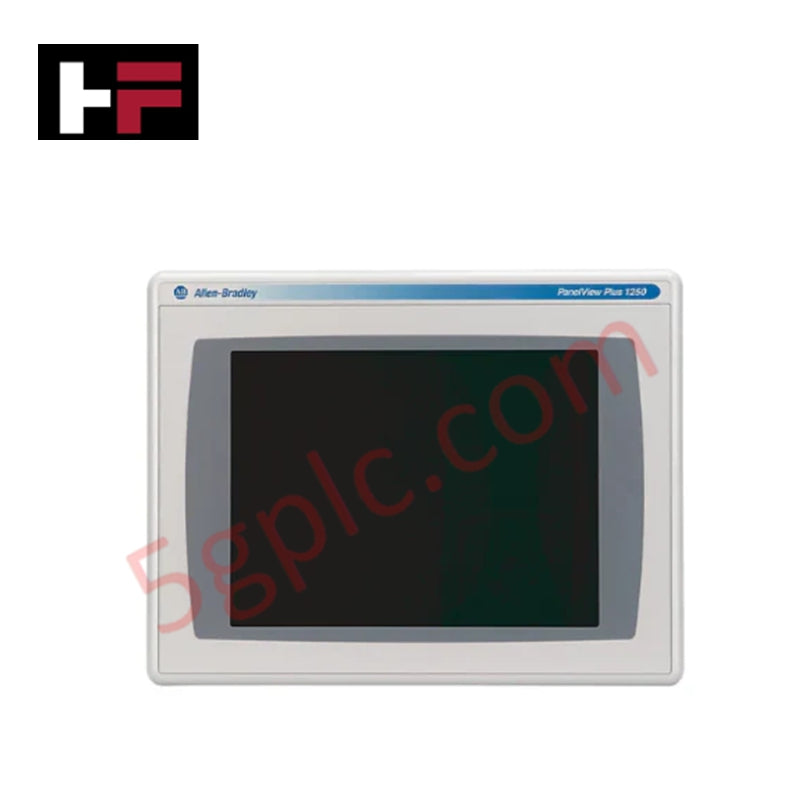
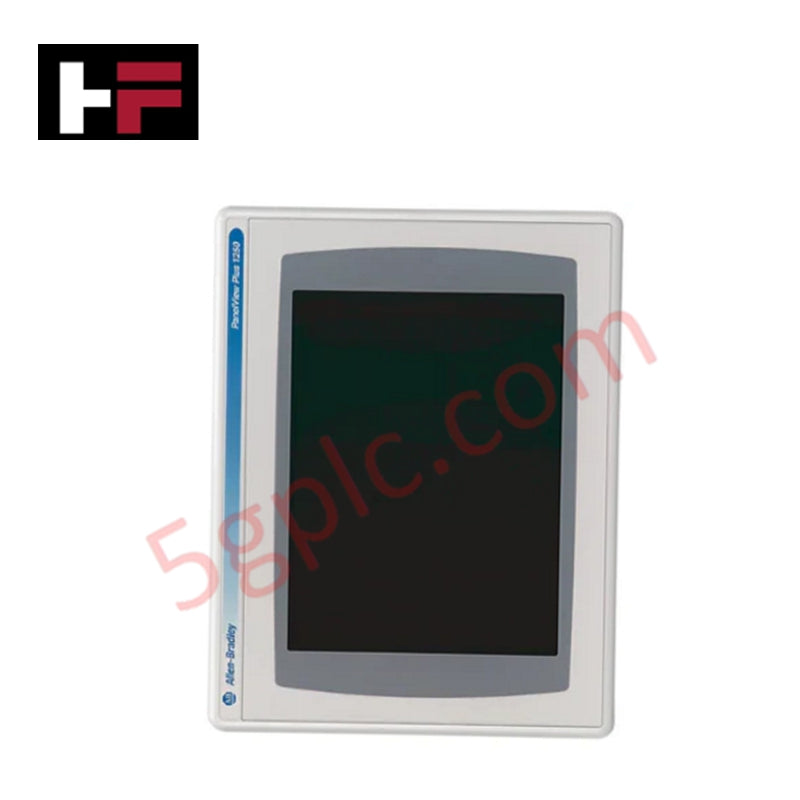
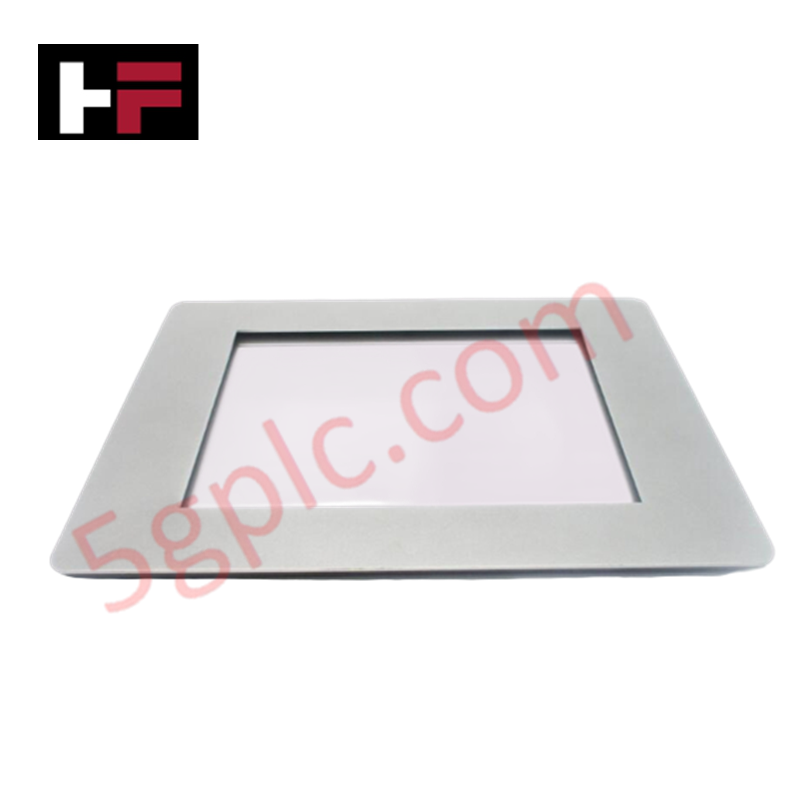
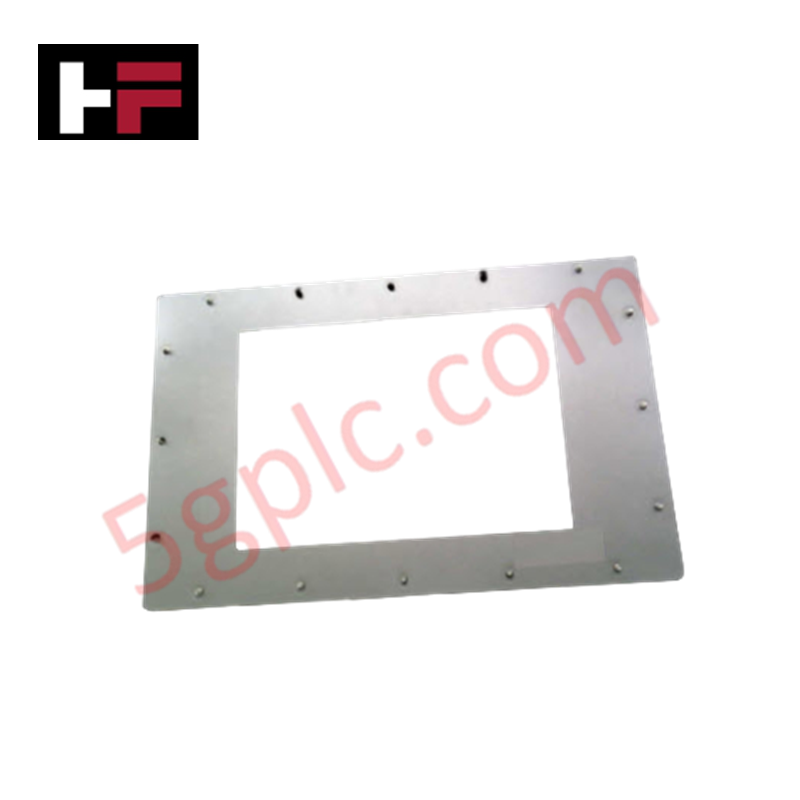
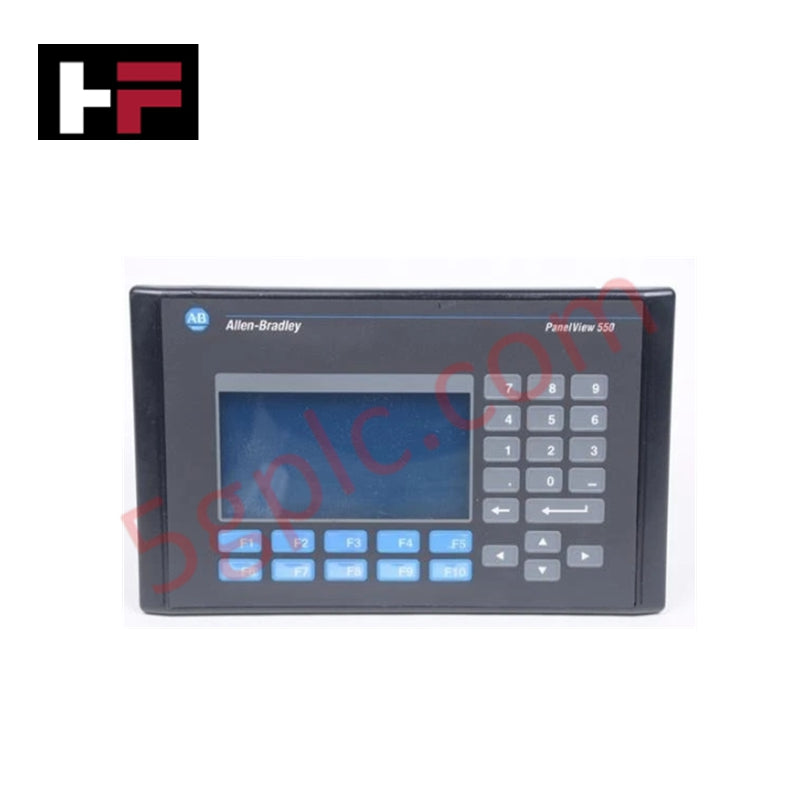
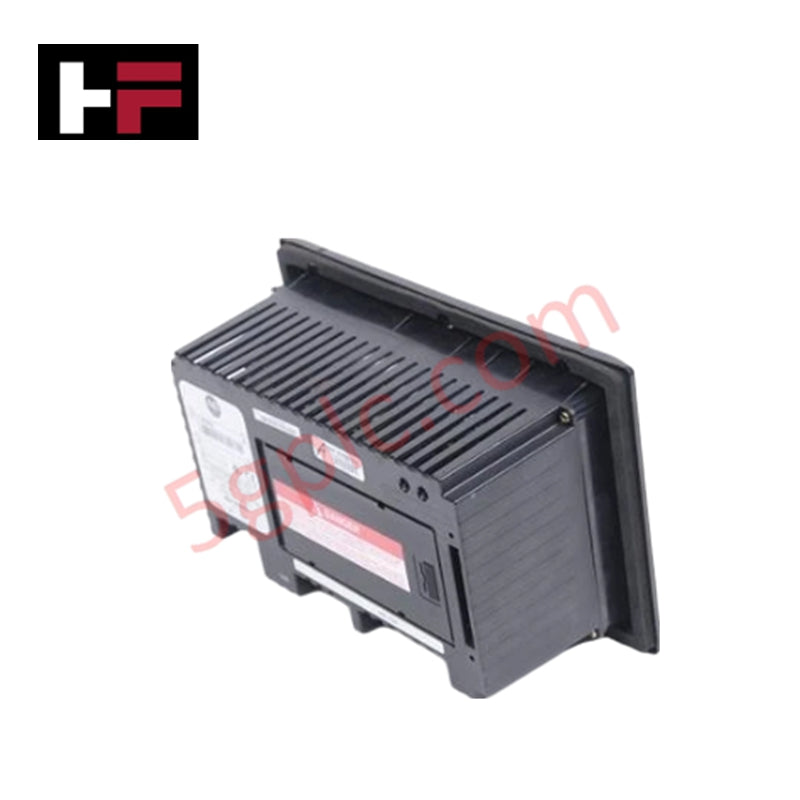
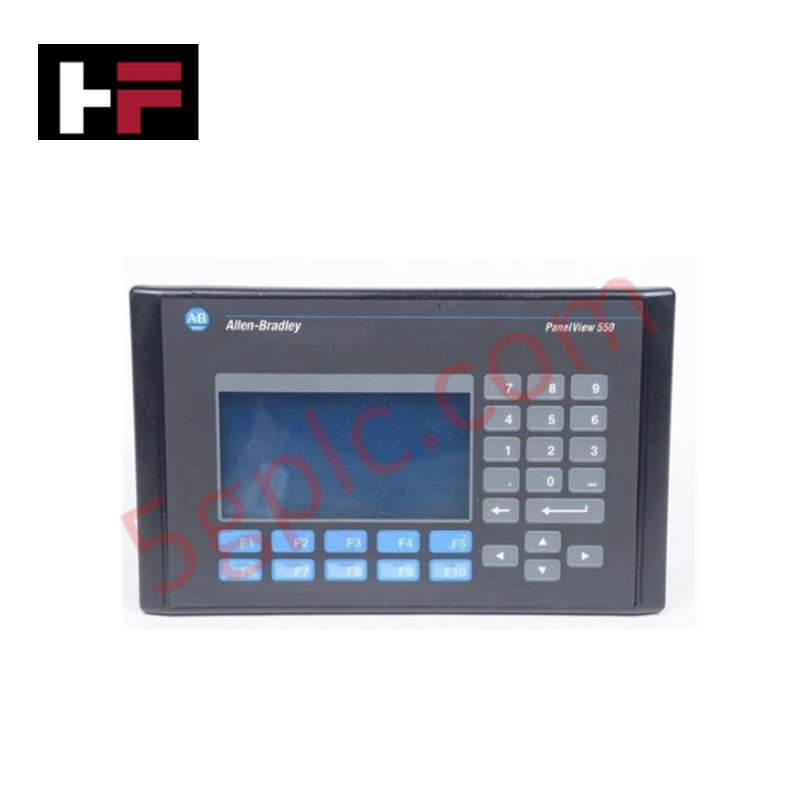
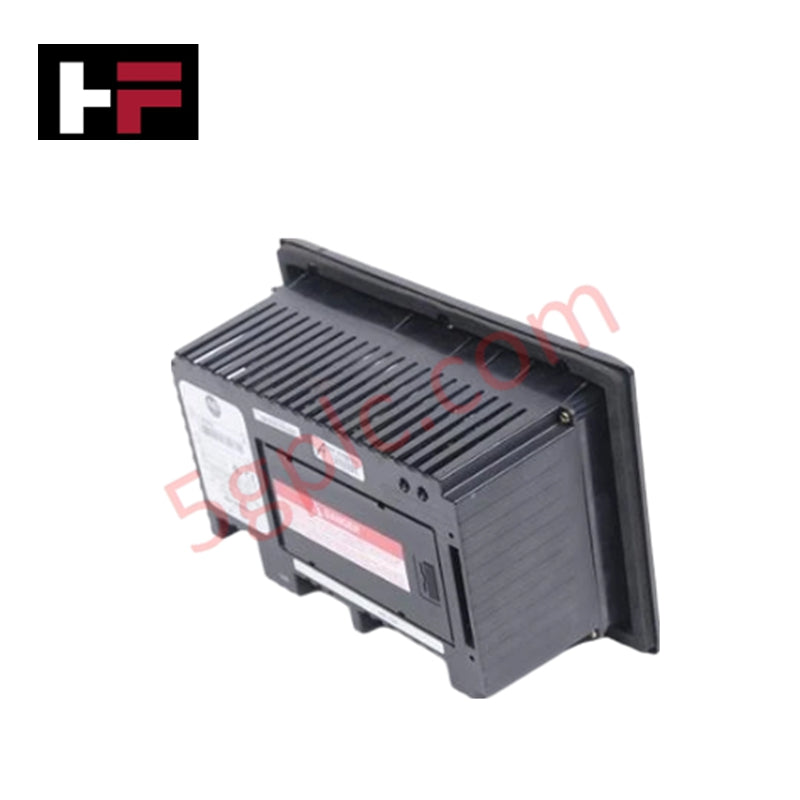
The Allen Bradley 2711P-K7C4B1 functions as a high-performance Human-Machine Interface (HMI) within the PanelView Plus 700 series. This rugged terminal allows operators to monitor, manage, and display complex application status information in real-time. We provide this unit as 100% Brand New and Factory Original to ensure maximum uptime for your critical automation lines.
Technical Specifications
The following table outlines the robust hardware capabilities of the 2711P-K7C4B1:
| Feature | Specification |
| Display Size | 6.5-inch Color Graphics |
| Input Method | Tactile Keypad |
| Communication Ports | Ethernet and RS-232 |
| Input Voltage | 85-264 VAC or 18-32 VDC (Dual Support) |
| Onboard Memory | 64 MB |
| Replacement Backlight | 2711P-RL7C |
| Compatible Cable | 1761-NET-ENI |
| Weight | 5.00 lbs (2.27 kg) |
Engineering Advantages
-
Versatile Power Integration: This model accepts both AC and DC input ranges. This flexibility eliminates the need for separate power converters when migrating equipment between different plant power standards.
-
Tactile Precision in Harsh Environments: Unlike touchscreens that fail under heavy grease or gloved operation, the industrial-grade keypad provides physical feedback. This ensures accurate command entry in vibrating or high-debris environments.
-
Legacy System Bridging: By utilizing both Ethernet and RS-232 ports, the 2711P-K7C4B1 connects modern enterprise networks to legacy PLC-5 or SLC 500 controllers. It acts as a reliable data bridge for aging infrastructure.
-
Compact Thermal Management: The 6.5-inch form factor packs high-resolution diagnostics into tight control cabinet spaces. The internal design dissipates heat efficiently, preventing CPU throttling during peak processing loads.
FAQs
-
Does this unit arrive in original packaging?
Yes. We supply the 2711P-K7C4B1 in its original Allen Bradley factory box, ensuring the unit is 100% Brand New and has never seen field service.
-
Can I use this model to replace an older Series A or B unit?
Yes. The 2711P-K7C4B1 supports Series A through G. You can swap existing units with this terminal; however, ensure your FactoryTalk View ME firmware version matches the hardware series for seamless application transfer.
-
What should I consider regarding its "Discontinued" status?
While the manufacturer classifies this series as obsolete, sourcing a Brand New unit allows you to maintain your current system architecture without the massive expense of re-engineering your entire HMI application for a newer platform.
-
How do I clean the keypad without damaging the seals?
Use a mild soap and water solution on a damp cloth. Avoid high-pressure washers or abrasive chemicals, which can degrade the keypad membrane over time and compromise the NEMA rating.
Additional Information
- 100% Genuine Parts: All products are original and authentic, ensuring reliable industrial performance.
- 30-Day Refund Guarantee: Return any in-stock item within 30 days in original, unopened packaging for a full refund (excluding shipping and fees).
- 12-Month Warranty: Covers defects in materials or workmanship; excludes misuse, normal wear, or unauthorized modifications.
- Worldwide Shipping: We ship via USPS, UPS, FedEx, and DHL. Delivery times vary by country and may be subject to customs or import fees.
- Support & Contact: Technical and warranty assistance is available anytime. Contact us here: Contact.
- Purchase Guidance: Check product specifications and compatibility carefully before ordering to ensure proper application.
Tech & Buying Guide

Transforming Shop Floor Data into Actionable Insights: A Deep Dive into MES
Manufacturing Execution Systems serve as the digital backbone of modern factory floors. Positioned at Level 3 of the ISA-95 automation pyramid, MES links enterprise resource planning with real-time shop floor control systems. Today, industrial operators rely on MES software to bridge operational strategy with physical production execution.
Managed Switch vs. Unmanaged Switch: Industrial Ethernet Architecture

Hot Standby vs. Cold Standby Redundancy in Industrial Automation
System availability determines process safety and productivity in industrial automation. Control engineers deploy redundancy to eliminate single points of failure. This technical guide evaluates Hot Standby vs. Cold Standby architectures, comparing failover speeds, memory sync, cost trade-offs, and field selection criteria.