










Product Details
Product Overview
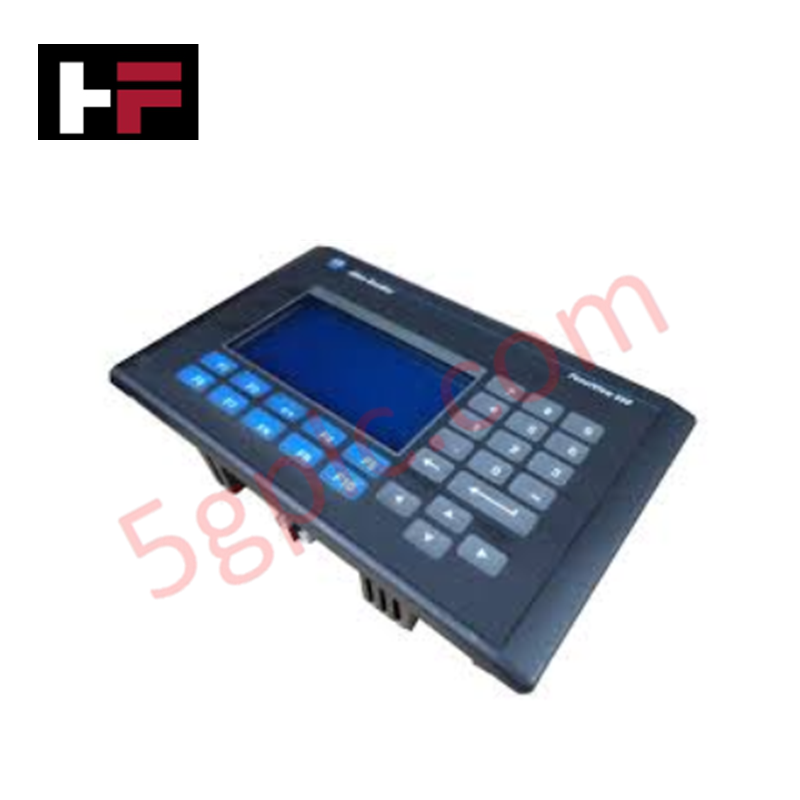
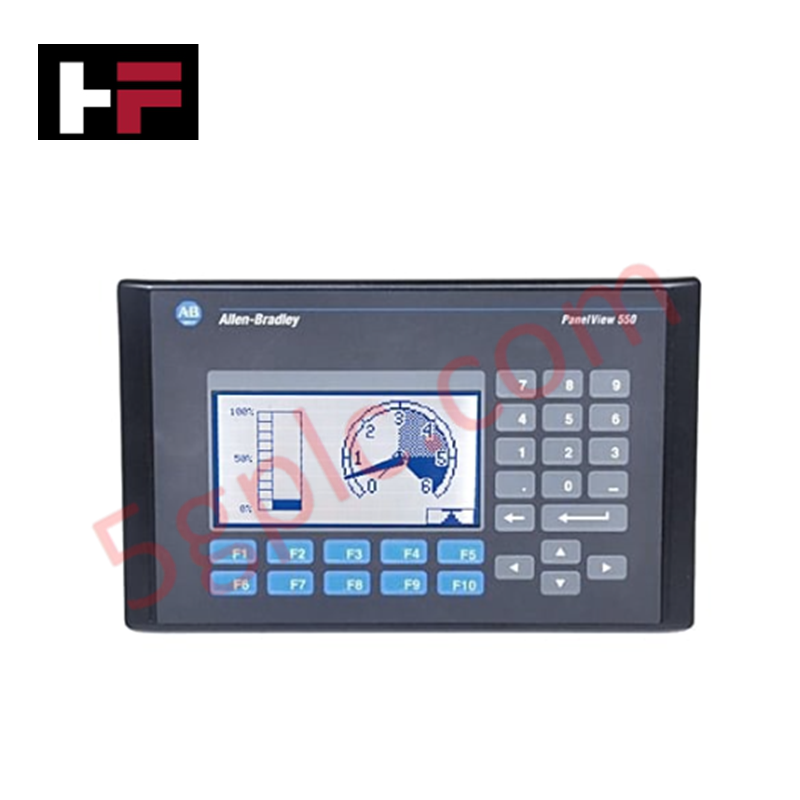
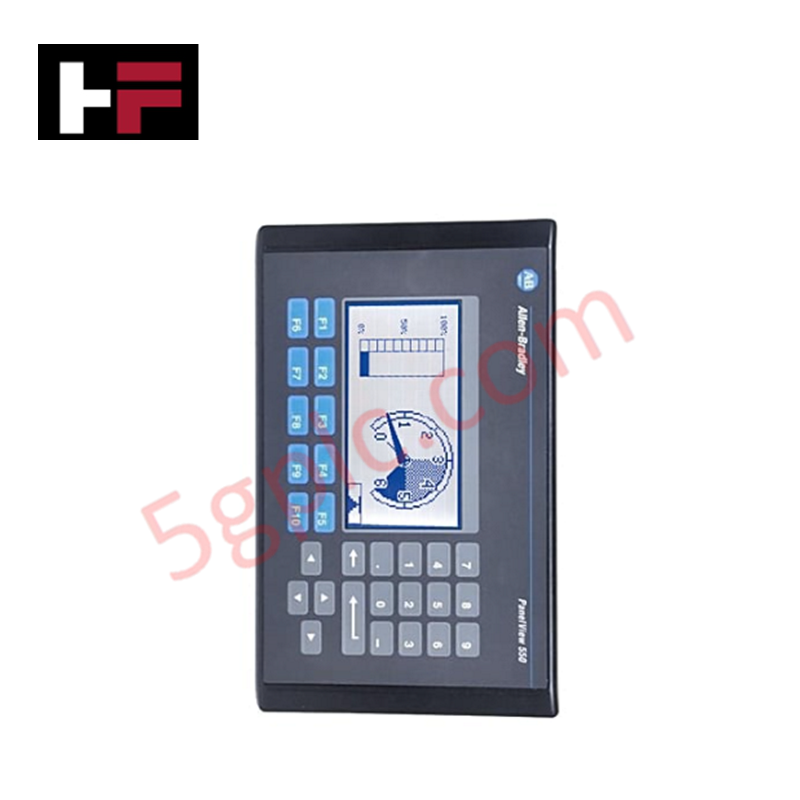
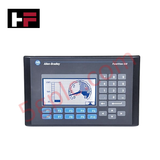
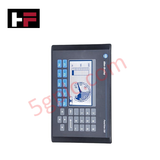
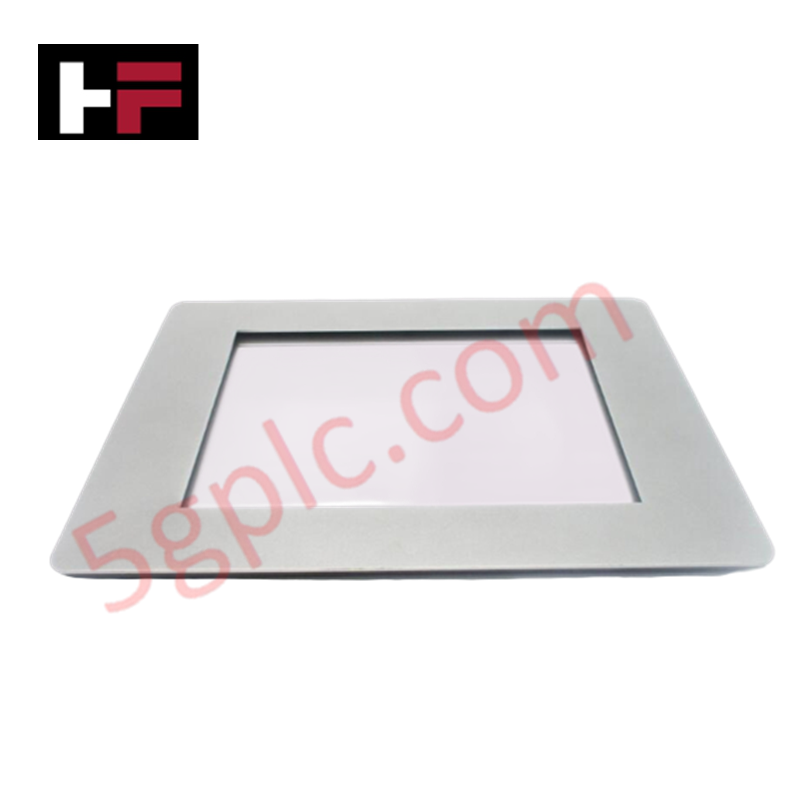
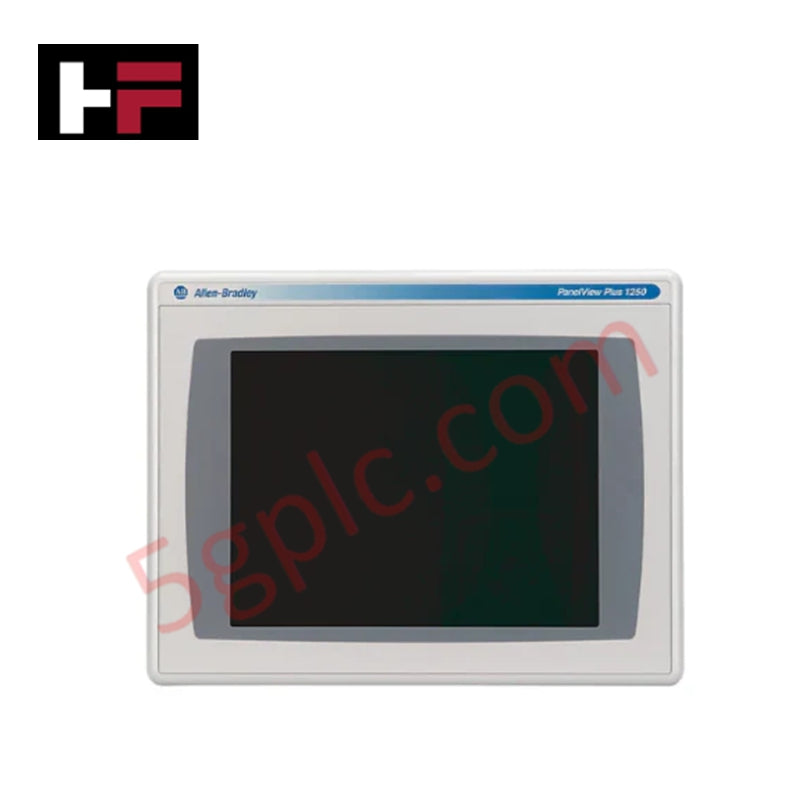
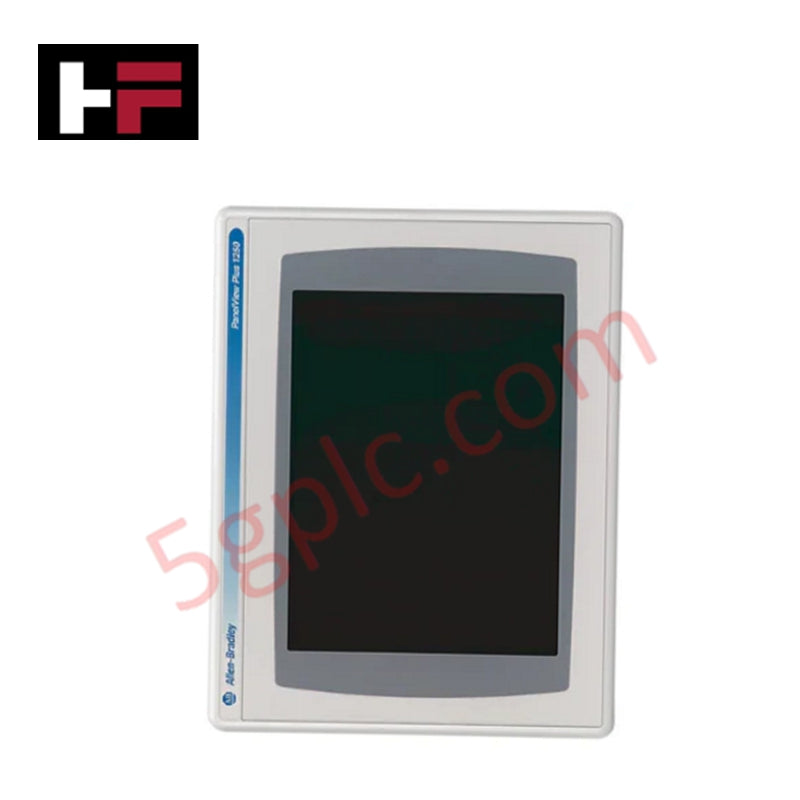
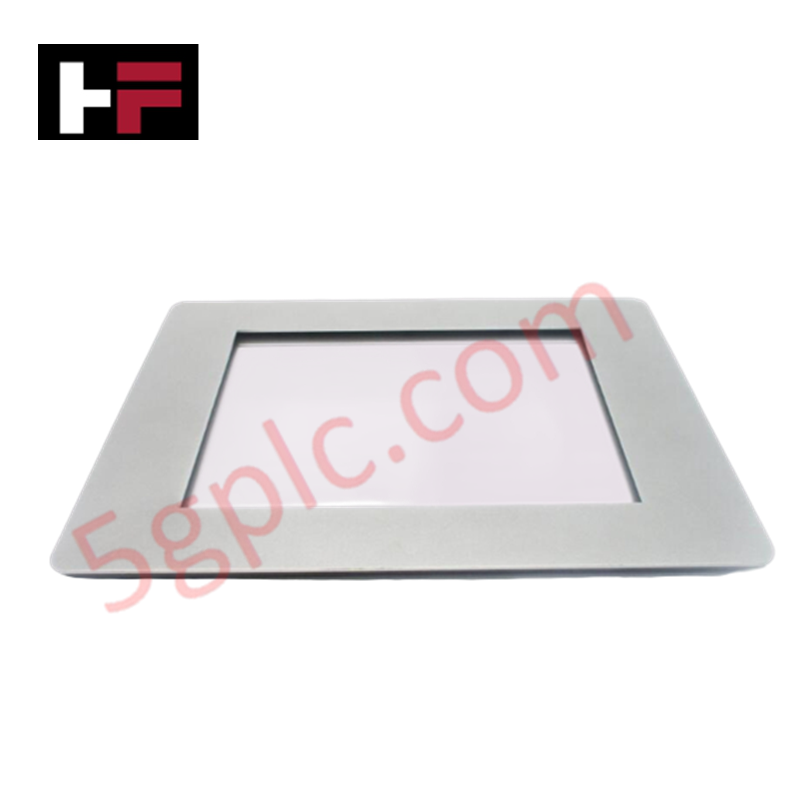
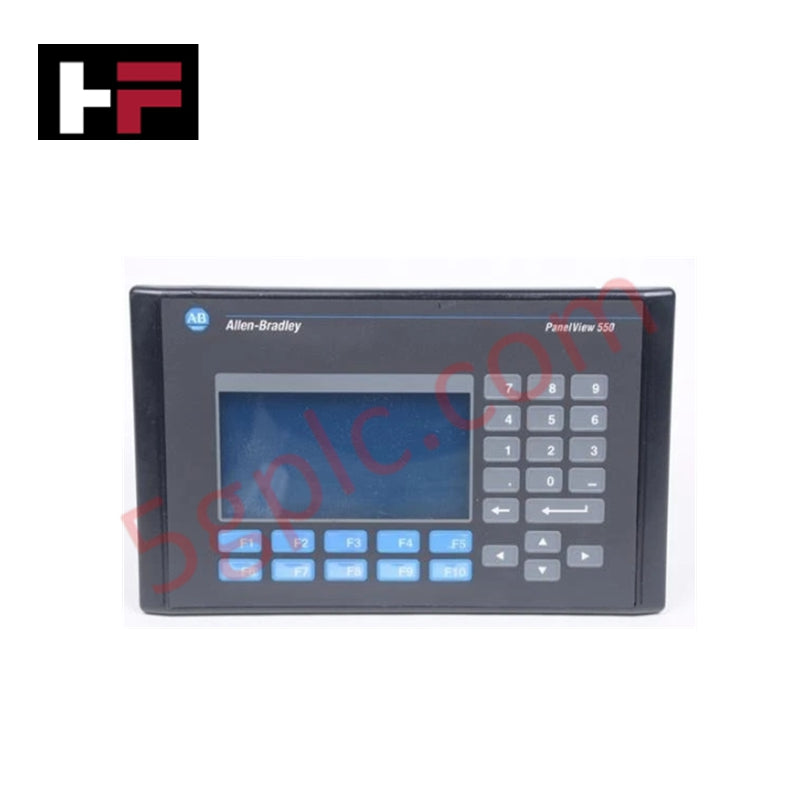
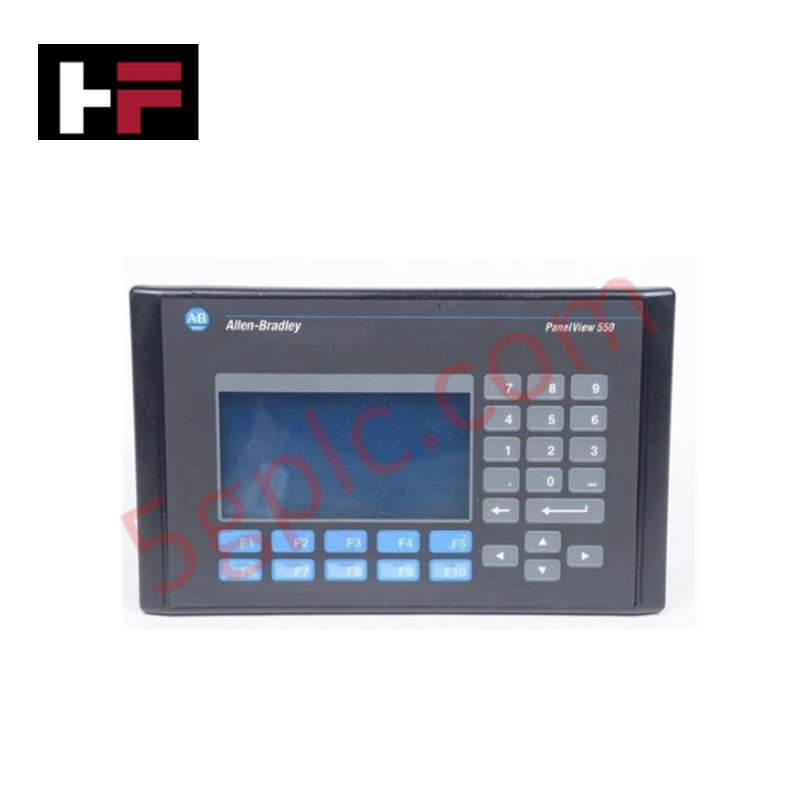
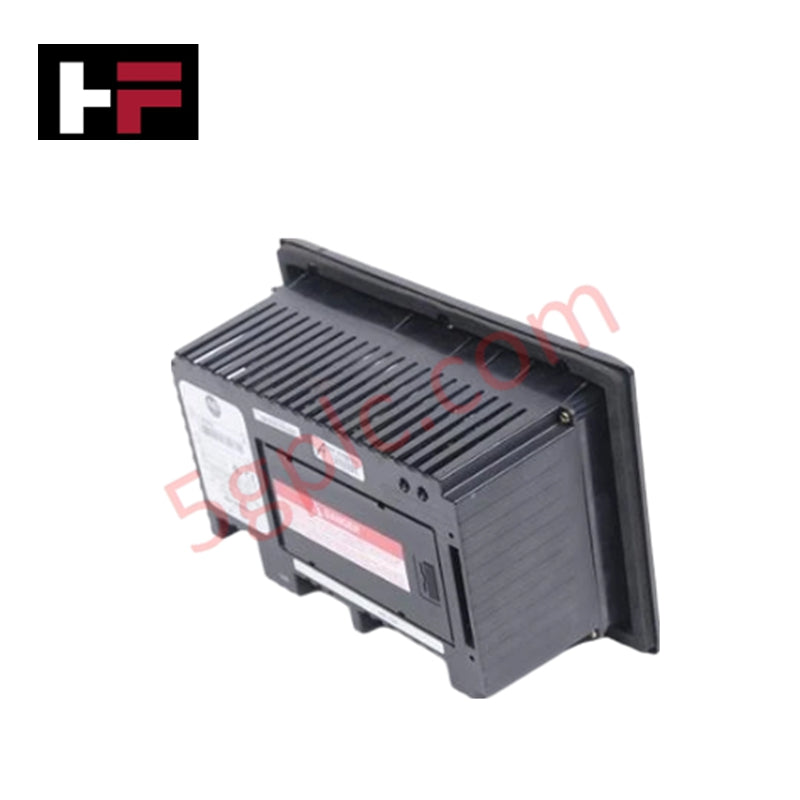
The Allen Bradley 2711-B5A1L1 functions as a versatile Human-Machine Interface (HMI) within the PanelView Standard 550 series, specifically designed for legacy industrial networks. This terminal provides dual-mode interaction, combining a physical keypad with an analog resistive touchscreen to give operators maximum flexibility in machine-level control. We supply this unit as 100% Brand New and Factory Original, offering a critical replacement for obsolete infrastructure without the need for expensive software migrations.
Technical Specifications
The 2711-B5A1L1 utilizes a specialized blue-mode monochrome display to provide high-contrast visualization in factory environments:
| Feature | Specification |
| Display Size | 5.5-inch Monochrome LCD (Blue Mode) |
| Input Type | Dual Input: Keypad and Touchscreen |
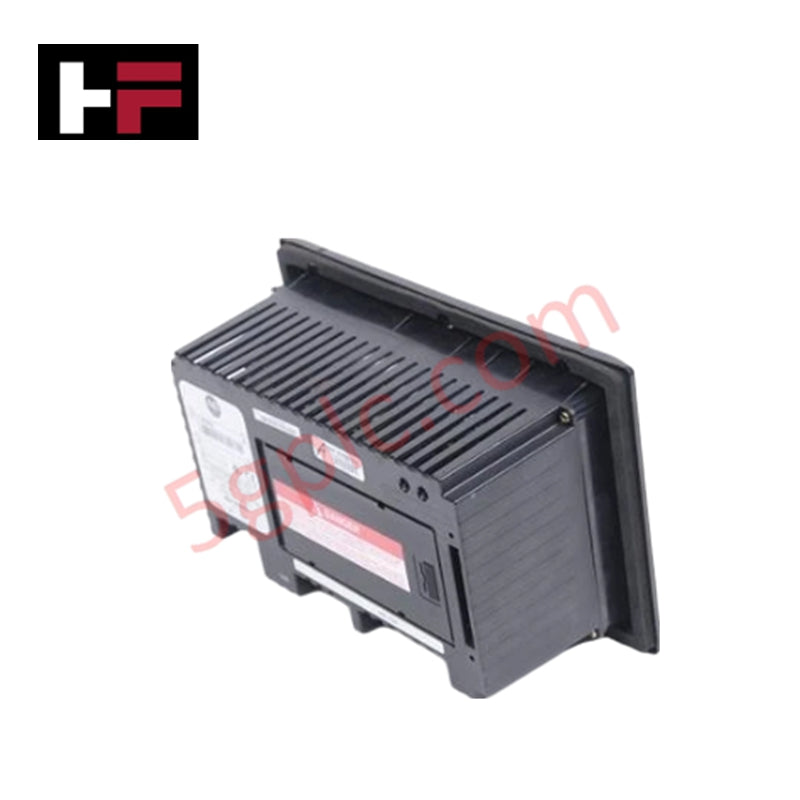
| Communication | Remote I/O (RIO) and RS-232 Printer Port |
| Input Power | 24V DC (18–32V DC Operating Range) |
| Application Memory | 170 KB Application Runtime |
| Replacement Backlight | 2711-NL1 |
| Supported Series | Series A through H |
| Weight | 2.81 lbs (1.28 kg) |
Engineering Advantages
-
Native Remote I/O (RIO) Integration: This terminal connects directly to Allen Bradley PLC-5 or SLC 500 controllers via the blue hose Remote I/O network. It processes block transfers and discrete I/O bits natively, eliminating the need for complex protocol converters or network bridges.
-
Dual-Input Operational Redundancy: By offering both a touchscreen and a tactile keypad, the 2711-B5A1L1 solves the common industrial problem of failed touch membranes. If the touchscreen becomes unresponsive due to surface contamination, the operator maintains full machine control via the physical function keys.
-
DC Power Stability: The 24V DC power requirement facilitates installation in remote panels or mobile skids where AC power remains unavailable. It draws minimal current, reducing the heat load inside small, non-ventilated enclosures.
-
Monochrome High-Contrast Clarity: The blue-mode LCD ensures readability under varied lighting conditions. This display technology avoids the color-washout issues common in older passive-matrix color screens, providing clear status updates for alarm monitoring.
FAQs
-
Is this 2711-B5A1L1 unit 100% Brand New?
Yes. We guarantee this unit is 100% Brand New and ships in its original factory packaging with intact seals. This ensures maximum backlight life and membrane integrity compared to refurbished or used surplus units.
-
Can I replace a 2711-B5A1 (AC version) with this 2711-B5A1L1?
The "L1" suffix indicates 24V DC power. You can replace an AC model only if you provide a dedicated 24V DC power source. The physical dimensions and communication protocols remain identical between the AC and DC versions.
-
What software do I need to program this terminal?
You must use PanelBuilder32 software. Use the RS-232 port or the Remote I/O pass-through feature to download your existing
.PVAor.PBPapplication files to the hardware. -
What mounting precautions should I follow?
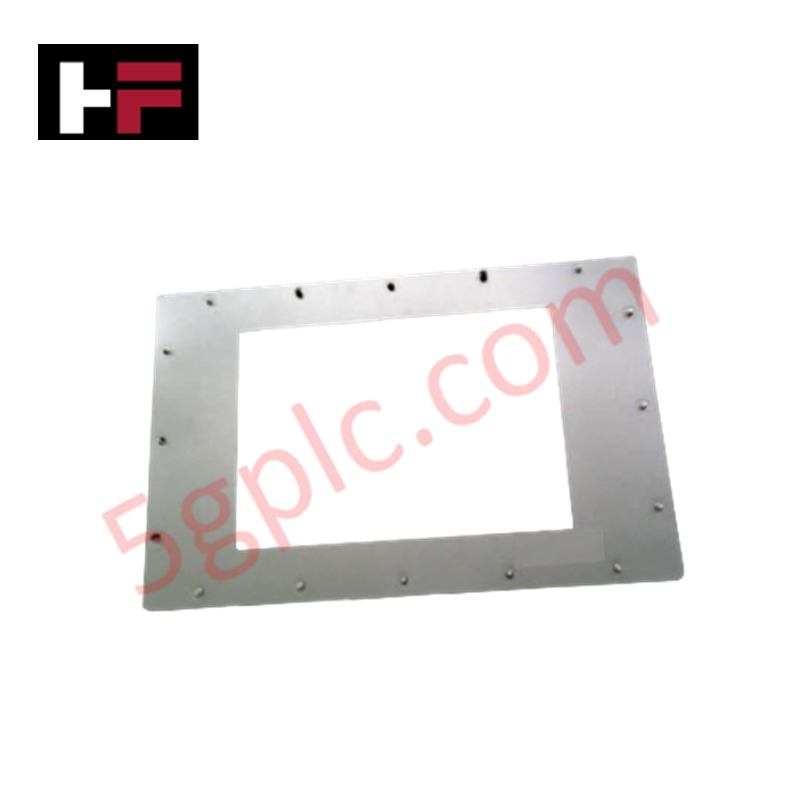
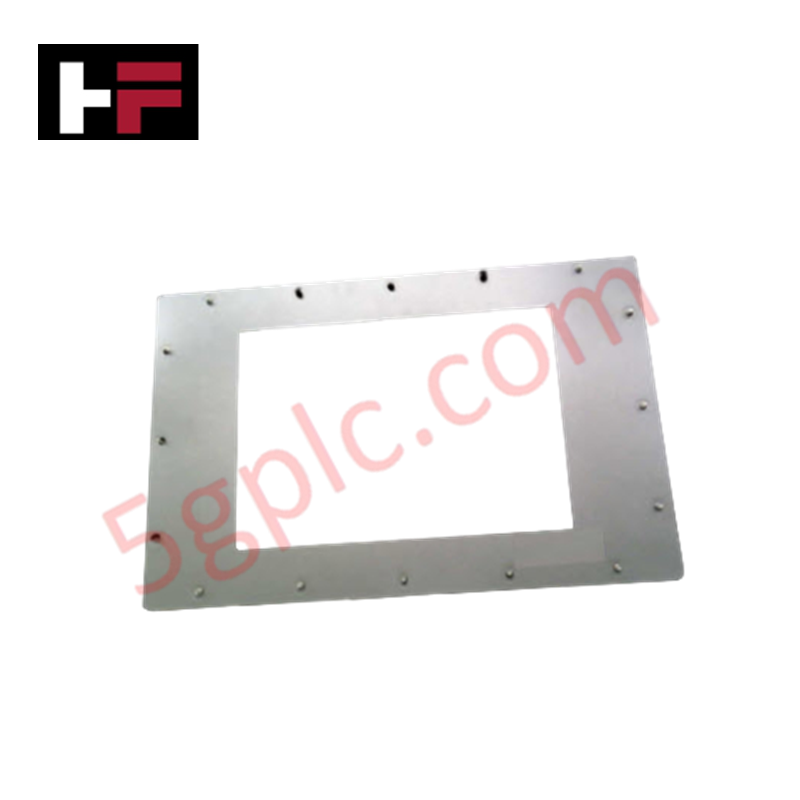
The 2711-B5A1L1 includes a sealing gasket to meet NEMA environmental ratings. Ensure the panel cutout remains within the specified tolerances and tighten the mounting studs evenly to prevent moisture ingress or touchscreen misalignment.
Additional Information
- 100% Genuine Parts: All products are original and authentic, ensuring reliable industrial performance.
- 30-Day Refund Guarantee: Return any in-stock item within 30 days in original, unopened packaging for a full refund (excluding shipping and fees).
- 12-Month Warranty: Covers defects in materials or workmanship; excludes misuse, normal wear, or unauthorized modifications.
- Worldwide Shipping: We ship via USPS, UPS, FedEx, and DHL. Delivery times vary by country and may be subject to customs or import fees.
- Support & Contact: Technical and warranty assistance is available anytime. Contact us here: Contact.
- Purchase Guidance: Check product specifications and compatibility carefully before ordering to ensure proper application.
Tech & Buying Guide

Transforming Shop Floor Data into Actionable Insights: A Deep Dive into MES
Manufacturing Execution Systems serve as the digital backbone of modern factory floors. Positioned at Level 3 of the ISA-95 automation pyramid, MES links enterprise resource planning with real-time shop floor control systems. Today, industrial operators rely on MES software to bridge operational strategy with physical production execution.
Managed Switch vs. Unmanaged Switch: Industrial Ethernet Architecture

Hot Standby vs. Cold Standby Redundancy in Industrial Automation
System availability determines process safety and productivity in industrial automation. Control engineers deploy redundancy to eliminate single points of failure. This technical guide evaluates Hot Standby vs. Cold Standby architectures, comparing failover speeds, memory sync, cost trade-offs, and field selection criteria.