










Product Details
Product Overview
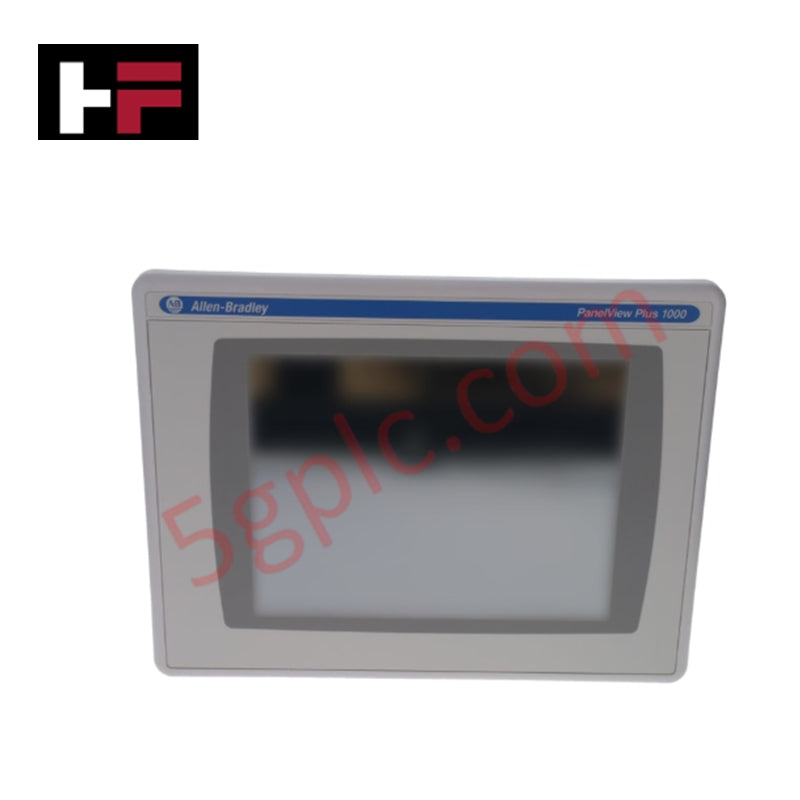
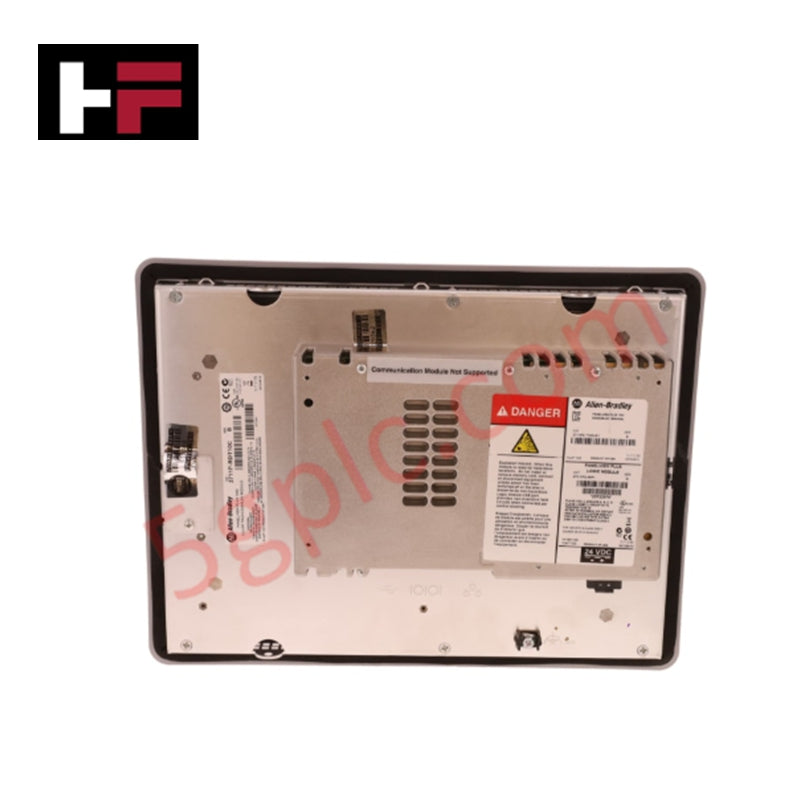
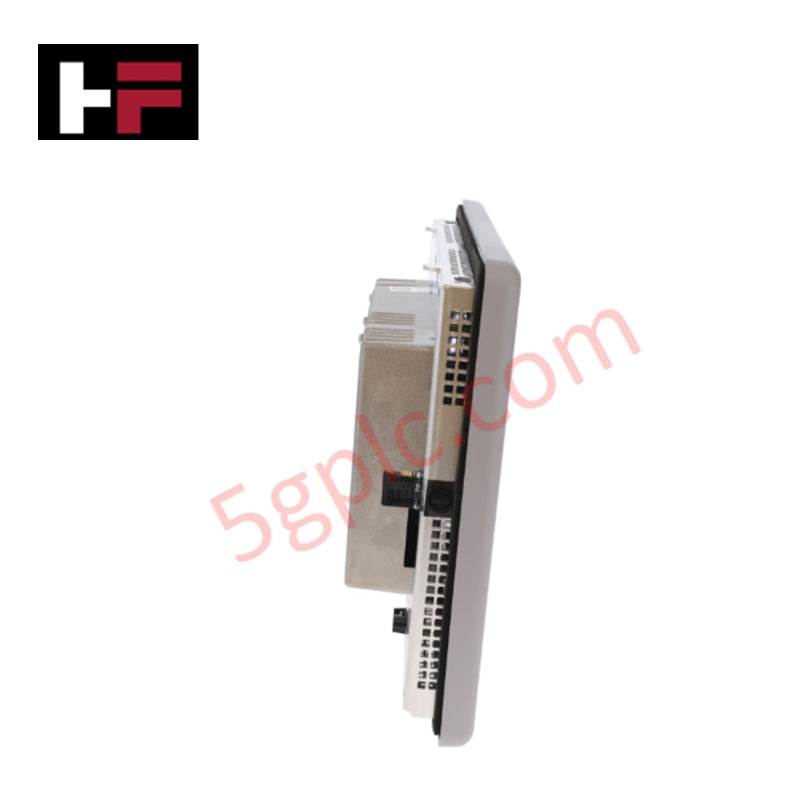
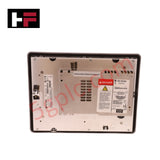
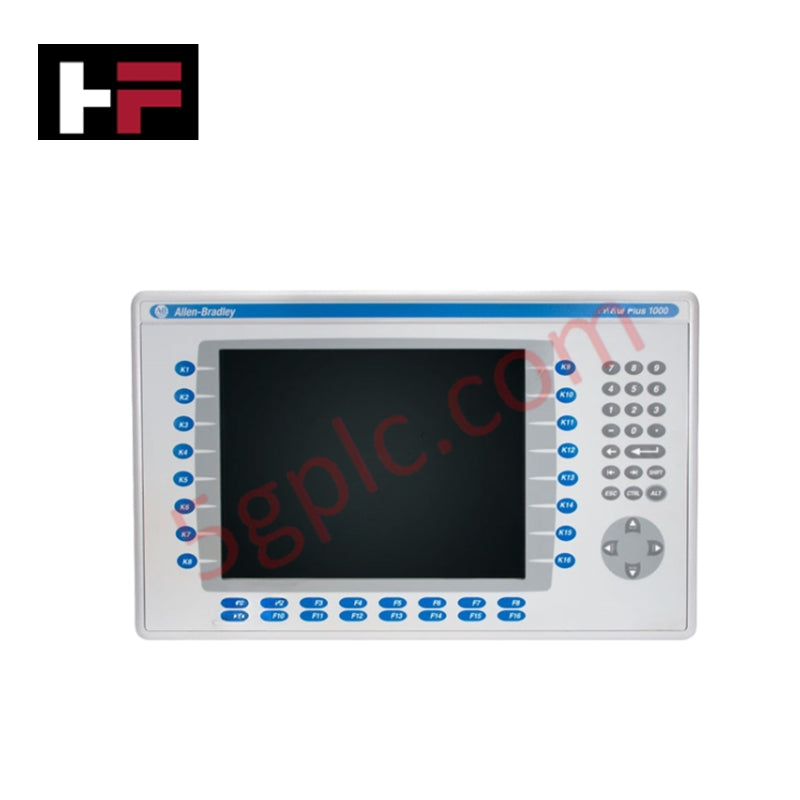
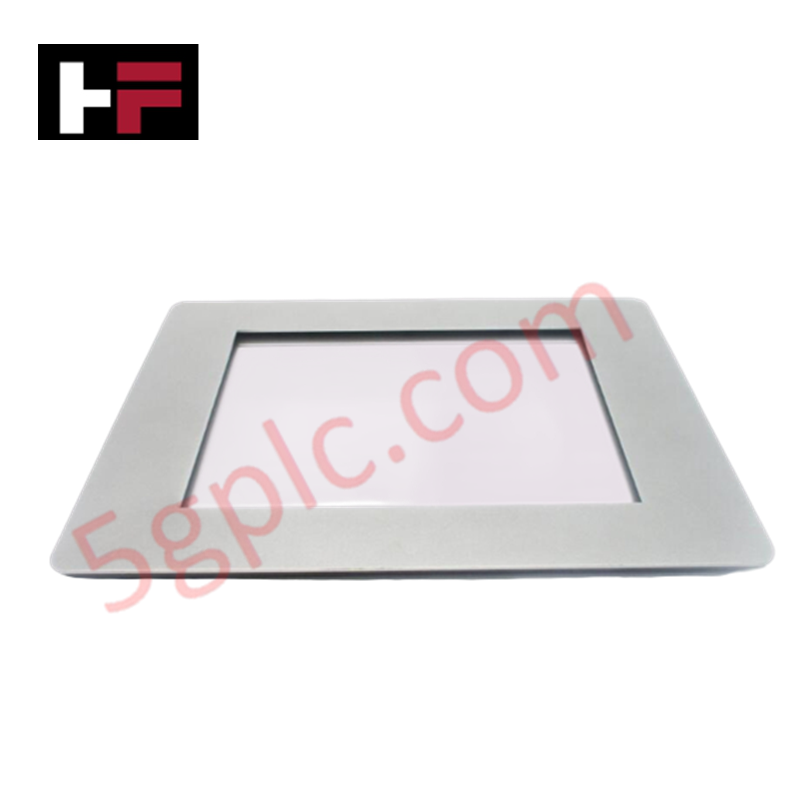
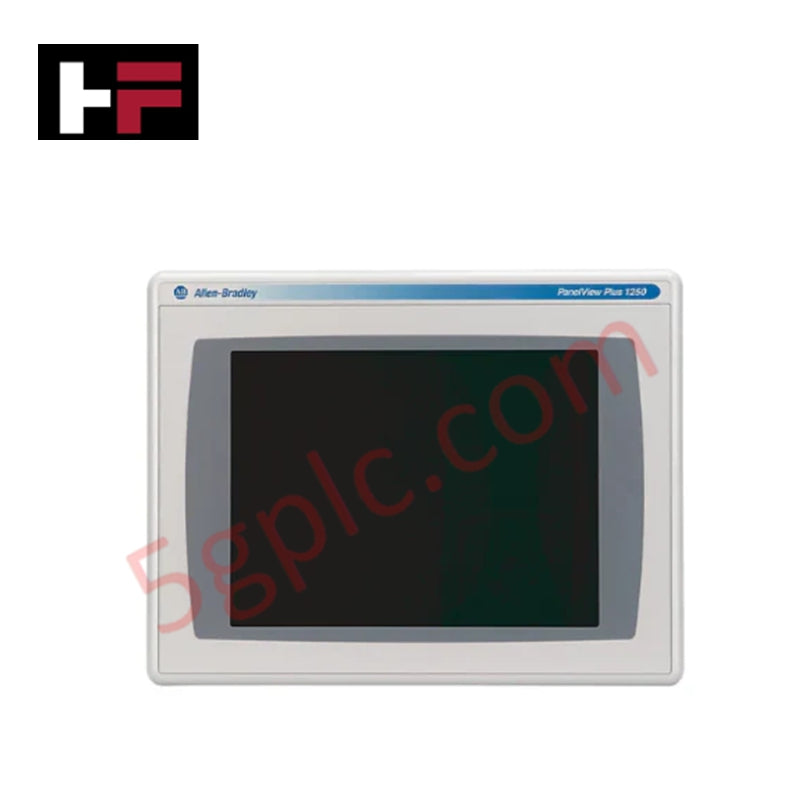
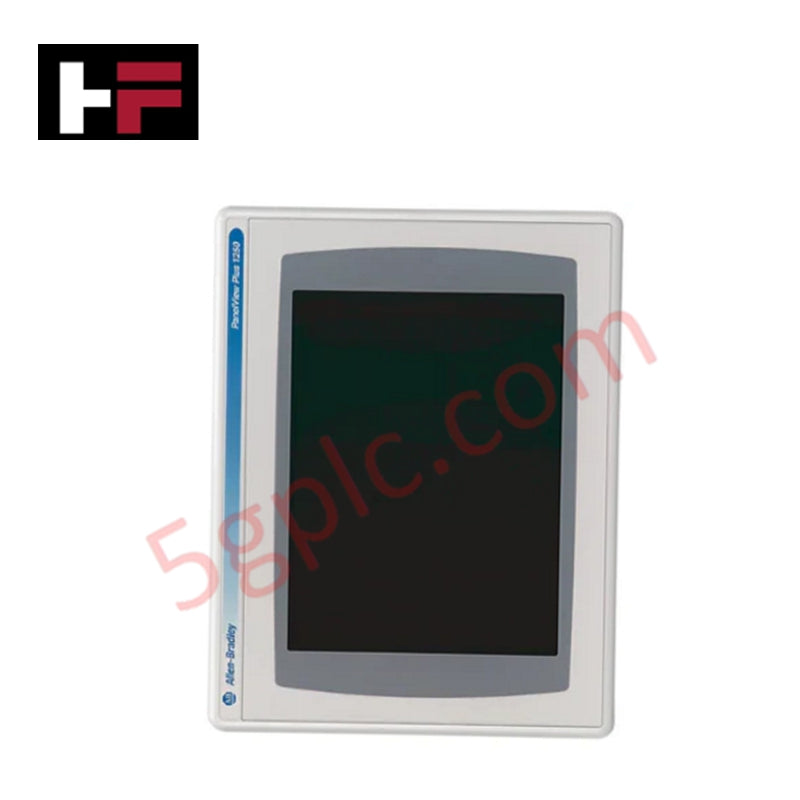
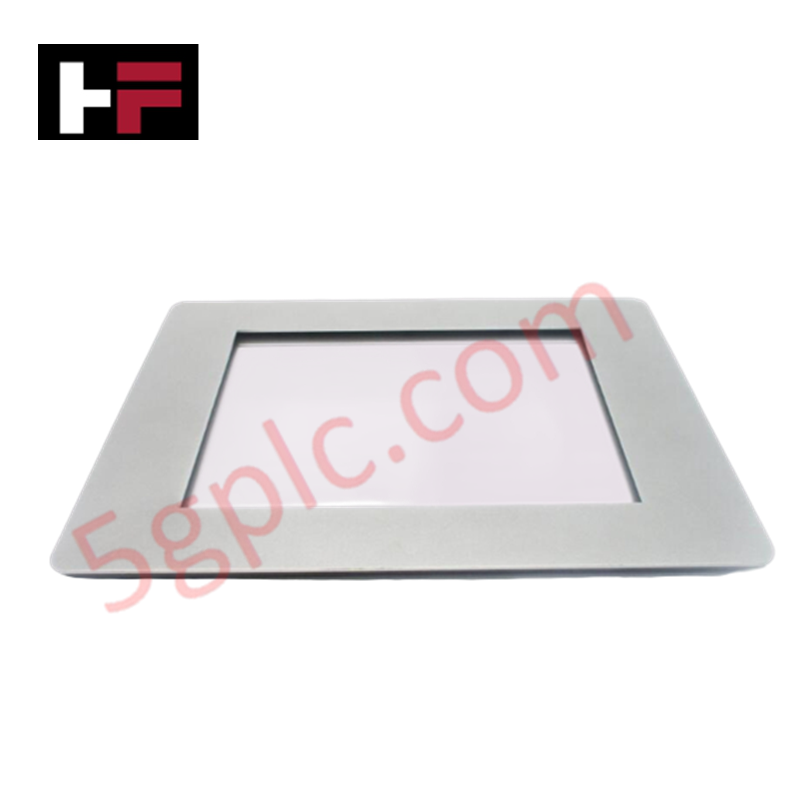
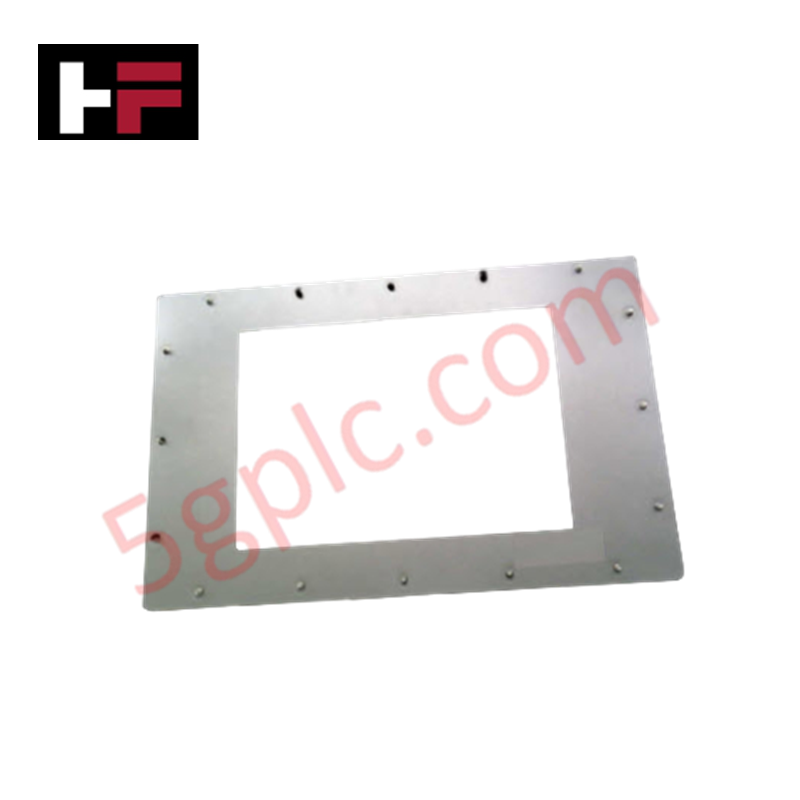
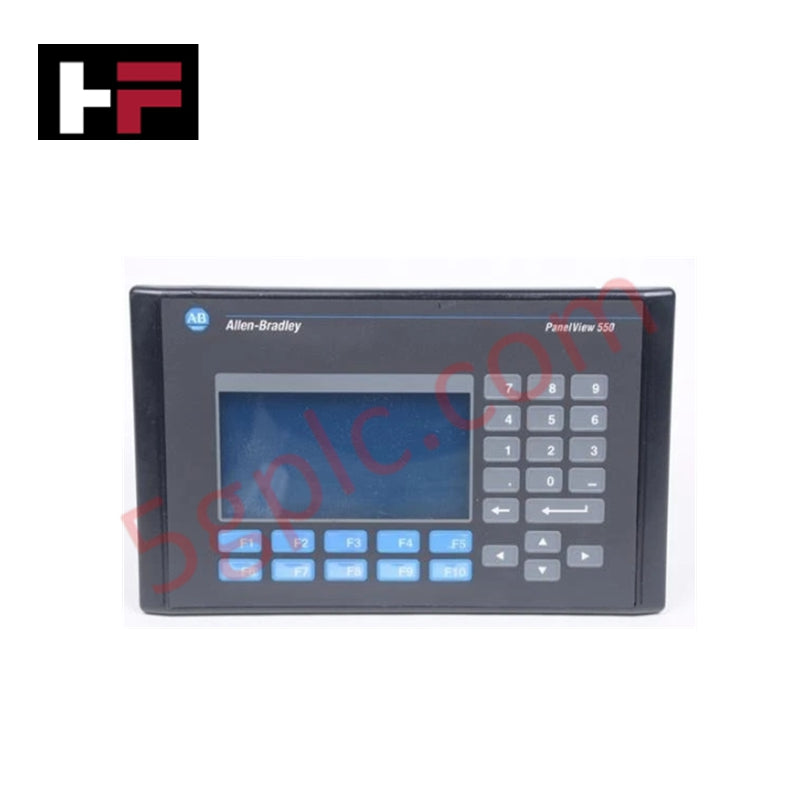
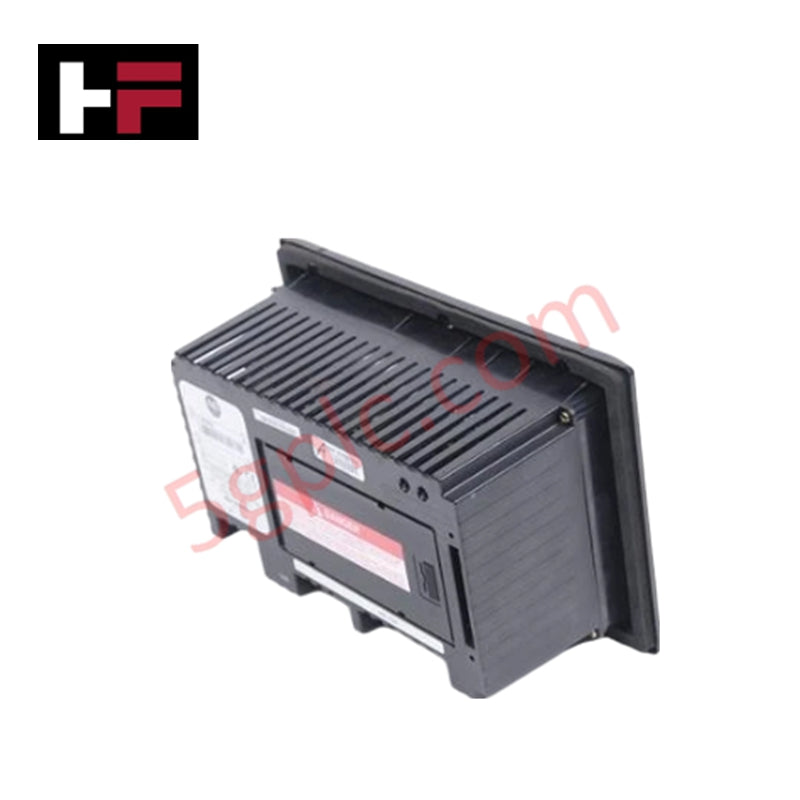
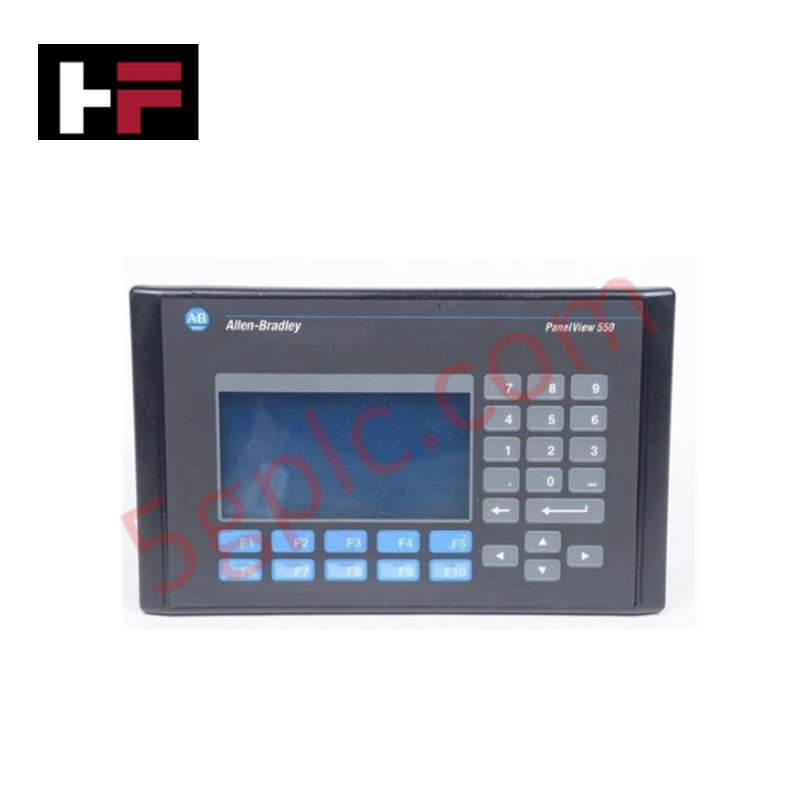
The 2711P-T10C4D6 acts as the primary human-machine interface (HMI) for complex industrial automation architectures. This PanelView Plus 1000 terminal translates real-time PLC data into high-resolution visual analytics, allowing operators to monitor and control industrial processes with precision. While the manufacturer lists this series as discontinued, we supply 100% Brand New, original factory units to ensure your production lines maintain continuity without requiring expensive system migrations.
Part Number Breakdown
The Allen Bradley PanelView Plus nomenclature defines the specific hardware capabilities of this terminal:
-
2711P: PanelView Plus Series
-
T: Touchscreen Input
-
10: 10.4-inch Display Size
-
C: Color TFT Display
-
4: RS-232 and Ethernet Communication Ports
-
D: DC Input Power (18-32 VDC)
-
6: Windows CE 6.0 Operating System / Standard Features
Technical Specifications
This rugged terminal features an industrial-grade build designed for high-uptime environments.
| Feature | Specification |
| Display Type | 10.4-inch Color Active Matrix TFT |
| Input Method | Analog Resistive Touchscreen |
| Communication | Ethernet & RS-232 (supports 1761-NET-ENI) |
| Input Voltage | 18-32 VDC |
| Memory | 128 MB Internal Storage |
| Replacement Backlight | 2711P-RL10C2 |
| Weight | 5.63 lbs (2.55 kg) |
Engineering Advantages
-
Simplified Communication Bridge: The integrated Ethernet and RS-232 ports facilitate simultaneous connection to modern high-speed networks and legacy serial controllers. This dual-port configuration eliminates the need for external protocol converters.
-
Direct Drop-in Replacement: Since we provide 100% Brand New units, this terminal fits exactly into your existing panel cutouts. You avoid the engineering labor and physical modifications required when upgrading to the newer PanelView Plus 6 or 7 series.
-
Harsh Environment Resilience: The touchscreen utilizes a heavy-duty resistive overlay that responds accurately even when operators wear thick industrial gloves. The DC-powered design (18-32 VDC) ensures compatibility with standard industrial battery backups and stable power supplies.
-
Maintenance Efficiency: The field-replaceable backlight (2711P-RL10C2) allows maintenance teams to extend the display's operational life without replacing the entire logic module or display assembly.
FAQs
-
Can I use the 2711P-T10C4D6 to replace older Series A or B units?
Yes. This unit supports Series A, B, C, D, and F configurations. As a brand new unit, it maintains backward compatibility while offering the most stable internal hardware revisions available for this model.
-
Does this unit come with the operating system pre-installed?
Yes. Every 100% Brand New unit includes the standard firmware and Windows CE environment. You simply need to download your specific application runtime file via FactoryTalk View ME.
-
What are the primary power requirements for installation?
The unit requires a 24VDC nominal power source (operating range 18-32 VDC). Ensure your power supply provides sufficient amperage to handle the 10.4-inch display’s peak draw during startup to prevent voltage sagging.
-
How do I clean the touchscreen without damaging the overlay?
Use a soft, lint-free cloth with a non-abrasive cleaner. Avoid high-pressure water jets and harsh chemical solvents, which can degrade the resistive touch membrane over time.
Additional Information
- 100% Genuine Parts: All products are original and authentic, ensuring reliable industrial performance.
- 30-Day Refund Guarantee: Return any in-stock item within 30 days in original, unopened packaging for a full refund (excluding shipping and fees).
- 12-Month Warranty: Covers defects in materials or workmanship; excludes misuse, normal wear, or unauthorized modifications.
- Worldwide Shipping: We ship via USPS, UPS, FedEx, and DHL. Delivery times vary by country and may be subject to customs or import fees.
- Support & Contact: Technical and warranty assistance is available anytime. Contact us here: Contact.
- Purchase Guidance: Check product specifications and compatibility carefully before ordering to ensure proper application.
Tech & Buying Guide

Transforming Shop Floor Data into Actionable Insights: A Deep Dive into MES
Manufacturing Execution Systems serve as the digital backbone of modern factory floors. Positioned at Level 3 of the ISA-95 automation pyramid, MES links enterprise resource planning with real-time shop floor control systems. Today, industrial operators rely on MES software to bridge operational strategy with physical production execution.
Managed Switch vs. Unmanaged Switch: Industrial Ethernet Architecture

Hot Standby vs. Cold Standby Redundancy in Industrial Automation
System availability determines process safety and productivity in industrial automation. Control engineers deploy redundancy to eliminate single points of failure. This technical guide evaluates Hot Standby vs. Cold Standby architectures, comparing failover speeds, memory sync, cost trade-offs, and field selection criteria.