










Product Details
Module Overview
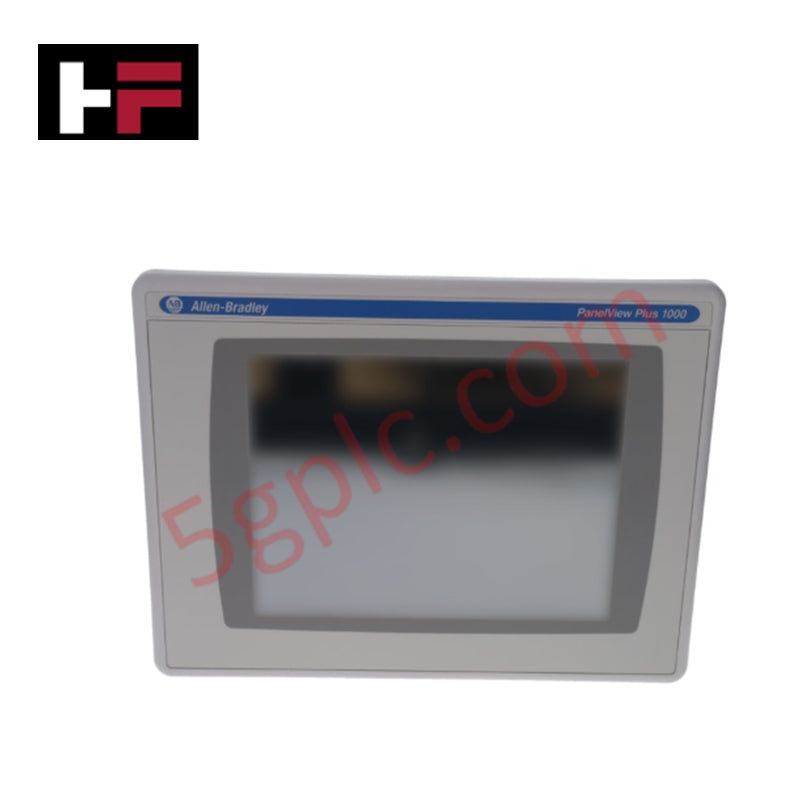
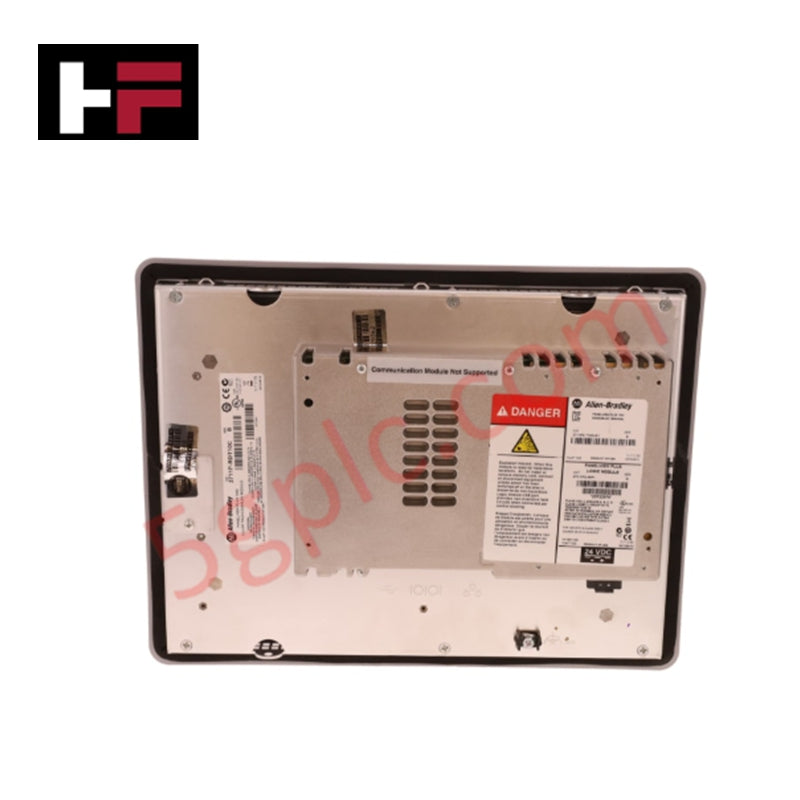
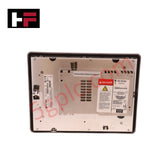
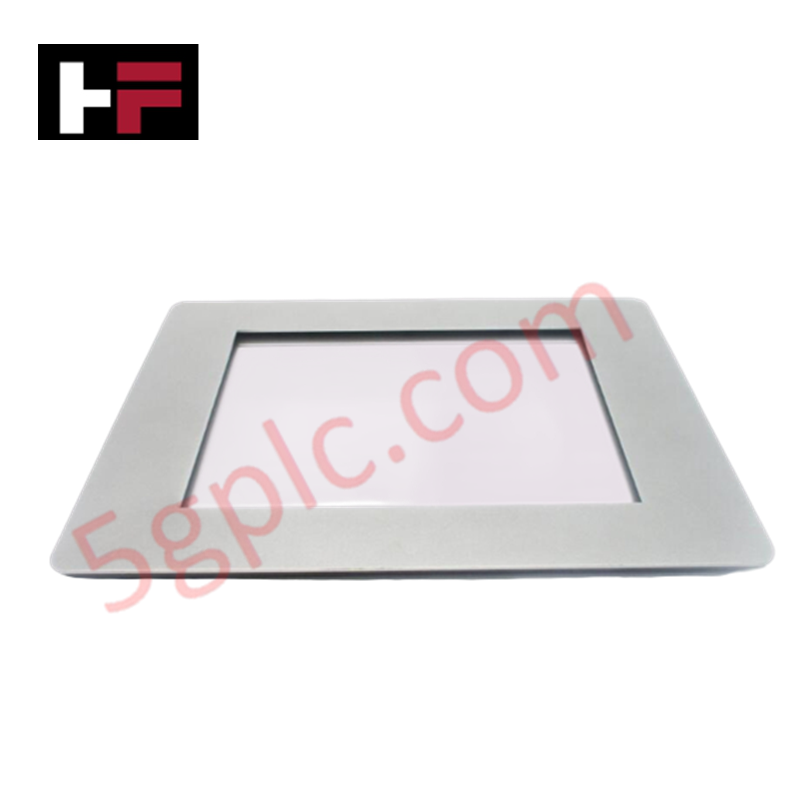
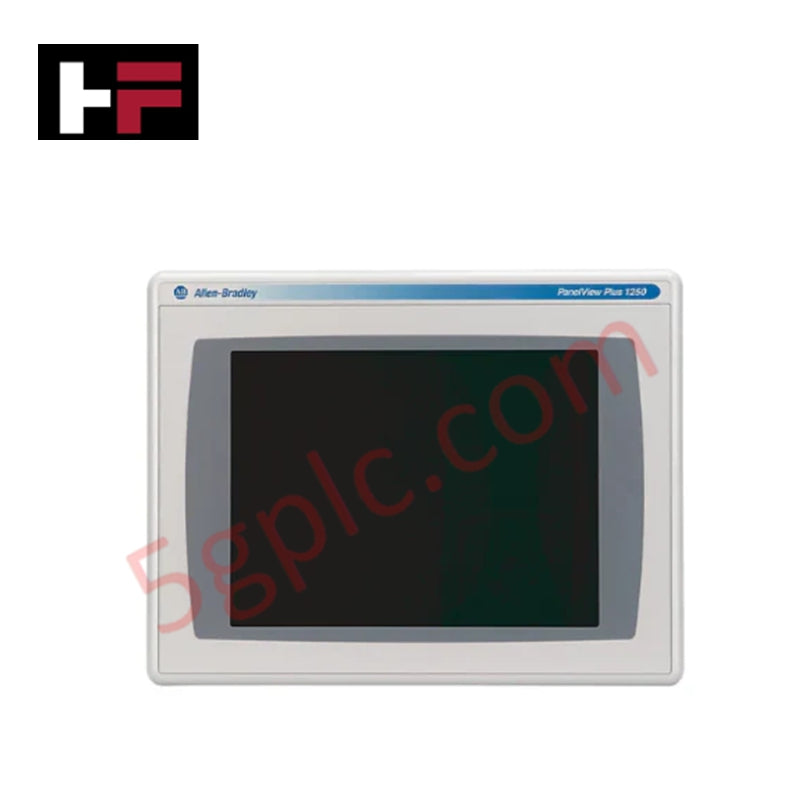
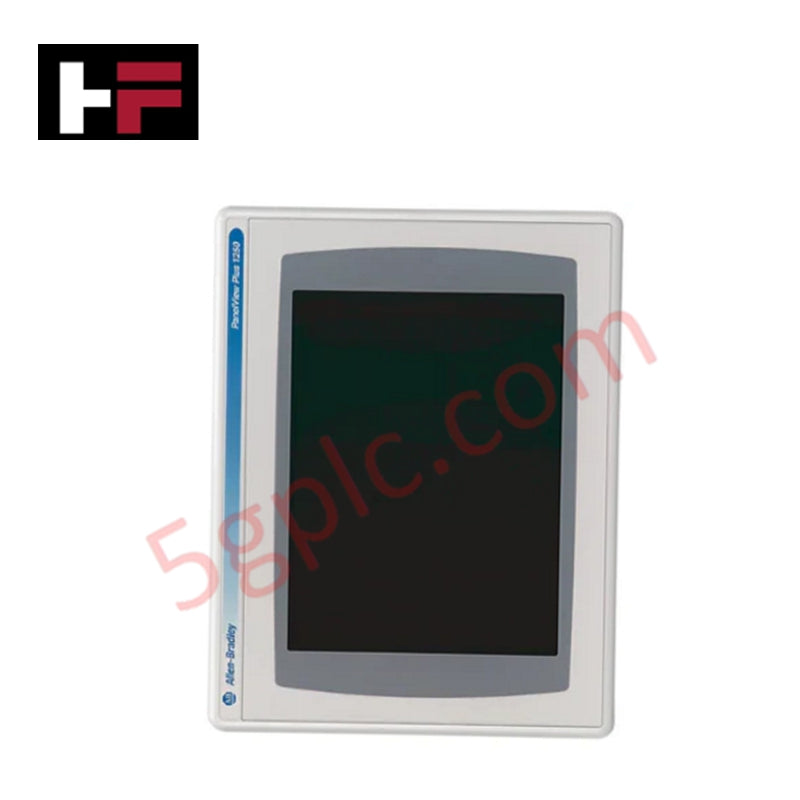
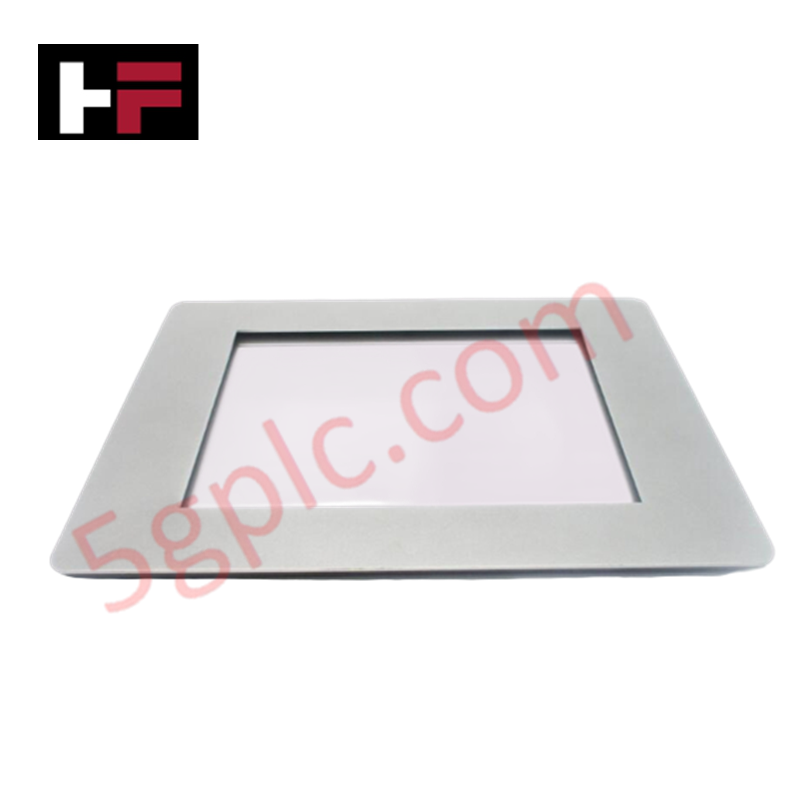
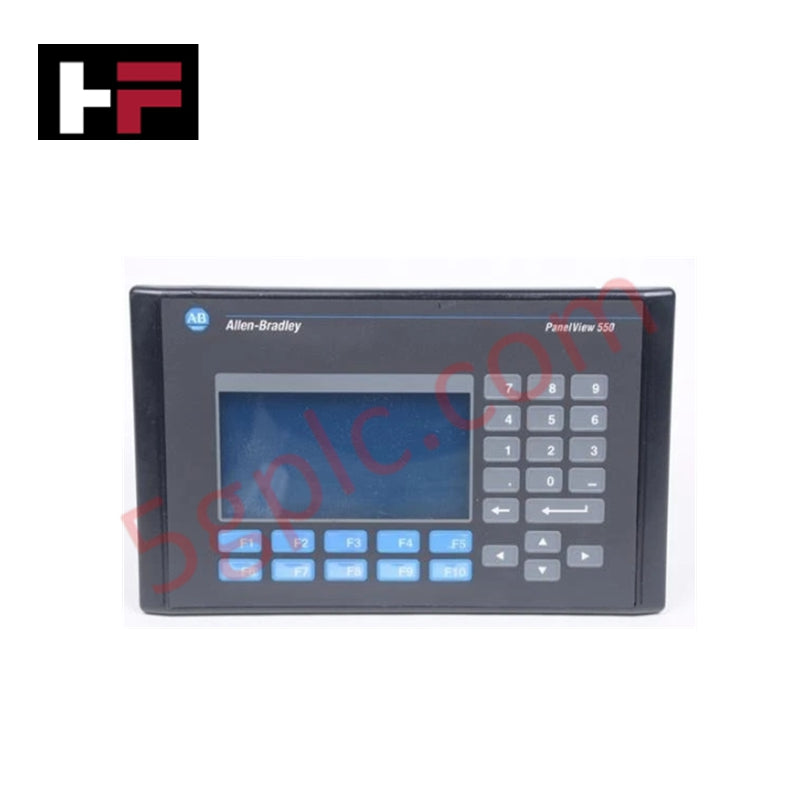
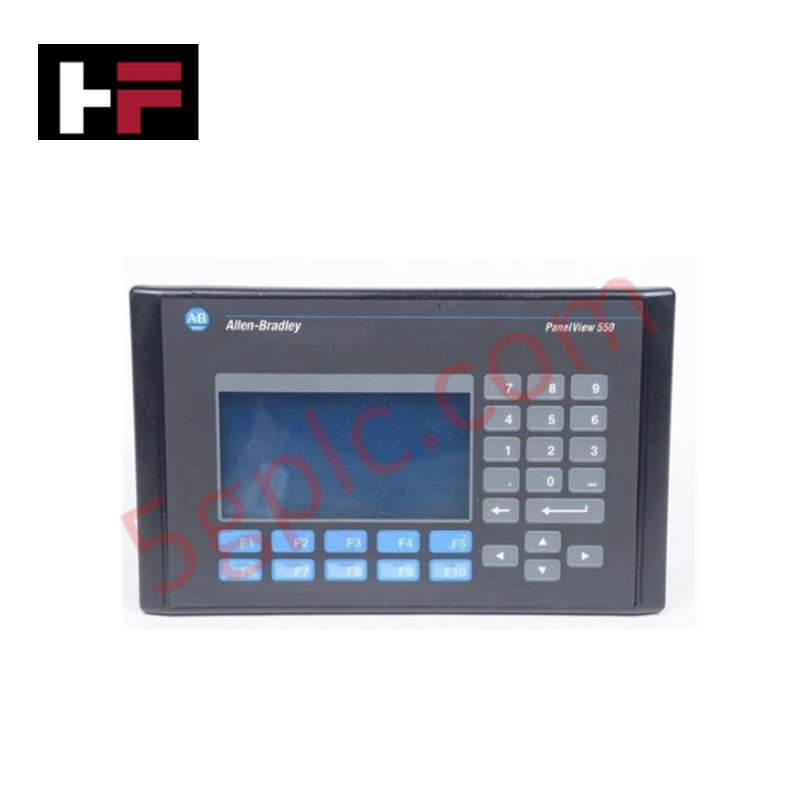
The 2711P-T10C15D8 is a high-performance operator interface from the Allen-Bradley PanelView Plus 6 series. It features a vibrant 10.4-inch color active-matrix TFT display, providing a large and clear viewing area for complex machine diagnostics and process visualization. This terminal is equipped with a resistive analog touchscreen, allowing for intuitive operator interaction. As part of the Plus 6 generation, it offers significantly faster processor speeds, increased transition transitions between screens, and improved system memory compared to legacy HMI models. It is designed to integrate seamlessly into an EtherNet/IP architecture for real-time data exchange with Logix5000 controllers.
Detailed Engineering Specifications
The 2711P-T10C15D8 is a DC-powered unit designed for modern industrial environments.
-
Display Type: Color Active-Matrix TFT LCD
-
Display Size: 10.4 inches
-
Resolution: 640 x 480 (VGA), 18-bit Color Graphics
-
Input Type: Analog Resistive Touchscreen
-
Backlight: Non-replaceable LED (50,000-hour minimum life)
-
System Memory: 512 MB RAM / 512 MB Non-volatile Storage (Flash)
-
User Memory: Approx. 73 MB for application storage
-
Communication Ports: * One (1) 10/100 Ethernet Port (Base)
-
Two (2) USB 2.0 Ports (for mouse, keyboard, or flash drive)
-
One (1) RS-232 Serial Port
-
Input Voltage: 18–30V DC (24V DC nominal)
-
Power Consumption: 70 Watts maximum (2.9A @ 24V DC)
-
Operating System: Windows CE 6.0
-
Operating Temperature: 0°C to 55°C (32°F to 131°F)
-
Enclosure Rating: NEMA Type 12, 13, 4X (Indoor Use), IP66
-
Physical Weight: 5.07 lbs (2.3 kg)
Advanced Performance and Software
The 2711P-T10C15D8 is configured using FactoryTalk View Studio Machine Edition (ME). Because it runs on the Windows CE 6.0 operating system, it supports advanced HMI features such as vector-based graphics, trending, multi-language support, and alarm management. The dual USB ports allow for easy maintenance, enabling technicians to upload or download applications and firmware directly from a standard USB flash drive without a network connection.
Installation and Mounting
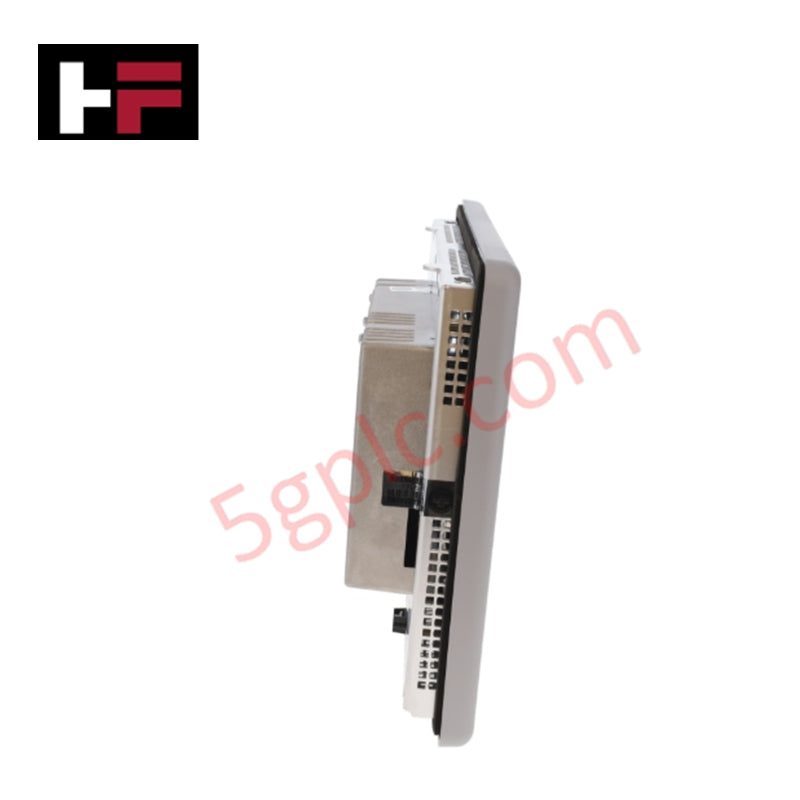
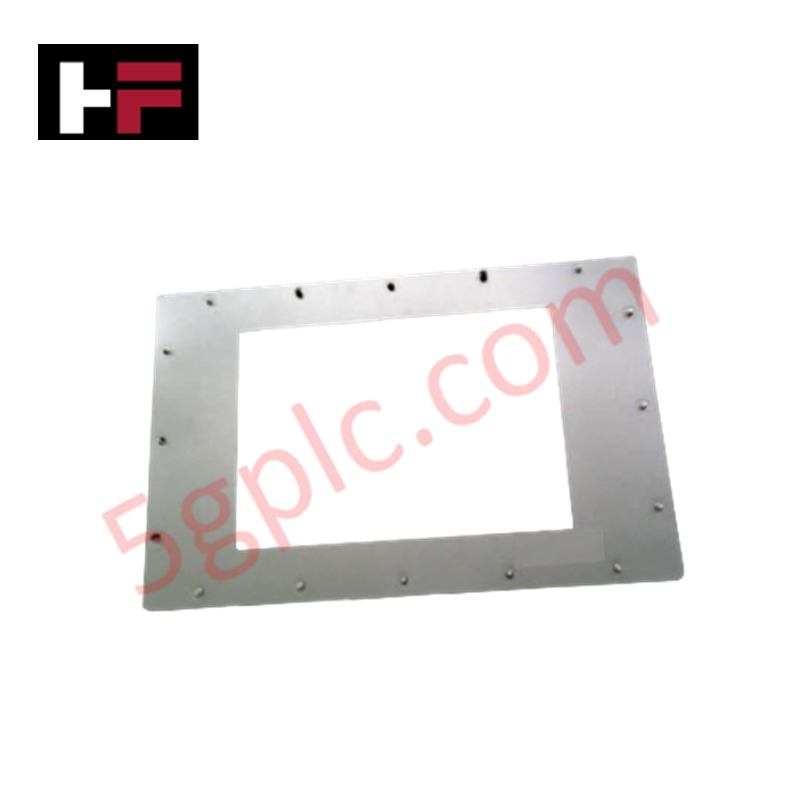
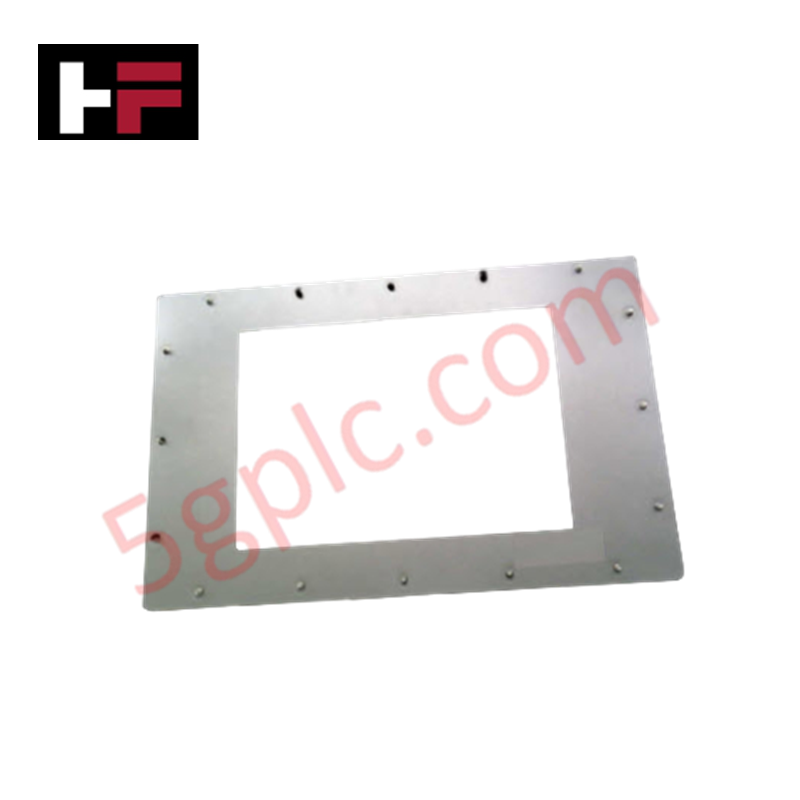
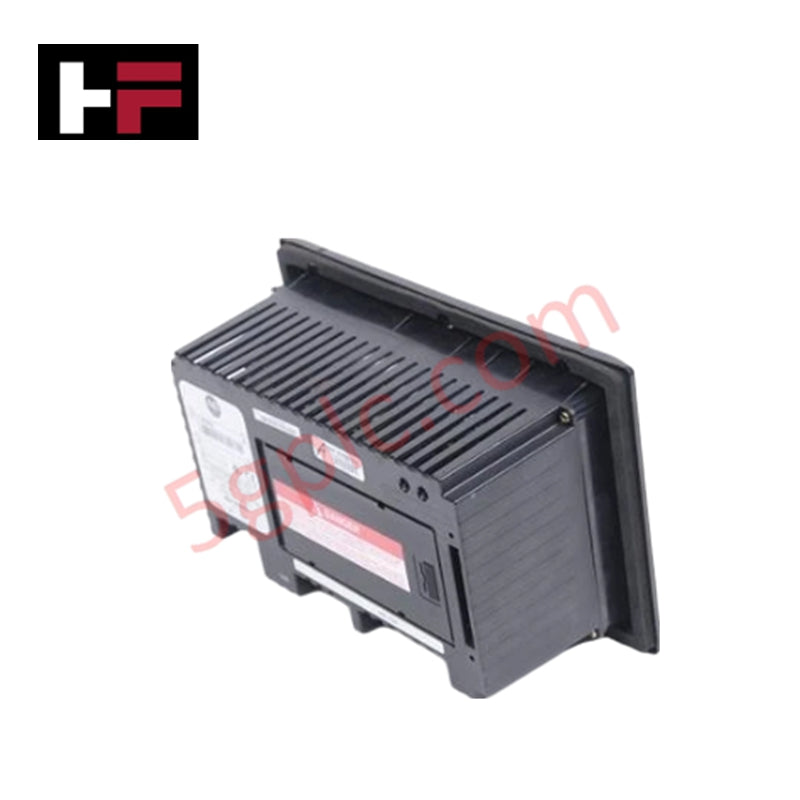
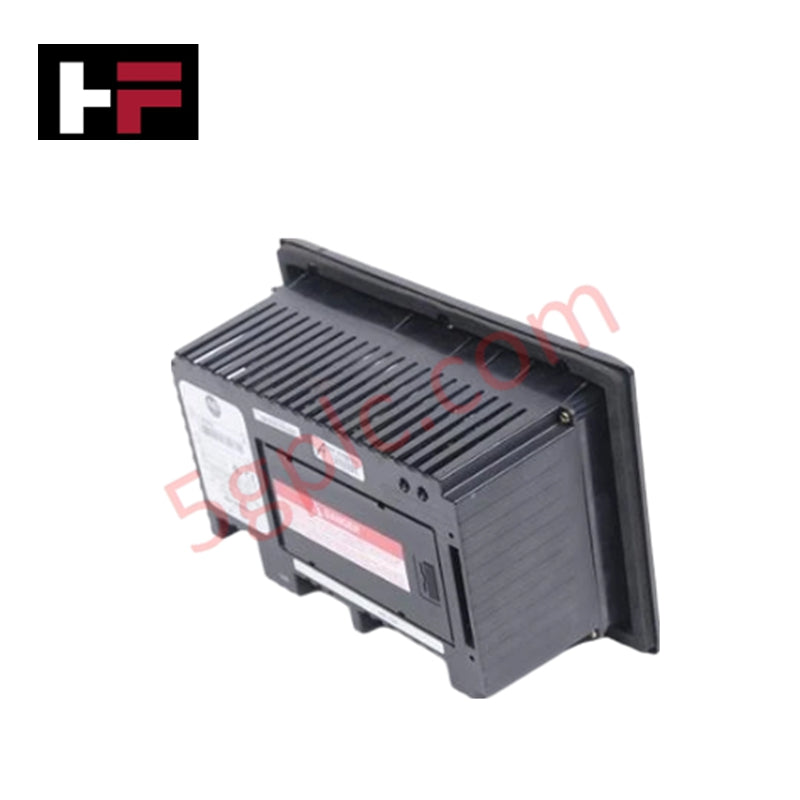
This terminal is designed for flush mounting in a control cabinet or panel door. It utilizes a series of mounting levers that provide constant pressure against the panel gasket, maintaining a NEMA 4X seal. When installing, it is vital to ensure adequate clearance behind the unit (typically 2 inches) for ventilation and to allow access to the SD card slot, which can be used to expand non-volatile storage for data logging and recipe management.
Technical FAQ
Can this HMI be used with a 120V AC power source?
No. The 2711P-T10C15D8 is a DC-powered unit (18–30V DC). If only AC power is available in your cabinet, you must use a regulated 24V DC industrial power supply to power the terminal.
What is the maximum number of tags this terminal can handle?
The PanelView Plus 6 1000 series is generally limited by the available system RAM and the complexity of the screens rather than a hard tag count. However, for optimal performance in FactoryTalk View ME, it is common to stay within 2,000 to 5,000 tags for a single application.
Is the touchscreen replaceable?
While the internal components are modular, the touchscreen is integrated into the display assembly. If the touch sensitivity fails or the glass is cracked, the front bezel and display assembly typically need to be replaced as a single unit.
Additional Information
- 100% Genuine Parts: All products are original and authentic, ensuring reliable industrial performance.
- 30-Day Refund Guarantee: Return any in-stock item within 30 days in original, unopened packaging for a full refund (excluding shipping and fees).
- 12-Month Warranty: Covers defects in materials or workmanship; excludes misuse, normal wear, or unauthorized modifications.
- Worldwide Shipping: We ship via USPS, UPS, FedEx, and DHL. Delivery times vary by country and may be subject to customs or import fees.
- Support & Contact: Technical and warranty assistance is available anytime. Contact us here: Contact.
- Purchase Guidance: Check product specifications and compatibility carefully before ordering to ensure proper application.
Tech & Buying Guide
Redundant Automation Systems: Maximizing Uptime in Critical Control Applications
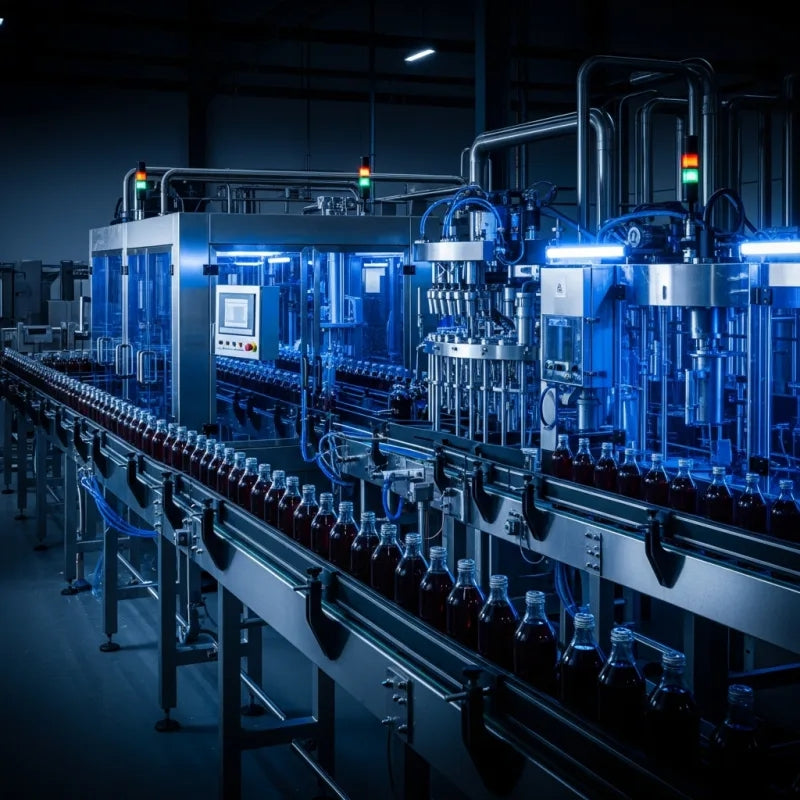
Industrial automation relies on continuous operational stability to prevent catastrophic downtime and financial loss. While standard dictionary definitions treat redundancy as superfluous, industrial engineers consider redundant control architectures indispensable for high-availability systems. Implementing backup hardware ensures seamless takeover during primary equipment failures, protecting critical infrastructure across manufacturing and process industries.
Demystifying the 5 Levels of Industrial Automation Architecture
Modern manufacturing relies on structured communication hierarchy to bridge physical shop-floor hardware with enterprise management software. This framework, commonly known as the Automation Pyramid, establishes how data flows between field devices, logic controllers, and corporate IT networks. Understanding these five distinct levels helps engineers and plant managers optimize system operations, reduce downtime, and implement seamless factory automation solutions.

Transforming Shop Floor Data into Actionable Insights: A Deep Dive into MES
Manufacturing Execution Systems serve as the digital backbone of modern factory floors. Positioned at Level 3 of the ISA-95 automation pyramid, MES links enterprise resource planning with real-time shop floor control systems. Today, industrial operators rely on MES software to bridge operational strategy with physical production execution.