










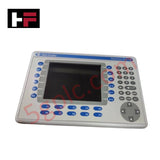
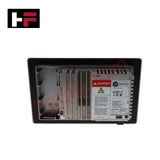
Product Details
Product Overview
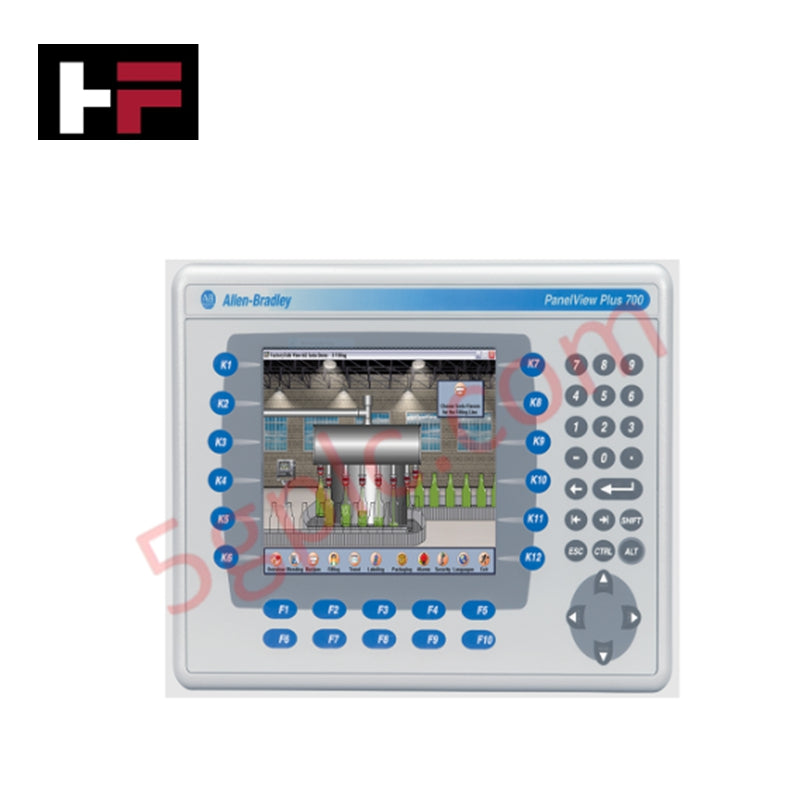
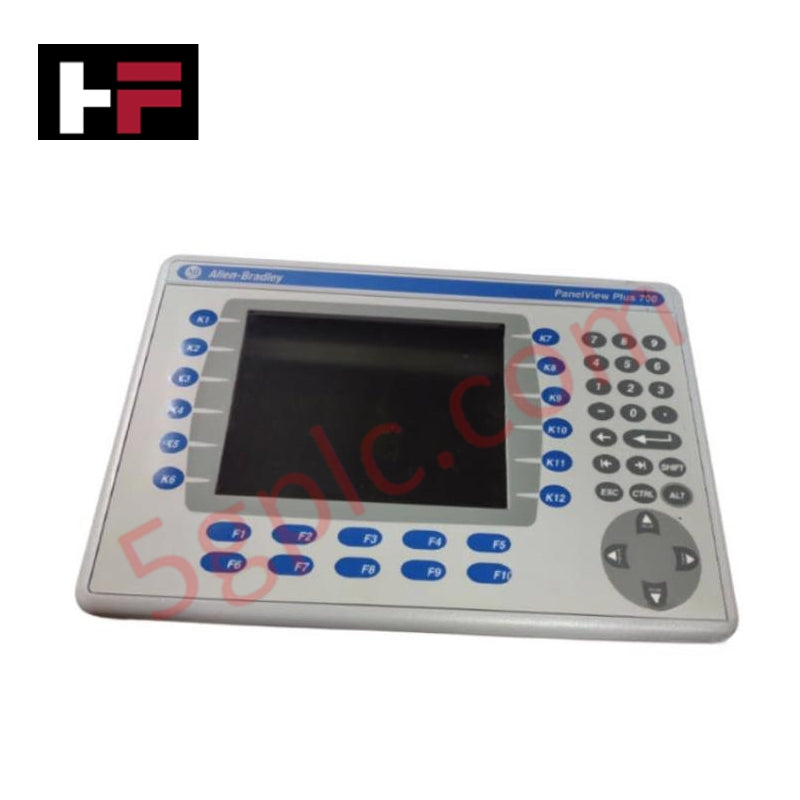
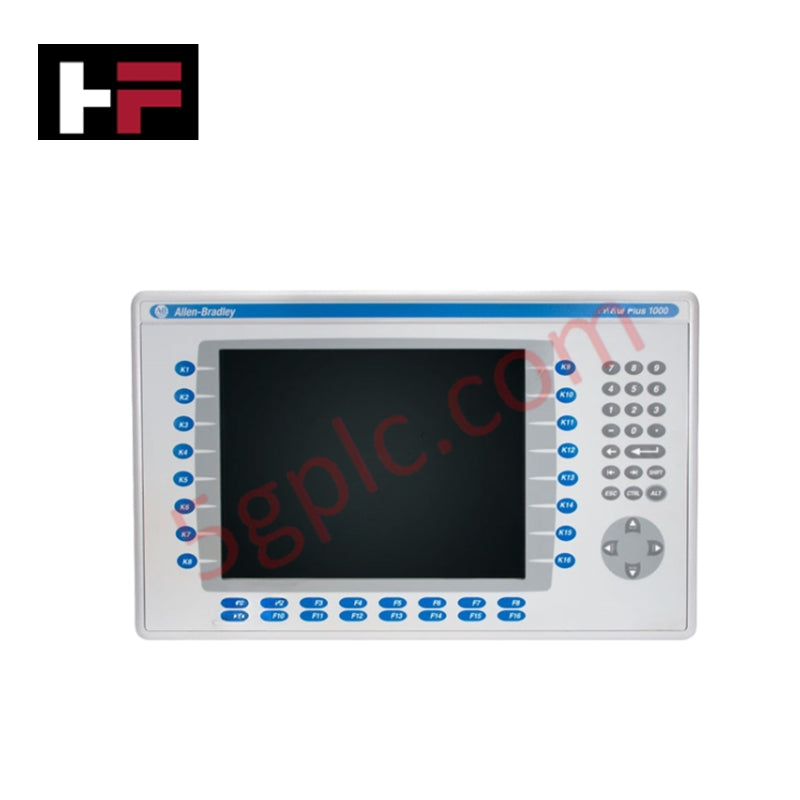
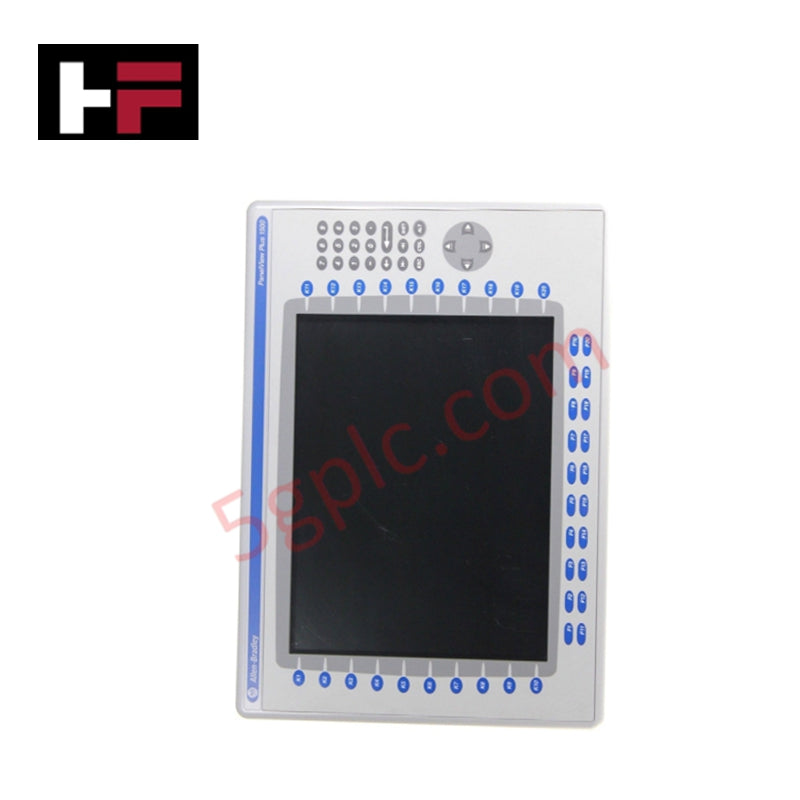
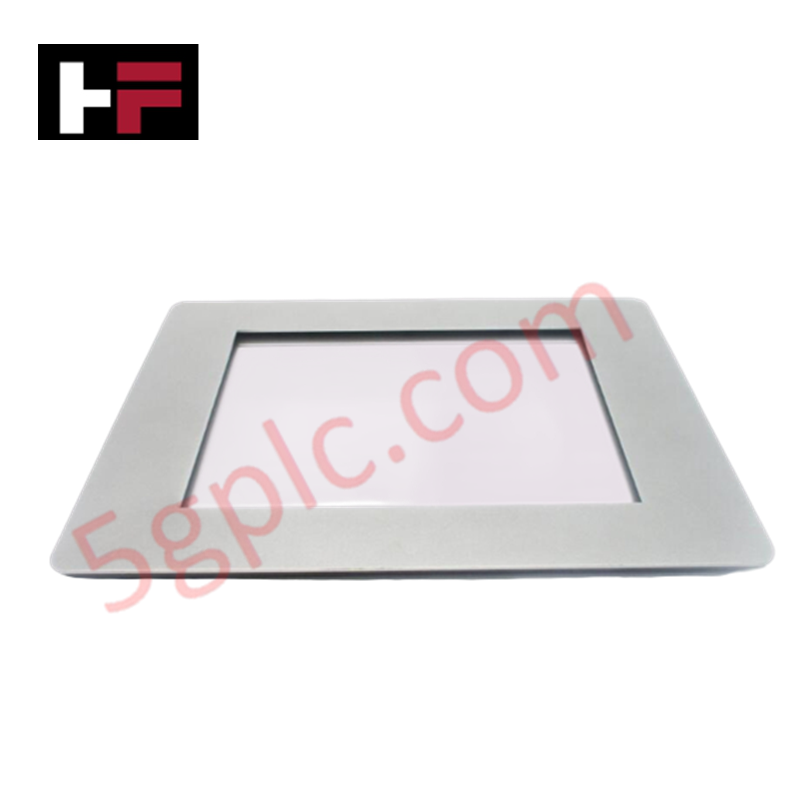
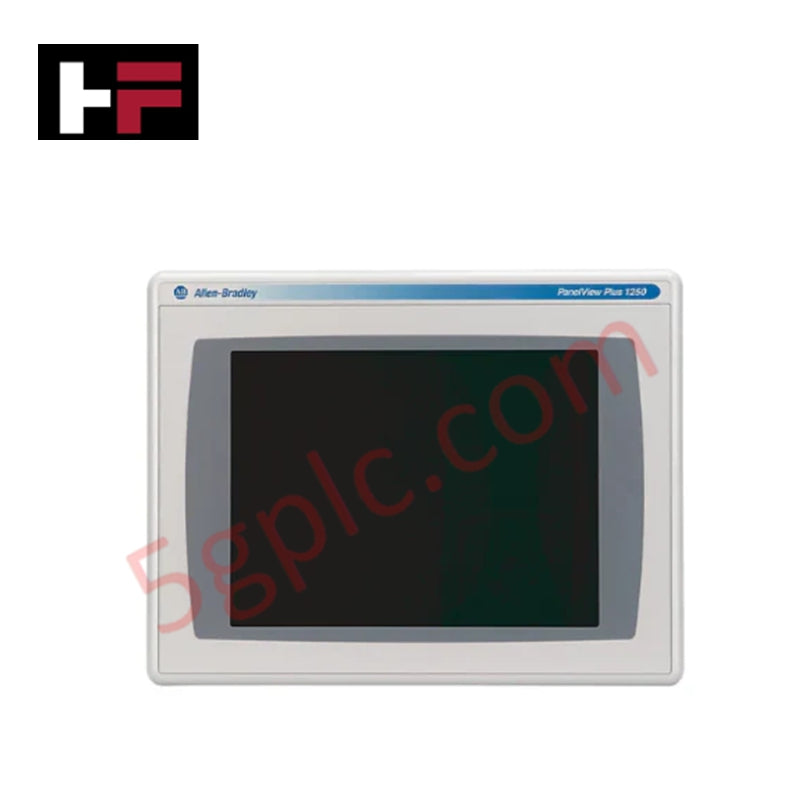
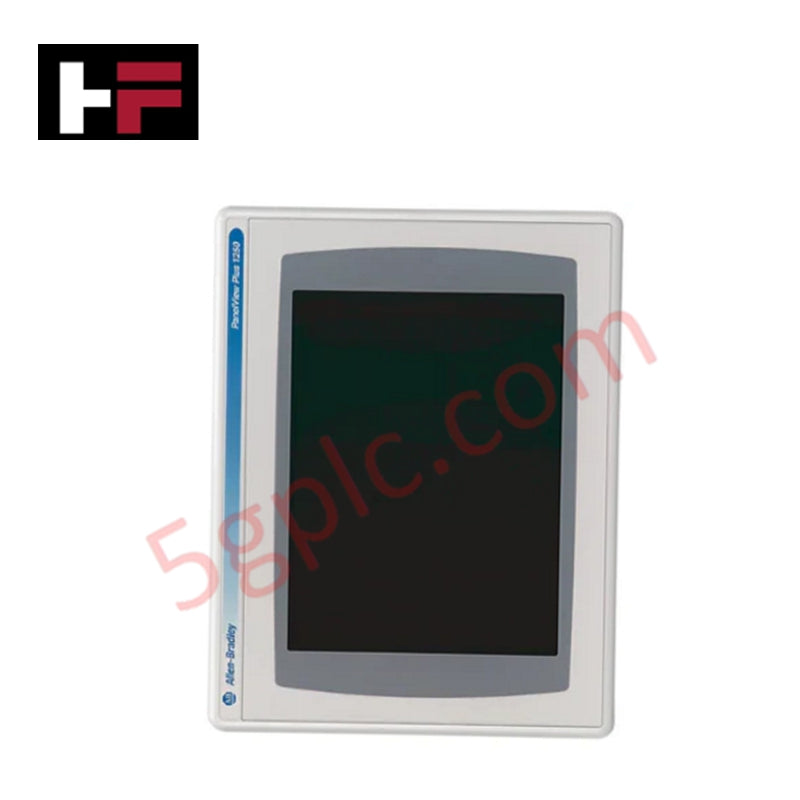
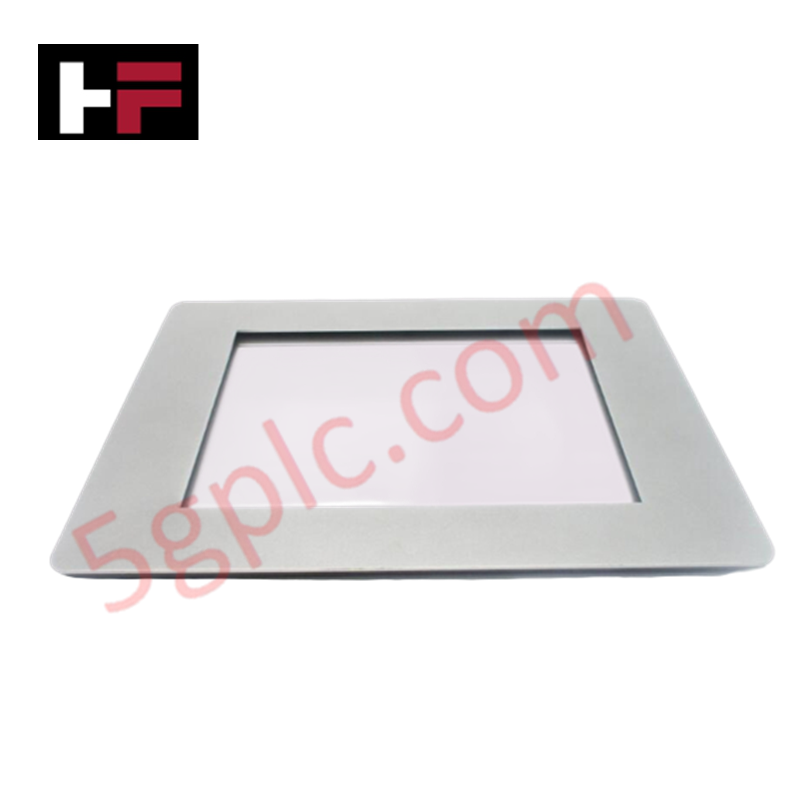
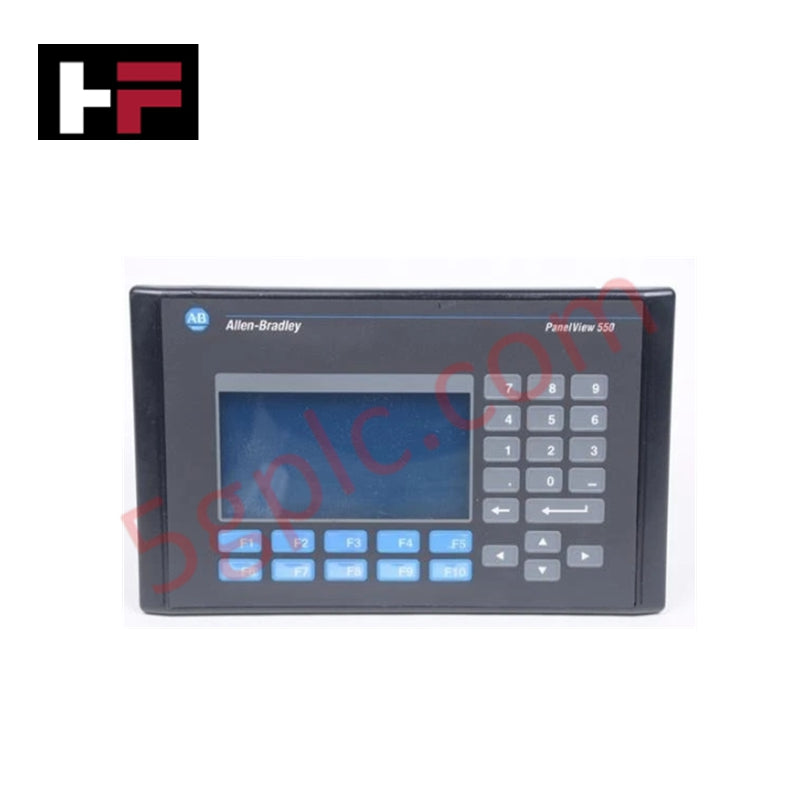
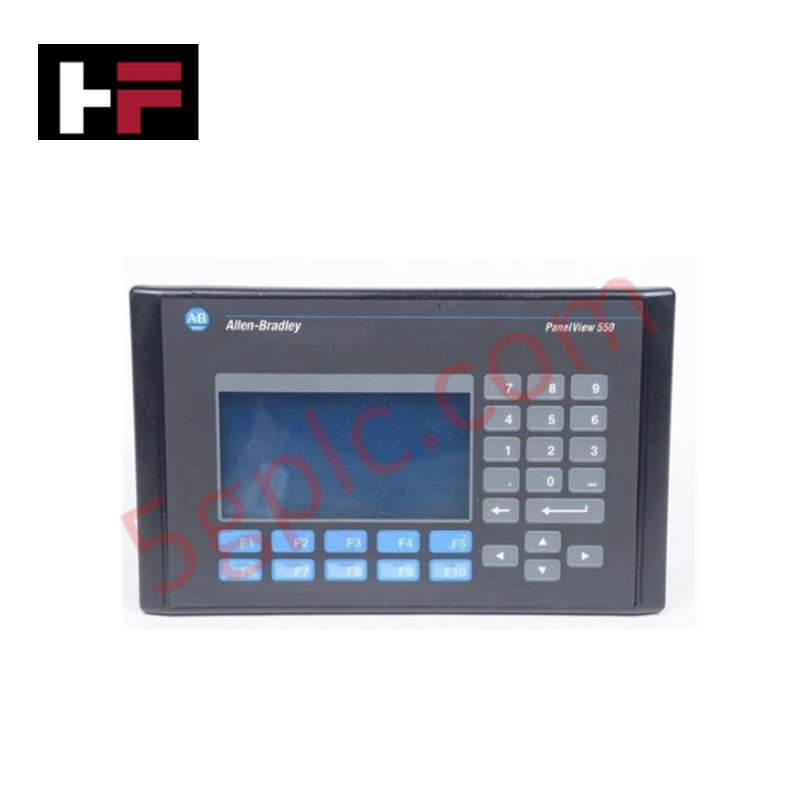
The Allen-Bradley 2711P-B7C4D8 delivers a versatile operator interface for machine-level control. This PanelView Plus 7 Standard terminal combines a 7-inch color TFT display with both touchscreen and keypad inputs. It runs on a 1 GHz processor with Windows CE 6.0, handling complex visualization and data logging tasks. The unit accepts 18-32 VDC power, making it ideal for mobile equipment and low-voltage control panels. We supply this item as a 100% Brand New, factory-sealed unit.
Technical Specifications
| Parameter | Specification |
|---|---|
| Manufacturer | Allen-Bradley (Rockwell Automation) |
| Product Line | PanelView Plus 7 Standard |
| Display | 7-inch Color TFT (640 x 480) |
| Input Method | Touchscreen + Keypad |
| Processor | 1 GHz |
| Memory | 512 MB RAM / 512 MB Flash |
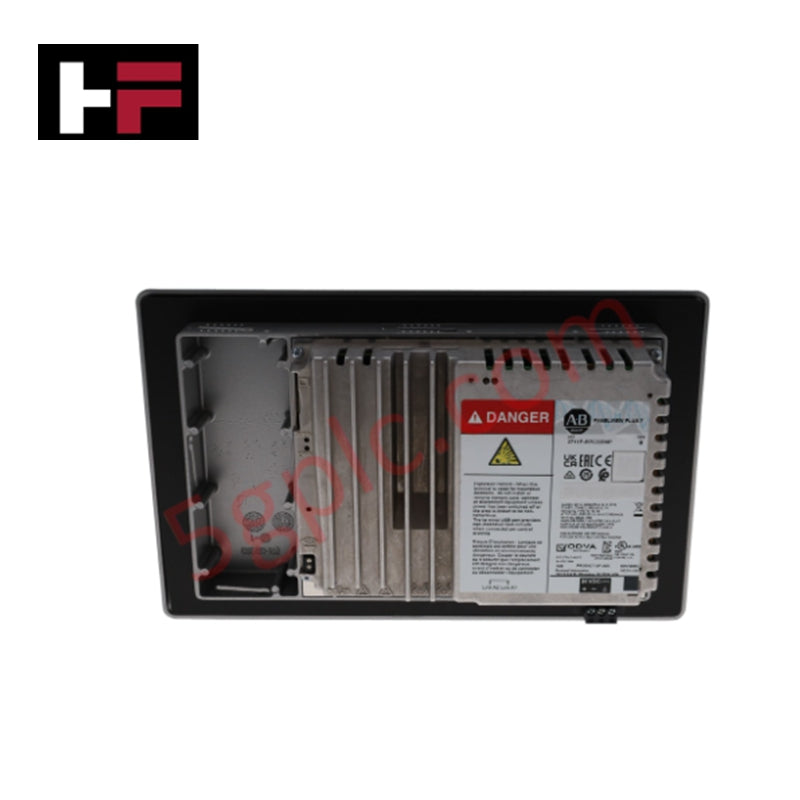
| Communication | Ethernet, RS-232, 2x USB |
| Power Supply | 18-32 VDC |
| Enclosure Rating | NEMA 4X, 12, IP65 (Front Panel) |
Engineering Advantages
Hybrid Input for Operational Flexibility
This terminal integrates a physical keypad alongside the touchscreen. Operators can navigate menus and enter data using tactile buttons, which is essential when wearing gloves or working in high-vibration areas where touch accuracy drops. The keypad ensures precise control over critical parameters without accidental screen touches.
Ruggedized for Harsh Environments
The front panel meets NEMA 4X, 12, and IP65 standards. This sealing protects the display from washdowns, oil, dust, and water jets. You can mount this unit directly on food processing lines or in dusty cement plants without fearing ingress damage. The wide operating temperature range (0°C to 55°C) further ensures stability in unheated or hot industrial facilities.
DC Power and Connectivity
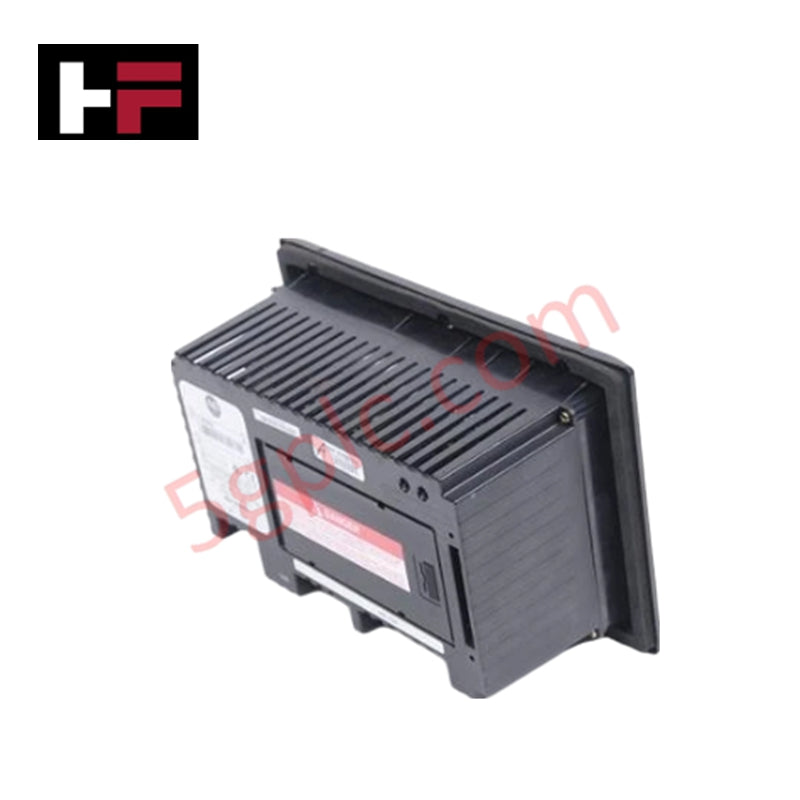
The 18-32 VDC power input aligns perfectly with standard 24V industrial control systems. This eliminates the need for separate AC transformers, simplifying panel wiring. Connectivity is robust, featuring Ethernet for high-speed PLC communication, RS-232 for legacy devices or printers, and two USB ports for memory stick data logging or peripheral connections.
FAQs
Q: What software is required to program the 2711P-B7C4D8?
A: You need RSView Studio (FactoryTalk View ME) to create applications for this terminal. It runs on the Windows CE 6.0 operating system, which supports the standard PanelView Plus runtime environment.
Q: Can I use this HMI with a 120V AC power source?
A: No. The "D8" suffix indicates this unit is designed strictly for 18-32 VDC input. Connecting it to an AC source will damage the internal power supply. Ensure your panel provides a regulated 24V DC supply.
Q: Does the keypad interfere with the touchscreen?
A: No. The design allows for simultaneous use or independent operation. You can configure the application to use the keypad for specific functions (like numeric entry) while using the touchscreen for navigation, maximizing operator efficiency.
Additional Information
- 100% Genuine Parts: All products are original and authentic, ensuring reliable industrial performance.
- 30-Day Refund Guarantee: Return any in-stock item within 30 days in original, unopened packaging for a full refund (excluding shipping and fees).
- 12-Month Warranty: Covers defects in materials or workmanship; excludes misuse, normal wear, or unauthorized modifications.
- Worldwide Shipping: We ship via USPS, UPS, FedEx, and DHL. Delivery times vary by country and may be subject to customs or import fees.
- Support & Contact: Technical and warranty assistance is available anytime. Contact us here: Contact.
- Purchase Guidance: Check product specifications and compatibility carefully before ordering to ensure proper application.
Tech & Buying Guide

Transforming Shop Floor Data into Actionable Insights: A Deep Dive into MES
Manufacturing Execution Systems serve as the digital backbone of modern factory floors. Positioned at Level 3 of the ISA-95 automation pyramid, MES links enterprise resource planning with real-time shop floor control systems. Today, industrial operators rely on MES software to bridge operational strategy with physical production execution.
Managed Switch vs. Unmanaged Switch: Industrial Ethernet Architecture

Hot Standby vs. Cold Standby Redundancy in Industrial Automation
System availability determines process safety and productivity in industrial automation. Control engineers deploy redundancy to eliminate single points of failure. This technical guide evaluates Hot Standby vs. Cold Standby architectures, comparing failover speeds, memory sync, cost trade-offs, and field selection criteria.