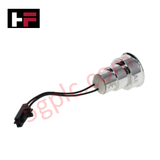
Product Details
Product Overview
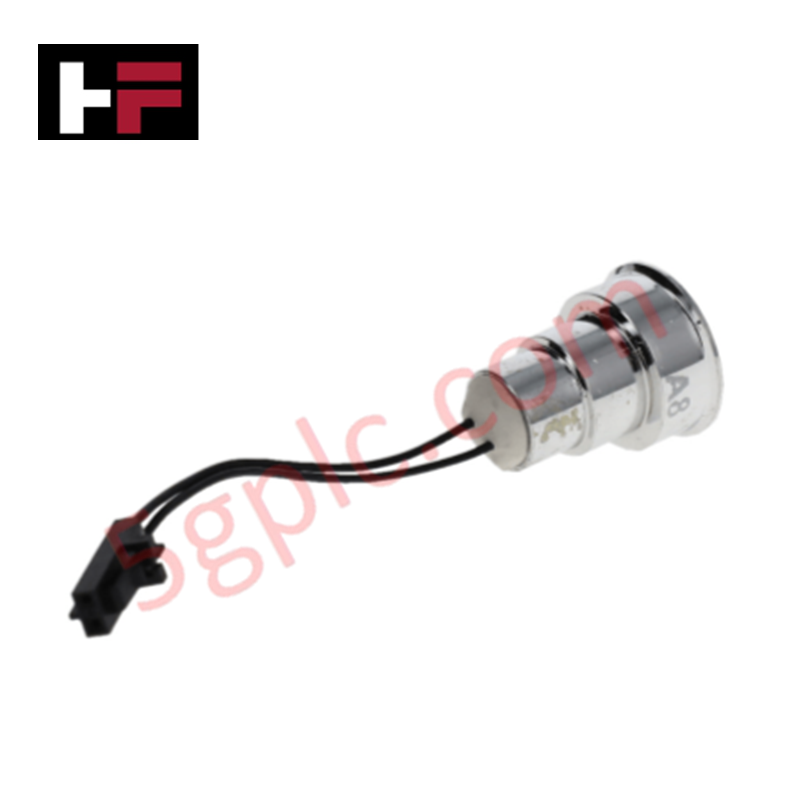
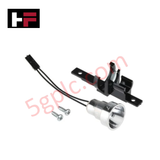
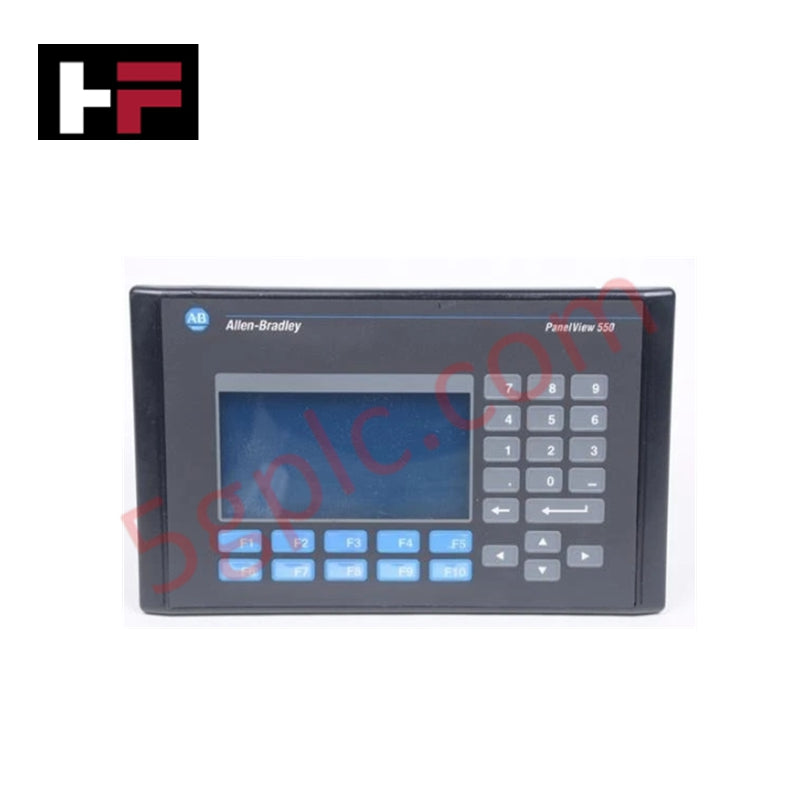
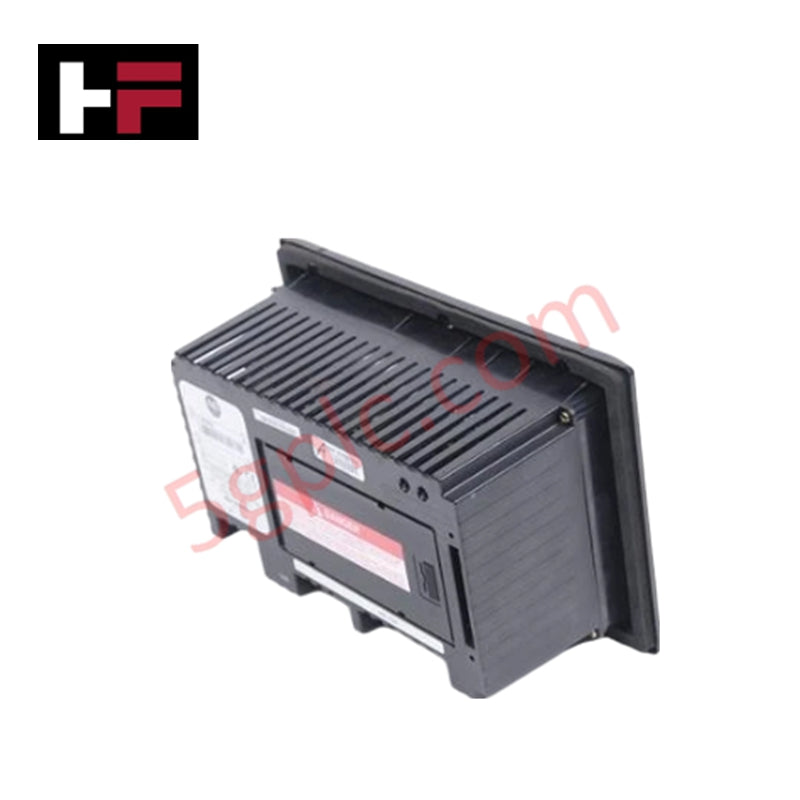
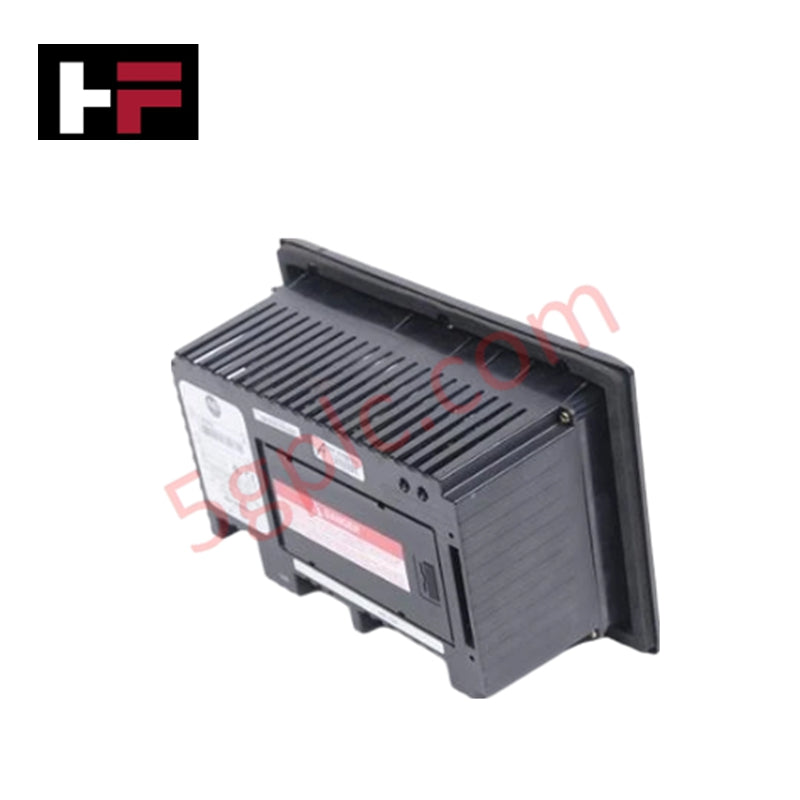
The 2711-NL1 serves as the essential integrated replacement backlight for the Allen-Bradley PanelView 550 terminal series. This module restores full visual clarity to monochrome LCD displays that have dimmed or failed due to lamp exhaustion. Utilizing a high-output halogen source paired with fiber-optic illumination, the 2711-NL1 ensures uniform brightness across the operator interface. We provide this component as 100% Brand New original stock to guarantee immediate restoration of HMI usability in mission-critical control environments.
Technical Specifications
The 2711-NL1 features precise electrical and optical parameters to match the original PanelView 550 chassis requirements:
| Parameter | Specification |
| Manufacturer | Allen-Bradley / Rockwell Automation |
| Product Line | PanelView 550 |
| Display Support | Monochrome LCD |
| Light Source | Halogen |
| Illumination Method | Fiber-optic |
| Rated Voltage | 5V DC |
| Rated Current | 1A |
| Power Rating | 5W |
| Warm-Up Time | Instant |
| Duty Cycle | Continuous |
| Weight | 0.09 kg (0.19 lbs) |
Engineering Advantages
-
Instant Illumination Restoration: The 2711-NL1 eliminates warm-up delays common in older lighting technologies. The halogen source provides full rated brightness the moment the terminal initiates power.
-
Seamless Terminal Integration: This field-replaceable unit features a plug-in electrical interface. This design allows maintenance personnel to swap the backlight without unsoldering components or removing the entire HMI from the cabinet door.
-
Fiber-Optic Light Distribution: The integrated fiber-optic assembly channels light evenly across the monochrome display. This prevents "hot spots" or uneven shadowing, ensuring operators can read critical alarm data from various viewing angles.
-
Terminal-Controlled Dimming: The hardware supports native dimming commands from the PanelView terminal. This allows the system to reduce brightness during inactive periods, effectively extending the lamp's service life and reducing power consumption.
-
Rugged Continuous Duty Cycle: Engineered for 24/7 industrial operations, the 2711-NL1 maintains consistent light output under continuous duty, preventing unexpected display blackouts during production shifts.
Maintenance & Installation Tips
-
Safety First: Disconnect all power from the PanelView 550 terminal before attempting a backlight replacement to avoid electrical shock or damage to the HMI motherboard.
-
Clean Handling: Avoid touching the halogen bulb surface with bare fingers. Skin oils can create localized heat concentrations that significantly shorten the lifespan of the lamp. Use clean gloves or a lint-free cloth.
-
Alignment: Ensure the fiber-optic assembly seats fully into the display housing. Proper alignment maximizes light transfer and prevents internal glare within the bezel.
FAQs
Q: How do I know if my PanelView 550 requires a 2711-NL1?
A: If the terminal powers on and responds to touch/key commands but the screen remains dark or extremely dim, the backlight has likely reached the end of its life. The 2711-NL1 serves as the direct fix for this hardware failure.
Q: Does this backlight support the Color PanelView 550 terminals?
A: No. The 2711-NL1 specifically supports Monochrome LCD versions of the PanelView 550. Color terminals typically utilize different lighting technologies or CCFL tubes.
Q: Can I adjust the brightness of the new lamp?
A: Yes. The 2711-NL1 supports terminal-controlled dimming. You can adjust the intensity through the PanelView’s system configuration menu or via the application software to suit your ambient lighting conditions.
Q: Is this an LED upgrade or a standard halogen replacement?
A: This is the 100% Brand New original halogen-based assembly. It maintains the exact technical profile and fiber-optic compatibility of the factory-installed part to ensure 100% hardware compliance.
Additional Information
- 100% Genuine Parts: All products are original and authentic, ensuring reliable industrial performance.
- 30-Day Refund Guarantee: Return any in-stock item within 30 days in original, unopened packaging for a full refund (excluding shipping and fees).
- 12-Month Warranty: Covers defects in materials or workmanship; excludes misuse, normal wear, or unauthorized modifications.
- Worldwide Shipping: We ship via USPS, UPS, FedEx, and DHL. Delivery times vary by country and may be subject to customs or import fees.
- Support & Contact: Technical and warranty assistance is available anytime. Contact us here: Contact.
- Purchase Guidance: Check product specifications and compatibility carefully before ordering to ensure proper application.
Tech & Buying Guide

Demystifying the 5 Levels of Industrial Automation Architecture
Modern manufacturing relies on structured communication hierarchy to bridge physical shop-floor hardware with enterprise management software. This framework, commonly known as the Automation Pyramid, establishes how data flows between field devices, logic controllers, and corporate IT networks. Understanding these five distinct levels helps engineers and plant managers optimize system operations, reduce downtime, and implement seamless factory automation solutions.

Transforming Shop Floor Data into Actionable Insights: A Deep Dive into MES
Manufacturing Execution Systems serve as the digital backbone of modern factory floors. Positioned at Level 3 of the ISA-95 automation pyramid, MES links enterprise resource planning with real-time shop floor control systems. Today, industrial operators rely on MES software to bridge operational strategy with physical production execution.