










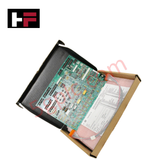
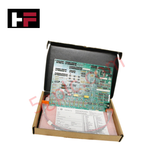
Product Details
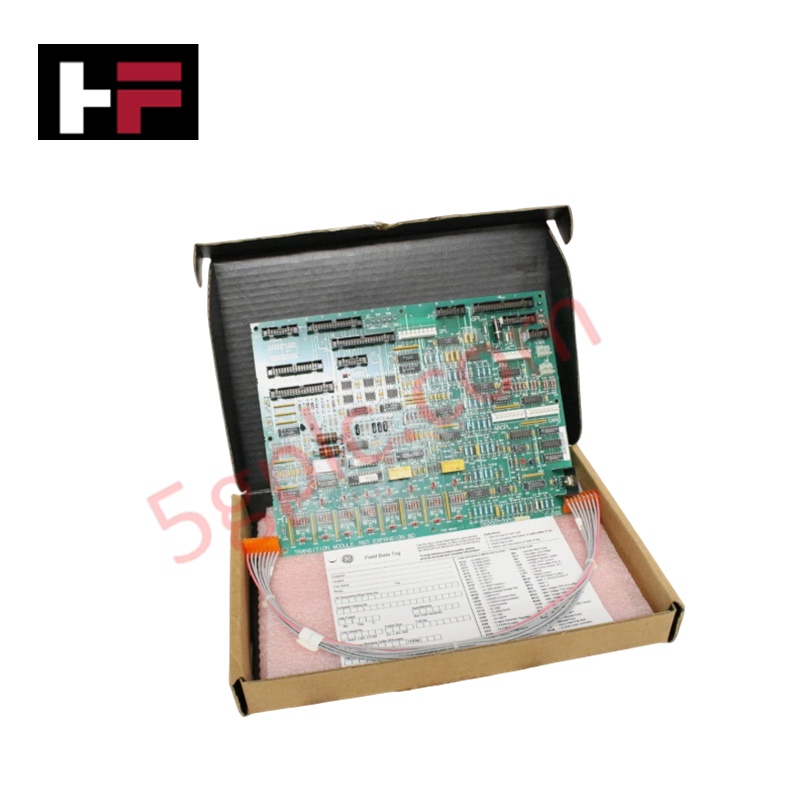
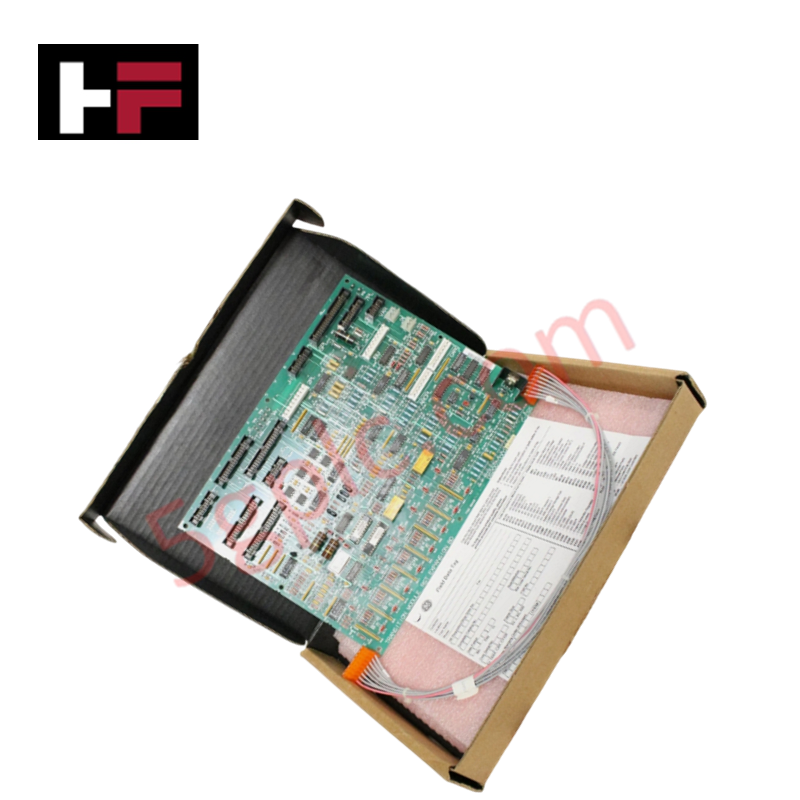
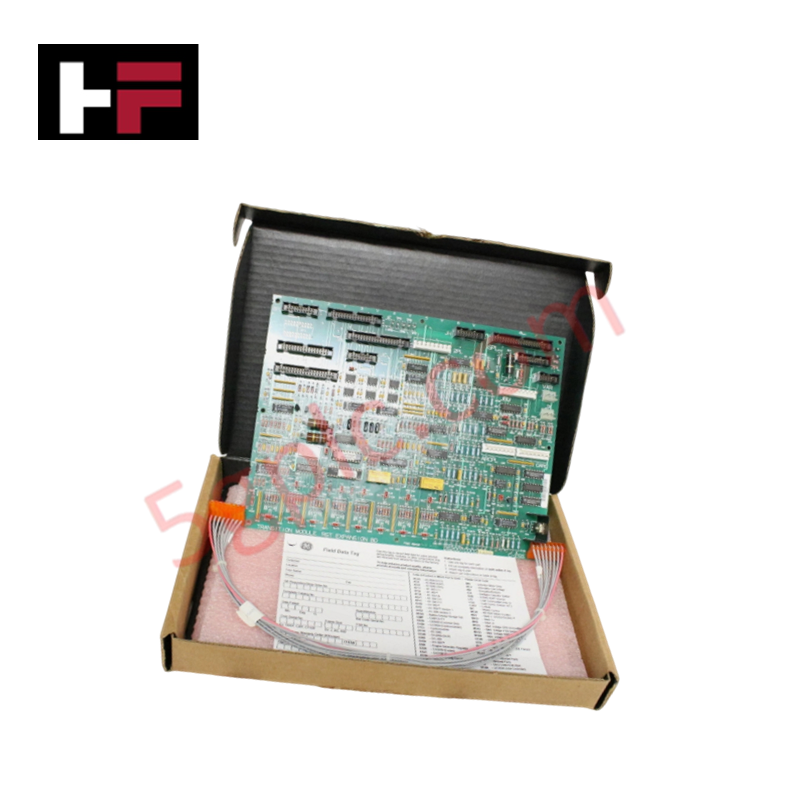
Configured for analog signal expansion and overflow processing in Mark V turbine control systems, the GE DS200TCQCG1A (DS200TCQC RST Overflow Board) provides direct physical/electrical execution of I/O routing tasks.
Hardware Specifications
| Parameter | Specification |
|---|---|
| Model | DS200TCQCG1A |
| Brand | GE General Electric |
| Origin | USA |
| Dimensions | Standard Mark V PCB footprint |
| Operating Temp | Per Mark V environmental standards |
| Power Consumption | Backplane rail supply |
| Jumpers | 24 total |
| Connectors | 3 x 40-pin (JFF, JE, 6PL), 3 x 34-pin, 1 x 16-pin (JC) |
Industrial Control and Firmware Compatibility
The DS200TCQCG1A functions as an analog I/O expander within the Mark V architecture. The board supports I/O density scaling by routing multiplexed signals through its 40-pin and 34-pin interface connectors. While the board does not execute complex control logic, it requires consistent backplane bus communication velocity to ensure signal integrity across the RST overflow path. Hardware configuration is achieved solely via physical jumper settings; there is no firmware flash compatibility requirement for this specific module, as its processing logic is determined by static hardware pathways and jumper-defined routing.
Frequently Asked Questions
Q: Is it necessary to reconfigure the jumpers when replacing a defective board?
A: Yes. The jumper positions on the replacement board must match the exact configuration of the original board to ensure the system processes I/O signals according to site-specific requirements.
Q: What is the recommended procedure for matching jumper settings?
A: Place the old and new boards side-by-side on a clean, anti-static surface. Using a grounded wrist strap, visually verify and replicate the position of all 24 jumpers from the old board onto the new board before installation.
Field Installation Guidelines
- ESD Protection: This board contains sensitive components. Always utilize a grounded anti-static wrist strap when removing the PCB from its protective packaging or when adjusting jumper positions.
- Connector Integrity: Ensure all ribbon cables (JFF, JE, 6PL, JC, etc.) are correctly keyed and fully seated. Verify that connector locking mechanisms are engaged to prevent vibration-induced signal intermittency.
- Jumper Verification: Consult the site-specific system manual before modifying jumper positions. Ensure the configuration aligns with the operational needs of the turbine drive assembly. Once set, verify jumper positions are locked to prevent accidental displacement.
- Mechanical Mounting: Ensure the PCB is properly aligned with the card cage guide rails. Tighten all front panel mounting screws to ensure a secure electrical ground connection to the rack chassis.
- Wiring Documentation: Before removing a defective unit, tag all cable harnesses with their corresponding connector labels to ensure accurate restoration of signal paths.
Additional Information
- 100% Genuine Parts: All products are original and authentic, ensuring reliable industrial performance.
- 30-Day Refund Guarantee: Return any in-stock item within 30 days in original, unopened packaging for a full refund (excluding shipping and fees).
- 12-Month Warranty: Covers defects in materials or workmanship; excludes misuse, normal wear, or unauthorized modifications.
- Worldwide Shipping: We ship via USPS, UPS, FedEx, and DHL. Delivery times vary by country and may be subject to customs or import fees.
- Support & Contact: Technical and warranty assistance is available anytime. Contact us here: Contact.
- Purchase Guidance: Check product specifications and compatibility carefully before ordering to ensure proper application.


Tech & Buying Guide

Understanding Marshalling Cabinets in Industrial Automation and Control Systems
Marshalling cabinets serve as the crucial connection hub between field instruments and centralized processing units. In large DCS and PLC control system architectures, hundreds of multipair field cables run from local junction boxes to the central instrument equipment room. The marshalling cabinet houses field terminal blocks, surge arresters, intrinsic safety isolation barriers, and interposing relays. By segregating field field-wiring terminations from sensitive processor hardware, engineers protect expensive controller backplanes from high-voltage transients. Consequently, this modular separation dramatically streamlines maintenance workflows and simplifies system expansion.

Essential Best Practices for PLC Wiring and Installation in Industrial Automation
Successful control system deployment begins with thoroughly reviewing manufacturer technical documentation. Controllers from major brands like Allen-Bradley, Siemens, and Schneider Electric feature unique terminal layouts. Engineers must verify voltage requirements before connecting power cables to prevent catastrophic equipment damage. Standard line connections require strict adherence to regional electrical codes and proper wire color coding. Furthermore, panel builders should always establish a robust low-impedance ground connection using at least 16-AWG copper conductor tied directly to the main plant grounding grid.

Demystifying Programmable Logic Controllers: Comprehensive Guide to PLC Classification and Selection in Industrial Automation
Modern industrial automation heavily relies on Programmable Logic Controllers (PLCs) to drive factory floor efficiency. Over my 15 years as an industrial automation expert working with DCS, TSI, and control systems, I have seen PLCs evolve into the central nervous system of modern manufacturing. Selecting the right controller requires a deep understanding of PLC types based on physical size, hardware architecture, and power supply configurations.