










Product Details
Product Overview
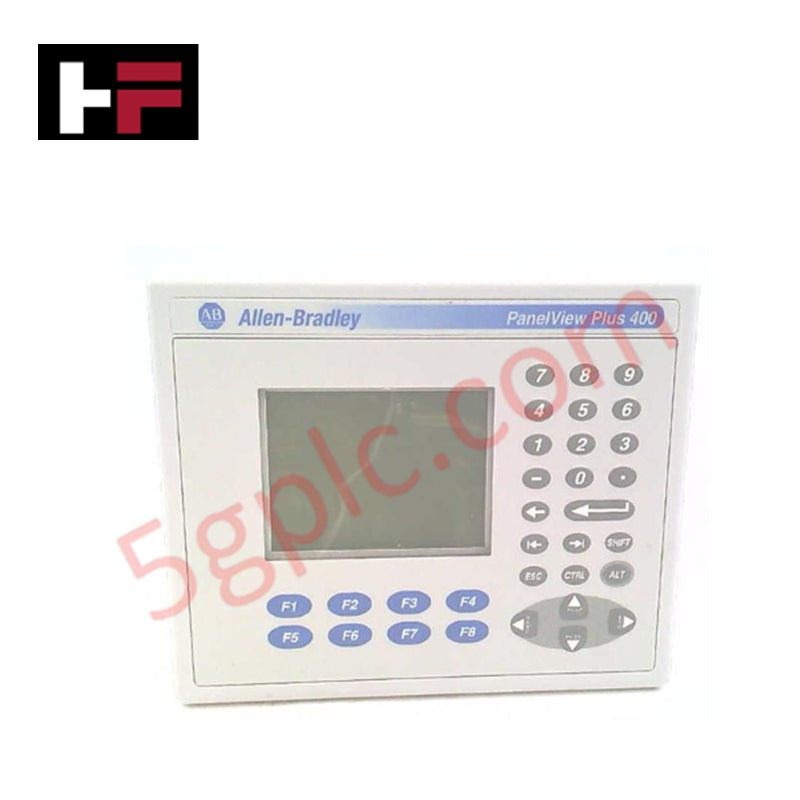
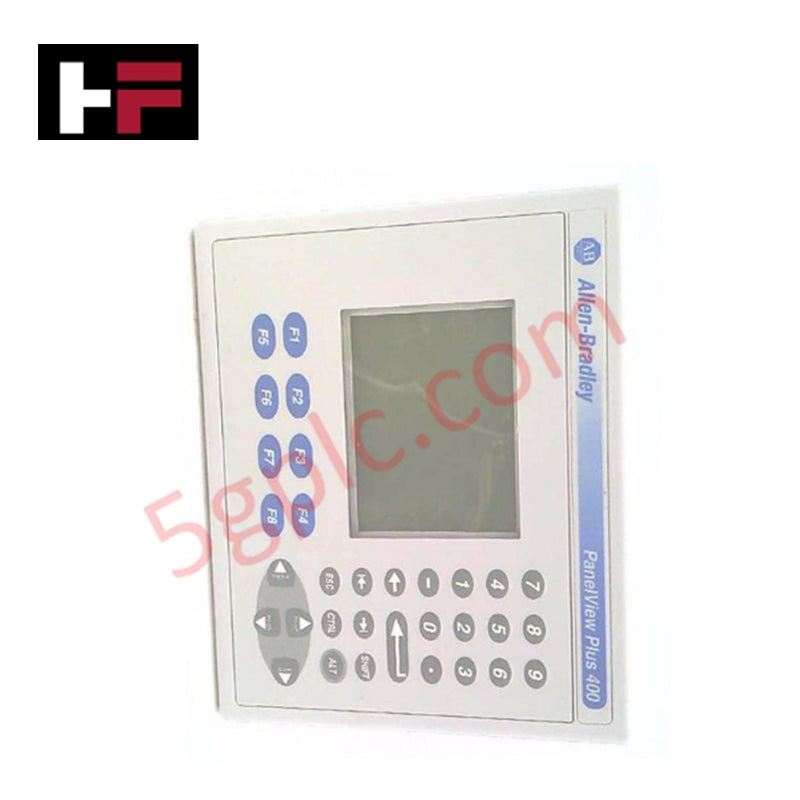
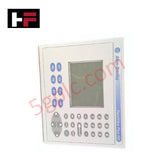
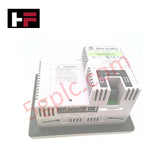
The Allen Bradley 2711P-K4M20D functions as a compact, rugged Human-Machine Interface (HMI) within the PanelView Plus 400 family. This terminal provides essential visualization and control for small-scale automation applications, utilizing a 3.8-inch grayscale display and a high-tactile keypad. Although the manufacturer classifies this series as discontinued, we supply this unit as 100% Brand New and Original, allowing engineers to maintain existing control systems without the high cost of migrating to newer hardware platforms.
Part Number Breakdown
The 2711P-K4M20D nomenclature identifies its specific hardware configuration:
-
2711P: PanelView Plus Series platform.
-
K: Keypad input (Numeric and Navigation keys).
-
4: 400 Series (3.8-inch display size).
-
M: Grayscale (Monochrome) FSTN display type.
-
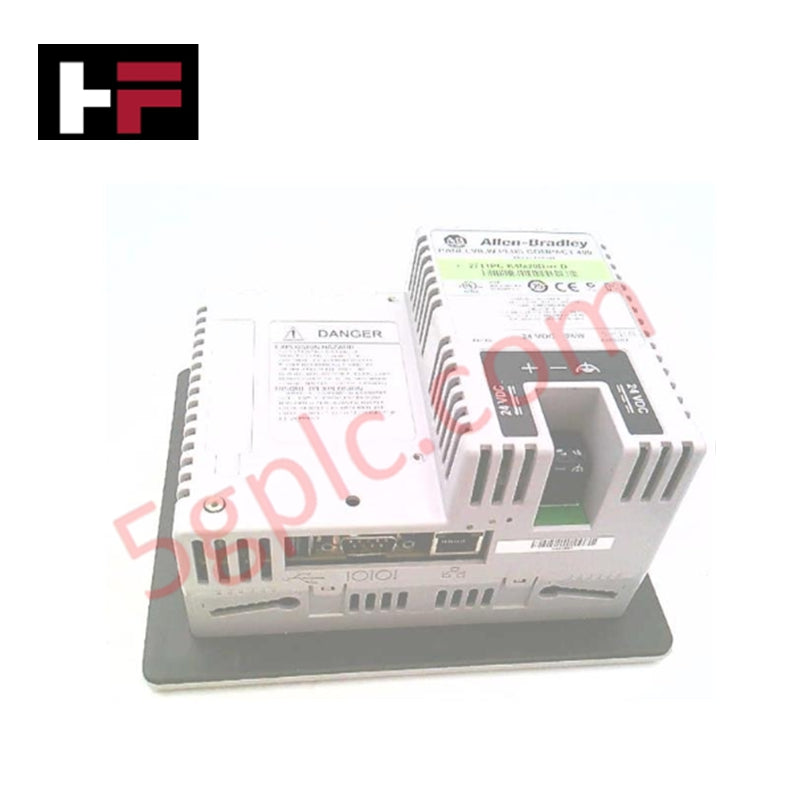
20: Combined Ethernet and RS-232 communication ports.
-
D: 18–30V DC input power (Nominal 24V DC).
Technical Specifications
The following data outlines the mechanical and electrical characteristics of the terminal:
| Feature | Specification |
| Display Type | Grayscale Passive Matrix FSTN |
| Resolution | 320 x 240 Pixels |
| Display Area | 77 x 58 mm (3.0 x 2.3 in.) |
| Input Interface | Industrial Keypad (Numeric/Navigation) |
| Keypad Lifespan | 1 Million Actuations |
| Communication | Ethernet, RS-232, 2 USB Host Ports |
| Input Voltage | 18–30V DC |
| Power Consumption | 25 Watts Max (1.0 A @ 24V DC) |
| System Memory | 64 MB |
| Weight | 1.25 lbs (0.57 kg) |
Engineering Advantages
-
Optimized for Harsh Environments: The grayscale FSTN display remains legible across a wide range of lighting conditions and temperatures. Unlike touchscreens, the physical keypad ensures reliable input even when operators wear heavy industrial gloves or work in greasy environments.
-
Integrated Communication Hub: Dual onboard ports (Ethernet and RS-232) facilitate simultaneous connection to modern high-speed networks and legacy serial-based PLCs. This versatility simplifies data bridging between different generations of automation hardware.
-
Compact Footprint Mounting: The slim design and DC power requirement make this unit ideal for small control consoles or machine-mounted enclosures where space and thermal dissipation are limited.
-
Low-Latency Data Refresh: The 320 x 240 resolution paired with 64MB of memory ensures rapid screen transitions and real-time updates of critical process variables, preventing display lag during fast-cycle operations.
FAQs
-
Does the 2711P-K4M20D support USB peripherals?
Yes. The terminal includes two USB host ports. These ports support the connection of keyboards, mice, or external flash drives for easy data logging and project transfers.
-
How do I replace a failed unit without losing my application?
You can transfer the existing .MER runtime file via the RS-232 port or a compatible memory card. Since this unit is Brand New, it arrives with a factory-clean OS, ready for your specific application load.
-
What is the primary benefit of the keypad over a touchscreen for this model?
The navigation keys provide an actuating lifespan of 1 million presses and require a 340g operating force. This mechanical feedback prevents accidental triggers and provides a more durable interface for high-vibration machinery.
-
Can I use this model on an AC power circuit?
No. This unit requires a DC input between 18V and 30V. Connecting this terminal to an AC power source will cause immediate hardware damage.
Additional Information
- 100% Genuine Parts: All products are original and authentic, ensuring reliable industrial performance.
- 30-Day Refund Guarantee: Return any in-stock item within 30 days in original, unopened packaging for a full refund (excluding shipping and fees).
- 12-Month Warranty: Covers defects in materials or workmanship; excludes misuse, normal wear, or unauthorized modifications.
- Worldwide Shipping: We ship via USPS, UPS, FedEx, and DHL. Delivery times vary by country and may be subject to customs or import fees.
- Support & Contact: Technical and warranty assistance is available anytime. Contact us here: Contact.
- Purchase Guidance: Check product specifications and compatibility carefully before ordering to ensure proper application.
Tech & Buying Guide

Understanding Marshalling Cabinets in Industrial Automation and Control Systems
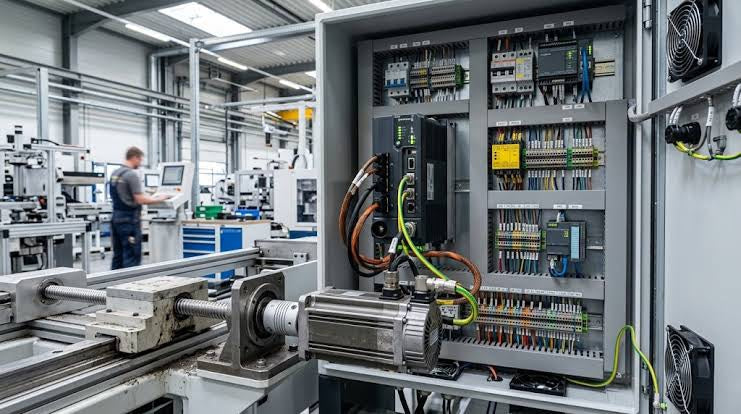
Marshalling cabinets serve as the crucial connection hub between field instruments and centralized processing units. In large DCS and PLC control system architectures, hundreds of multipair field cables run from local junction boxes to the central instrument equipment room. The marshalling cabinet houses field terminal blocks, surge arresters, intrinsic safety isolation barriers, and interposing relays. By segregating field field-wiring terminations from sensitive processor hardware, engineers protect expensive controller backplanes from high-voltage transients. Consequently, this modular separation dramatically streamlines maintenance workflows and simplifies system expansion.

Essential Best Practices for PLC Wiring and Installation in Industrial Automation
Successful control system deployment begins with thoroughly reviewing manufacturer technical documentation. Controllers from major brands like Allen-Bradley, Siemens, and Schneider Electric feature unique terminal layouts. Engineers must verify voltage requirements before connecting power cables to prevent catastrophic equipment damage. Standard line connections require strict adherence to regional electrical codes and proper wire color coding. Furthermore, panel builders should always establish a robust low-impedance ground connection using at least 16-AWG copper conductor tied directly to the main plant grounding grid.
Demystifying Programmable Logic Controllers: Comprehensive Guide to PLC Classification and Selection in Industrial Automation
Modern industrial automation heavily relies on Programmable Logic Controllers (PLCs) to drive factory floor efficiency. Over my 15 years as an industrial automation expert working with DCS, TSI, and control systems, I have seen PLCs evolve into the central nervous system of modern manufacturing. Selecting the right controller requires a deep understanding of PLC types based on physical size, hardware architecture, and power supply configurations.