










Product Details
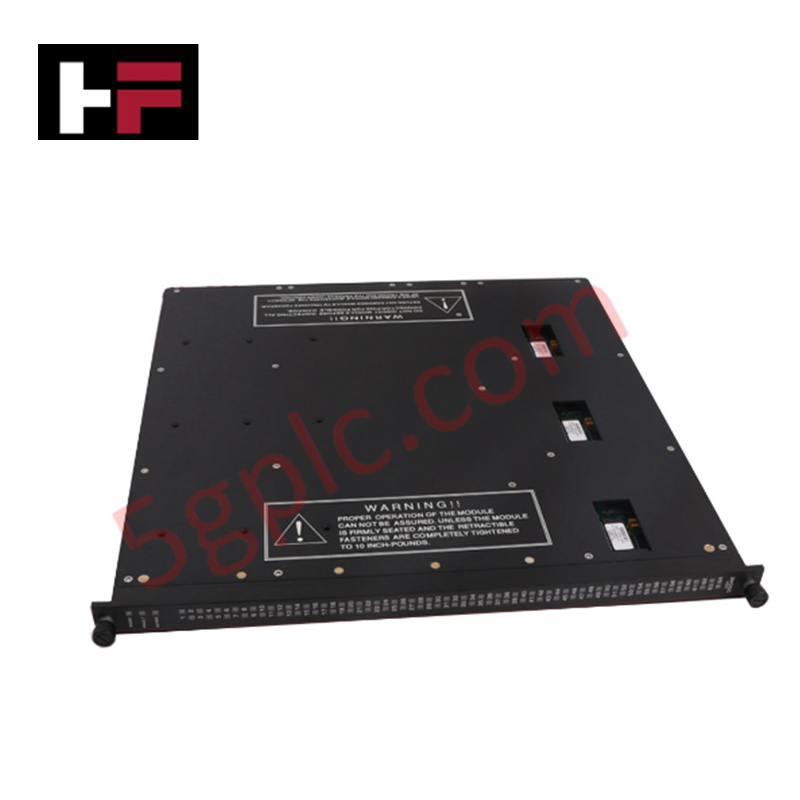
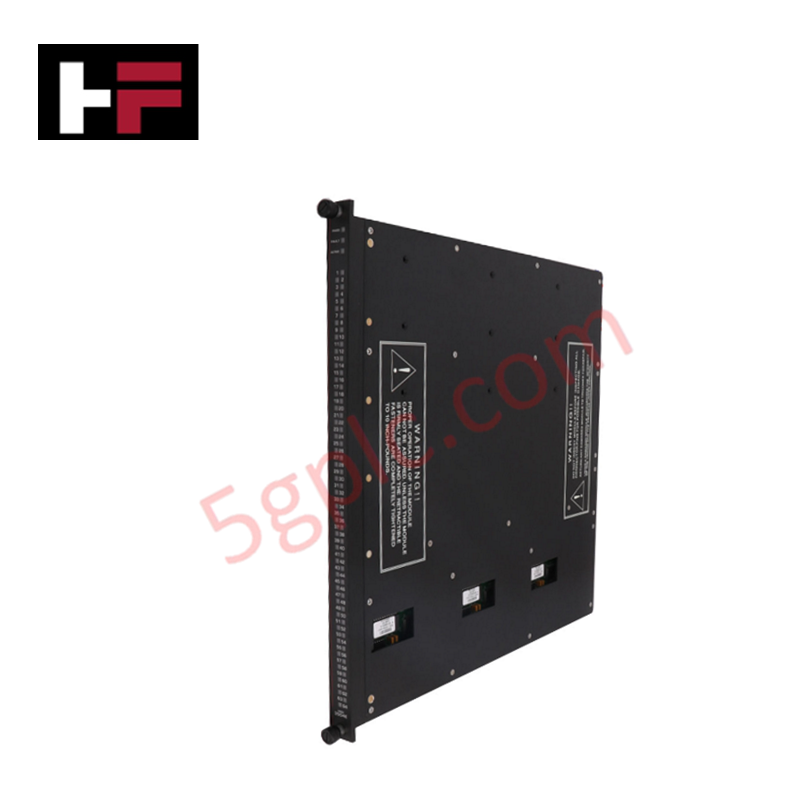
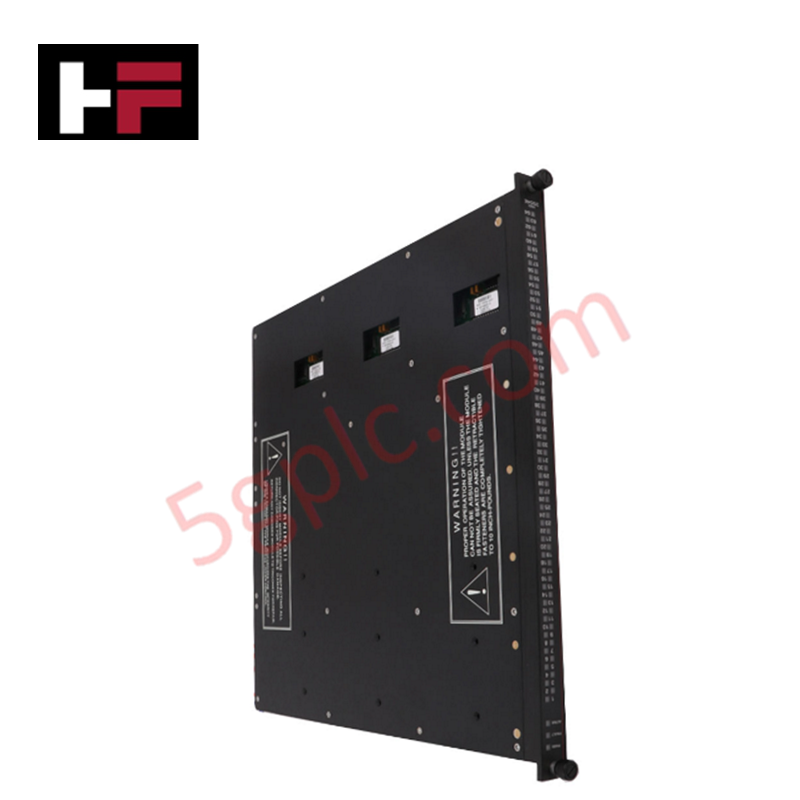
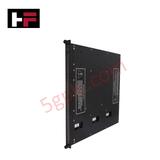
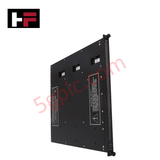
Configured for high-density signal acquisition in Tricon safety system platforms, the Triconex 3504E (3504E High Density Digital Input Module) provides direct physical/electrical execution of 64-channel DC coupled digital input state monitoring.
Hardware Specifications
| Parameter | Specification |
|---|---|
| Model | 3504E |
| Brand | Triconex |
| Origin | Not specified |
| Weight | Refer to Technical Manual |
| Dimensions | Standard Tricon module form factor |
| Operating Temp | Industrial standard range |
| Power Consumption | System backplane powered |
| Points | 64, commoned, DC coupled |
| Voltage Rating | 24 or 48 VDC (20-72 VDC range) |
TMR Safety System Execution and Diagnostics
The Triconex 3504E operates within a TMR 2oo3 architecture to provide fault-tolerant digital input processing. Majority-voting logic is applied to the 64 channels to ensure the integrity of the state data transferred to the main processor. The module incorporates galvanic isolation to decouple input field signals from the backplane bus, mitigating the influence of ground loops and electrical transients. To maintain SIL3 certification compliance, the module performs automated stuck-test diagnostics on both ON and OFF states, ensuring that field sensor transitions are accurately detected. Fail-safe state execution is triggered if the diagnostic routines identify a persistent hardware fault, preventing the propagation of erroneous state data to the logic solver.
Frequently Asked Questions
Q: Does the 3504E support hot-swapping while the chassis is energized?
A: Yes, the 3504E module is designed for hot-swap capability. Upon installation into the backplane, the module performs a boot-up diagnostic sequence and synchronizes state data with the redundant module set before resuming active channel scanning.
Q: What is the operational purpose of the stuck-test diagnostic?
A: The stuck-test diagnostic cyclically verifies that the input circuitry can detect both logical transitions. This ensures that a channel does not remain fixed in one state due to an internal hardware failure, which is a requirement for meeting safety integrity level specifications.
Field Installation Guidelines
- Ensure the module is properly keyed for the chassis slot to prevent improper insertion.
- Align the module with the chassis guide rails and apply steady pressure until the backplane connector is fully seated.
- Tighten the front-panel captive screws to ensure the module chassis is securely grounded to the cabinet frame.
- Verify that field wiring polarity matches the 24 VDC or 48 VDC input requirements; reverse polarity may trigger hardware protection circuits.
- Utilize shielded twisted-pair cabling for field inputs, terminating the shield at the cabinet ground bus to minimize electromagnetic interference on the DC coupled input circuits.
Additional Information
- 100% Genuine Parts: All products are original and authentic, ensuring reliable industrial performance.
- 30-Day Refund Guarantee: Return any in-stock item within 30 days in original, unopened packaging for a full refund (excluding shipping and fees).
- 12-Month Warranty: Covers defects in materials or workmanship; excludes misuse, normal wear, or unauthorized modifications.
- Worldwide Shipping: We ship via USPS, UPS, FedEx, and DHL. Delivery times vary by country and may be subject to customs or import fees.
- Support & Contact: Technical and warranty assistance is available anytime. Contact us here: Contact.
- Purchase Guidance: Check product specifications and compatibility carefully before ordering to ensure proper application.


Tech & Buying Guide

Understanding Siemens PLC Memory Cards: MMC, SMC, and SD Solutions in Industrial Automation
Memory management plays a pivotal role in maintaining control system reliability across modern manufacturing plants. Industrial control systems rely on specialized memory cards to store project logic, firmware updates, and retentive system data. Siemens uses several memory architectures, including Micro Memory Cards (MMC) and SIMATIC Memory Cards (SMC). Engineers must understand these hardware variations to ensure zero data loss and minimize downtime during maintenance routines.

Redefining Control Systems: The Rise of Flexible I/O Modules in Industrial Automation
Conventional input-output architectures often limit engineering agility and inflate long-term inventory costs. Today, Flexible Input/Output Modules (FIOM) are transforming how control system engineers design, commission, and maintain automation infrastructure. By allowing individual channel software configuration, FIOM technology bridges the gap between rigid hardware design and dynamic plant requirements.

Understanding Modern SCADA Systems: Architecture, Communication Topologies, and Industrial Applications
Supervisory Control and Data Acquisition (SCADA) systems form the digital backbone of modern industrial automation. They collect critical field data, transmit signals across vast distances, and empower plant operators with real-time process visibility. Across modern infrastructures, SCADA solutions streamline centralized control and maintain continuous operational uptime.