










Product Details
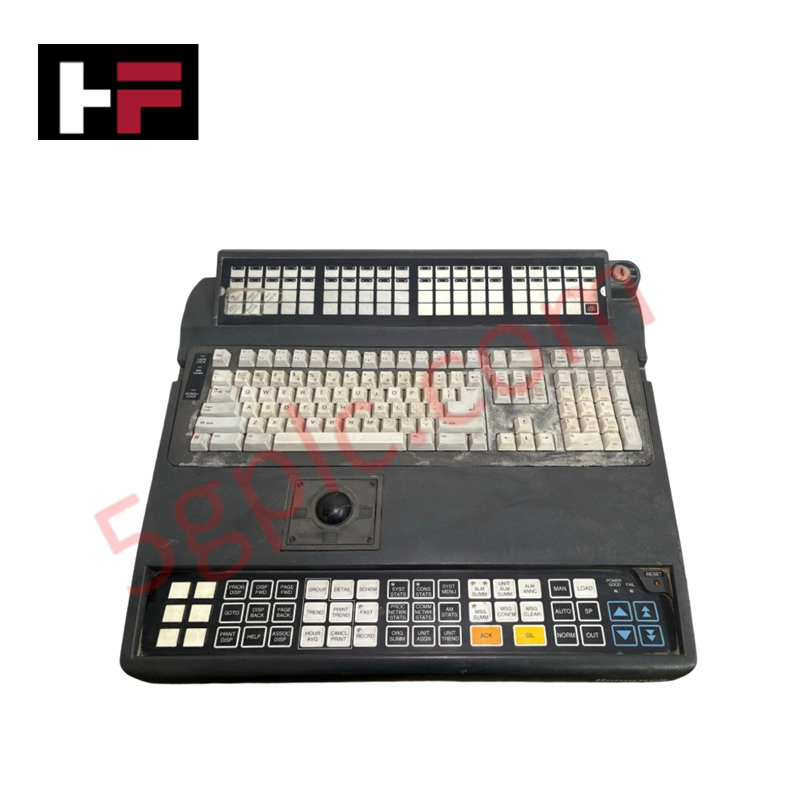
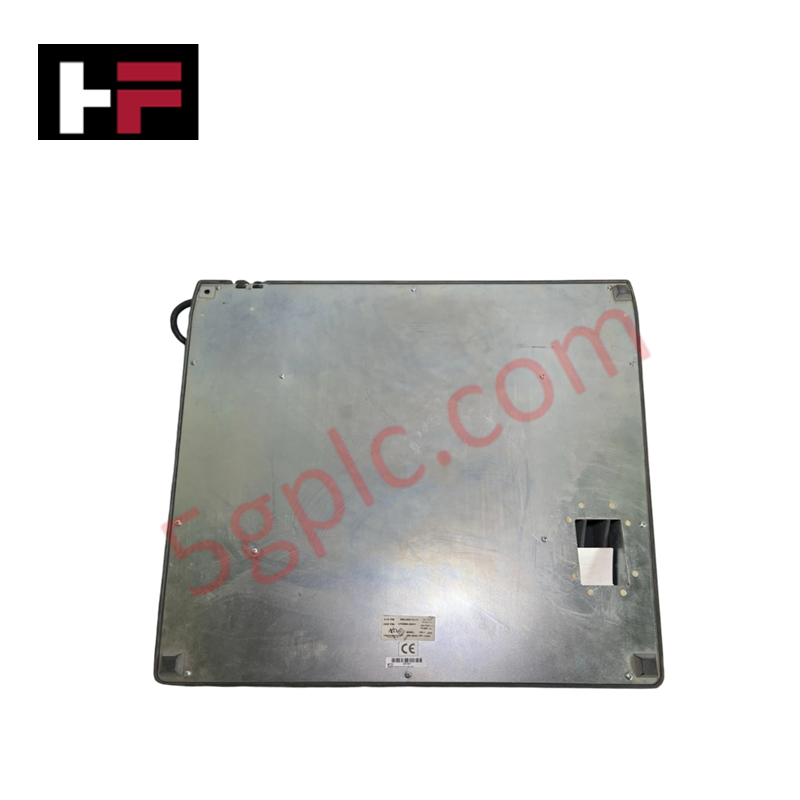
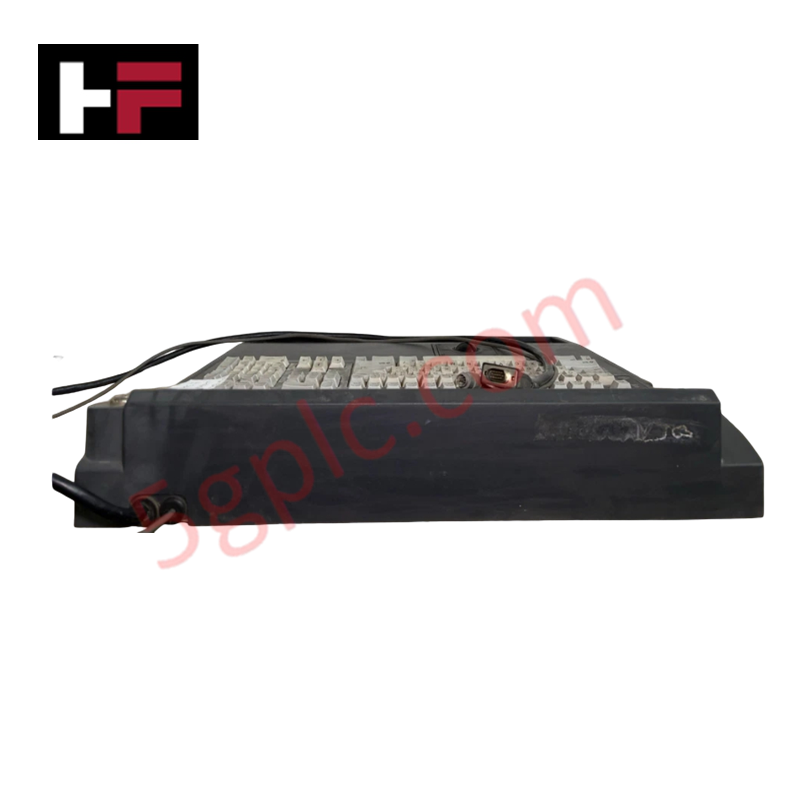
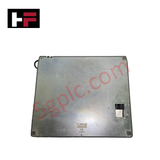
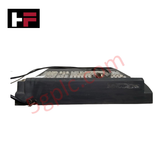
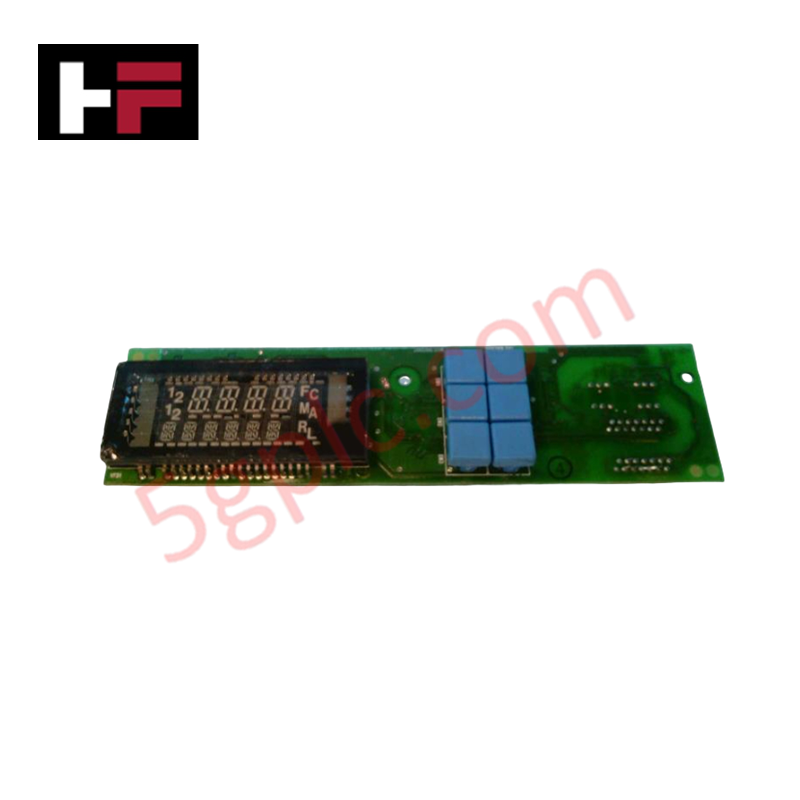
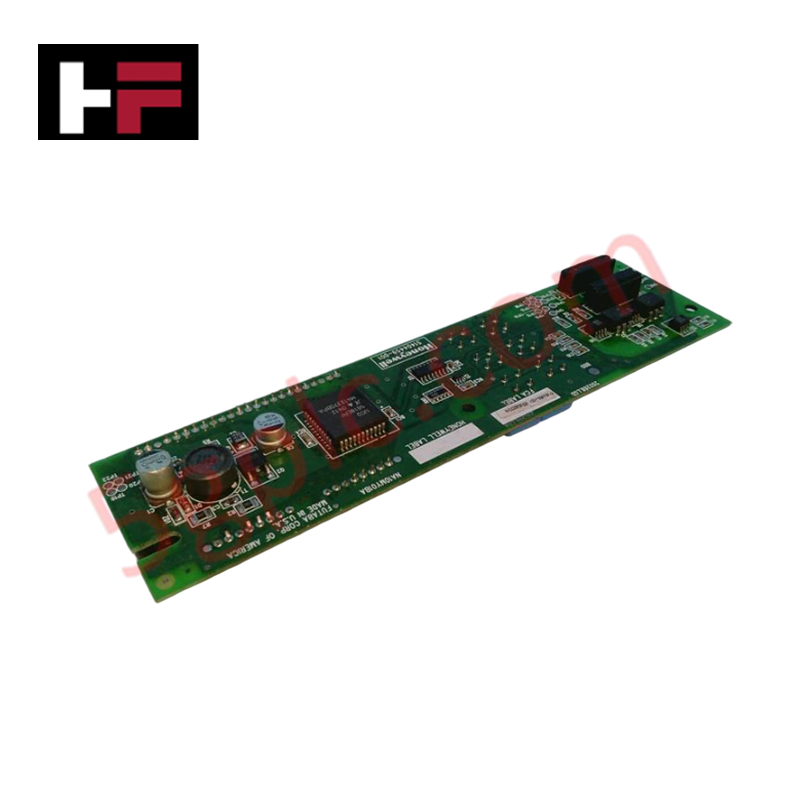
The Honeywell 9395-00381-013-D, also cataloged as the 9395-00381-013 Operator Keyboard, operates as a dedicated hardware component for manual data entry and operator command execution within Honeywell control system interfaces. The rugged input device registers physical key actuations to deliver direct digital input signals to paired controllers and automation stations.
Hardware Specifications
| Parameter | Specification |
|---|---|
| Model | 9395-00381-013-D (Esterline AID-3) |
| Brand | Honeywell |
| Series / Module Type | Industrial Automation / Operator Interface |
| Origin | USA |
| Weight | 0.7 kg |
| Dimensions | 192 mm x 101 mm x 31 mm |
| Operating Temp | 0 to +50 deg C |
| Power Consumption | Low-voltage DC interface bus draw |
| Keycap Life | 1 million operations |
| Storage Temp | -20 to +60 deg C |
Process Control Integration and Channel-to-Channel Isolation Boundaries
The electrical architecture of the 9395-00381-013-D industrial keyboard maintains isolated physical signal termination points to prevent common-mode noise propagation from the operator terminal housing into primary control racks. Although primarily functioning as an input peripheral, the subsystem is insulated to prevent electrical crosstalk from disturbing delicate low-voltage industrial loops, such as nearby 4-20 mA HART loop protocol lines or sensitive serial communication pathways, preserving signal boundary definitions inside clustered control panel configurations.
Frequently Asked Questions
Q: Does this operator keyboard support live hot-swap insertion and extraction on active control station ports?
A: Yes. The interface electronics permit online substitution or connection without disrupting active processor execution, provided that the physical port assignment matches the system firmware peripheral layout map.
Q: How does the internal tactile switch matrix respond to high-frequency vibration fields typical in process environments?
A: The switch matrix features structural mechanical debouncing that filters short-duration vibration contacts, preventing false mechanical registration states from executing accidental command sequences at the operator station.
Field Installation Guidelines
- Panel Cutout Alignment: Verify mounting aperture boundaries match the 192 mm x 101 mm footprint. Inset the chassis housing straight into the opening to prevent binding against frame limits.
- Interface Grounding Sequence: Connect the integrated chassis ground stud directly to the local distribution enclosure earth bar to facilitate proper ambient noise diversion before landing interface cables.
- Cable Separation Controls: Maintain physical separation between the low-voltage keyboard data line and high-voltage alternating current motor lines or variable frequency drive paths to minimize induction fields.
- Fastener Torque Limits: Hand-tighten all rear retention bracket screws uniformly to establish an even face seal profile without warping the elastomeric key overlay boundary.
Additional Information
- 100% Genuine Parts: All products are original and authentic, ensuring reliable industrial performance.
- 30-Day Refund Guarantee: Return any in-stock item within 30 days in original, unopened packaging for a full refund (excluding shipping and fees).
- 12-Month Warranty: Covers defects in materials or workmanship; excludes misuse, normal wear, or unauthorized modifications.
- Worldwide Shipping: We ship via USPS, UPS, FedEx, and DHL. Delivery times vary by country and may be subject to customs or import fees.
- Support & Contact: Technical and warranty assistance is available anytime. Contact us here: Contact.
- Purchase Guidance: Check product specifications and compatibility carefully before ordering to ensure proper application.



Tech & Buying Guide

Demystifying the DDE Protocol in Legacy Industrial Automation Systems
Modern control systems rely heavily on seamless interprocess communication to exchange operational data between software programs. Microsoft first introduced the Dynamic Data Exchange (DDE) protocol in 1987 to enable real-time data sharing. In factory automation, DDE served as an early bridge between control software and Windows desktop applications. Therefore, understanding DDE mechanics provides crucial insights into how legacy industrial networks established software-level connectivity.

Demystifying CPU Communication Ports in Siemens PLC Architectures
Industrial automation relies heavily on robust data exchange between devices. Without seamless connectivity, field instruments, network switches, human-machine interfaces, and programmable logic controllers cannot coordinate effectively. Therefore, understanding the various CPU communication ports available in Siemens hardware ensures efficient factory automation design and seamless system integration.

Mastering the Siemens PLC Scan Cycle: How the CPU Executes Automation Programs
Industrial automation relies heavily on programmable logic controllers (PLCs) to manage complex manufacturing processes. Many engineers dive straight into programming without mastering the underlying architecture. However, understanding how a PLC CPU executes a program ensures reliable system design. Therefore, mastering the scan cycle optimizes both performance and troubleshooting in modern control systems.