










Product Details
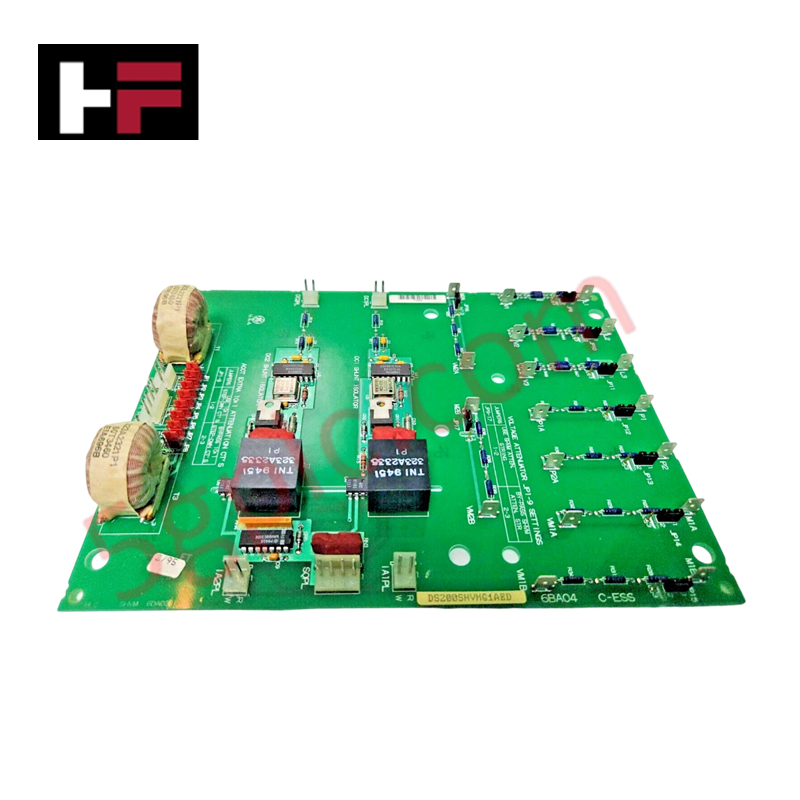
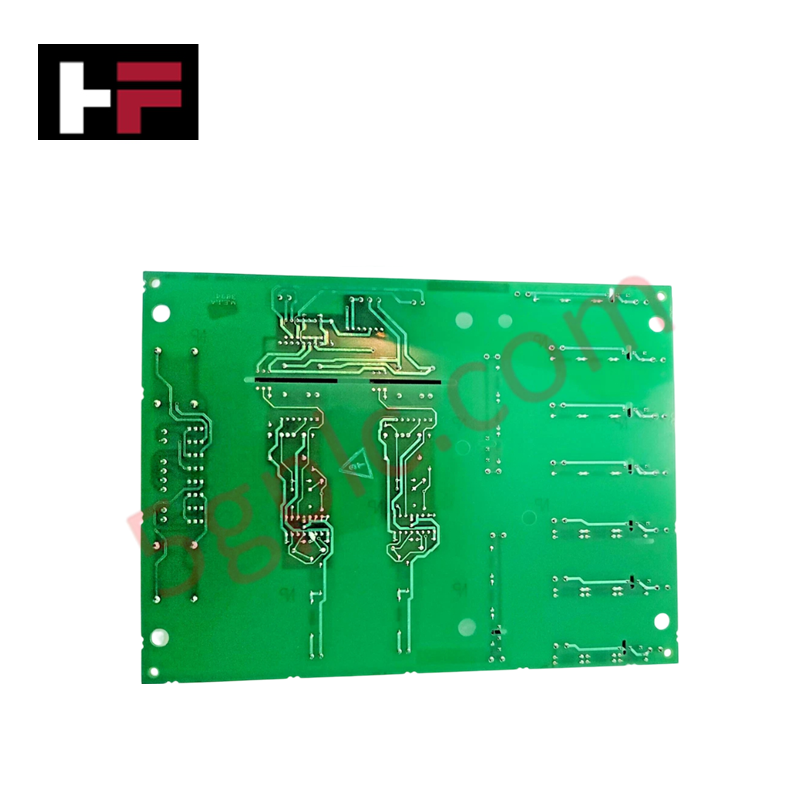
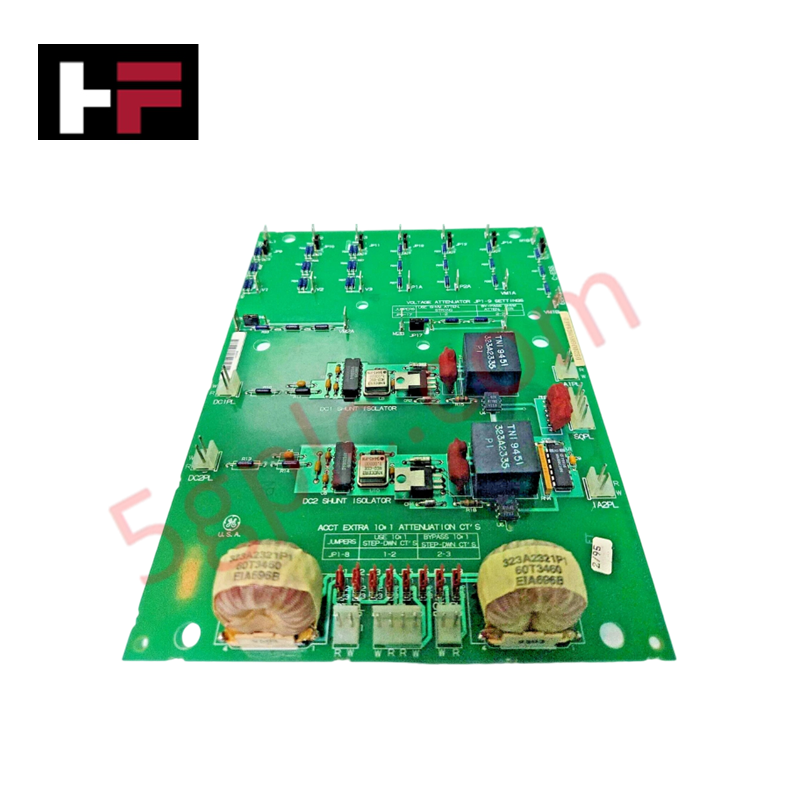
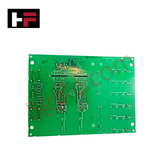
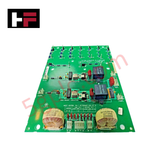
The GE DS200SHVMG1A, also cataloged as the DS200SHVMG1 SCR High Voltage Interface Board, operates as a dedicated hardware component for signal conditioning and interface management between M-frame drive SCR bridges and power supply systems within Mark V turbine control assemblies.
Hardware Specifications
| Parameter | Specification |
|---|---|
| Model | DS200SHVMG1A |
| Brand | GE (General Electric) |
| Series | Mark V |
| Function | SCR High Voltage M-frame Interface |
| Shunt Signal Input | -500 to 500 mV |
| Frequency Output | 0 to 500 kHz (Differential) |
| Current Transformer Attenuation | 10:1 (User-selectable via 17 Jumpers) |
| AC Line Voltage Ranges | 240-600 V (Bypass); 601-1000 V (Active) |
| PCB Protection | Normal Coating with Insulated Mounting Rings |
| Origin | Domestic |
Deterministic Network and Firmware Compatibility
The DS200SHVMG1A board maintains synchronization within the Mark V control environment by facilitating high-speed data translation between the SCR bridge and downstream modules such as the DCFB, SDCI, and PCCA boards. The unit utilizes voltage-controlled oscillator (VCO) circuits to translate analog shunt inputs into precise differential frequency outputs. To ensure deterministic performance across the backplane, the board must be configured according to site-specific line voltage requirements; failure to set the 17 onboard jumpers correctly will result in signal attenuation mismatch, potentially compromising the control loop stability of the drive assembly. Firmware flash compatibility is governed by the Mark V system revision; ensure the host controller supports the SHVM functional group before integration.
Frequently Asked Questions
Q: Can the 17 onboard jumpers be reconfigured while the drive is energized?
A: No. Jumpers must be configured during a scheduled maintenance shutdown. Adjusting attenuation settings while the system is under load will lead to immediate signal corruption and potential trip events due to improper scaling of the feedback loop.
Q: What are the primary concerns regarding the PCB coating and static sensitivity?
A: The board features a normal PCB protective coating. It is highly static-sensitive. Always handle by the edges or use a grounded wrist strap. Ensure that the insulated rings provided for the factory-drilled mounting holes remain intact during installation to maintain electrical isolation from the cabinet chassis.
Field Installation Guidelines
- Electrostatic Discharge (ESD) Prevention: The DS200SHVMG1A is a static-sensitive component. Utilize an ESD-safe workstation and ensure the technician is properly grounded before removing the board from its anti-static packaging.
- Mounting Integrity: Verify that the insulated rings are properly seated in the installation holes before fastening the board to the cabinet standoffs. Failure to maintain isolation can lead to ground loops or localized arcing.
-
Jumper Verification: Prior to final installation, confirm the jumper configuration matches the specific AC line voltage of the application.
- For 240-600 V ranges, ensure attenuators are bypassed.
- For 601-1000 V ranges, ensure attenuators are engaged.
- Termination: Ensure all connections to the DCFB, SDCI, or PCCA cards are firmly seated. Loose connections on the high-voltage interface can introduce noise into the differential frequency output, leading to instability in the turbine management system.
Additional Information
- 100% Genuine Parts: All products are original and authentic, ensuring reliable industrial performance.
- 30-Day Refund Guarantee: Return any in-stock item within 30 days in original, unopened packaging for a full refund (excluding shipping and fees).
- 12-Month Warranty: Covers defects in materials or workmanship; excludes misuse, normal wear, or unauthorized modifications.
- Worldwide Shipping: We ship via USPS, UPS, FedEx, and DHL. Delivery times vary by country and may be subject to customs or import fees.
- Support & Contact: Technical and warranty assistance is available anytime. Contact us here: Contact.
- Purchase Guidance: Check product specifications and compatibility carefully before ordering to ensure proper application.


Tech & Buying Guide

Demystifying the DDE Protocol in Legacy Industrial Automation Systems
Modern control systems rely heavily on seamless interprocess communication to exchange operational data between software programs. Microsoft first introduced the Dynamic Data Exchange (DDE) protocol in 1987 to enable real-time data sharing. In factory automation, DDE served as an early bridge between control software and Windows desktop applications. Therefore, understanding DDE mechanics provides crucial insights into how legacy industrial networks established software-level connectivity.

Demystifying CPU Communication Ports in Siemens PLC Architectures
Industrial automation relies heavily on robust data exchange between devices. Without seamless connectivity, field instruments, network switches, human-machine interfaces, and programmable logic controllers cannot coordinate effectively. Therefore, understanding the various CPU communication ports available in Siemens hardware ensures efficient factory automation design and seamless system integration.

Mastering the Siemens PLC Scan Cycle: How the CPU Executes Automation Programs
Industrial automation relies heavily on programmable logic controllers (PLCs) to manage complex manufacturing processes. Many engineers dive straight into programming without mastering the underlying architecture. However, understanding how a PLC CPU executes a program ensures reliable system design. Therefore, mastering the scan cycle optimizes both performance and troubleshooting in modern control systems.