










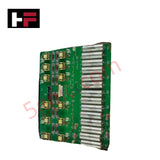
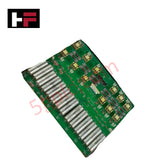
Product Details
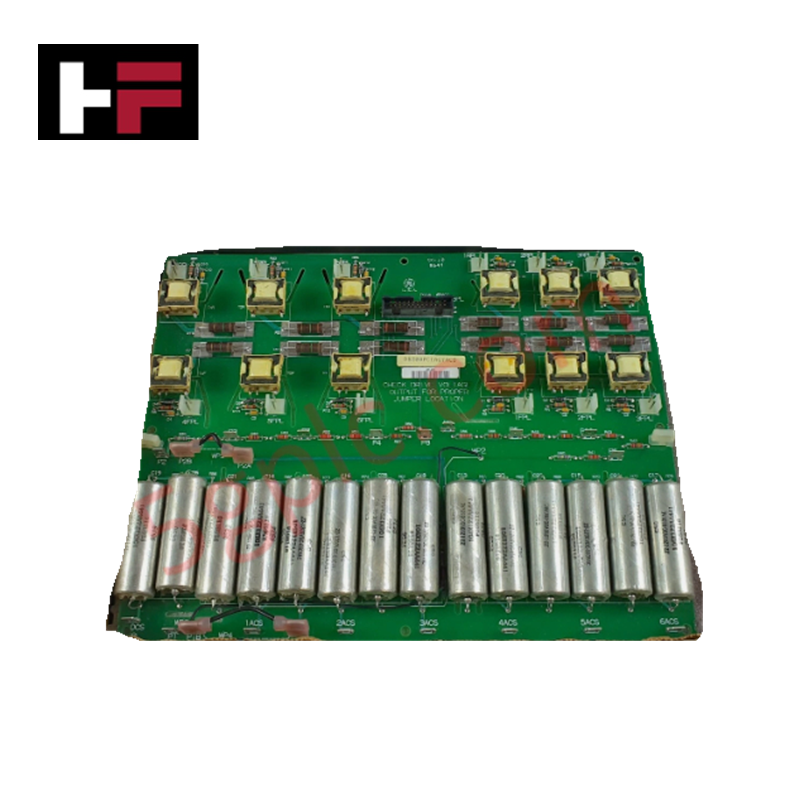
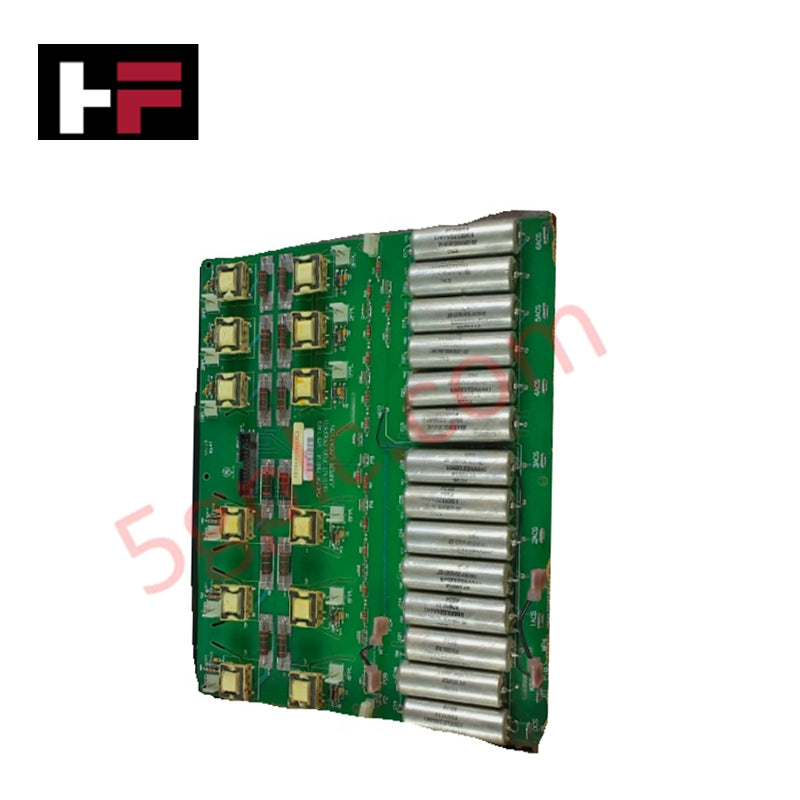
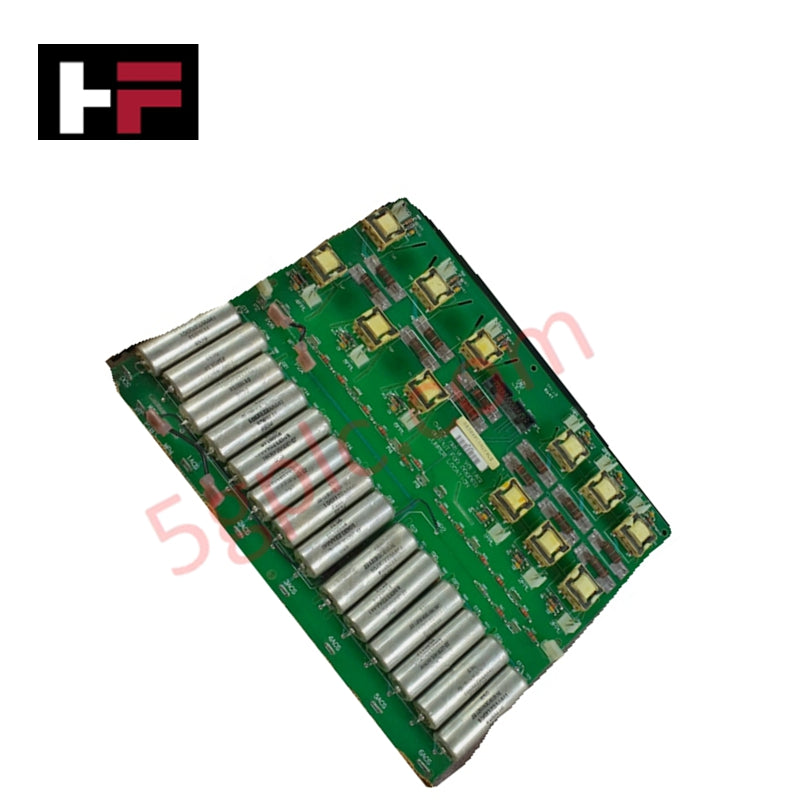
Configured for signal routing within Mark V drive systems, the GE DS200PCCAG7ACB (DS200PCCA Power Connect Card) provides direct physical execution of control interfacing between command circuitry and SCR power bridge assemblies.
Hardware Specifications
| Parameter | Specification |
|---|---|
| Model | DS200PCCAG7ACB |
| Brand | GE |
| Core Performance | SCR power bridge interface, feedback signal relay |
Industrial Control & Firmware Compatibility
The DS200PCCAG7ACB acts as the primary signal conduit between drive control logic and high-power silicon controlled rectifier (SCR) arrays. The board facilitates backplane bus communication velocity by ensuring deterministic transmission of gate-drive commands and feedback loops, including current, voltage, and temperature data. Firmware flash compatibility is managed via the host control processor; the card itself requires specific revision parity to ensure that I/O density scaling aligns with the drive's power bridge configuration. Users must verify hardware revision compatibility before integration to avoid signal latency or gate-triggering errors in the SCR bridge.
Frequently Asked Questions
Q: Does this card support hot-swap functionality?
A: No. The DS200PCCAG7ACB must be installed or removed only when the drive is de-energized and locked out. Hot-swapping poses a risk of voltage transients that can damage the sensitive control circuitry or the SCR gate-drive triggers.
Q: How does this card handle feedback signal integrity?
A: Feedback signals, such as current measurements and temperature readings, are relayed through shielded pathways on the PCB to minimize interference. Ensure that external cabling is correctly shielded to maintain this signal-to-noise ratio during operation.
Field Installation Guidelines
- Connector Alignment: Carefully align the card with the drive backplane slots. Do not force the connection; ensure the card is perpendicular to the backplane to prevent pin damage on the interface headers.
- Shielding Continuity: Ensure that all feedback signal cables are properly grounded at the designated shield termination points on the drive chassis to prevent electromagnetic noise from distorting temperature and voltage feedback data.
- Revision Verification: Confirm that the A-C-B revision code on the board label matches the system design requirements. Mixing incompatible hardware revisions in a drive assembly can lead to gate-triggering misalignment.
- Component Inspection: Prior to installation, inspect the SCR interface connectors for signs of thermal stress or oxidation. Ensure that ribbon cables connecting to the card are fully seated and free from mechanical tension.
Additional Information
- 100% Genuine Parts: All products are original and authentic, ensuring reliable industrial performance.
- 30-Day Refund Guarantee: Return any in-stock item within 30 days in original, unopened packaging for a full refund (excluding shipping and fees).
- 12-Month Warranty: Covers defects in materials or workmanship; excludes misuse, normal wear, or unauthorized modifications.
- Worldwide Shipping: We ship via USPS, UPS, FedEx, and DHL. Delivery times vary by country and may be subject to customs or import fees.
- Support & Contact: Technical and warranty assistance is available anytime. Contact us here: Contact.
- Purchase Guidance: Check product specifications and compatibility carefully before ordering to ensure proper application.


Tech & Buying Guide

Spatial Computing in Industrial Automation: Elevating PLC and DCS Operations with AR and VR
Industry 4.0 integrates digital intelligence into field operations, transforming factory automation landscapes worldwide. Spatial technologies—specifically Augmented Reality (AR) and Virtual Reality (VR)—redefine how engineers interact with industrial control systems. By bridging computer-generated CAD models with real-time operational technology (OT) data, immersive displays enable intuitive monitoring, rapid diagnostics, and safer maintenance across complex processing facilities.

Master Acceptance Testing: Understanding FAT and SAT in Industrial Control Systems
Factory Acceptance Testing (FAT) and Site Acceptance Testing (SAT) serve as critical quality assurance gateways in complex industrial control systems. Both procedures verify that programmable logic controllers (PLCs), distributed control systems (DCS), and associated field devices meet strict functional specifications. However, executing these tests effectively requires clear delineation between off-site staging and final field commissioning.

Industrial Networking Essentials: Demystifying Hubs, Switches, and Routers in Control Systems
Industrial automation relies heavily on robust networking infrastructure to connect programmable logic controllers (PLCs), distributed control systems (DCS), and human-machine interfaces (HMIs). Modern factory automation environments generate vast amounts of real-time operational data across deterministic networks. Understanding the structural differences between hubs, switches, and routers ensures optimal traffic segmentation, minimizes latency, and maintains high network availability.