










Product Details
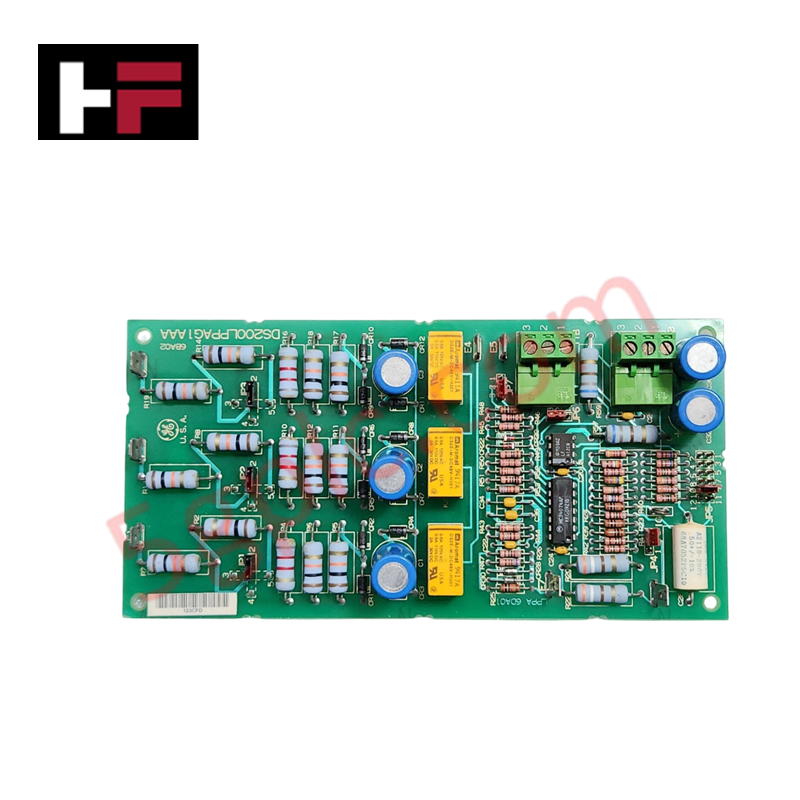
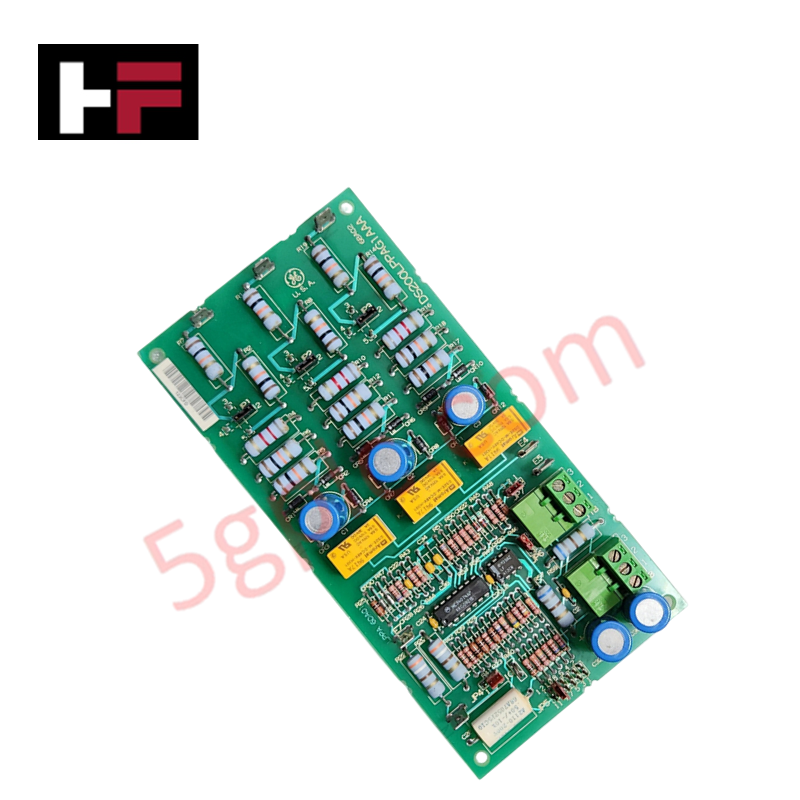
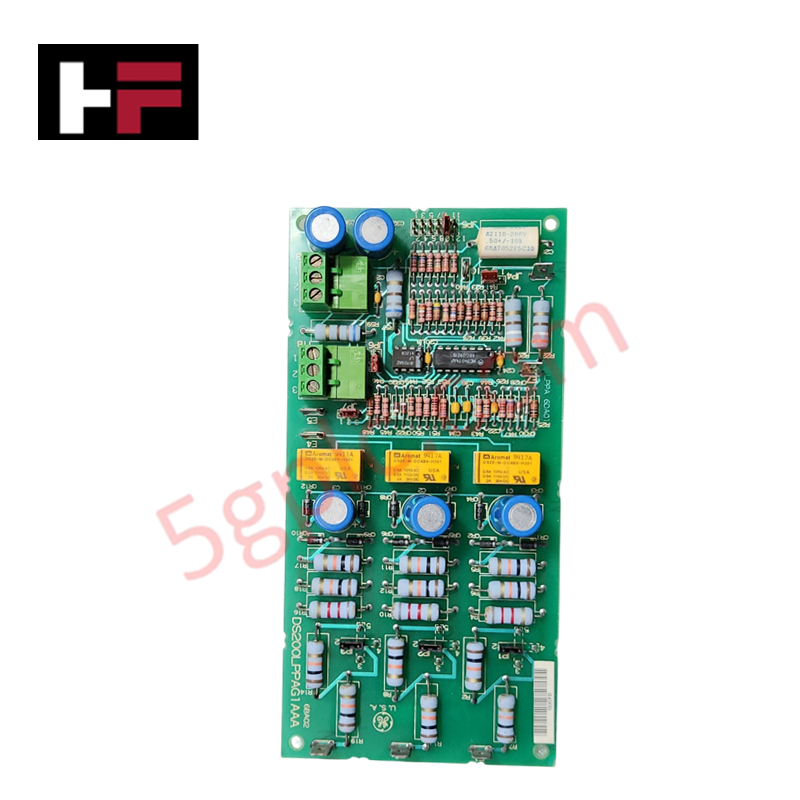
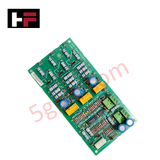
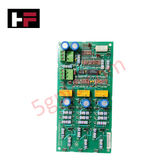
Configured for power line monitoring and fault isolation in EX2000 excitation control systems, the GE DS200LPPAG1A (DS200LPPA Line Protection Card) provides direct physical execution of transmission line analysis and abnormal condition detection.
Hardware Specifications
| Parameter | Specification |
|---|---|
| Model | DS200LPPAG1A |
| Brand | General Electric |
| Origin | USA |
| Weight | 2 lbs |
| Operating Temp | 0 deg C to +65 deg C |
| Power Consumption | +18 VDC to +32 VDC |
| Interfaces | 2 terminal blocks (3 terminals each), 7 jumpers (JP1-JP7) |
Industrial Control and Firmware Flash Compatibility
The DS200LPPAG1A is integrated into the EX2000 system to monitor transmission line parameters, including voltage stability, overcurrent, and short-circuit conditions. Deterministic fault detection is achieved through continuous analog signal monitoring. When abnormal conditions such as line-to-ground faults or overloads are identified, the card triggers an isolation sequence, sending signals to disconnect the affected line to protect the generator and associated turbine equipment. The module supports firmware flash compatibility through the QNX Neutrino operating system environment, ensuring the protection logic remains aligned with system control requirements. I/O density scaling and fault-detection sensitivity are calibrated using seven onboard jumpers (JP1-JP7), which define the protection parameters and isolation behavior.
Frequently Asked Questions
Q: Can the JP1 through JP7 jumpers be adjusted during turbine operation?
A: No. Any changes to jumper configurations to alter protection thresholds or isolation behavior must be performed while the system is de-energized and the turbine is offline to prevent unexpected signal states or system trips.
Q: How does the DS200LPPAG1A interface with the QNX Neutrino operating system?
A: The card provides digitized fault status signals that are interpreted by the QNX Neutrino-based control platform. This allows for real-time monitoring and logging of line faults detected by the hardware.
Field Installation Guidelines
- Ensure the EX2000 control cabinet is de-energized and all power sources are isolated before installing or removing the module to avoid electrical shock.
- Verify that the input power supply is within the +18 VDC to +32 VDC range before initiating system startup.
- Terminate signal wires into the two onboard 3-terminal blocks, ensuring connections are tightened to industrial torque standards to prevent high-resistance contact faults.
- Perform a dry-run diagnostic test after installation to ensure the protection card correctly communicates fault status signals to the control platform before placing the turbine into operation.
Additional Information
- 100% Genuine Parts: All products are original and authentic, ensuring reliable industrial performance.
- 30-Day Refund Guarantee: Return any in-stock item within 30 days in original, unopened packaging for a full refund (excluding shipping and fees).
- 12-Month Warranty: Covers defects in materials or workmanship; excludes misuse, normal wear, or unauthorized modifications.
- Worldwide Shipping: We ship via USPS, UPS, FedEx, and DHL. Delivery times vary by country and may be subject to customs or import fees.
- Support & Contact: Technical and warranty assistance is available anytime. Contact us here: Contact.
- Purchase Guidance: Check product specifications and compatibility carefully before ordering to ensure proper application.


Tech & Buying Guide

Demystifying CPU Communication Ports in Siemens PLC Architectures
Industrial automation relies heavily on robust data exchange between devices. Without seamless connectivity, field instruments, network switches, human-machine interfaces, and programmable logic controllers cannot coordinate effectively. Therefore, understanding the various CPU communication ports available in Siemens hardware ensures efficient factory automation design and seamless system integration.

Mastering the Siemens PLC Scan Cycle: How the CPU Executes Automation Programs
Industrial automation relies heavily on programmable logic controllers (PLCs) to manage complex manufacturing processes. Many engineers dive straight into programming without mastering the underlying architecture. However, understanding how a PLC CPU executes a program ensures reliable system design. Therefore, mastering the scan cycle optimizes both performance and troubleshooting in modern control systems.

How to Connect to Siemens S7 PLCs: 5 Essential Communication Methods
Establishing a reliable hardware link between a programming terminal and a Siemens SIMATIC controller is essential for engineering workflows. Field engineers rely on distinct physical layers, ranging from legacy serial connections to high-speed Industrial Ethernet protocols. Modern factory automation environments prioritize fast data transfer and seamless driver integration. Selecting the correct connection method simplifies program downloads, online monitoring, and system troubleshooting in complex control systems.