










Product Details
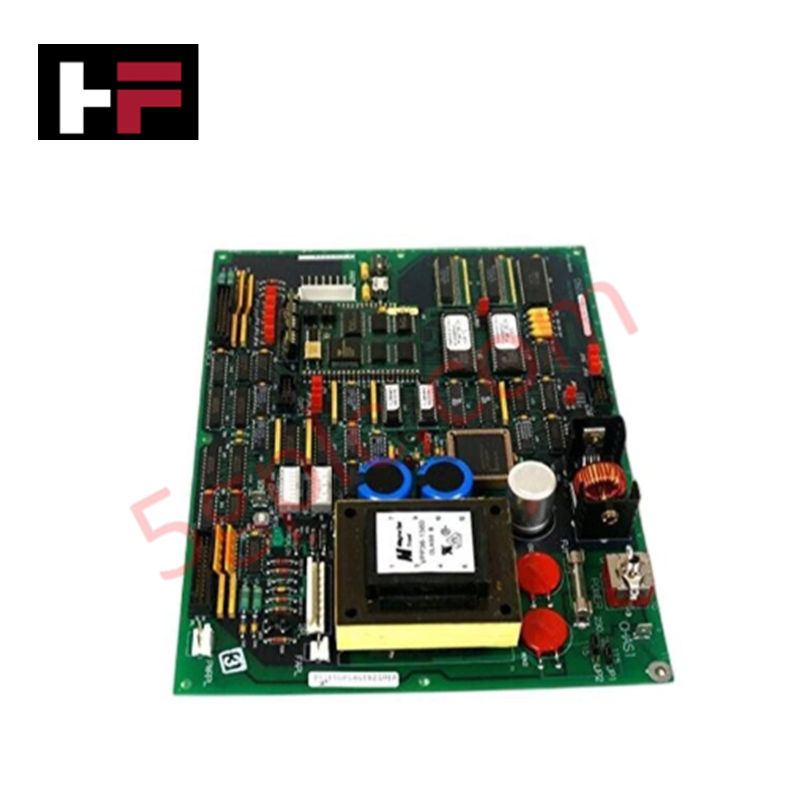
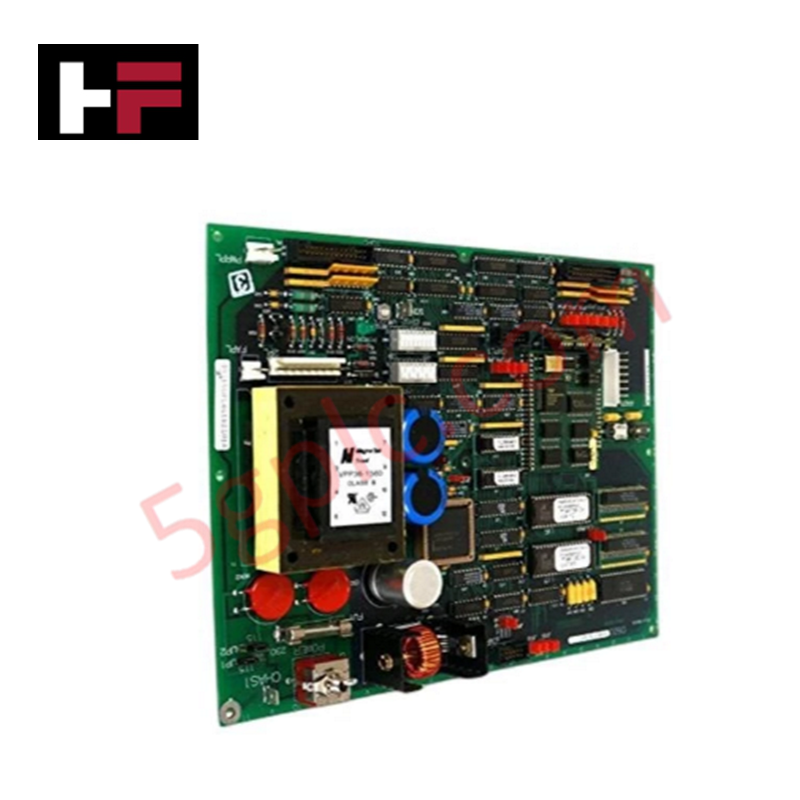
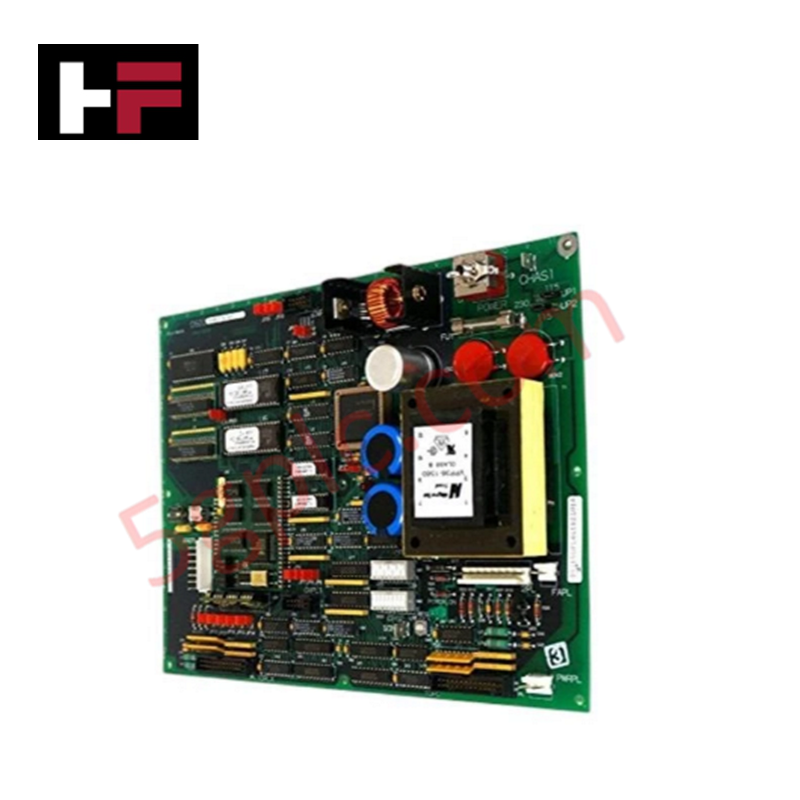
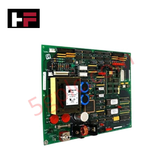
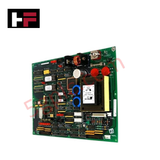
The GE DS200UPLAG1B, also cataloged as the DS200UPLA LAN Power Supply Board, operates as a dedicated hardware component for voltage regulation and signal path stabilization within Mark V control system network architectures.
Hardware Specifications
| Parameter | Specification |
|---|---|
| Model | DS200UPLAG1B |
| Brand | GE (General Electric) |
| Origin | USA |
| Interface | Two 26-pin connectors; One 8-pin connector |
| Protection | Integrated fuse for overcurrent protection |
Industrial Control Deterministic Network
The DS200UPLAG1B provides stable DC output for network communication interfaces within the Mark V series. The board’s architecture incorporates voltage regulation and surge suppression to mitigate transient electrical noise that could otherwise induce packet loss or timing jitter on the network bus. When configuring the unit, the onboard jumpers and switches must be set according to the specific backplane bus communication velocity requirements of the Mark V host controller. Proper firmware flash compatibility must be verified with the system integrator to ensure the board accurately handles the power distribution loads required by connected peripheral modules and prevents deterministic network degradation.
Frequently Asked Questions
Q: Are the interface connectors hot-swappable during system operation?
A: No. Do not attempt to disconnect or connect the 26-pin or 8-pin interface headers while the Mark V system is energized. Hot-swapping risks arc damage to the pins and transient voltage spikes that may disrupt communication across the LAN segment.
Q: What is the function of the onboard fuse regarding system protection?
A: The onboard fuse acts as a sacrificial safety element against overcurrent conditions. If the system experiences a power surge or an excessive current draw, the fuse will open to protect the internal voltage regulation circuitry. If the fuse is blown, the module must be de-energized, inspected for shorts, and the fuse replaced with an identical rating before restoring power.
Field Installation Guidelines
- Mounting: Ensure the board is firmly seated within the designated Mark V cabinet slot. Verify that the connectors are fully aligned before engaging the locking mechanisms to prevent mechanical stress on the PCB.
- Electrical Grounding: Ensure the cabinet chassis is properly earth-grounded. Given the board's role in surge protection, low-impedance paths to ground are required to dissipate transient voltages effectively.
- Cable Management: Route communication cables and power leads along designated cable trays, maintaining physical separation from high-voltage AC lines to prevent induced electromagnetic interference on the LAN interface signals.
- Jumper Settings: Prior to power-up, verify that the configuration of all onboard jumpers aligns with the documented requirements for the specific site network topography. Incorrect settings may cause impedance mismatches or operational instability.
Additional Information
- 100% Genuine Parts: All products are original and authentic, ensuring reliable industrial performance.
- 30-Day Refund Guarantee: Return any in-stock item within 30 days in original, unopened packaging for a full refund (excluding shipping and fees).
- 12-Month Warranty: Covers defects in materials or workmanship; excludes misuse, normal wear, or unauthorized modifications.
- Worldwide Shipping: We ship via USPS, UPS, FedEx, and DHL. Delivery times vary by country and may be subject to customs or import fees.
- Support & Contact: Technical and warranty assistance is available anytime. Contact us here: Contact.
- Purchase Guidance: Check product specifications and compatibility carefully before ordering to ensure proper application.


Tech & Buying Guide

Demystifying CPU Communication Ports in Siemens PLC Architectures
Industrial automation relies heavily on robust data exchange between devices. Without seamless connectivity, field instruments, network switches, human-machine interfaces, and programmable logic controllers cannot coordinate effectively. Therefore, understanding the various CPU communication ports available in Siemens hardware ensures efficient factory automation design and seamless system integration.

Mastering the Siemens PLC Scan Cycle: How the CPU Executes Automation Programs
Industrial automation relies heavily on programmable logic controllers (PLCs) to manage complex manufacturing processes. Many engineers dive straight into programming without mastering the underlying architecture. However, understanding how a PLC CPU executes a program ensures reliable system design. Therefore, mastering the scan cycle optimizes both performance and troubleshooting in modern control systems.

How to Connect to Siemens S7 PLCs: 5 Essential Communication Methods
Establishing a reliable hardware link between a programming terminal and a Siemens SIMATIC controller is essential for engineering workflows. Field engineers rely on distinct physical layers, ranging from legacy serial connections to high-speed Industrial Ethernet protocols. Modern factory automation environments prioritize fast data transfer and seamless driver integration. Selecting the correct connection method simplifies program downloads, online monitoring, and system troubleshooting in complex control systems.