










Product Details
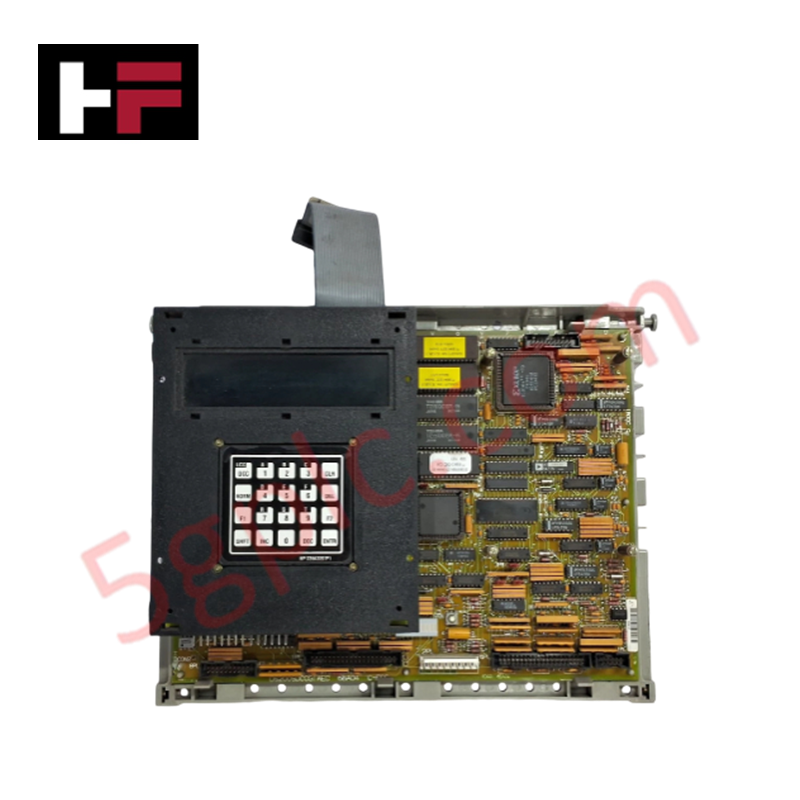
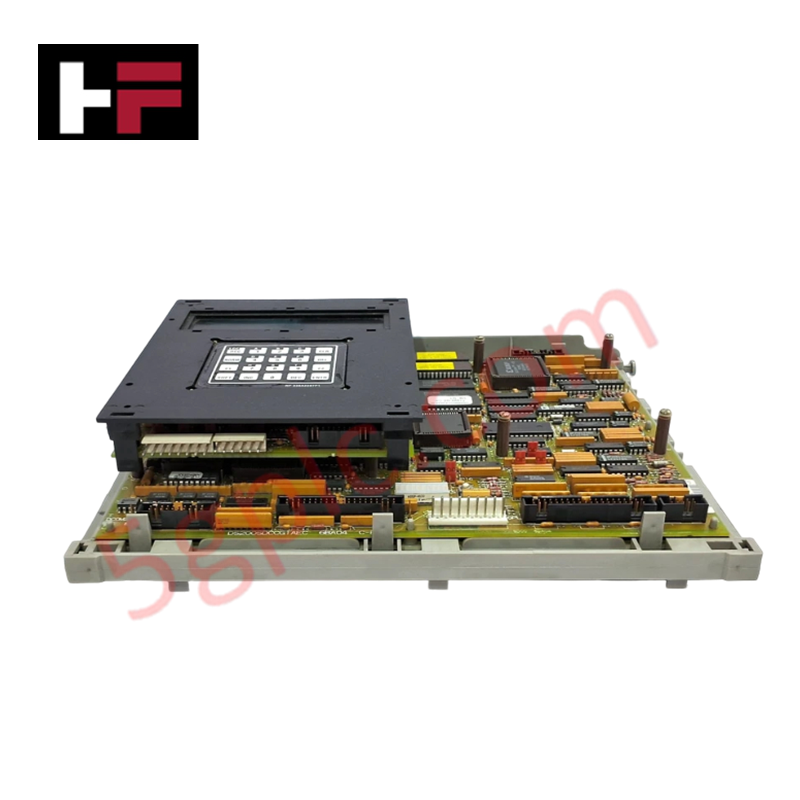
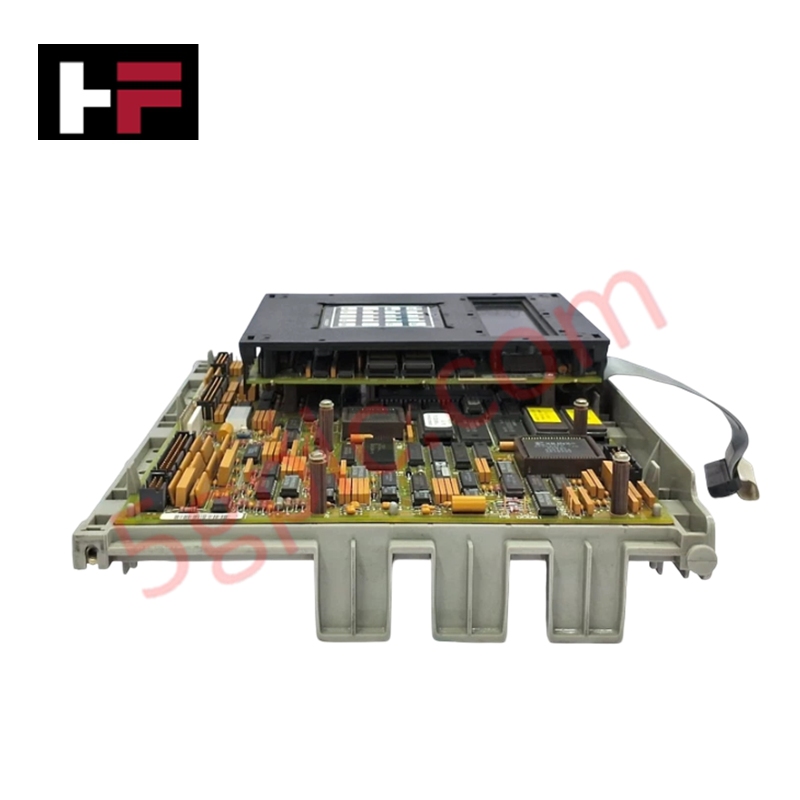
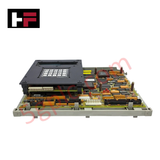
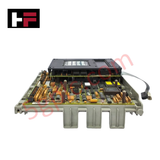
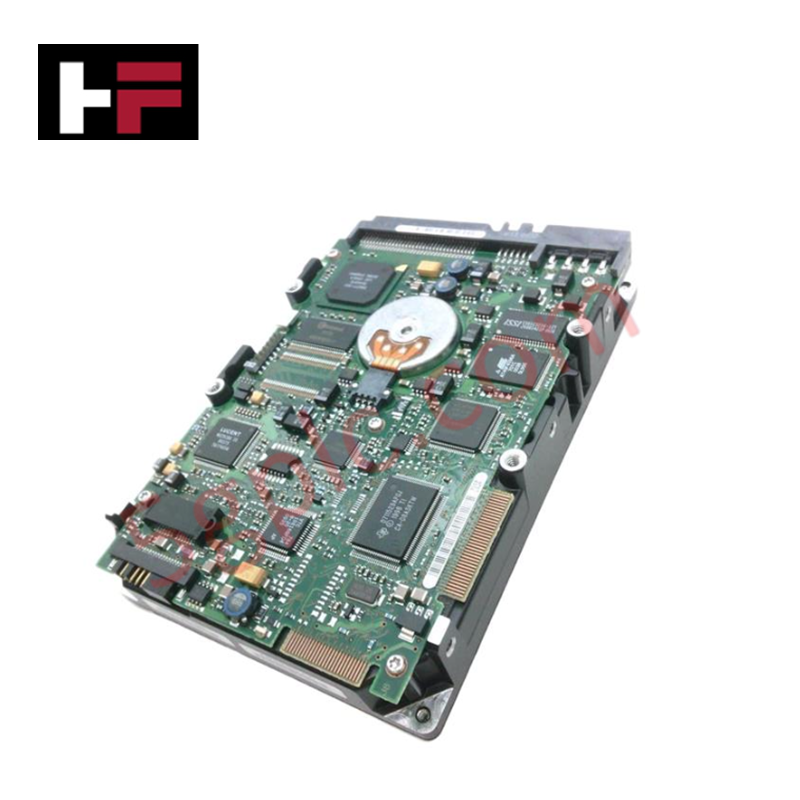
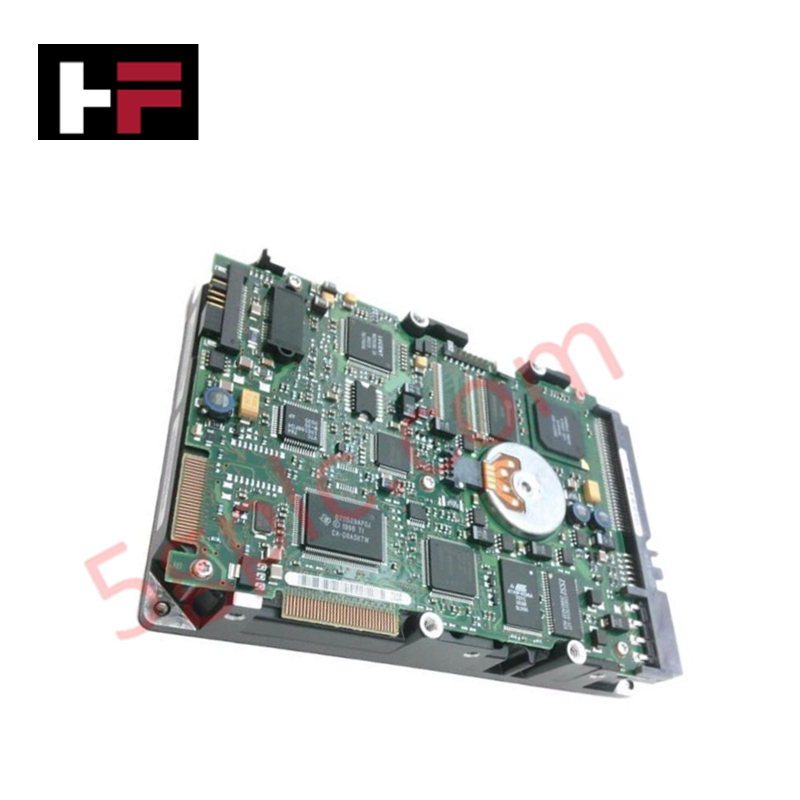
The GE DS200SDCCG1AEC, also cataloged as the DS200SDCCG1 Drive Control Card, operates as a dedicated hardware component for motor regulation and control loop execution within Mark V Speedtronic turbine control systems.
Hardware Specifications
| Parameter | Specification |
|---|---|
| Model | DS200SDCCG1AEC |
| Brand | General Electric |
| Origin | USA |
| Weight | Not specified |
| Core Components | 3 microprocessors, dual-ported RAM, 10-LED diagnostic array |
Industrial Control & Firmware Compatibility
The DS200SDCCG1AEC utilizes a tri-processor architecture to execute real-time drive management. Deterministic network performance is contingent upon backplane bus communication velocity, ensuring synchronized data exchange between the processors and auxiliary interface cards (SLCC, LCC, SPC, PSCB). Firmware flash compatibility requires strict adherence to system-level version parity; mismatched firmware may result in processing latencies or synchronization errors during I/O density scaling operations. Diagnostic data extraction is supported via serial connection, allowing operators to download system variables and fault logs to an external host for analysis.
Frequently Asked Questions
Q: How are diagnostic error codes interpreted via the onboard LED array?
A: The ten-LED row provides status feedback through flash frequency. A sequential, continuous left-to-right pattern indicates normal operation. Slow-frequency flashing represents error codes 1 to 399, while high-frequency flashing corresponds to error codes 400 to 1023.
Q: Are there specific requirements for accessing onboard test points?
A: Yes. The board features metallic test posts for signal path verification. Testing must be performed exclusively by authorized personnel using calibrated equipment to prevent signal interference or accidental grounding of sensitive control circuitry.
Field Installation Guidelines
- Safety Protocol: De-energize the drive cabinet completely before accessing internal components. Ensure that the drive is in a zero-energy state to prevent electrical shock from high-voltage circuits.
- ESD Protection: Use certified anti-static wrist straps and conductive work surfaces when handling the PCB. The onboard microprocessors are susceptible to damage from electrostatic discharge during installation or probing.
- Physical Alignment: When seating the card into the drive rack, ensure alignment with the backplane connectors. Do not force the board, as misalignment can damage the connector pins or the backplane interface.
- Verification: Post-installation, monitor the LED sequence across the row. Absence of a sequential flashing pattern upon power-up indicates a potential initialization failure or incorrect board seating; immediately verify backplane connectivity and system-level configuration parameters.
Additional Information
- 100% Genuine Parts: All products are original and authentic, ensuring reliable industrial performance.
- 30-Day Refund Guarantee: Return any in-stock item within 30 days in original, unopened packaging for a full refund (excluding shipping and fees).
- 12-Month Warranty: Covers defects in materials or workmanship; excludes misuse, normal wear, or unauthorized modifications.
- Worldwide Shipping: We ship via USPS, UPS, FedEx, and DHL. Delivery times vary by country and may be subject to customs or import fees.
- Support & Contact: Technical and warranty assistance is available anytime. Contact us here: Contact.
- Purchase Guidance: Check product specifications and compatibility carefully before ordering to ensure proper application.


Tech & Buying Guide

Understanding VFD Mechanical Brake Logic and Control in Industrial Automation
Variable Frequency Drives (VFDs) play a crucial role in modern industrial automation by controlling motor speed, torque, and acceleration. However, high-inertia loads and vertical lifting systems require precise mechanical braking logic to ensure operational safety and prevent equipment damage.

Why Programmable Logic Controllers Drop into Stop Mode: An Expert Analysis
Industrial automation systems rely heavily on Programmable Logic Controllers (PLCs) to maintain uninterrupted production. When a PLC unexpectedly shifts from Run to Stop mode, whole manufacturing lines stall.
As control systems evolve across modern factory automation, understanding the root causes of these interruptions helps engineers minimize costly downtime. This technical guide breaks down why PLCs trip into Stop mode and provides practical strategies to mitigate system faults.

Understanding Root Causes of Unplanned PLC Stop Mode in Industrial Automation
Modern Programmable Logic Controllers manage execution through distinct operational states: Run, Stop, Start-Up, and Hold. During power-up, a controller initializes memory registers within Stop mode before briefly transitioning to Start-Up mode. During this phase, internal self-diagnostics evaluate system integrity across hardware and user programs. If the controller detects no critical faults, it enters Run mode to execute the control program continuously. However, any severe system anomaly forces the CPU back into Stop mode immediately to prevent erratic machine behavior across the plant floor.