Product Details
Product Overview
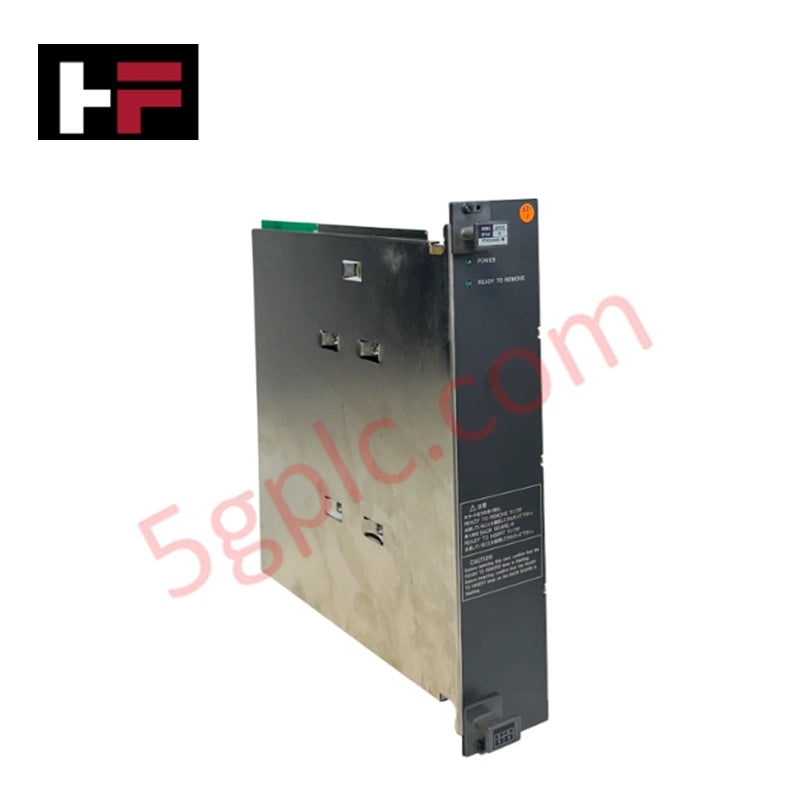
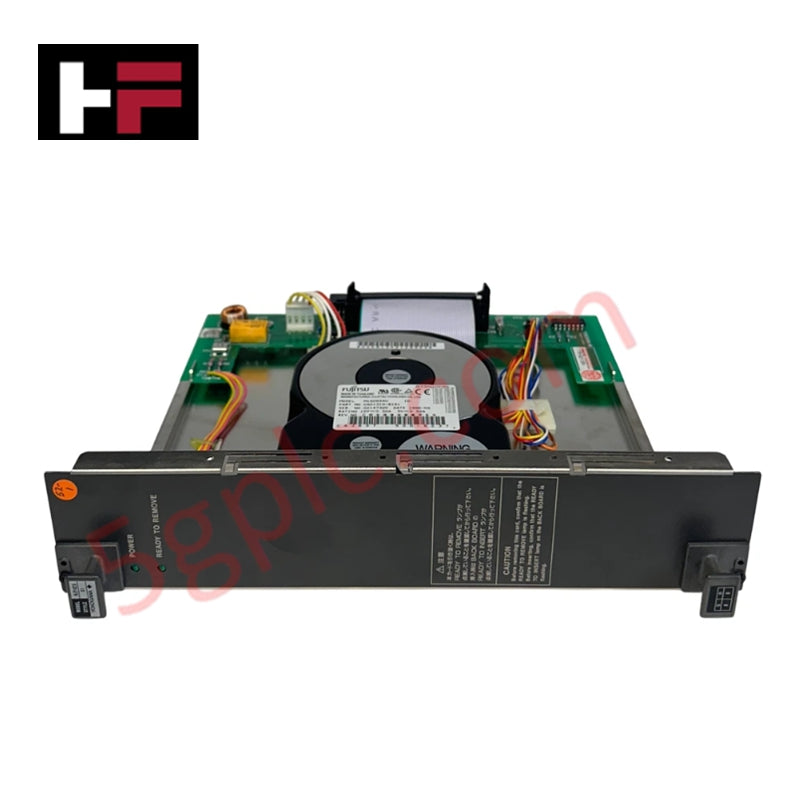
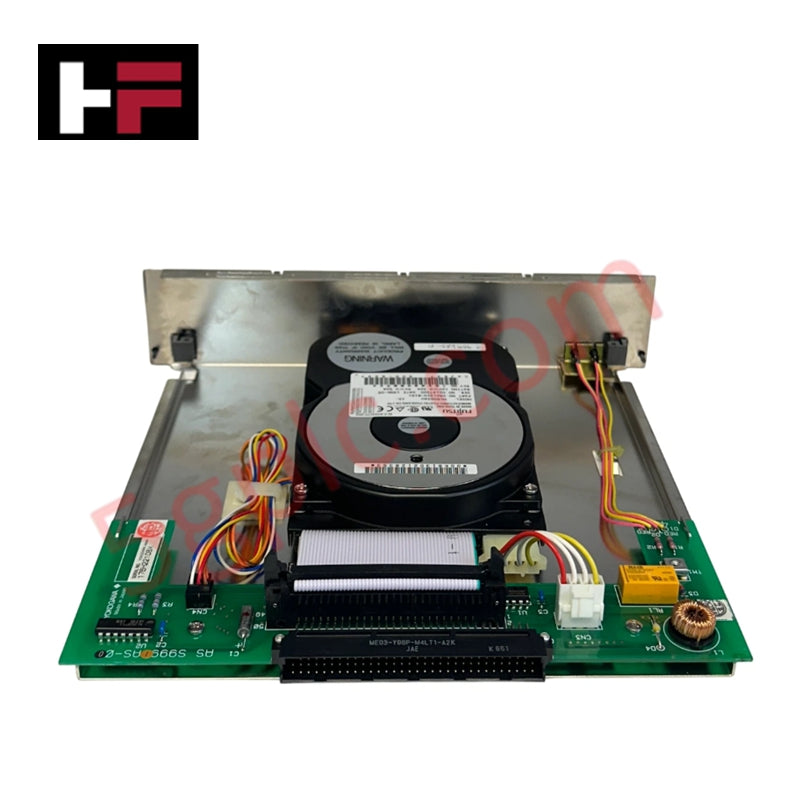
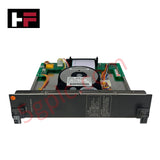
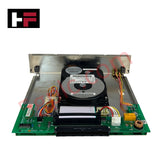
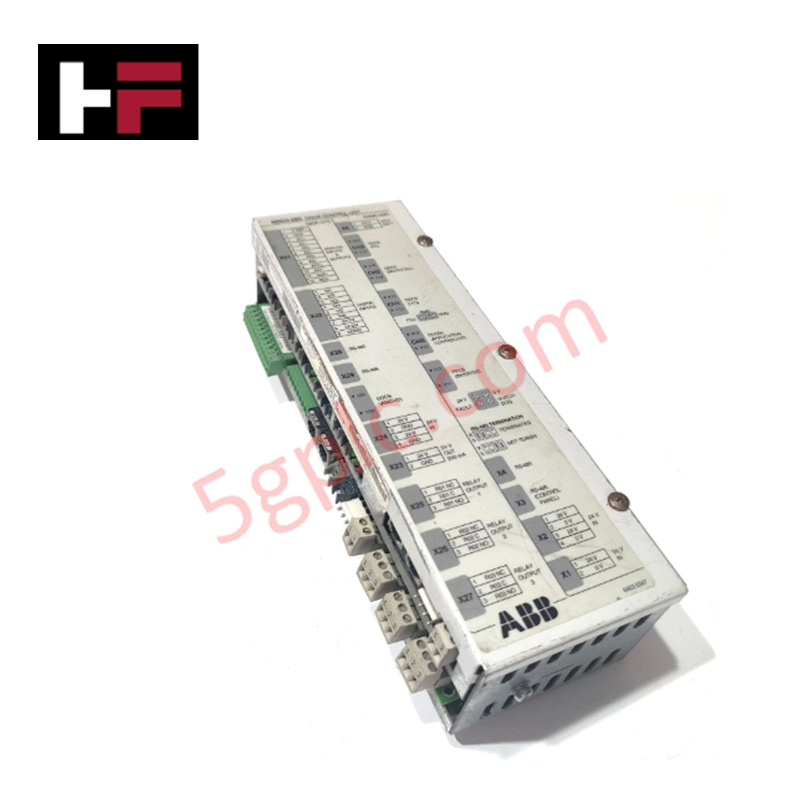
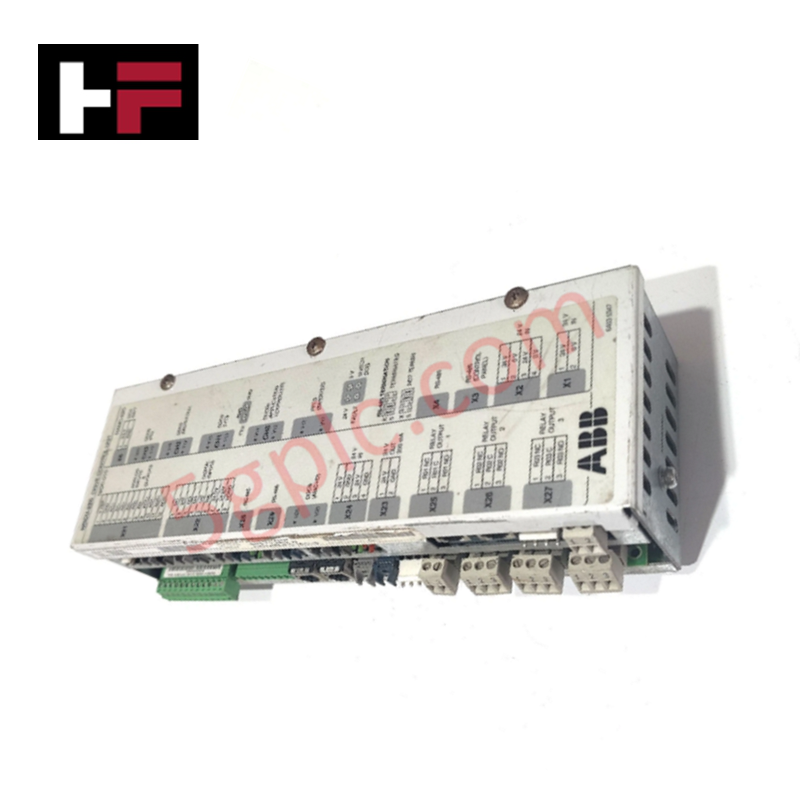
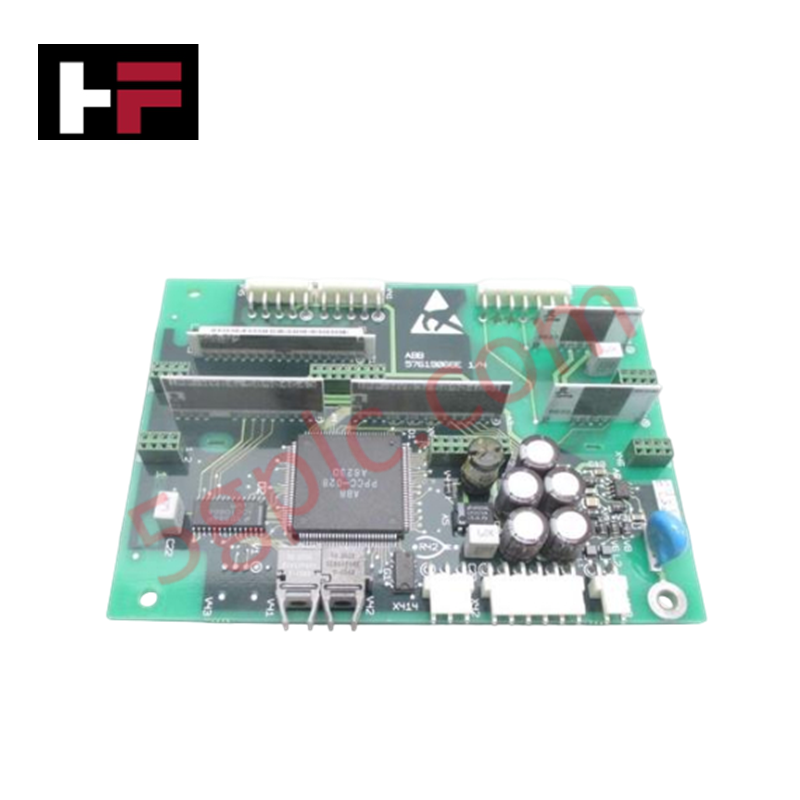
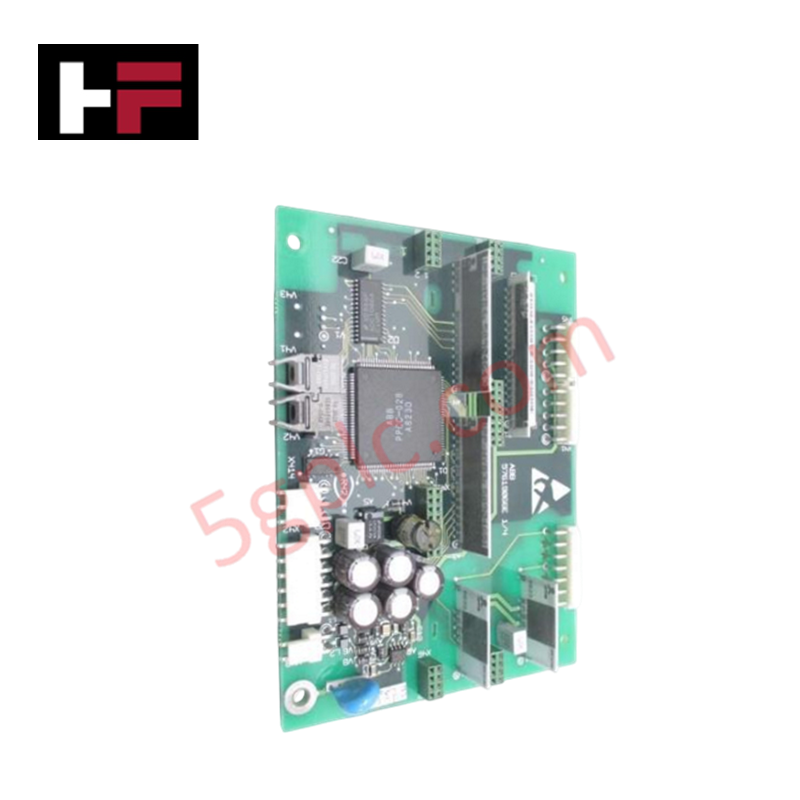
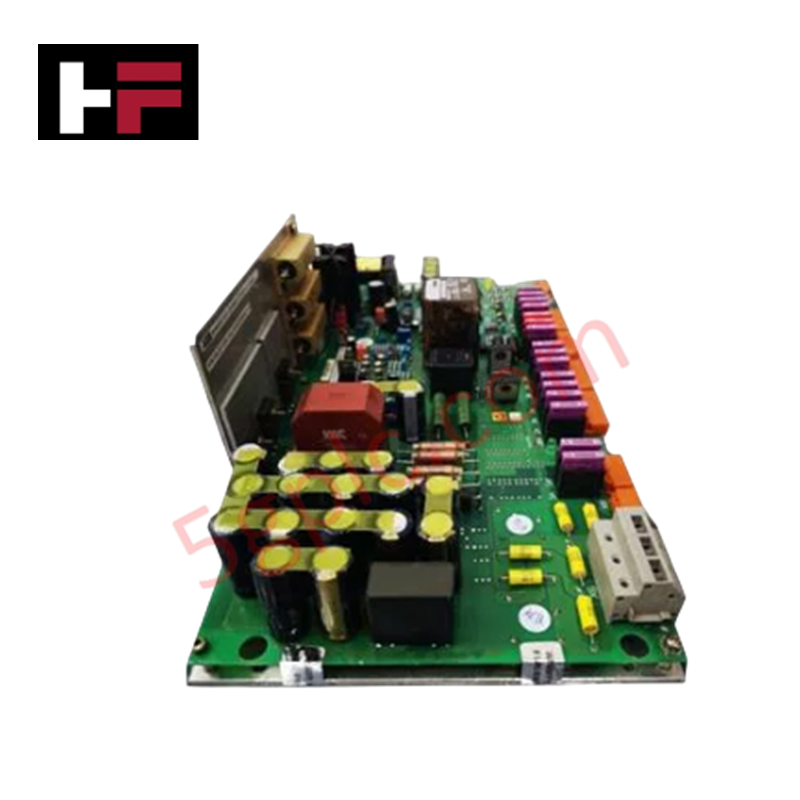
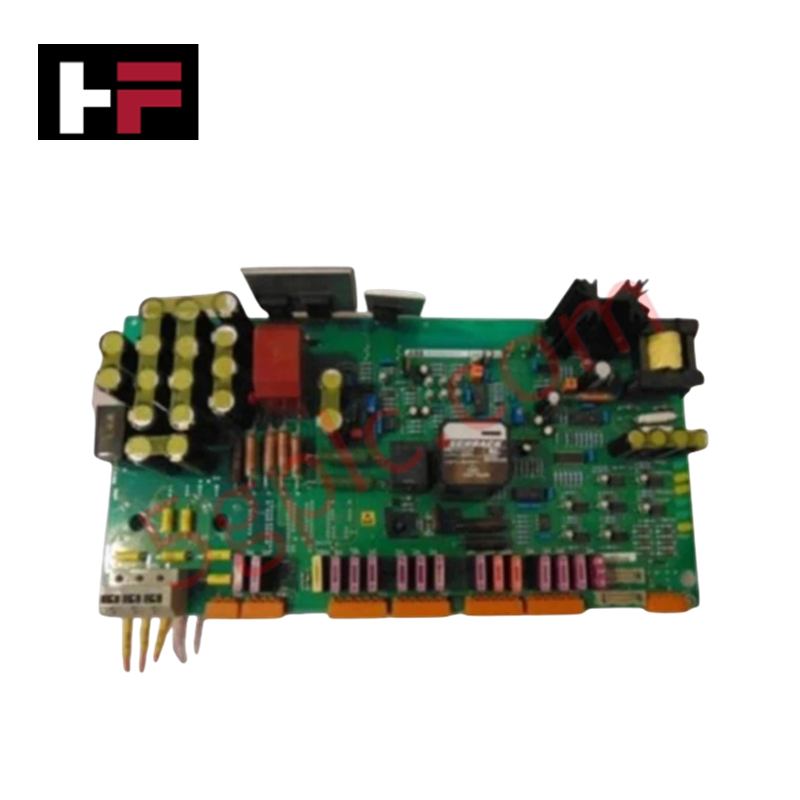
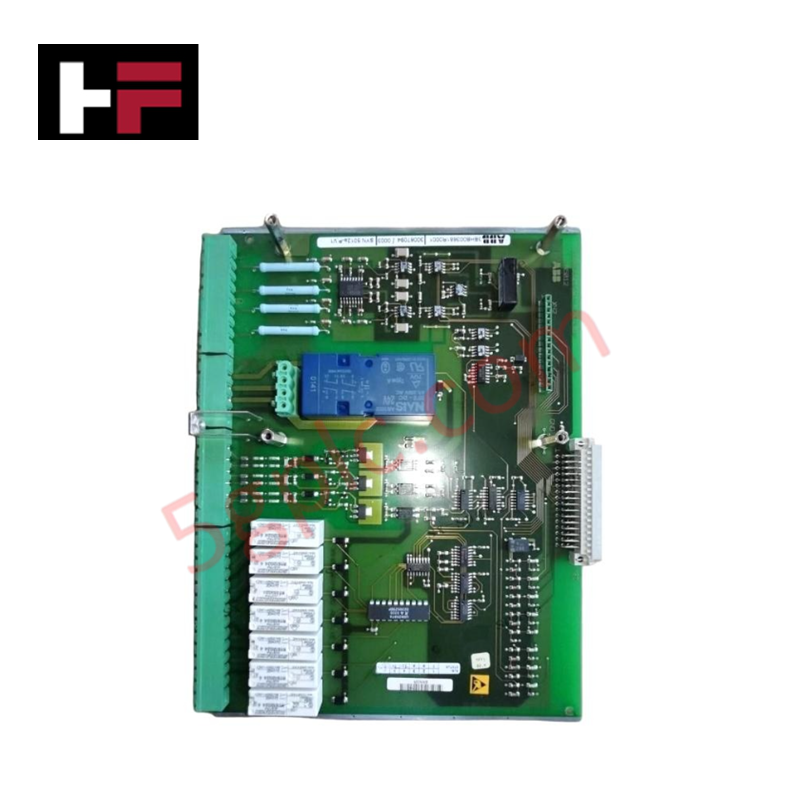
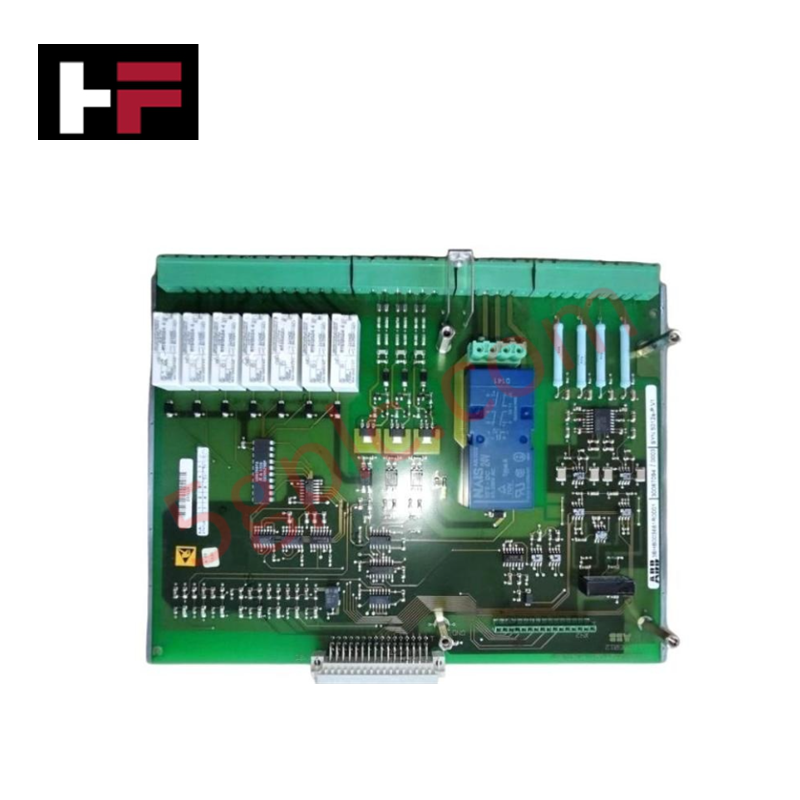
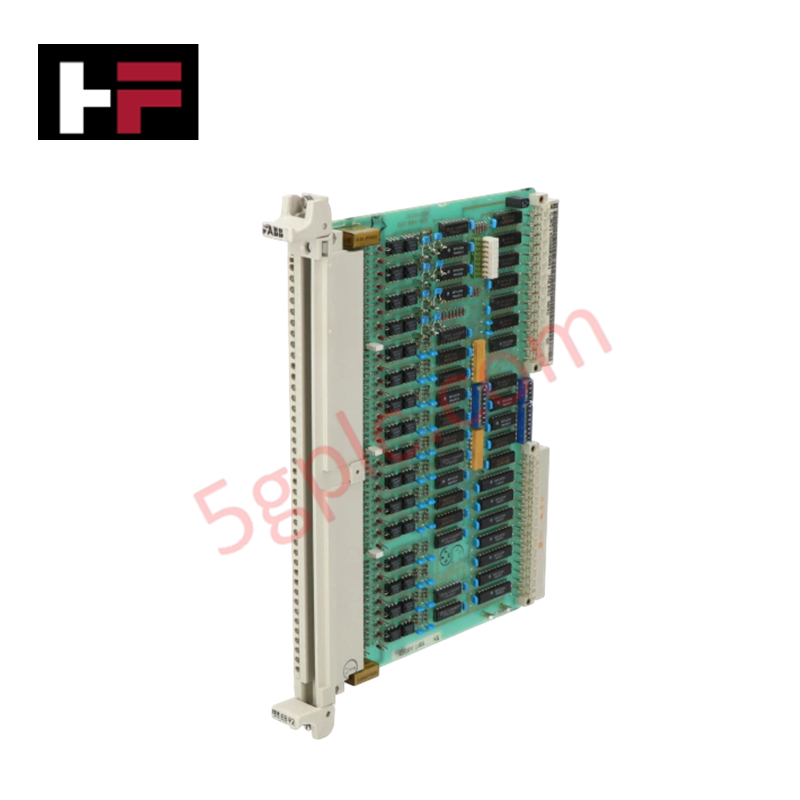
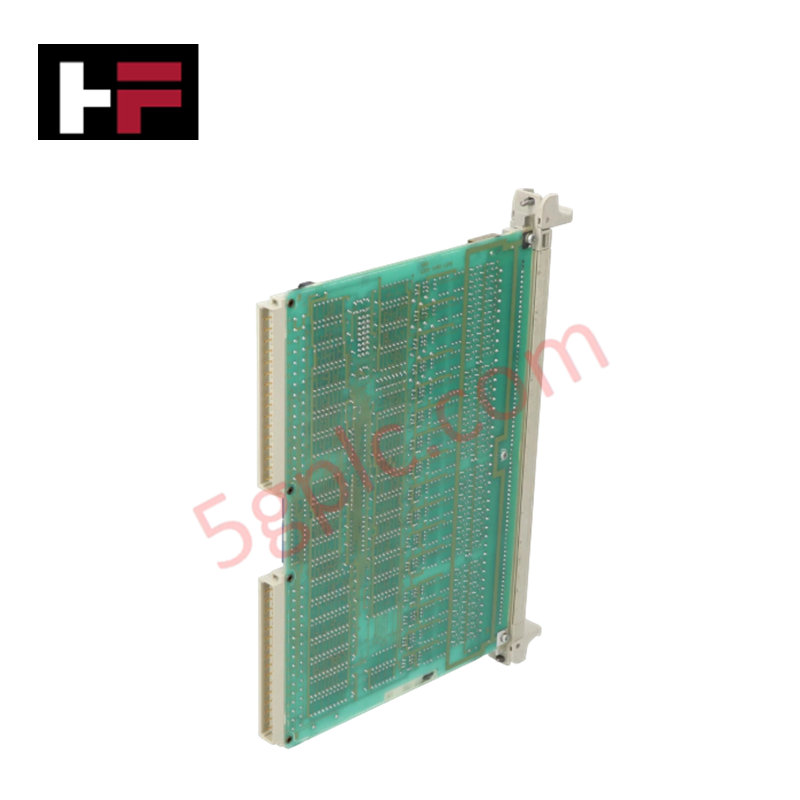
The Yokogawa AIP423 Style S1 is a critical storage and system integrity component designed specifically for Yokogawa CENTUM VP Human Interface Stations (HIS) and Field Control Stations (FCS). In modern Distributed Control Systems (DCS), data loss due to hard drive failure can lead to catastrophic operational downtime and loss of historical process trends. The AIP423 resolves this vulnerability by providing a ruggedized, industrial-grade hard drive module optimized for continuous 24/7 operation in harsh environments. Engineered to withstand wide temperature fluctuations and high vibration, this module ensures the reliable storage of control logic, configuration data, and long-term historical trends, serving as the foundational memory unit for stable plant operations in oil and gas, power generation, and chemical processing facilities.
Technical Specifications
|
Parameter |
Specification |
|---|---|
|
Model Number |
AIP423 |
|
Style Code |
S1 |
|
Manufacturer |
Yokogawa Electric Corporation |
|
Product Type |
Industrial Hard Drive Module / Storage Unit |
|
System Compatibility |
CENTUM VP, CENTUM CS 3000 (HIS/FCS Units) |
|
Interface Protocol |
Proprietary DCS Bus / ATA Compatible (Internal) |
|
Data Transfer Rate |
Optimized for high-speed DCS logging (Up to 100 Mbps equivalent throughput) |
|
Power Supply |
24 VDC (Derived from Host Station Backplane) |
|
Form Factor |
19-inch Rack Mountable (via Host Station Chassis) |
|
Dimensions |
Standard DCS Module Slot Width (Approx. 30mm W x 130mm H x 100mm D) |
|
Unit Weight |
Approx. 1.0 kg |
|
Operating Temperature |
-10°C to +60°C (14°F to 140°F) |
|
Storage Temperature |
-20°C to +70°C |
|
Operating Humidity |
10% to 90% RH (Non-condensing) |
|
Vibration Resistance |
Compliant with IEC 60068-2-6 (Industrial Grade) |
|
MTBF |
>100,000 Hours (Typical for Industrial HDD) |
Model Code Decomposition
Yokogawa’s peripheral and storage modules utilize a specific suffix system to denote hardware revisions, capacity, and interface compatibility. The "Style" code is mandatory for ensuring the drive is recognized by the CENTUM VP BIOS and operating system.
Part Number: AIP423-S1
-
AIP: The series prefix for CENTUM VP/CS 3000 peripheral units, indicating standard I/O, interface, or storage hardware.
-
423: The unique functional identifier for the Hard Drive Module.
-
The "4" series often denotes mass storage or advanced interface units within the Yokogawa architecture.
-
The "23" sequence specifically identifies the form factor and capacity class suitable for HIS/FCS system boot and historical data logging.
-
-S1 (Style 1): This suffix is critical and indicates the specific hardware revision and interface configuration.
-
S1: Denotes the first major production revision of the AIP423, typically featuring a specific capacity (e.g., 40GB–80GB range depending on manufacturing era) and firmware mapping compatible with CENTUM VP R3.x and later systems.
-
Compatibility Note: Substituting an S1 module with a different style (e.g., S2 or non-Yokogawa drives) without firmware reconfiguration will likely result in the station failing to boot or recognize the drive. The "S1" ensures pin-out alignment and voltage tolerance matching the original design specifications.
Installation Recommendations and Wiring Guidelines
Installing the AIP423 requires careful handling to prevent data corruption and physical damage to the storage media.
-
Static Discharge Protection: Hard drive modules contain sensitive electronic components. Always wear an ESD (Electrostatic Discharge) wrist strap when handling the AIP423 before inserting it into the HIS or FCS chassis.
-
System Shutdown: While some CENTUM VP components are hot-swappable, replacing a primary system hard drive usually requires a controlled shutdown of the specific station to prevent file system corruption. Ensure the station is powered down or in maintenance mode before insertion.
-
Backplane Connection: Slide the AIP423 firmly into the designated drive bay slot until the rear connector engages fully with the backplane. You should feel a distinct click or resistance indicating proper seating. Secure the front locking lever or mounting screws immediately.
-
Initialization & Formatting: Upon first installation, the drive may need to be initialized using the CENTUM VP maintenance tools (e.g., or via the System View). Warning: This process erases all existing data. Only perform this on new replacements or after successful data backup.
-
Thermal Monitoring: After installation, monitor the station's internal temperature via the diagnostic software. Ensure the chassis cooling fans are operational, as hard drives are sensitive to temperatures exceeding 60°C.
-
Data Migration: If replacing a failed drive in an existing system, use Yokogawa’s backup/restore utilities to reload the system image and historical database from the latest backup tape or network image.
Frequently Asked Questions (FAQ)
Q: Can I use a standard commercial hard drive instead of the AIP423?
A: No. The AIP423 is not a standard SATA/IDE drive; it features a proprietary interface connector and firmware mapping specifically designed for the Yokogawa CENTUM VP backplane. Commercial drives will not physically fit or be recognized by the system.
Q: What does the "S1" suffix mean, and can I use an AIP423 without it?
A: The "S1" denotes the specific hardware revision and capacity configuration. You cannot order just "AIP423"; the style suffix is required to ensure compatibility with your specific CENTUM VP software version. Using an incorrect style may cause boot failures.
Q: Is the AIP423 hot-swappable?
A: While the physical module can be inserted/removed while the rack is powered, replacing the system hard drive generally requires the station to be offline to prevent data corruption during the swap. It is recommended to perform this replacement during a planned maintenance window.
Q: How do I know if my AIP423 is failing?
A: Signs of failure include frequent system crashes, inability to save historical trends, error messages regarding "Disk Read/Write Errors" in the CENTUM VP diagnostics, or the station failing to boot past the BIOS screen.
Q: Does this module come with the operating system pre-installed?
A: New replacement AIP423 modules are typically shipped blank or with a factory base image. The end-user or system integrator must install the specific CENTUM VP system software and restore the site-specific configuration from backup.
Additional Information
- 100% Genuine Parts: All products are original and authentic, ensuring reliable industrial performance.
- 30-Day Refund Guarantee: Return any in-stock item within 30 days in original, unopened packaging for a full refund (excluding shipping and fees).
- 12-Month Warranty: Covers defects in materials or workmanship; excludes misuse, normal wear, or unauthorized modifications.
- Worldwide Shipping: We ship via USPS, UPS, FedEx, and DHL. Delivery times vary by country and may be subject to customs or import fees.
- Support & Contact: Technical and warranty assistance is available anytime. Contact us here: Contact.
- Purchase Guidance: Check product specifications and compatibility carefully before ordering to ensure proper application.
Tech & Buying Guide

Voice-Activated Industrial Automation: Integrating Speech Control into PLC and DCS Architectures
Industrial automation integrates speech recognition, IIoT protocols, and NLP with PLCs and DCS to streamline operations. By leveraging advanced edge computing, engineers enable real-time, hands-free control—allowing personnel to manage smart factory processes safely away from hazardous equipment.
Modern Industrial Automation: Transforming Safety and Efficiency in Mining Operations
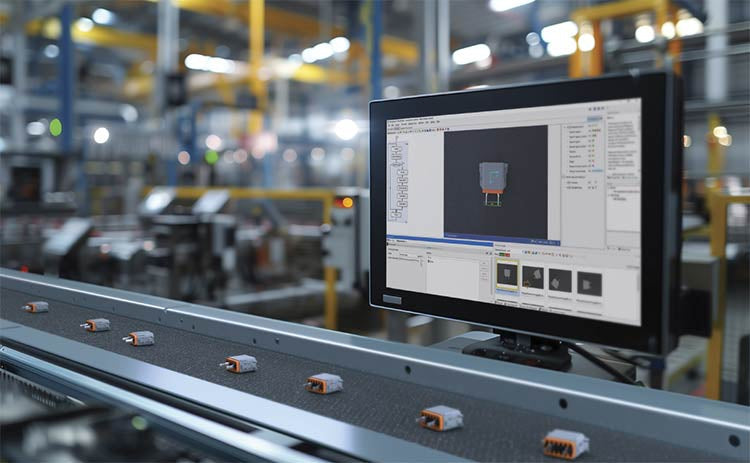
Industrial automation has evolved from a simple manufacturing tool into the operational backbone of high-risk sectors. Modern mining operations increasingly rely on advanced control systems, programmable logic controllers (PLCs), distributed control systems (DCS), and artificial intelligence to address deep-underground hazards. By replacing manual labor in high-risk zones, factory automation technologies protect personnel while significantly boosting operational throughput.