










Product Details
Product Overview
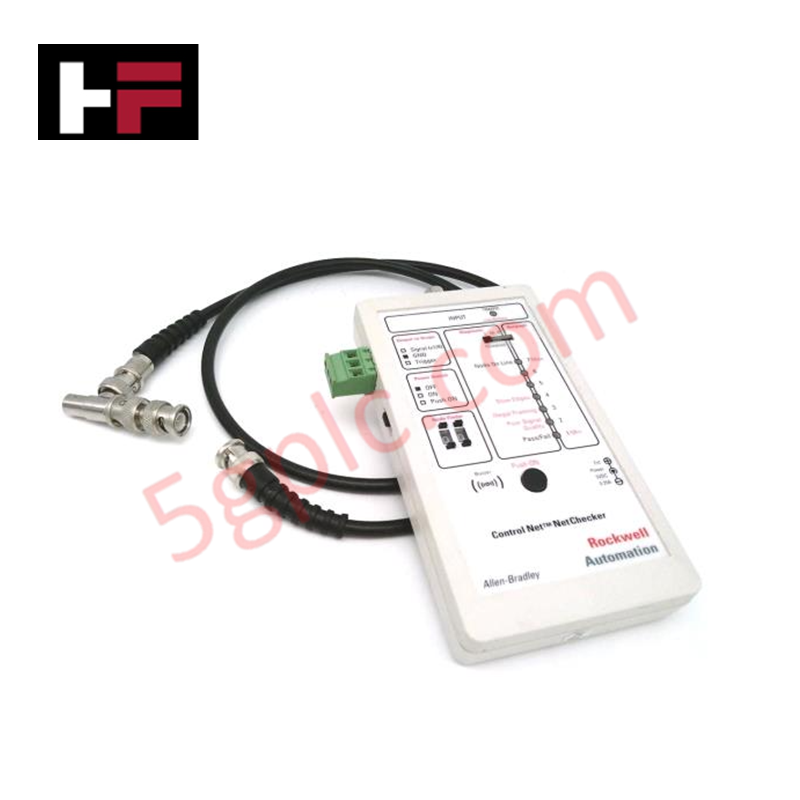
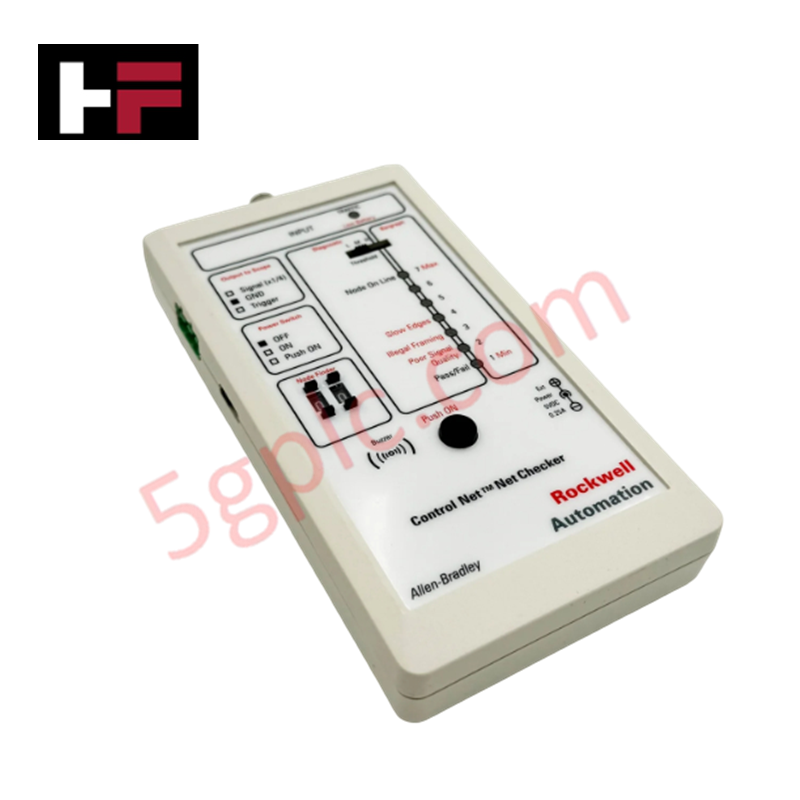
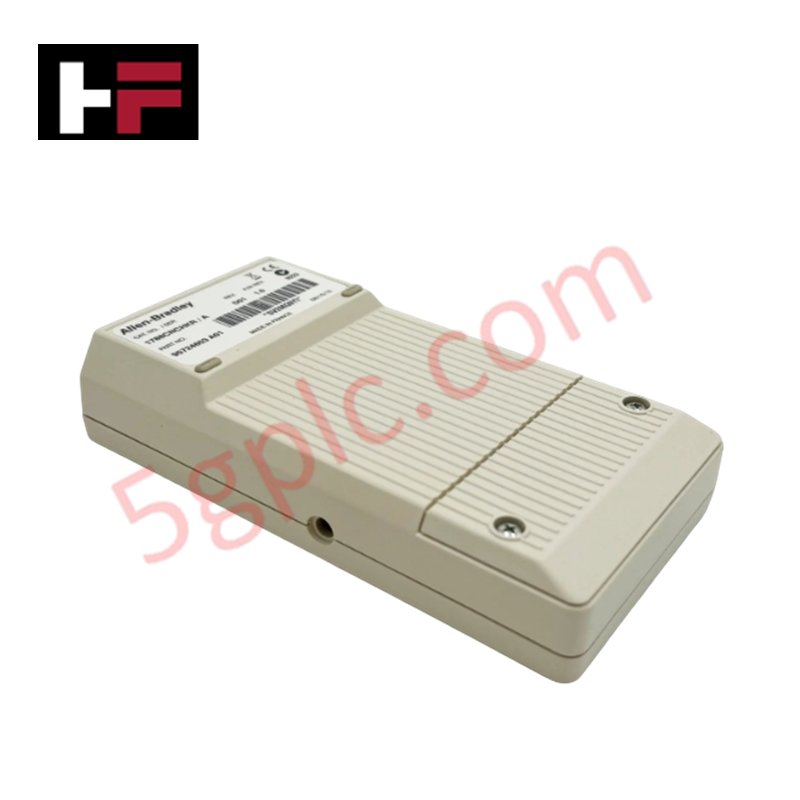
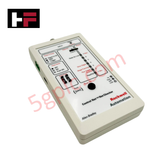
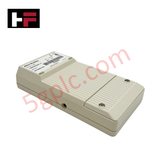
The Allen Bradley 1788-CNCHKR serves as a critical handheld diagnostic instrument for ControlNet networks. It empowers field engineers to identify physical layer faults, monitor traffic health, and verify signal integrity without interrupting system operations. As a 100% Brand New and original unit, this NetChecker ensures precision in detecting node-specific issues and cable attenuation.
Technical Specifications
The following table highlights the core hardware capabilities of the 1788-CNCHKR:
| Feature | Specification |
| Manufacturer | Allen Bradley (Rockwell Automation) |
| Part Number | 1788-CNCHKR |
| Network Type | ControlNet |
| Indicators | 8 Bi-color (Red/Green) LEDs |
| Audio Alert | Integrated Piezo Buzzer for fault detection |
| Power Source | Two (2) 1.5 VDC AA Batteries or External DC Jack |
| Battery Life | 6 Hours (Continuous use) |
| Interface | 2-digit decimal thumbwheel (Node 0-99) |
| Oscilloscope Port | 3-pin Phoenix connector |
| Weight | 0.75 lbs (0.34 kg) |
Engineering Advantages
-
Dual-Mode Diagnostics: The 4-position function switch allows users to toggle between Diagnostic mode (with Low, Medium, and High thresholds) and Bargraph mode. This flexibility enables engineers to quantify signal strength or pinpoint specific interference levels across the network.
-
Real-Time Signal Analysis: The 3-pin Phoenix connector facilitates direct connection to an oscilloscope. This allows technicians to visualize the ControlNet waveform and identify complex harmonic distortions or reflection issues that standard software tools might miss.
-
Proactive Maintenance: The "TRAFFIC" indicator doubles as a low-battery warning, ensuring the tool never fails during critical field commissioning. The dual-function LEDs (1-7) provide an immediate visual representation of network health, allowing for rapid-fire troubleshooting in high-pressure environments.
-
Intuitive Node Targeting: The manual 2-digit thumbwheel switches allow you to isolate and find the address of specific nodes (0-99) instantly. This hardware-level control bypasses the need for complex software configurations during initial cable testing.
FAQs
-
How does the 1788-CNCHKR indicate a fault?
The device utilizes both visual and audible cues. The Piezo buzzer sounds an alarm when it detects a fault, while the eight bi-color LEDs change status to indicate whether the issue stems from signal thresholds or traffic congestion.
-
Can I use the tool for long-term monitoring?
Yes. While the unit runs for 6 hours on AA batteries for portability, the integrated DC jack allows for external power connection, enabling permanent monitoring of specific network segments during stress testing.
-
What is the difference between the 'ON' and 'Push ON' switch positions?
The 3-position slide switch offers a "Permanent ON" mode for extended diagnostics and a "Push ON" momentary power mode. The momentary setting preserves battery life when you only need a quick spot check of a node's status.
-
Is this unit compatible with all ControlNet versions?
The 1788-CNCHKR focuses on the physical layer of the ControlNet media. It effectively analyzes the RG-6 coax backbone and signals regardless of the higher-level firmware versions of the connected PLCs or scanners.
Additional Information
- 100% Genuine Parts: All products are original and authentic, ensuring reliable industrial performance.
- 30-Day Refund Guarantee: Return any in-stock item within 30 days in original, unopened packaging for a full refund (excluding shipping and fees).
- 12-Month Warranty: Covers defects in materials or workmanship; excludes misuse, normal wear, or unauthorized modifications.
- Worldwide Shipping: We ship via USPS, UPS, FedEx, and DHL. Delivery times vary by country and may be subject to customs or import fees.
- Support & Contact: Technical and warranty assistance is available anytime. Contact us here: Contact.
- Purchase Guidance: Check product specifications and compatibility carefully before ordering to ensure proper application.
Tech & Buying Guide

Demystifying the DDE Protocol in Legacy Industrial Automation Systems
Modern control systems rely heavily on seamless interprocess communication to exchange operational data between software programs. Microsoft first introduced the Dynamic Data Exchange (DDE) protocol in 1987 to enable real-time data sharing. In factory automation, DDE served as an early bridge between control software and Windows desktop applications. Therefore, understanding DDE mechanics provides crucial insights into how legacy industrial networks established software-level connectivity.

Demystifying CPU Communication Ports in Siemens PLC Architectures
Industrial automation relies heavily on robust data exchange between devices. Without seamless connectivity, field instruments, network switches, human-machine interfaces, and programmable logic controllers cannot coordinate effectively. Therefore, understanding the various CPU communication ports available in Siemens hardware ensures efficient factory automation design and seamless system integration.

Mastering the Siemens PLC Scan Cycle: How the CPU Executes Automation Programs
Industrial automation relies heavily on programmable logic controllers (PLCs) to manage complex manufacturing processes. Many engineers dive straight into programming without mastering the underlying architecture. However, understanding how a PLC CPU executes a program ensures reliable system design. Therefore, mastering the scan cycle optimizes both performance and troubleshooting in modern control systems.