











Product Details
Product Overview
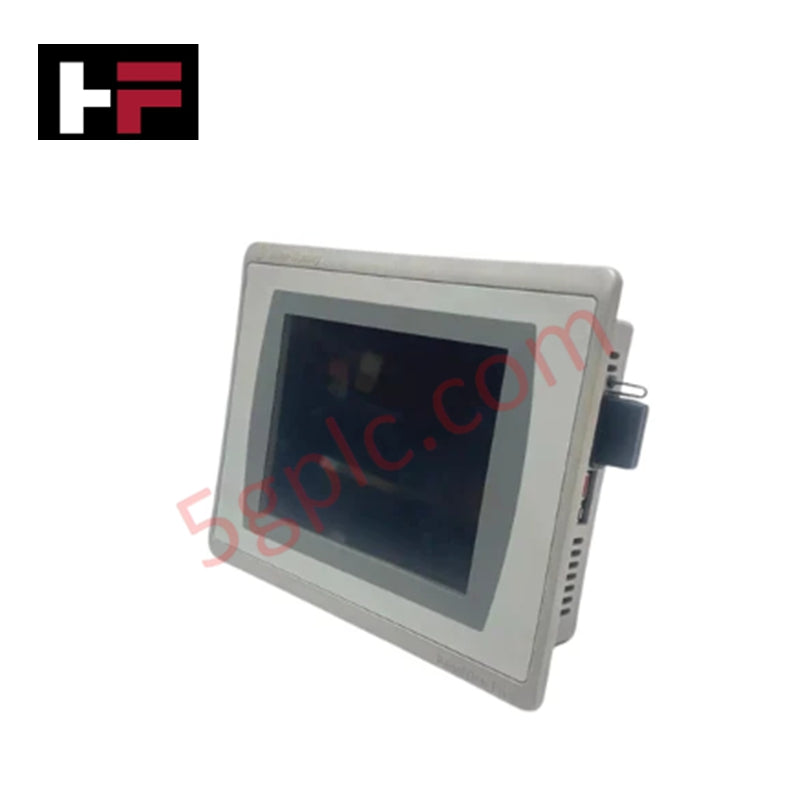
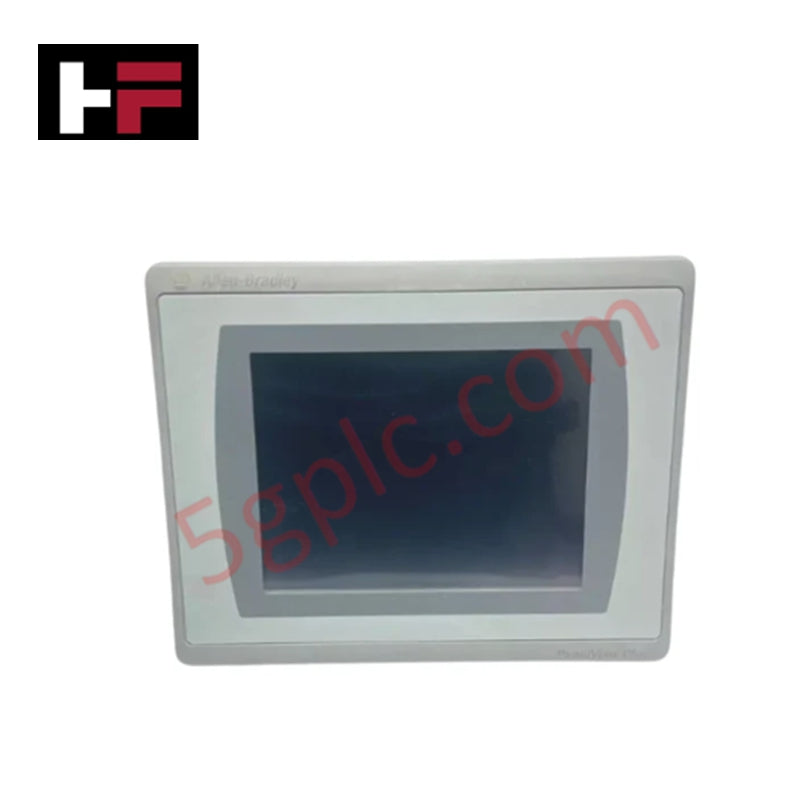
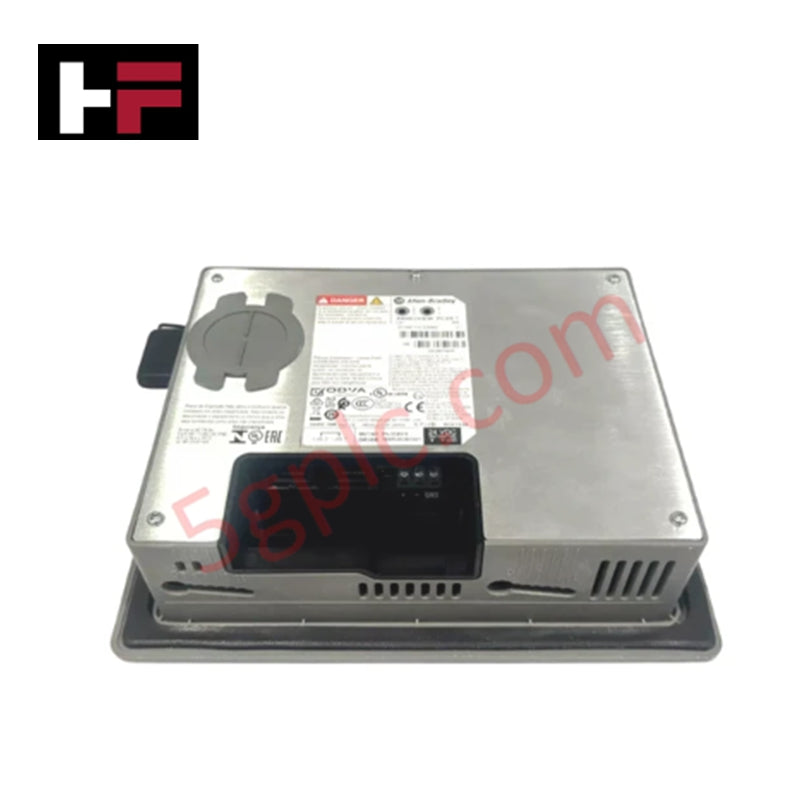
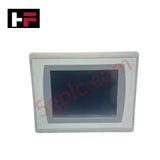
The Allen-Bradley 2711P-T4W21D8S serves as a high-resolution, widescreen operator interface within the PanelView Plus 7 Standard series. This terminal streamlines machine-level monitoring and control by providing a vibrant color graphic interface for complex industrial data. It utilizes the Windows CE 6.0 operating system to execute robust FactoryTalk View Machine Edition applications. We provide this unit as 100% Brand New and Original, ensuring your control system benefits from the latest hardware revisions and a pristine, factory-calibrated touchscreen.
Technical Specifications
| Feature | Specification Details |
| Display Size | 4.3-inch Widescreen |
| Display Type | Color Transmissive TFT |
| Resolution | 480 x 272 WQVGA |
| Input Type | Analog Resistive Touch |
| Operating System | Windows CE 6.0 |
| Input Voltage | 24V DC (18–30V DC Range) |
| Communication | Single 10/100 Ethernet Port |
| Aspect Ratio | 16:9 Wide Aspect-Ratio |
| Weight | 1.41 lbs (0.64 kg) |
Engineering Advantages
-
Optimized Widescreen Visualization: The 16:9 aspect ratio provides more horizontal workspace compared to traditional 4:3 displays. This allows engineers to place alarm sidebars or navigation menus without obstructing the primary process graphic, improving operator situational awareness.
-
Simplified EtherNet/IP Connectivity: The integrated Ethernet port supports high-speed communication with Logix controllers. It facilitates rapid data synchronization and allows for remote diagnostics through FactoryTalk software, reducing the need for on-site physical inspections.
-
High-Density Installation: The compact 4.3-inch footprint enables installation in small control stations or directly on-machine where space remains at a premium. It replaces bulky push-button panels with a single digital interface, lowering hardware costs and enclosure size requirements.
-
Rugged Environmental Resilience: The resistive touchscreen survives contact with industrial contaminants, including oils, grease, and cleaning agents. It functions perfectly even when operated by staff wearing thick work gloves, ensuring consistent command input in harsh production environments.
FAQs
-
Can I replace an older PanelView Plus 6 400 with this model?
The 2711P-T4W21D8S offers a modern widescreen alternative to the legacy 400 series. While the cutout dimensions differ due to the widescreen format, FactoryTalk View Studio handles the application migration, scaling your graphics to fit the higher 480 x 272 resolution.
-
Does this unit support SD cards for data logging?
Yes. The terminal includes an SD card slot. You can use it to store historical trend data, log alarms, or perform rapid firmware updates and application backups without a computer connection.
-
What is the significance of the "Brand New" status for an HMI?
HMI screens and backlights possess a finite operational life. By purchasing a 100% Brand New unit rather than a refurbished one, you guarantee maximum backlight brightness and touchscreen sensitivity, preventing "ghost touches" or display dimming common in used units.
-
Does this terminal require a specific power supply?
The unit requires a 24V DC power source. We recommend using a Class 2 industrial-grade power supply to maintain the terminal's safety certifications and ensure stable voltage levels during motor startups on the same power bus.
Additional Information
- 100% Genuine Parts: All products are original and authentic, ensuring reliable industrial performance.
- 30-Day Refund Guarantee: Return any in-stock item within 30 days in original, unopened packaging for a full refund (excluding shipping and fees).
- 12-Month Warranty: Covers defects in materials or workmanship; excludes misuse, normal wear, or unauthorized modifications.
- Worldwide Shipping: We ship via USPS, UPS, FedEx, and DHL. Delivery times vary by country and may be subject to customs or import fees.
- Support & Contact: Technical and warranty assistance is available anytime. Contact us here: Contact.
- Purchase Guidance: Check product specifications and compatibility carefully before ordering to ensure proper application.
Tech & Buying Guide

Demystifying the DDE Protocol in Legacy Industrial Automation Systems
Modern control systems rely heavily on seamless interprocess communication to exchange operational data between software programs. Microsoft first introduced the Dynamic Data Exchange (DDE) protocol in 1987 to enable real-time data sharing. In factory automation, DDE served as an early bridge between control software and Windows desktop applications. Therefore, understanding DDE mechanics provides crucial insights into how legacy industrial networks established software-level connectivity.

Demystifying CPU Communication Ports in Siemens PLC Architectures
Industrial automation relies heavily on robust data exchange between devices. Without seamless connectivity, field instruments, network switches, human-machine interfaces, and programmable logic controllers cannot coordinate effectively. Therefore, understanding the various CPU communication ports available in Siemens hardware ensures efficient factory automation design and seamless system integration.

Mastering the Siemens PLC Scan Cycle: How the CPU Executes Automation Programs
Industrial automation relies heavily on programmable logic controllers (PLCs) to manage complex manufacturing processes. Many engineers dive straight into programming without mastering the underlying architecture. However, understanding how a PLC CPU executes a program ensures reliable system design. Therefore, mastering the scan cycle optimizes both performance and troubleshooting in modern control systems.